
Demagnetize Mod pre Minecraft 1.12.2
Stop item magnets from destroying your automation!
- zobrazení
- 18 zobrazení
- Aktualizované
- Aktualizované 18.10.2026
- 1.12 — 1.12.2
 Forge
Forge
Demagnetize
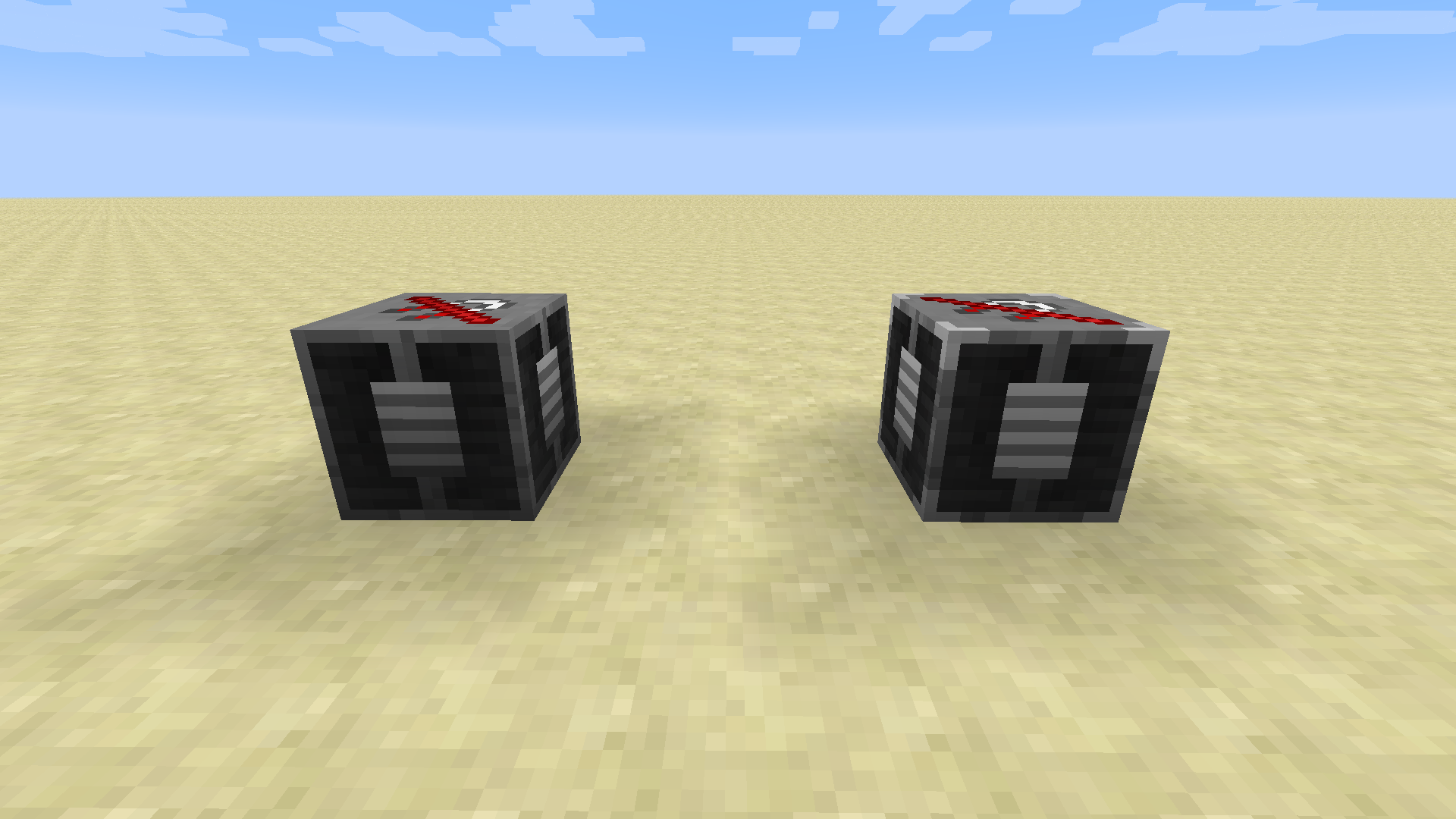
Item magnets are very helpful when mining, however they can disrupt item-based automation, such as the Atomic Reconstructor from Actually Additions. The Demagnetizer is a solution to this, which prevents item magnets from functioning within an area around them.
Demagnetizers can also be filtered or redstone controlled, so that they only activate when necessary. The Advanced Demagnetizer has a larger range and more filter slots.
Mod compatibility for 1.12
- Thermal series - Fixed completely with version 5.5.1 (minor bug previously)
- Actually Additions
- Botania - Requires r1.10-362 or newer
- Draconic Evolution - Fixed with version 2.3.18.329
- Ender IO - Fixed completely with version 5.0.43 (minor bug previously)
- Reliquary
- Simple Magnet - Fixed with version 1.2.11
- Not Enough Items 1.8+ - Fixed with version 2.4.2.243
- Quantum Flux - Fixed with version 2.0.17
- Pickle Tweaks - Fixed with version 2.1.0
- Better Magnets
- Tiered Magnets
- GregTech Classic - Fixed with version 1.0.3
Mod compatibility for 1.14+
I don't have time to maintain the compatibility list anymore but most mods seem to support the NBT tags now :)
For mod developers
If your mod has an Item Magnet, do not pick up items if the PreventRemoteMovement NBT tag exists on the EntityItem. If your mod has a item collector block (e.g. the Ranged Collector or the Vacuum Chest), do not pick up items if the PreventRemoteMovement NBT tag exists on the EntityItem, but if the AllowMachineRemoteMovement NBT tag exists, ignore the previous NBT tag. This is to ensure that Item Magnets do not pick up items on conveyors or demagnetized items, while also ensuring that item collector blocks are not restricted by the Demagnetizer.
For more information, see this github issue (the CoFH issue had more information but was removed) and this pull request.
Ako nainštalovať Demagnetize
With Millida Launcher
Install Millida Launcher
The launcher is free: download it at millida.net/launcher and sign in with any nickname.
Click “Install” on this page
The launcher opens and installs the mod for Minecraft 1.12–1.12.2 on Forge automatically.
Launch the game
A profile with it appears in the launcher: click “Play”.
Manually
Install Forge
The loader must match the game version of the mod file, for example Minecraft 1.12.2. After installing it, a separate profile appears in your launcher.
Download the file for your version
In the version list above, pick the file demagnetize-1.12.2-1.1.2.jar (61 KB) for your game version.
Put it in the mods folder
The folder is inside .minecraft (Windows: %appdata%\.minecraft\mods). If it does not exist, create it.
Launch the loader profile
Open “Mods” in the main menu: Demagnetize should be in the list.
Minecraft 1.12.2 runs on Java 8: with a different Java version the game may close right after launch.
Verzie
So závislosťami
| Minecraft | Loader | Súbor | Dátum | Akcie |
|---|---|---|---|---|
| 1.12.1 | Forge | 1.12.2-1.1.2 (Forge)60.8 KB | ||
| 1.12.1 | — | demagnetize-1.12.2-1.0.1.jar62 KB |
Recenzie
Buď prvý, kto ohodnotí Demagnetize


