
Controllable Mod pre Minecraft 1.20.1, 1.12.2
Play Minecraft Java Edition with a Controller / Gamepad
 NeoForge
 Fabric
 Forge
ForgeO mode Controllable






📖 About
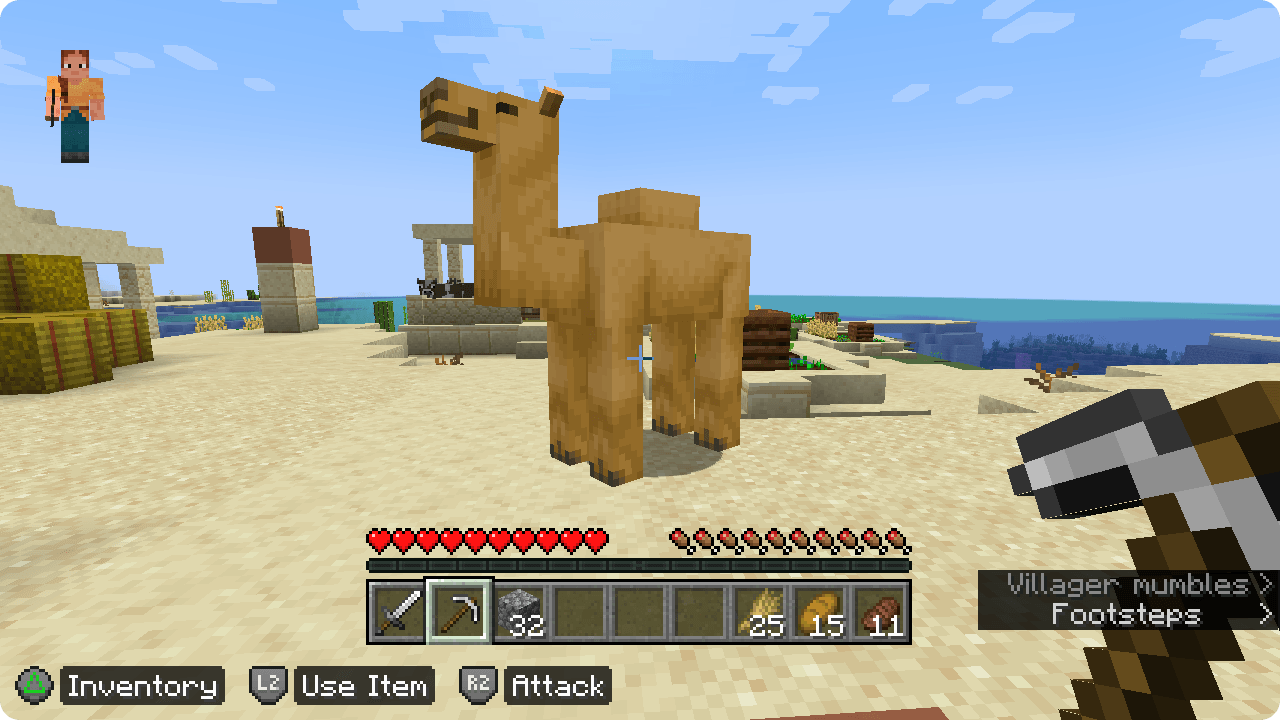
Minecraft: Java Edition has long been missing native controller support. Controllable aims to let players enjoy Java Edition without the limitation of a keyboard and mouse. Start playing Java Edition with full gamepad functionality, letting you play with Xbox, PlayStation, or other controllers in an experience comparable to Bedrock Edition. Controllable includes a range controller-specific features and enhancements to ensure you have seamless controller experience.
See the Controllable documentation for help with connecting your controller and diagnosing issues.
✅ Features
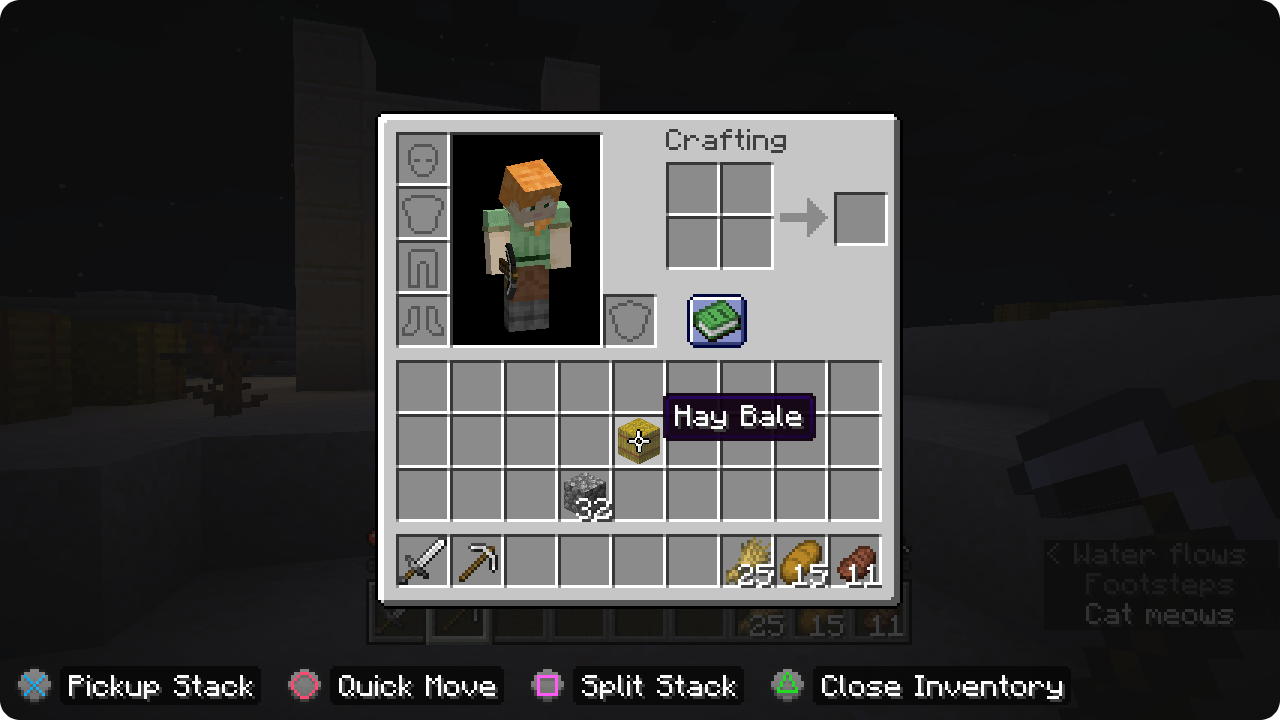
- Lots of Settings - Adjust button mappings, sensistivity, and the plethora of options Controllable offers to fit your exact play style.
- Analong Movement - Move freely in 360 degrees, just like you would experience in other games with gamepad support.
- Context-Based Hints - On-screen button hints will appear and change depending on your current scenario.
- Radial Wheel Menu - Customize and assign game actions to a radial wheel, giving a single button on your controller access to many actions.
- Accessibility-Friendly - Offers an alternative input method for players who experience difficulty using a keyboard and mouse. Controllable also offers the ability to select two or more controllers in-game that merge into a single unified controller, giving you the options to create a more comfortable playing experience.
- Mod Combatibility - Functions with the majority of mods out of the box with minimal issues.
- Multi-Instance Support - Launch Minecraft: Java Edition as many times as you want, just select a different controller for each instance.
- Tried-and-Tested - Powered by SDL2, a cross-platform library used in many well-known games.
⚠️ Important Notes
Analong Movement is disabled when playing on remote servers (e.g. Hypixel) due to anti-cheat plugins. You can override this setting by changing Analog Movement from "Local Only" to "Always", however be warned that Controllable is not resposible if you get banned on any server.
If you are running a multi-instance of Minecraft: Java Edition and want to play on a server/LAN, each instance needs to be signed into a different Microsoft account. It is recommended to create custom installations in the launcher where the game directory is pointing to a unique location for each instance, otherwise you will share the same game settings and will not be able to customise button mappings, etc.
Some features are not available on older versions of Controllable. It is recommended to use the newest versions of Controllable and play on the latest version of Minecraft for the best experience. Older versions of Controllable may also be buggy and won't be fixed. MrCrayfish is currently supporting Minecraft 1.20.1 and above.
🙋‍♀️ Need Support? Join the Official Discord Server:
The comment section isn't great for support, join the official discord server. You can get help installing and configuring mods, resolving crashes and more! Plus you'll also get access to news about mod updates and development (before anywhere else).

Ako nainštalovať Controllable
With Millida Launcher
Install Millida Launcher
The launcher is free: download it at millida.net/launcher and sign in with any nickname.
Click “Install” on this page
The launcher opens and installs the mod for Minecraft 1.12.2–26.2 on Fabric, Forge or NeoForge automatically.
Launch the game
A profile with it appears in the launcher: click “Play”.
Manually
Install Fabric, Forge or NeoForge
The loader must match the game version of the mod file, for example Minecraft 26.2. After installing it, a separate profile appears in your launcher.
Download the file for your version
In the version list above, pick the file controllable-neoforge-26.2-0.26.1.jar (6.4 MB) for your game version and loader.
Put it in the mods folder
The folder is inside .minecraft (Windows: %appdata%\.minecraft\mods). If it does not exist, create it.
Launch the loader profile
Open “Mods” in the main menu: Controllable should be in the list.
Verzie
So závislosťami
| Minecraft | Loader | Súbor | Dátum | Akcie |
|---|---|---|---|---|
| 26.2 | NeoForge | Controllable 0.26.16.4 MB 2 | ||
| 26.2 | Fabric | Controllable 0.26.16.4 MB 17 | ||
| 1.20.1 | Forge | Controllable 0.21.97.2 MB 31 | ||
| 1.12.2 | — | Controllable 0.3.19 MB 1 |
FAQ
Which Minecraft versions does Controllable work on?
There are files for 26.2, 1.20.1, 1.12.2. The newest is 26.2.
Is Controllable for Forge or Fabric?
There are files for Fabric: 26.2, for Forge: 1.20.1 and for NeoForge: 26.2.
Does Controllable need other mods?
The author lists no required dependencies: the Fabric, Forge or NeoForge loader is enough.
Where can I download Controllable safely?
On this page: the file controllable-neoforge-26.2-0.26.1.jar (6.4 MB) is stored on Millida’s server, with no link shorteners. SHA-1 checksum: 95f448e369f6d0c7d0bf816307c2ac74b51cc461.
Recenzie
Buď prvý, kto ohodnotí Controllable


