

Configured Mod pre Minecraft 1.21.1, 26.2
Automatic in-game configuration menus for every mod!
 NeoForge
 Fabric
 Forge
ForgeO mode Configured





📖 About:
Configured is a simple and lightweight mod that dynamically creates configuration menus for every mod with a supported config system. The mod was initially created due to the removal of Forge's built-in GUI system but it has now expnaded in features and supported modloaders. Configured aims to make it easier for players to modify the configurations of mods by providing a beautiful GUI and an intuitive experience. The best part is that Configured doesn't need other mods to write extra code in order for a menu to be generated, assuming they are using a supported config system. This mod can be safely added to any modpack without any problems.
✨ Features:
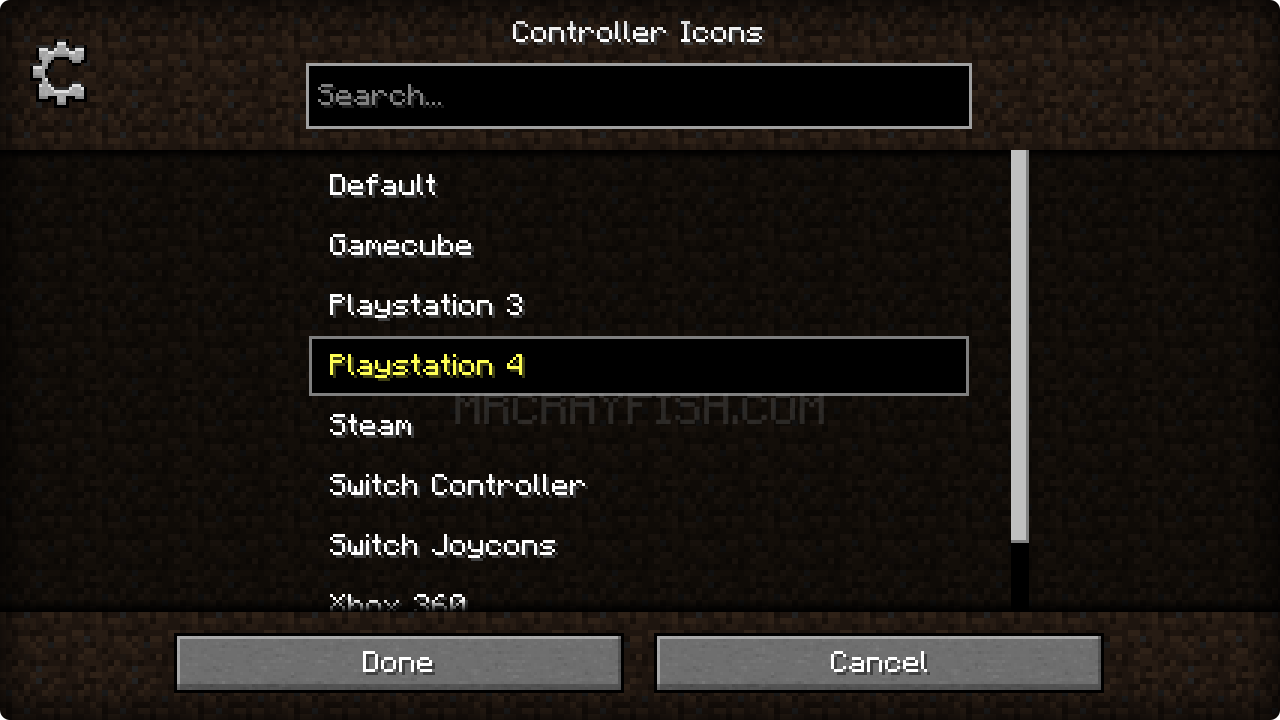
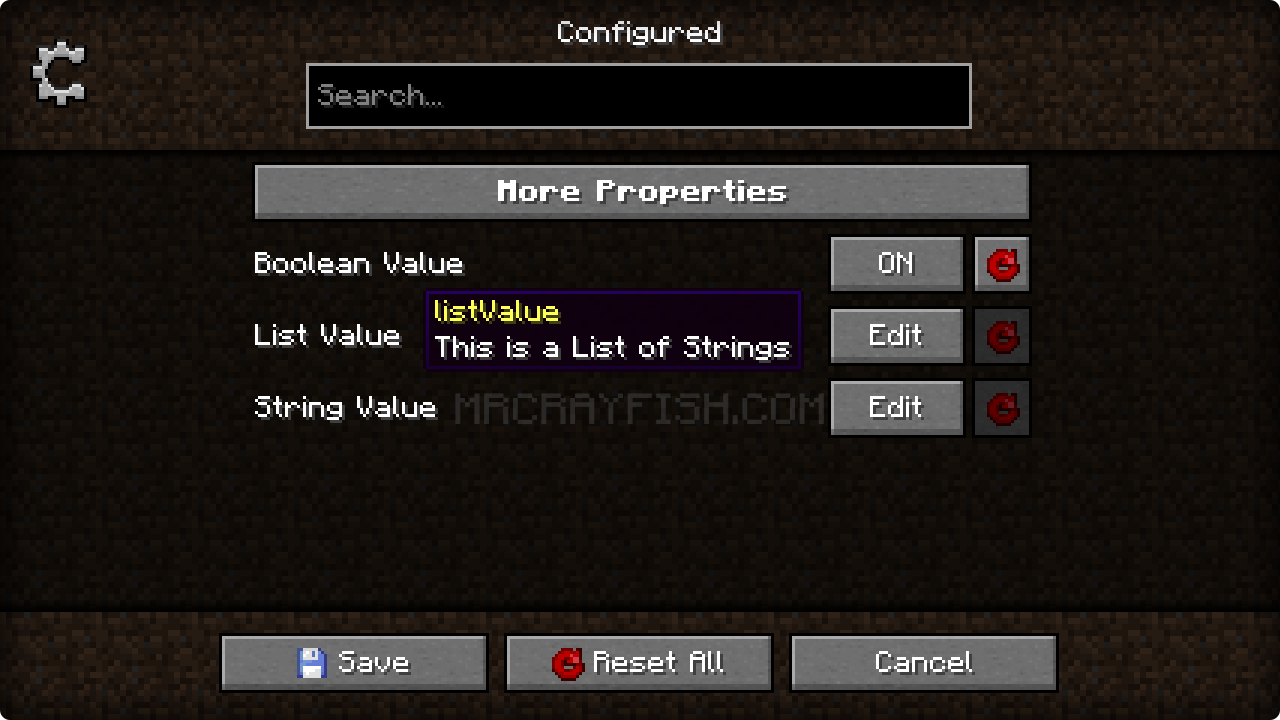
- Allows you to edit mod configurations directly in-game. This makes it easy to quickly modify properties!
- Automatically supports every mod that utilise the supported config systems. No extra work needed mod developers!
- A beautiful GUI design with a focus on creating an intuitive experience.
- Adds a new keybinding to open the mod list from in-game without additional mods.
- Optional support for mod developers to set the background texture of their config menu (See below)
- Lightweight and just works! Add it to your modpack without any problems.
✅ Supported Config Systems:
- Forge (all mods using either client, common, and/or world configs)
- NeoForge (all mods using client, common, and/or world configs)
- Framework (all mods using client, common, server, and/or world configs)
- JEI (Supports editing clients configs)
📦 Developers:
This mod has support to change the background texture of the config screen through the mod's metadata. Below you can find an example for each modloader.
Forge/NeoForge - Add this under your [[mods]] section in your mods.toml
[modproperties.<your_mod_id>] configuredBackground="minecraft:textures/block/stone.png"
Fabric - Merge this JSON into your fabric.mod.json
{ "custom": { "configured": { "background": "minecraft:textures/block/stone.png" } } }
🙋‍♀️ Need Support? Join the Official Discord Server:
The comment section isn't great for support, join the official discord server. You can get help installing and configuring mods, resolving crashes and more! Plus you'll also get access to news about mod updates and development (before anywhere else).

Ako nainštalovať Configured
With Millida Launcher
Install Millida Launcher
The launcher is free: download it at millida.net/launcher and sign in with any nickname.
Click “Install” on this page
The launcher opens and installs the mod for Minecraft 1.15.2–26.2 on Fabric, Forge or NeoForge automatically.
Launch the game
A profile with it appears in the launcher: click “Play”.
Manually
Install Fabric, Forge or NeoForge
The loader must match the game version of the mod file, for example Minecraft 26.2. After installing it, a separate profile appears in your launcher.
Download the file for your version
In the version list above, pick the file configured-neoforge-26.2-2.7.5.jar (426 KB) for your game version and loader.
Put it in the mods folder
The folder is inside .minecraft (Windows: %appdata%\.minecraft\mods). If it does not exist, create it.
Launch the loader profile
Open “Mods” in the main menu: Configured should be in the list.
Verzie
So závislosťami
| Minecraft | Loader | Súbor | Dátum | Akcie |
|---|---|---|---|---|
| 26.2 | NeoForge | Configured 2.7.5426 KB 1 | ||
| 26.2 | Fabric | Configured 2.7.5402 KB 40 | ||
| 1.21.1 | Forge | Configured 2.6.3421 KB 7 | ||
| 1.15.2 | Forge | Configured 0.4.263.2 KB |
FAQ
Which Minecraft versions does Configured work on?
There are files for 26.2, 1.21.1, 1.15.2. The newest is 26.2.
Is Configured for Forge or Fabric?
There are files for Fabric: 26.2, for Forge: 1.15.2–1.21.1 and for NeoForge: 26.2.
Does Configured need other mods?
The author lists no required dependencies: the Fabric, Forge or NeoForge loader is enough.
Where can I download Configured safely?
On this page: the file configured-neoforge-26.2-2.7.5.jar (426 KB) is stored on Millida’s server, with no link shorteners. SHA-1 checksum: acdb5bce930c10a6f272a9b5ce0ecd47b8386f2d.
Recenzie
Buď prvý, kto ohodnotí Configured


