
Chimes Mod pre Minecraft 26.2
Wind chimes that create ambient noises for your base.
 NeoForge
 Fabric
 Forge
ForgeO mode Chimes
Bring the sound of Chimes into your Minecraft world!
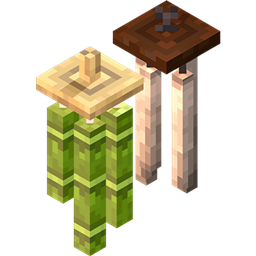
Chimes is a Minecraft mod that introduces Wind Chimes into the game! Wind Chimes produce ambient chiming sounds when hung from supporting blocks and can be interacted with. In addition, Wind Chimes animate in the wind and repel Phantoms from approaching players near a chiming Wind Chime! More detailed information can be found in the following.
Notes:
- Use Chimes for your building and adventuring pleasures!
- Wind Chime volume can be controlled under the Ambient/Environment Sound Category
- Chimes supports Forge, Fabric, and NeoForge mod loaders
- Feel free to use Chimes in your mod pack, however, please ensure that we remain credited.
🎐 Wind Chime Blocks & Crafting:
Chimes adds six different Wind Chime types as of version 2.0, with more planned to come!
Each Wind Chime produces different ambient sounds respective to their material.
-Bamboo Wind Chimes
Produces ambient bamboo clacking sounds when hung
Obtainable through crafting with 1 wooden slab, 1 string, and 1 bamboo!
Produces falling Bamboo Leaf Particles
Scares away Phantoms within a 25-block radius
Can be tied/silenced
-Iron Wind Chimes
Produces ambient metallic sounds when hung
Obtainable through crafting with 1 wooden slab, 1 chain, and 1 iron ingot
Scares away Phantoms within a 25-block radius
Can be tied/silenced
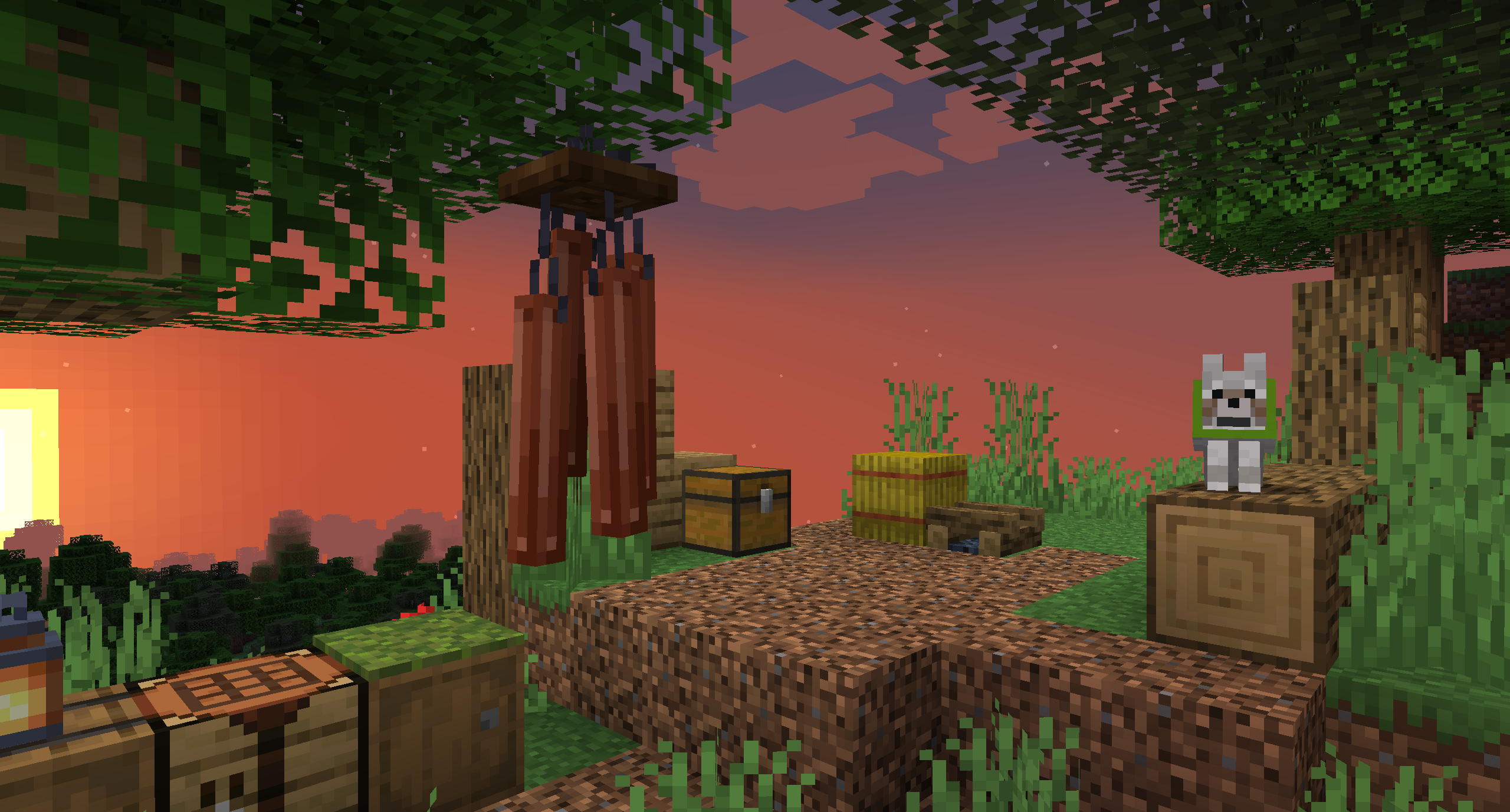
-Copper Wind Chimes
Along with its large appearance, this Wind Chime produces a deep metallic chiming sound when hung.
Obtainable through crafting with 1 wooden slab, 1 string, and 1 copper ingot
Also scares away Phantoms!
Can be tied/silenced
-Carved Bamboo Wind Chimes
A carved variant of the Bamboo Wind Chime that produces a deeper-pitched clacking sound compared to its counterpart in addition to its carved model
Obtainable by right-clicking a Bamboo Wind Chime with an Axe!
This Wind Chime does not produce falling bamboo leaf particles
Also scares away Phantoms!
Can be tied/silenced
-Amethyst Crystal Wind Chimes
Produces ambient shimmering sounds when hung!
Obtainable through crafting with 1 iron ingot, 1 string, and 1 amethyst shard
Also scares away Phantoms
Emits light!
-Glass Wind Bells [Chimes v2.0 or above]
A Wind Chime like no other,,, that it's a Wind Bell!
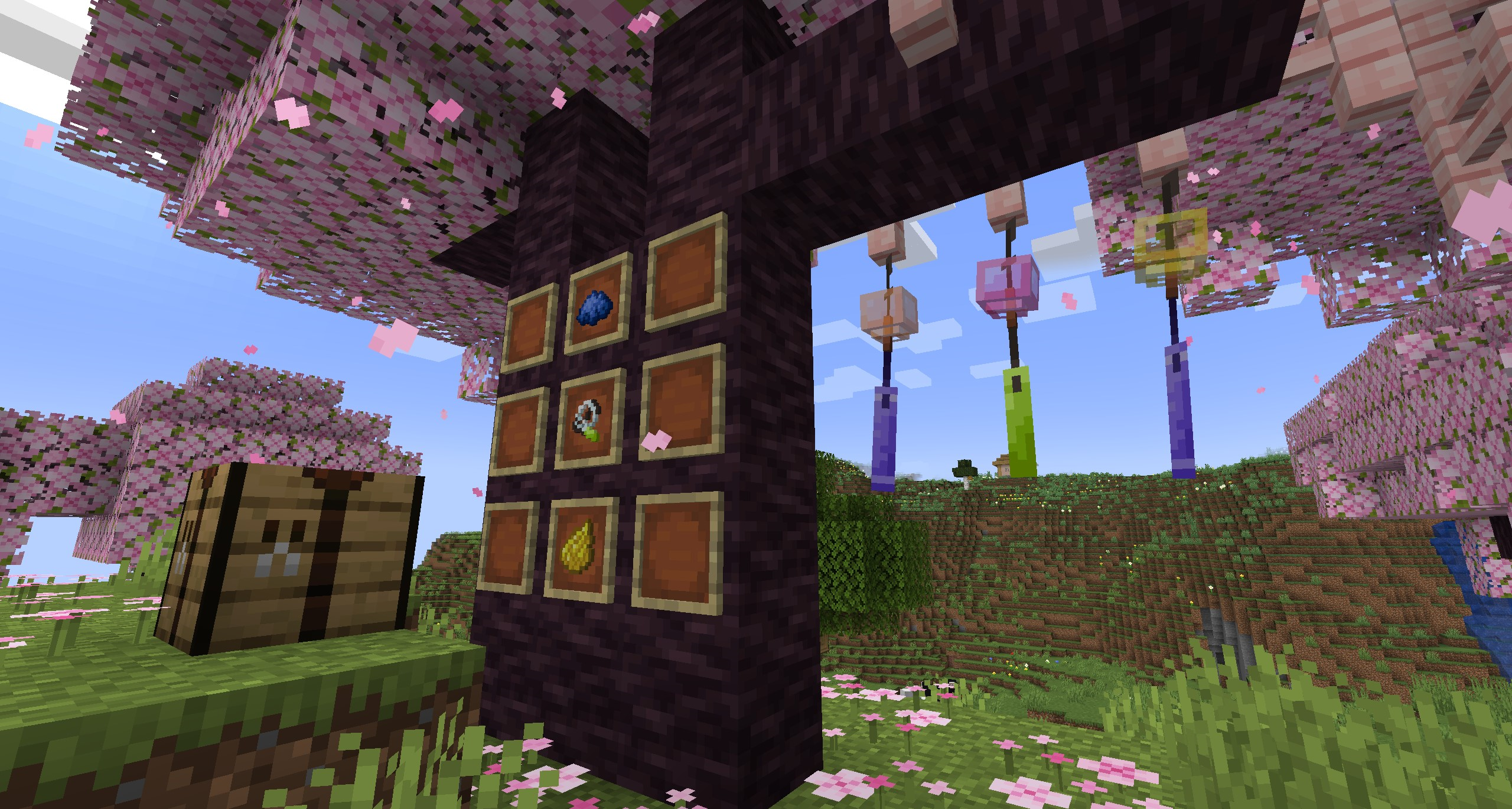
Glass Wind Bells are fully customizable from Glass to Windsail.
Craft a Wind Bell with 1 string, 1 glass bottle, and 1 paper
Customize your Wind Bell by applying a Dye above or below the slot of a Glass Wind Bell Item in a crafting table
You can wash off your design by right-clicking on a water source block with a customized Wind Bell Item in hand.
Keep Phantoms away / Tying Wind Chimes:
Wind Chimes repel Phantoms, meaning that Phantoms will not attack players who are within a certain radius of a Wind Chime.
Some Wind Chimes can be tied/untied to toggle this effect!
You can tie/untie a Wind Chime by crouching + right-clicking a Wind Chime block with an empty hand
In version 2.0, this radius can be adjusted in the Forge server configs [Forge only as of now].
Wind Chime Animations:
All Chimes have ambient and interactive animations on by default, however, you can toggle this off if you'd like in the Forge client config [version 2.0 and Forge only as of now].
In-game configuration menus are planned to be reintroduced in a future update
Check out some review videos featuring Chimes!
~ Thank you for the support and love on this mod, your feedback is greatly appreciated!
Ako nainštalovať Chimes
With Millida Launcher
Install Millida Launcher
The launcher is free: download it at millida.net/launcher and sign in with any nickname.
Click “Install” on this page
The launcher opens and installs the mod for Minecraft 1.16.3–26.2 on Fabric, Forge or NeoForge automatically.
Launch the game
A profile with it appears in the launcher: click “Play”.
Manually
Install Fabric, Forge or NeoForge
The loader must match the game version of the mod file, for example Minecraft 26.2. After installing it, a separate profile appears in your launcher.
Download the file for your version
In the version list above, pick the file Chimes-v2.1.2-26.2-NeoForge.jar (12 MB) for your game version and loader.
Put it in the mods folder
The folder is inside .minecraft (Windows: %appdata%\.minecraft\mods). If it does not exist, create it.
Launch the loader profile
Open “Mods” in the main menu: Chimes should be in the list.
Verzie
So závislosťami
| Minecraft | Loader | Súbor | Dátum | Akcie |
|---|---|---|---|---|
| 26.2 | NeoForge | Chimes-v2.1.2-26.2-NeoForge11.9 MB | ||
| 26.2 | Fabric | Chimes-v2.1.2-26.2-Fabric11.9 MB 7 | ||
| 26.2 | Forge | Chimes-v2.1.2-26.2-Forge11.9 MB 6 | ||
| 1.19.3 | Forge | Chimes-v2.0.1-1.19.3-Forge11.9 MB | ||
| 1.19.3 | Fabric | Chimes-v2.0.1-1.19.3-Fabric11.3 MB | ||
| 1.16.3 | — | Chimes-1.16.3-0.9.6.jar4.2 MB | ||
| 1.16.4 | Forge | Chimes-1.16.4-0.9.1.jar4 MB |
FAQ
Which Minecraft versions does Chimes work on?
There are files for 26.2, 1.19.3, 1.16.4, 1.16.3. The newest is 26.2.
Is Chimes for Forge or Fabric?
There are files for Fabric: 1.19.3–26.2, for Forge: 1.16.4–26.2 and for NeoForge: 26.2.
Does Chimes need other mods?
The author lists no required dependencies: the Fabric, Forge or NeoForge loader is enough.
Where can I download Chimes safely?
On this page: the file Chimes-v2.1.2-26.2-NeoForge.jar (12 MB) is stored on Millida’s server, with no link shorteners. SHA-1 checksum: a5381c5f9f3ae738a89b88e22e3a772f9235fcc7.
Recenzie
Buď prvý, kto ohodnotí Chimes


