

Minecraft 1.21.1, 1.21用Pattern Texture Pack
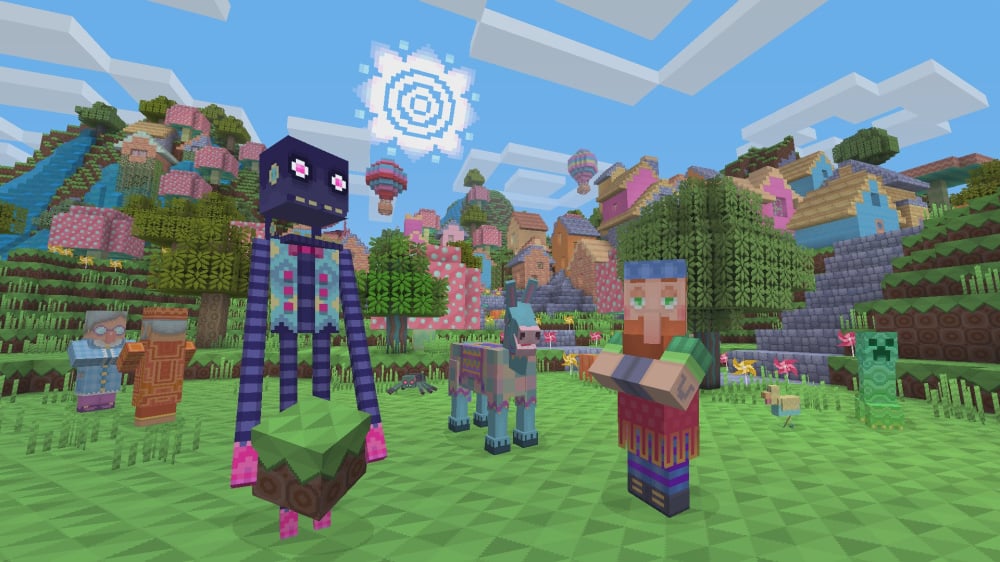
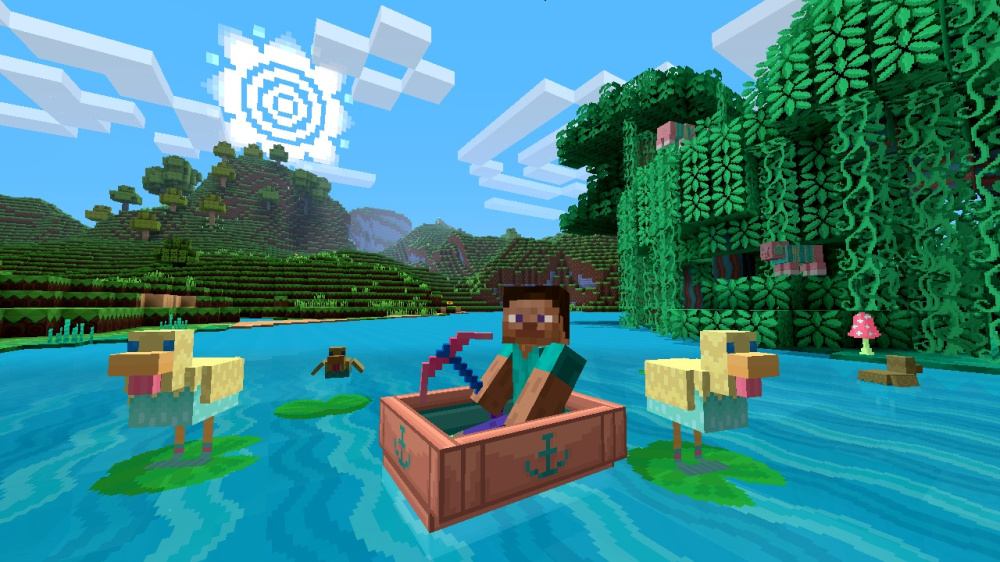
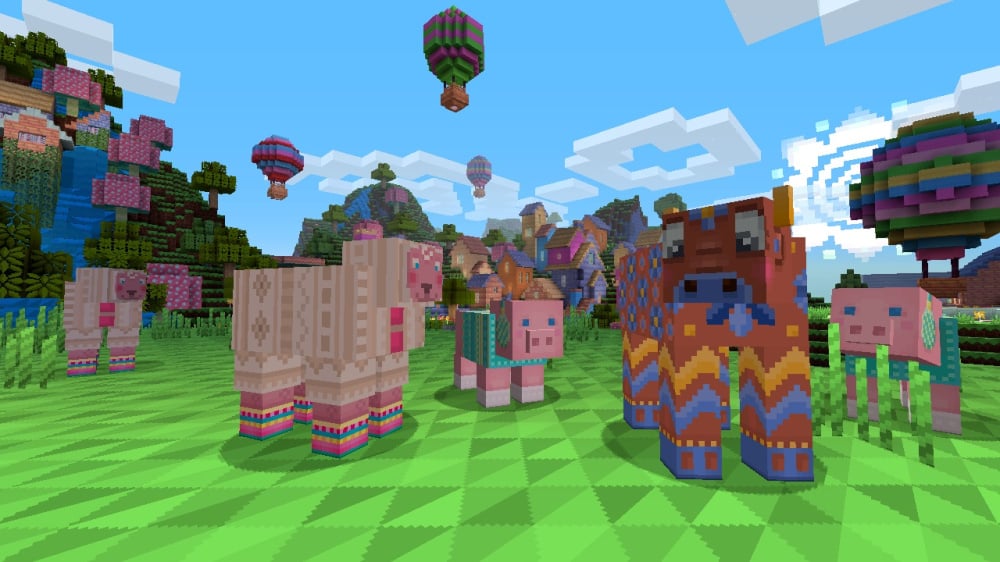
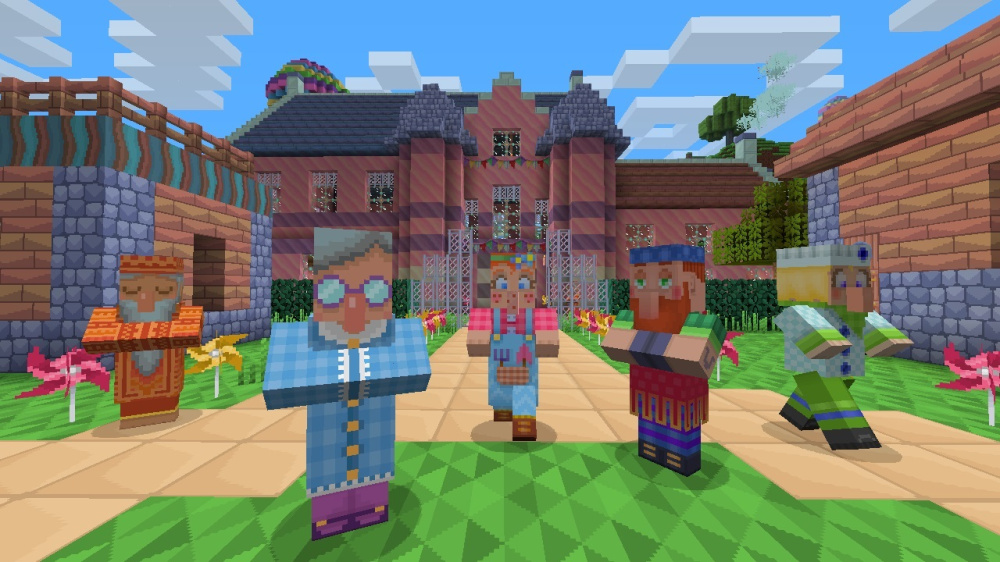
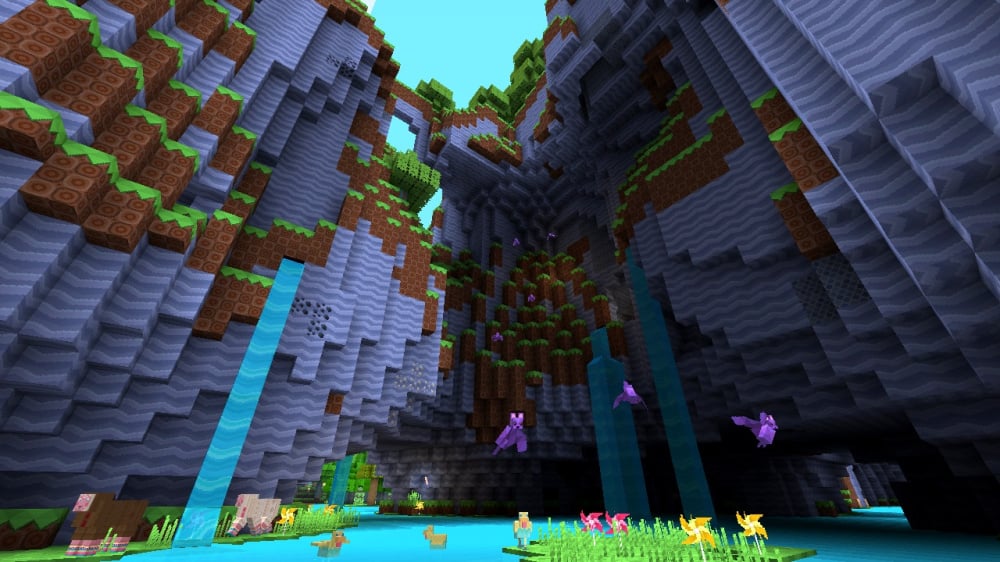
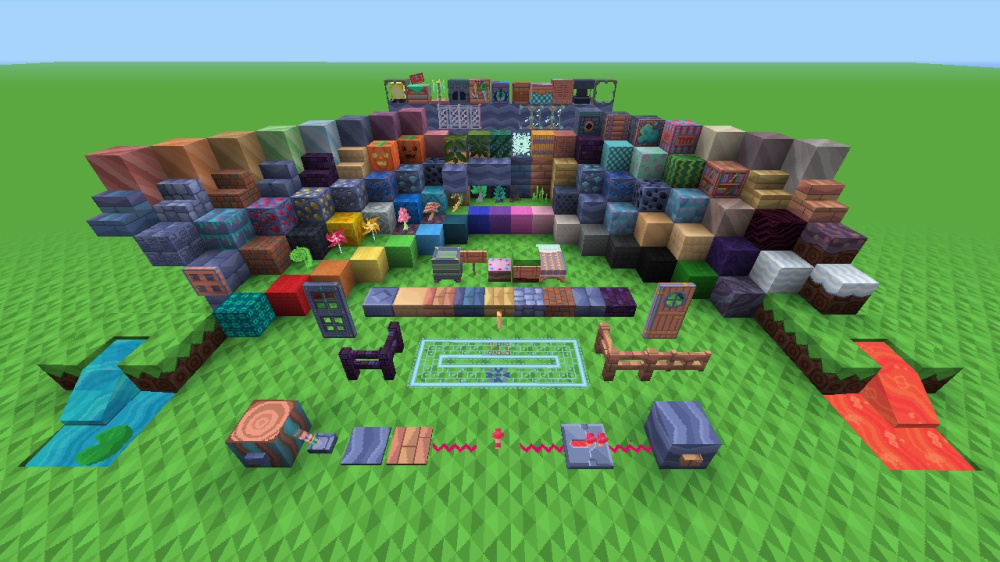
美しい模様と編みぐるみの動物でいっぱいの、明るくカラフルなテクスチャパックで世界を飾りましょう!Legacy Console Editionからの移植です。
- ダウンロード
- 2 ダウンロード
- 閲覧
- 51 閲覧
- 更新日
- 更新日 04.09.2026
- 1.20.2 — 26.2
 バニラゲーム
- クライアント
Pattern Texture Pack リソースパックについて
Pattern Texture Pack
Decorate your world with this bright and colorful texture pack filled with beautiful patterns and knitted animals!

This pack adds themed textures for blocks, items, entities, and UI.
Preview
More Resource Packs
Icon Name Downloads

Plastic Texture Pack

Halloween Mash-up

Natural Texture Pack

Festive Mash-up

Fantasy Texture Pack

City Texture Pack

Candy Texture Pack

Greek Mythology Mash-up

Chinese Mythology Mash-up

Cartoon Texture Pack

Norse Mythology Mash-up

Super Cute Texture Pack

Pattern Texture Pack

Pirates of the Caribbean Mash-up

Mass Effect Mash-up

Steampunk Texture Pack

Egyptian Mythology Mash-up
This resource pack is a port of the Pattern Texture Pack from Legacy Console Edition with updated textures from Bedrock Edition. Original textures by 4J Studios.

Pattern Texture Packのインストール方法
With Millida Launcher
Install Millida Launcher
The launcher is free: download it at millida.net/launcher and sign in with any nickname.
Click “Install” on this page
The launcher opens and installs the resource pack for Minecraft 1.20.2–26.2 automatically.
Launch the game
A profile with it appears in the launcher: click “Play”.
Manually
Download the archive
Pick the file Pattern Texture Pack.zip (8.4 MB) for your game version. No need to unpack it.
Put it in the resourcepacks folder
The easiest way: “Options”, then “Resource Packs”, then “Open Pack Folder”, and drag the archive there.
Enable the pack
In the same window, move the pack to the right-hand “Selected” column and click “Done”.
バージョン
依存関係あり
| Minecraft | ローダー | ファイル | 日付 | 操作 |
|---|---|---|---|---|
| 1.21.11 | — | 1.21.118.4 MB | ||
| 1.21 | — | 1.218.4 MB | ||
| 26.2 | — | 26.28.4 MB | — | |
| 26.1 | — | 26.18.4 MB | — |
動作に必要なもの
- [EMF] Entity Model Features任意
- Dependency任意
- [ETF] Entity Texture Features任意
- Transparency Fix任意
- Dependency任意
- Dependency任意
FAQ
Which Minecraft versions does Pattern Texture Pack work on?
There are files for 1.20.2–26.2, 21 versions in total. The newest is 26.2.
Does Pattern Texture Pack need mods?
No, the resource pack works in the plain game without loaders: put it into the resourcepacks folder and enable it in the options.
How do I download Pattern Texture Pack?
With Millida Launcher: it installs Pattern Texture Pack into a modpack by itself, for the right game version and loader. The launcher is free.
レビュー
Pattern Texture Packの最初の評価を書きませんか



