

 NeoForge
 Fabric
 Quilt
 Forge
Entity Model Features
概要
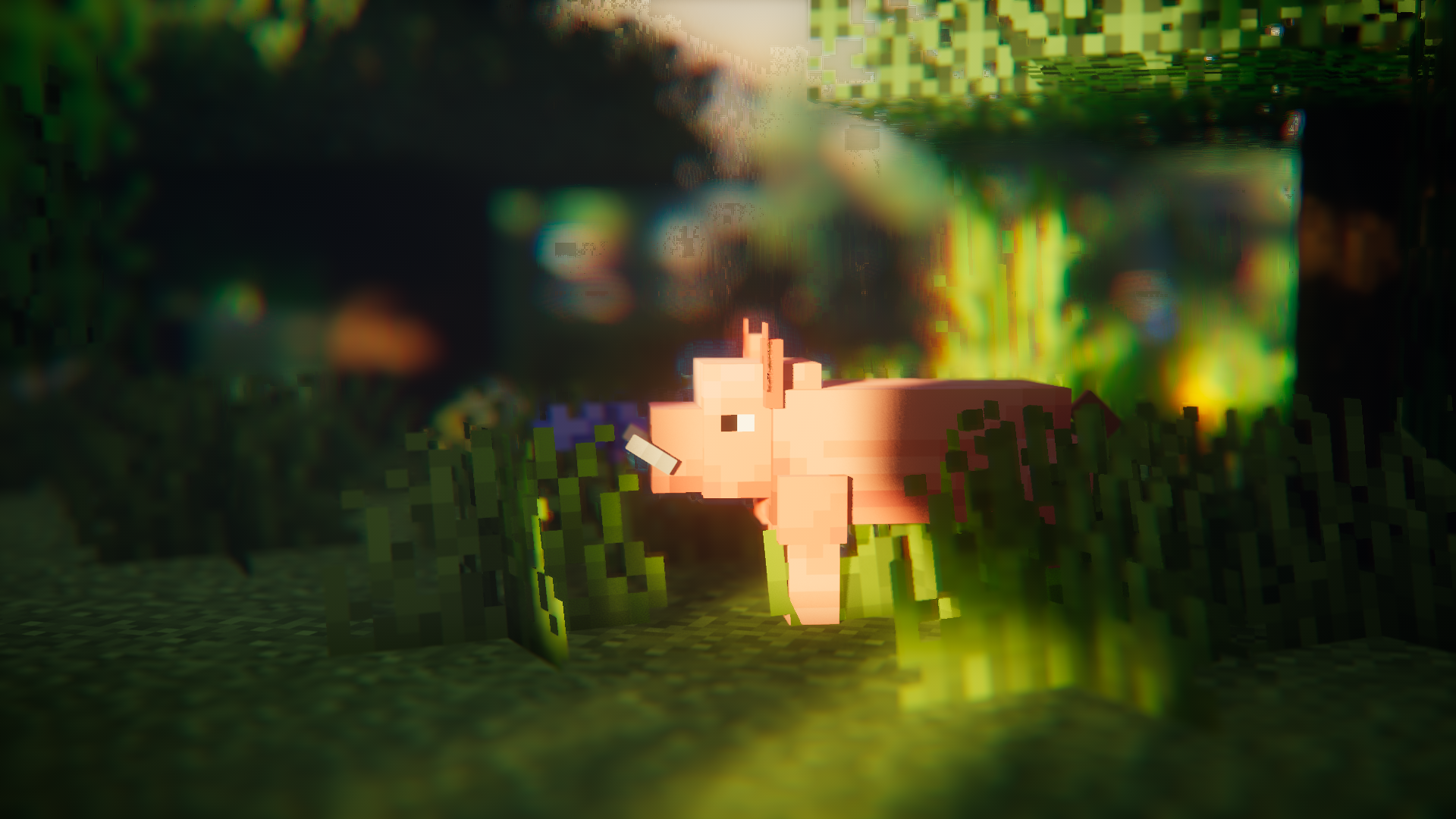
Entity Model Features(EMF)は、OptiFineのCustom Entity Models(CEM)のサポートを追加するFabric、Forge、NeoForge用のModです。
CEMリソースパックの機能を使いつつ、Sodium、Continuity、ETFなどのOptiFine代替Modも使いたい人のために設計されています。

必要なMod
可能であれば以下のModもインストールしてください。Sodiumのような明らかなものは挙げていません。
言うまでもなく、EMFはdorianpbのCEMおよびOptiFine / OptiFabricとは互換性がありません。

必須
- Entity Texture Features(ETF):EMFは私の別のModであるETFのいくつかの機能を使用しているため必須です。(主にランダムモデル機能のサポート、コンフィグ画面、OptiFineのようにモデルで設定されたテクスチャを変化させるために使用されます)
強く推奨
- Entity Culling:このModはエンティティのレンダリングラグを減らすのに絶大な効果があり、Sodiumに含まれるエンティティカリング以上の働きをします。Fresh Animationsのようなアニメーションを多用するパックを使う場合に非常に役立ちます。
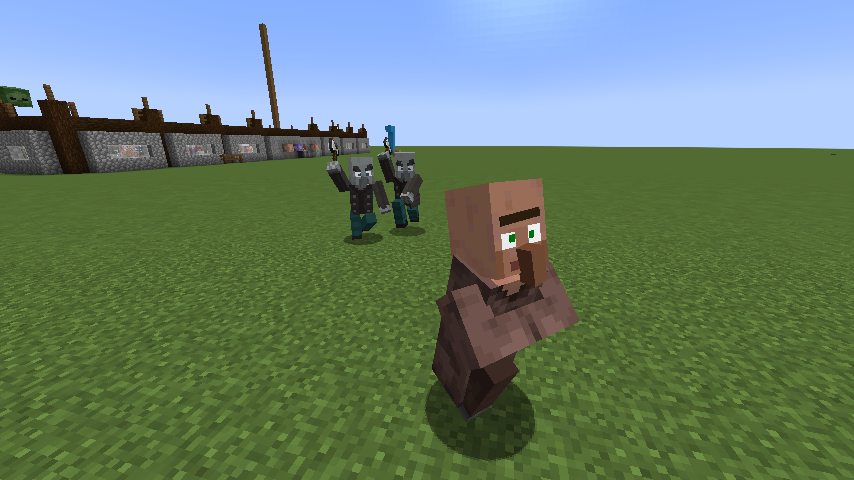
Fresh Animationsは?
はい。
動作します :)
Fresh Animationsをダウンロード
機能とOptiFineとの違いと既知のバグ
最新の機能詳細ページ:機能とOptiFineとの違い
変更履歴
変更履歴はこちらで確認できます。
助けが必要ですか、質問がありますか?
私のDiscord(推奨)で連絡するか、GitHubでissueを開いてください。
[EMF] Entity Model Featuresのインストール方法
With Millida Launcher
Install Millida Launcher
The launcher is free: download it at millida.net/launcher and sign in with any nickname.
Click “Install” on this page
The launcher opens and installs the mod for Minecraft 1.18–26.3 on Fabric, Forge, NeoForge or Quilt automatically, together with its dependencies: [ETF] Entity Texture Features.
Launch the game
A profile with it appears in the launcher: click “Play”.
Manually
Install Fabric, Forge, NeoForge or Quilt
The loader must match the game version of the mod file, for example Minecraft 26.3. After installing it, a separate profile appears in your launcher.
Download the file for your version
In the version list above, pick the file entity_model_features-3.3.12-26.3-neoforge.jar (650 KB) for your game version and loader.
Put it in the mods folder
The folder is inside .minecraft (Windows: %appdata%\.minecraft\mods). If it does not exist, create it. Required dependencies go there too: [ETF] Entity Texture Features.
Launch the loader profile
Open “Mods” in the main menu: [EMF] Entity Model Features should be in the list.
[EMF] Entity Model Features works on the player’s side only: there is no need to install it on a server.
バージョン
依存関係あり
| Minecraft | ローダー | ファイル | 日付 | 操作 |
|---|---|---|---|---|
| 26.3 | NeoForge | 26.3650 KB 270 | ||
| 26.3 | Fabric, Quilt | 26.3650 KB 753 | ||
| 26.2 | NeoForge | 26.2650 KB 105 | ||
| 26.2 | Fabric, Quilt | 26.2650 KB 389 | ||
| 26.1.2 | NeoForge | 26.1.2650 KB 30 | ||
| 26.1.2 | Fabric, Quilt | 26.1.2650 KB 107 | ||
| 1.21.10 | NeoForge | 1.21.10655 KB 7 | ||
| 1.21.10 | Forge | 1.21.10833 KB 10 |
動作に必要なもの
これを必要とするコンテンツ
レビュー
[EMF] Entity Model Featuresの最初の評価を書きませんか


