

Minecraft 1.20.1, 1.21.1用SADEEM Shaders
雰囲気のある照明、リアルな水、動的な天気、独特のNetherとEndのビジュアルを備えたシネマティックMinecraftシェーダーパック。
SADEEM Shaders シェーダーについて
SADEEM Shaders is an atmospheric Minecraft Java shader pack created by Haider x. It rebuilds the Overworld, Nether, and End with a strong cinematic identity while preserving Minecraft's readable block-based style.
Highlights
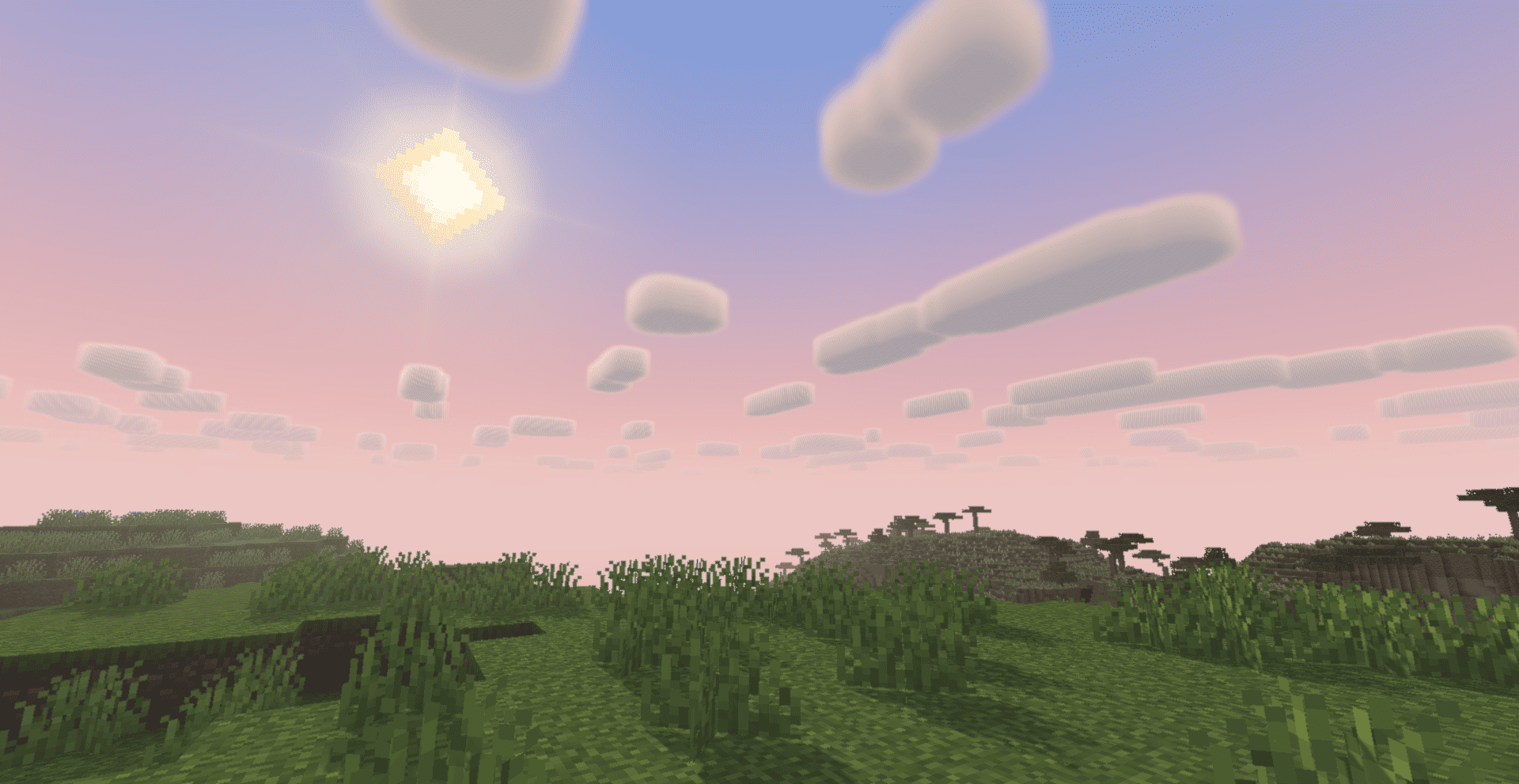
- Dynamic daylight, sunsets, moonlight, stars, and detailed nebulae
- Volumetric god rays shaped by terrain, trees, and foliage
- Dark reflective water with rain ripples, waterfalls, underwater fog, and physical caustics
- Weather-aware lighting, storm fog, wet terrain, and localized puddles
- Source-aware emissive lighting and carefully controlled bloom
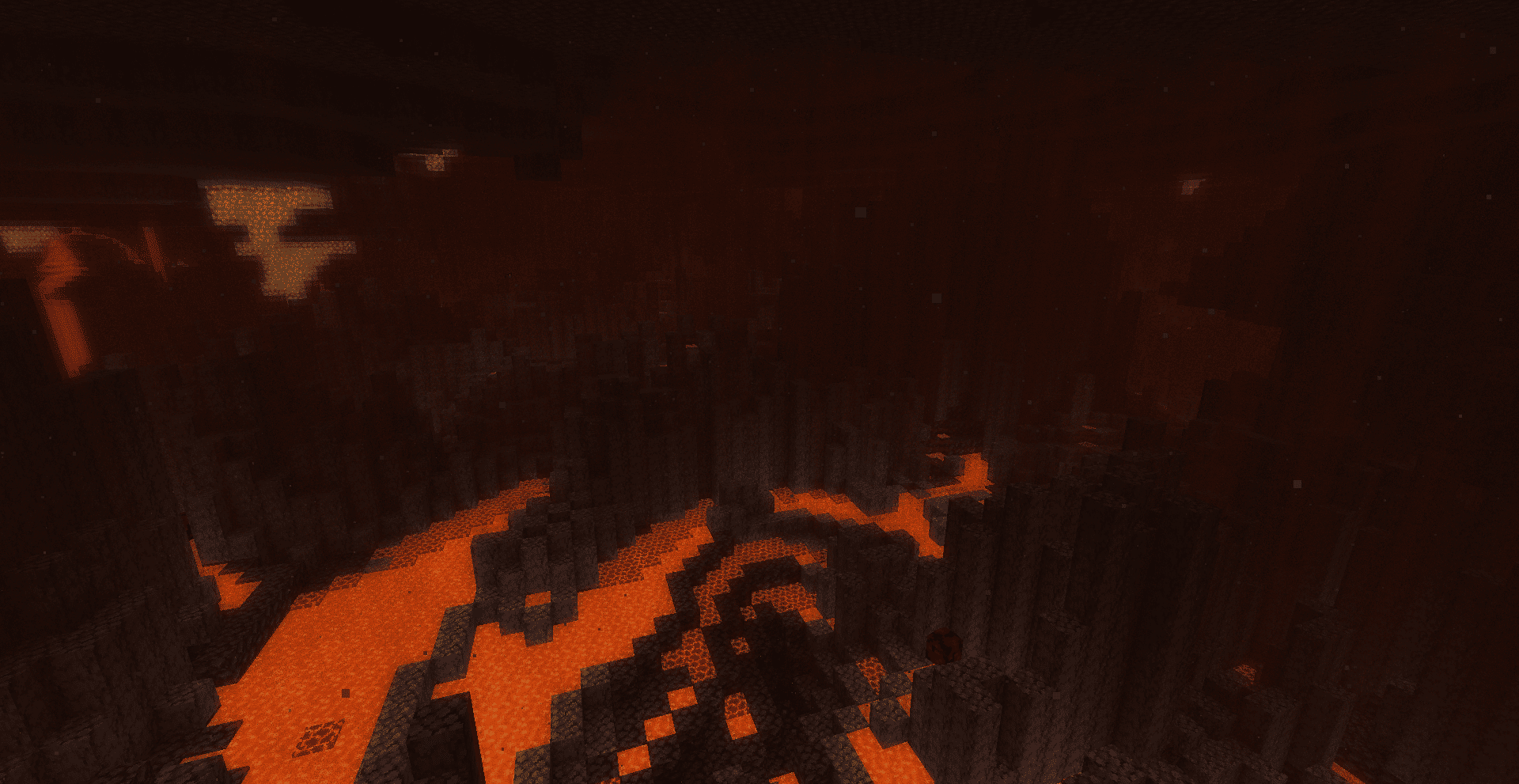
- A redesigned Nether atmosphere with lava glow and rising volumetric heat haze
- A redesigned End sky with stars, meteors, nebulae, atmospheric depth, and custom End effects
- Custom End portal depth, animated stars, and improved crystal and dragon energy visuals
- Extensive settings for balancing appearance and performance
Requirements
- Minecraft: Java Edition
- Iris Shaders
- Sodium, as required by Iris
OptiFine is not currently an officially tested target.
Development status
This is an early beta release. The visual systems are actively being refined. Feedback with screenshots, Minecraft version, Iris version, and GPU model is welcome.
Optional companion
Some event-driven End battle visuals use a separate experimental companion component. It is not included in this shader download and is not required for the core shader pack.
SADEEM Shadersのインストール方法
With Millida Launcher
Install Millida Launcher
The launcher is free: download it at millida.net/launcher and sign in with any nickname.
Click “Install” on this page
The launcher opens and installs the shaders for Minecraft 1.18–26.3 automatically.
Launch the game
A profile with it appears in the launcher: click “Play”.
Manually
Install Iris or OptiFine
Without a shader mod the game cannot see shaders. Install it for the same Minecraft version.
Download the shader archive
Pick the file SADEEM-Shaders-v0.1.0-beta.zip (1.0 MB) and do not unpack it.
Put it in the shaderpacks folder
“Options”, then “Video Settings”, then “Shader Packs”, then “Open Shader Pack Folder”, and drag the archive there.
Select the shaders
In the same window, click the pack name and “Apply”.
バージョン
依存関係あり
| Minecraft | ローダー | ファイル | 日付 | 操作 |
|---|---|---|---|---|
| 1.21 | — | SADEEM-Shaders-v0.1.0-beta.zip1 MB 20 |
FAQ
Which Minecraft versions does SADEEM Shaders work on?
There are files for 1.18–26.3, 32 versions in total. The newest is 26.3.
Where can I download SADEEM Shaders safely?
On this page: the file SADEEM-Shaders-v0.1.0-beta.zip (1.0 MB) is stored on Millida’s server, with no link shorteners. SHA-1 checksum: 758f36d6a6b6c01cad17a6b1d448eecbb29ddb35.
レビュー
SADEEM Shadersの最初の評価を書きませんか


