
Shaders for Minecraft 1.0
20 アイテムシェーダー:一覧


CH Motion
A simple but very good low performance motion blur pack, which enhances the vanilla experience!インストール

Bad Apple Shaders
[🚨WORKS ON EVERYTHING🚨] | A shader that makes the game render similarly to "Bad Apple".インストール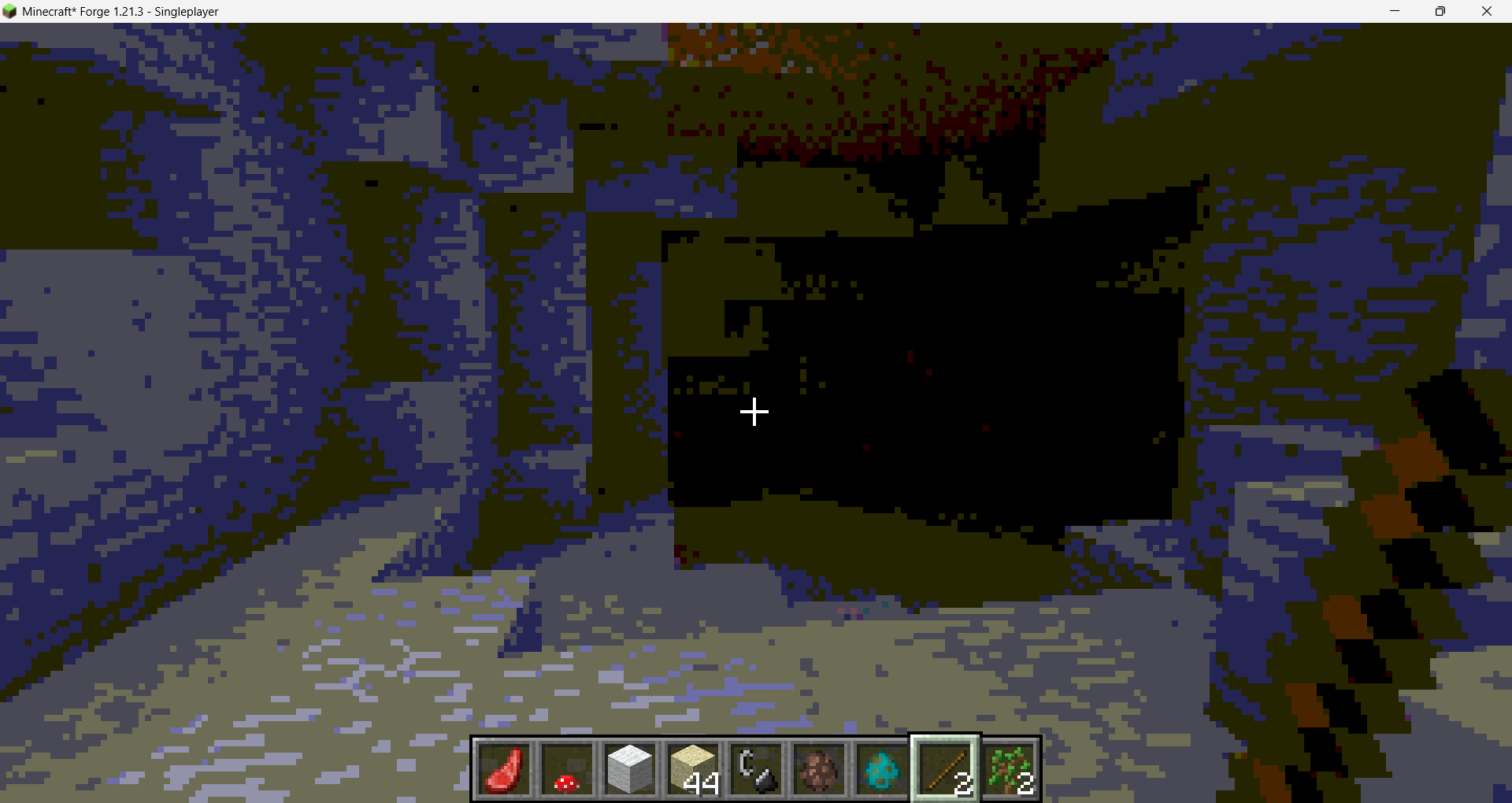

Chippa256 Shaders
Give your Minecraft that retro 256-color look with low-res pixelation options!インストール
Sildurs Shaders TFC setup
Sildurs Shaders TFC setup 1.18.2インストール

BrighterAccessibility
Removes the shadows and fog from the game for visually impaired people. Has Distant Horizons support.インストール

Velocity
A higher performance shader forked from Mellow. Support low end and higher end builds. Even runs on integrated graphics!インストール

Lightingless
Removes shading engine (NOT FULLBRIGHT!)インストール
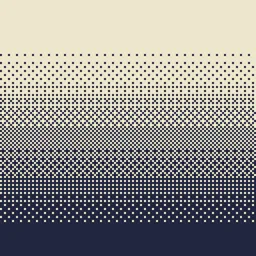
Dithering3D
Pixelated, retro, Dark Fantasy, gradient, B&W, RGB and moreインストール

Chippa256 shader
Give your Minecraft that retro 256-color look with low-res pixelation options!インストール

VHS Shader
VHS Shader — Play Minecraft like it's recorded on an old VHS tape!インストール

Lumenite Shaders
A high-end shader focused on great visuals, packed with features like blocklight shadows, colored block lighting, CSM shadows, realistic water physics (vertex manipulation), shader grass, snow footprints, volumetric clouds, god rays and much more.インストール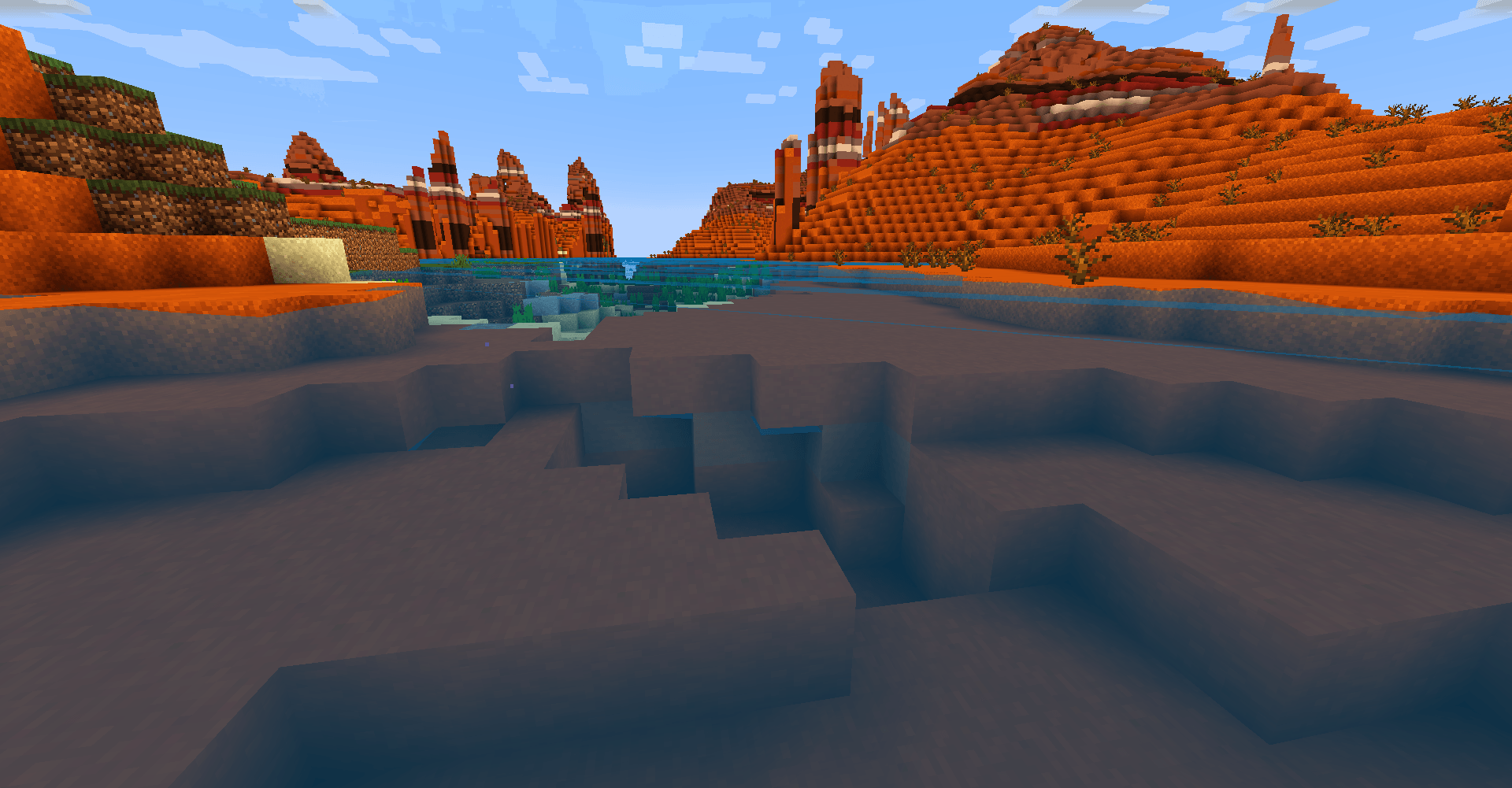

TDDshader
The shaders of The Diamonds Devloppers. It's optimized and looks good. Practical for low-end computers.インストール

DreamFall Shaders
Immersive 90s analog horror & found footage VHS shaderpack for Minecraftインストール

Upside Down Shader
Upside Down Shader — Turns Minecraft completely upside down. Sky is now on the bottom, ground on top. That's it. Have fun!インストール

Aragorn's Light Shader
A light shader which adds basic shadows, anti aliasing, realistic clouds and semi-realistic water to Minecraft.インストール

Motion Blur Test3
An extremely subtle and highly configurable motion blur.インストール
Depth of field Test3
Simple shader that just blurs the backgroundインストール
Saturation Test3
Adjust the saturation/vibrance in the most optimized way possible.インストール

No Rain Shader
No Rain Shader — Removes rain and snow visuals completely. No more annoying weather effects!インストール実行に必要
FAQ
シェーダーを動作させるには何が必要ですか?
IrisかOptiFineです。IrisはFabricのMODとしてインストールされ、通常より高速です。OptiFineは別のインストーラーです。どちらかがないと、ゲームはシェーダーを認識しません。Millida Launcherはシェーダーと一緒にIrisをインストールします。
低スペックPCで動作するシェーダーはどれですか?
レイトレーシングなしで影の解像度が低い軽量パックです。カタログで表示されています。影と水面が得られ、フレームレートの消費が明らかに少なくなります。
シェーダーのインストール方法を教えてください
「インストール」をクリックすると、Millida Launcherが該当するModパックのshaderpacksフォルダにシェーダーを配置します。その後、ビデオ設定でパックを選択してください。アーカイブの解凍は不要です。
IrisとOptiFine、どちらを選ぶべきですか?
新しいバージョンにはIrisです。Sodiumと連携し、通常より多くのFPSが得られ、ほぼすべての現代的なシェーダーをサポートします。OptiFineは古いバージョンや、その特殊機能に依存するパックに必要です。両方を同じインスタンスにインストールすることはできません。
Bedrock用のシェーダーはありますか?
このセクションのシェーダーはJava版向けです。その形式はMinecraft PEやBedrockでは動作しません。BedrockにはVibrant Visualsグラフィックスモードが組み込まれており、遅延レンダリングをサポートするリソースパックをゲーム設定で有効にできます。
Shaders for Minecraft 1.0
Shaders for Minecraft 1.0:シェーダーセクションの20件。互換性は説明ではなくファイルで確認されます。これらの条件に一致するビルドがあるものだけがリストに残ります。
美しさにはフレームレートがかかります。重量級のレイトレーシングシェーダーは、良いグラフィックカードでも性能を数分の1に落とすことがあるため、カタログでは低スペックマシン向けの軽量パックを別途表示しています。影とそこそこの水面を、FPSにほとんど影響を与えずに提供します。実際の手順は、まずIrisかOptiFineをインストールし、次にシェーダーのアーカイブをshaderpacksフォルダに入れ、ビデオ設定で選択します。軽量なパックから始めるのが最適で、シェーダー自体の品質プロファイルでさらに負荷を下げられます。