

 Fabric
 NeoForge
ㅤㅤㅤㅤㅤㅤㅤすべてのMODが単一のライブラリに依存していたら?
TimCoreは、私のCobblemon修正と共有機能のすべてが集まる場所から、独自のプラットフォームへと急速に変化しており、MinecraftのMOD開発を誰にとってもより簡単で親しみやすいものにしています。
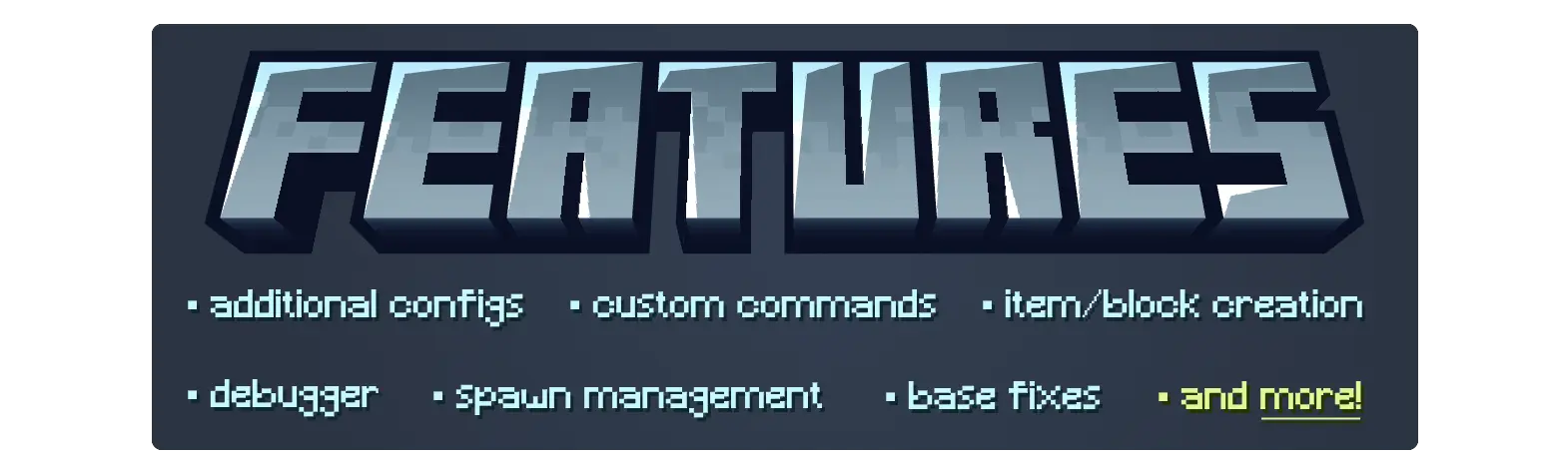
ㅤㅤㅤㅤㅤㅤㅤㅤㅤㅤㅤㅤㅤ全機能一覧:
AbstractConfig │ AbstractHandler │ AbstractMod │ 基本的なCobblemon修正 │ ブロックとアイテムの登録 │ Codecs │ コマンド │ ConfigBuilder │ カスタムポケモンプロパティ │ カスタムプロパティ抽出機能 │ デバッガー │ イベント │ ExpAllロジック │ 所持 │ 限定リスト │ 上書き可能なオプション │ PokemonMatcher │ PokemonExtensions │ PokemonRepresentation │ スポーン防止 │ ResourceReloadListeners │ スポーン原因のアタッチメント │ スポーンバケットのアタッチメント │ スポーン影響 │ 野生ポケモン予約システム ─────────────────────────────────────────────────────────────────────────

Cobblemon

私はコミュニティに楽しんでもらうためにMODを開発しています。私のMODは無料でダウンロードして自由に改造できます。私の作品を気に入っていただけましたら、Ko-Fiを通じてTimIncを支援することをご検討ください!
Cobblemon Tim Coreのインストール方法
With Millida Launcher
Install Millida Launcher
The launcher is free: download it at millida.net/launcher and sign in with any nickname.
Click “Install” on this page
The launcher opens and installs the mod for Minecraft 1.21.1 on Fabric or NeoForge automatically, together with its dependencies: Cobblemon.
Launch the game
A profile with it appears in the launcher: click “Play”.
Manually
Install Fabric or NeoForge
The loader must match the game version of the mod file, for example Minecraft 1.21.1. After installing it, a separate profile appears in your launcher.
Download the file for your version
In the version list above, pick the file timcore-fabric-1.8.4-1.36.1.jar (324 KB) for your game version and loader.
Put it in the mods folder
The folder is inside .minecraft (Windows: %appdata%\.minecraft\mods). If it does not exist, create it. Required dependencies go there too: Cobblemon.
Launch the loader profile
Open “Mods” in the main menu: Cobblemon Tim Core should be in the list.
On a server
A server on Fabric or NeoForge
The mod only works on a server with the same loader and game version, for example 1.21.1.
File goes into the server’s mods folder
Stop the server, put the mod file into the mods folder and start the server again.
Use the “To server” button
On Millida Hosting, the button at the top of the page uploads the file to your server and restarts it for you.
Minecraft 1.21.1 runs on Java 21: with a different Java version the game may close right after launch.
バージョン
依存関係あり
| Minecraft | ローダー | ファイル | 日付 | 操作 |
|---|---|---|---|---|
| 1.21.1 | Fabric | 1.21.1324 KB 1 | ||
| 1.21.1 | NeoForge | 1.21.1324 KB 2 | ||
| 1.21.1 | Fabric | 1.21.1324 KB 1 | ||
| 1.21.1 | NeoForge | 1.21.1324 KB | ||
| 1.21.1 | Fabric | 1.21.1324 KB 1 | ||
| 1.21.1 | NeoForge | 1.21.1324 KB | ||
| 1.21.1 | Fabric | 1.21.1324 KB | ||
| 1.21.1 | NeoForge | 1.21.1324 KB 1 |
動作に必要なもの
FAQ
Which Minecraft versions does Cobblemon Tim Core work on?
Only Minecraft 1.21.1: there are no files for other versions.
Is Cobblemon Tim Core for Forge or Fabric?
There are files for Fabric: 1.21.1 and for NeoForge: 1.21.1. There are no files for Forge: a mod for another loader will not start.
What does Cobblemon Tim Core need to work?
Required: Cobblemon. Without it the mod will not start: dependencies go into the same mods folder.
Do players need to install Cobblemon Tim Core?
No. Cobblemon Tim Core works on the server side: it is installed on the server only, and players do not need to download anything.
Which Java does Cobblemon Tim Core need?
Minecraft 1.21.1 runs on Java 21. If the game closes right after launch, the usual cause is the wrong Java version in the profile settings.
Where can I download Cobblemon Tim Core safely?
On this page: the file timcore-fabric-1.8.4-1.36.1.jar (324 KB) is stored on Millida’s server, with no link shorteners. SHA-1 checksum: 39a15ff51e473938cf71c3be2373ad0f82e1104d.
レビュー
Cobblemon Tim Coreの最初の評価を書きませんか


