

 Fabric
 NeoForge
Cobblemon MODについて
CobblemonはFabricとNeoForge向けのオープンソースのポケモンMODです。
Cobblemonの目標は、誰もが楽しめるポケモンMODとなり、他のポケモンMODよりもMODパックやMinecraft自体にうまく統合されることです。私たちのソースコードは、コミュニティの貢献だけでなくフォークも促進するために公開されています。

機能(現時点まで!):
- ポケモンを捕まえてチームを拡大し、野生のポケモンと戦って経験値を獲得し、レベルアップして新しい技を解放し、ポケモンを進化させましょう。捕まえられるポケモンは800種類以上!
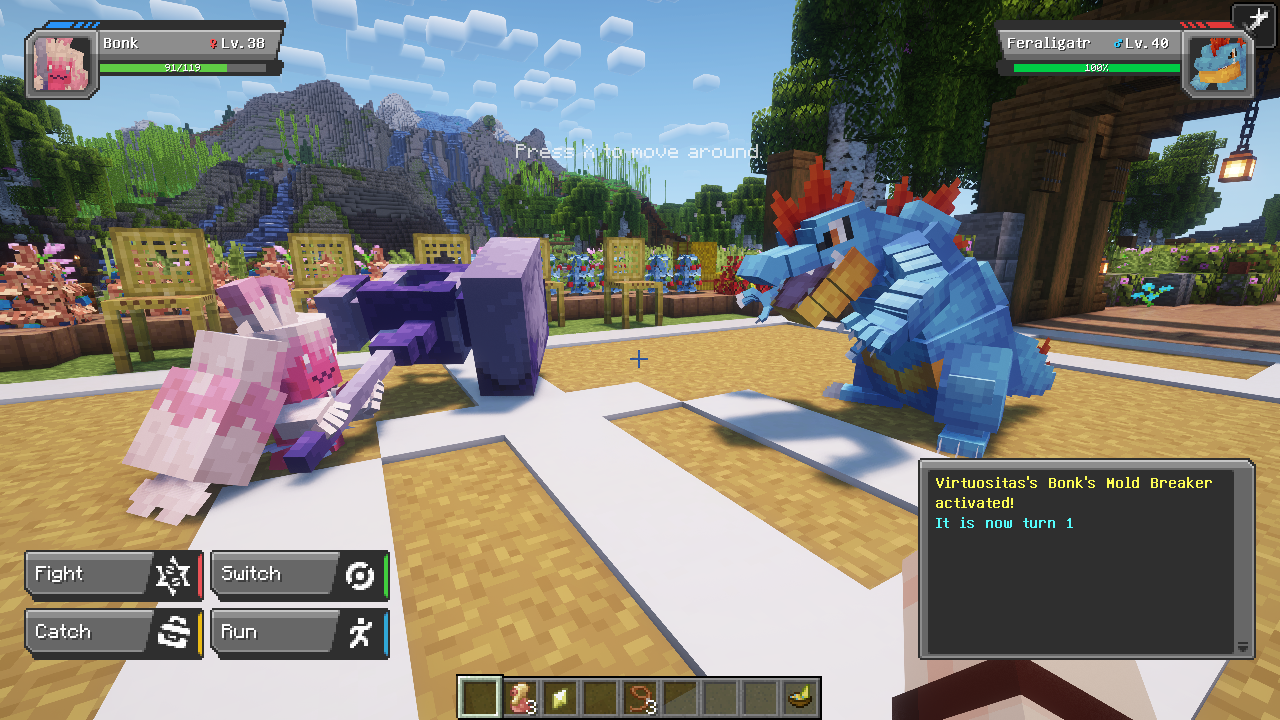
- Pokémon Showdown!のエンジンを使用したバトルで、正確な対戦メカニクスを実現。
- 技の再習得、バトルからの物理的な逃走、好きなタイミングでのポケモンの進化など、Legends Arceus風のメカニクスも一部搭載。
- バトル中の自由移動を切り替え可能。ポケモンバトル中でも建築、採掘、モブとの戦闘ができます!
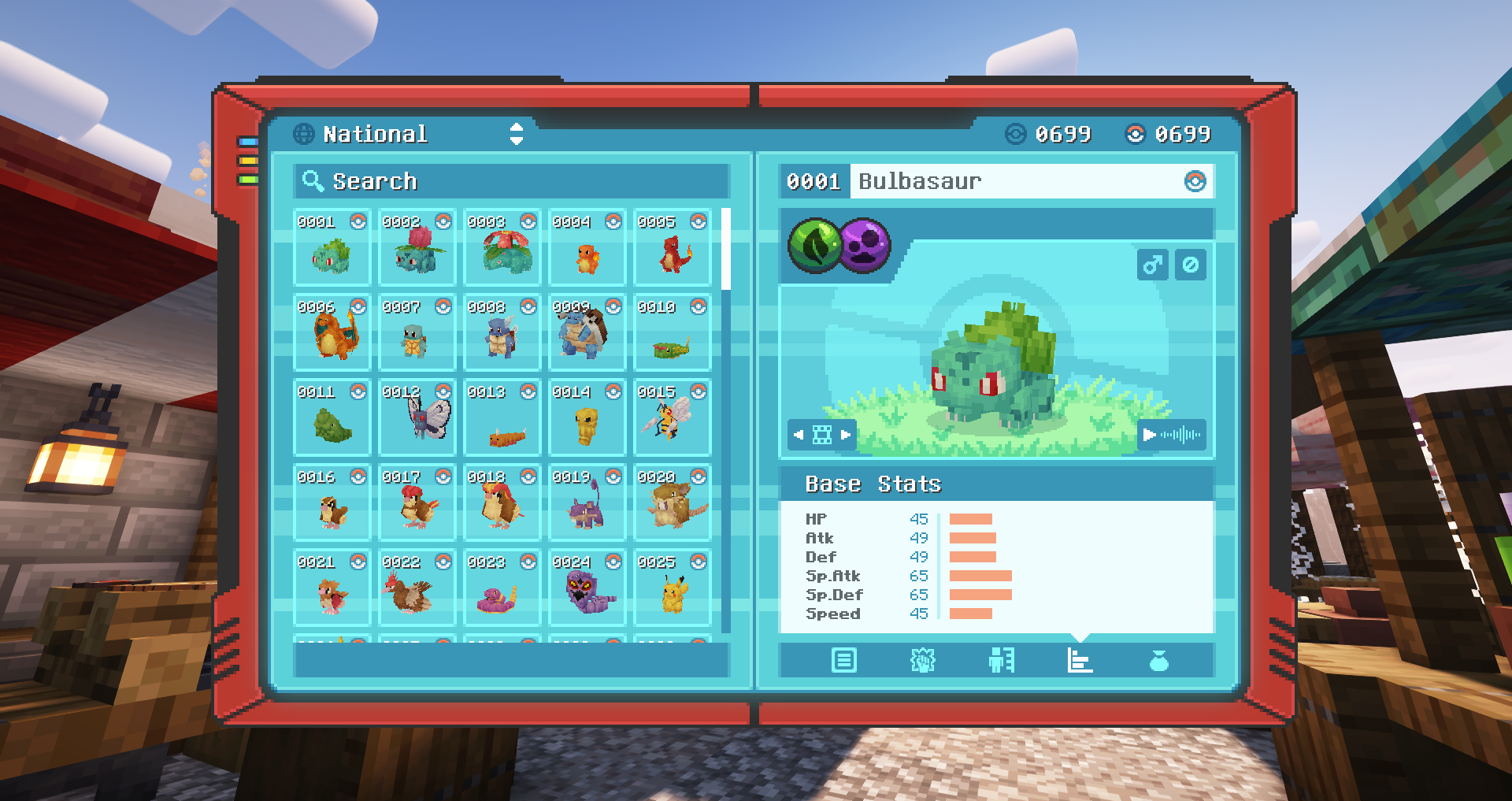
- 見たポケモンや捕まえたポケモンをポケデックスに記録。野生のポケモンを分析するスキャン機能付き!
- ポケモンに乗ってMinecraftの世界をおしゃれに探索!
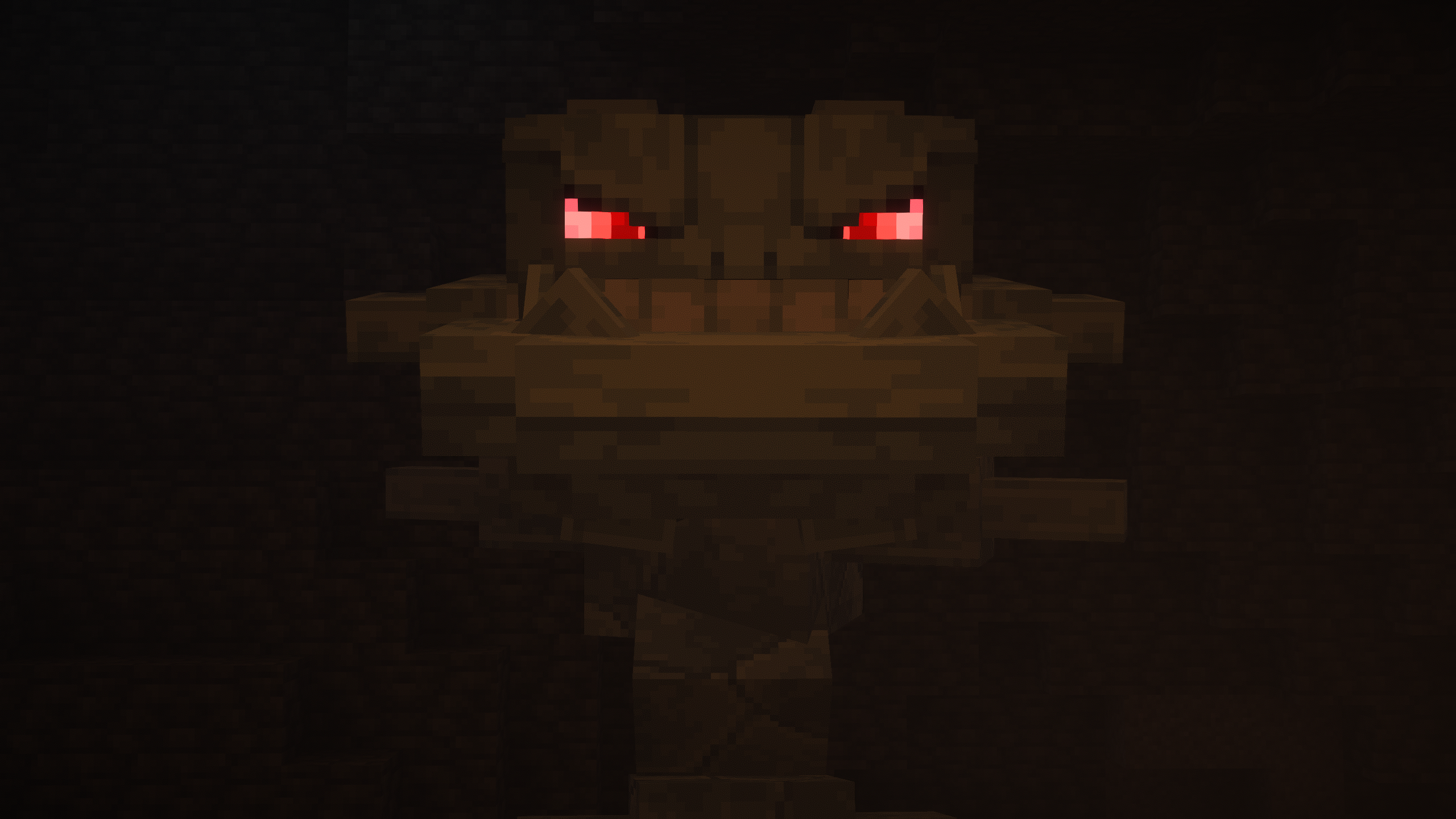
- 捕まえるか倒すと報酬が得られるアルファポケモンとの厳しいバトルに挑戦!
- マルチプレイで友達と交換やバトルができます。
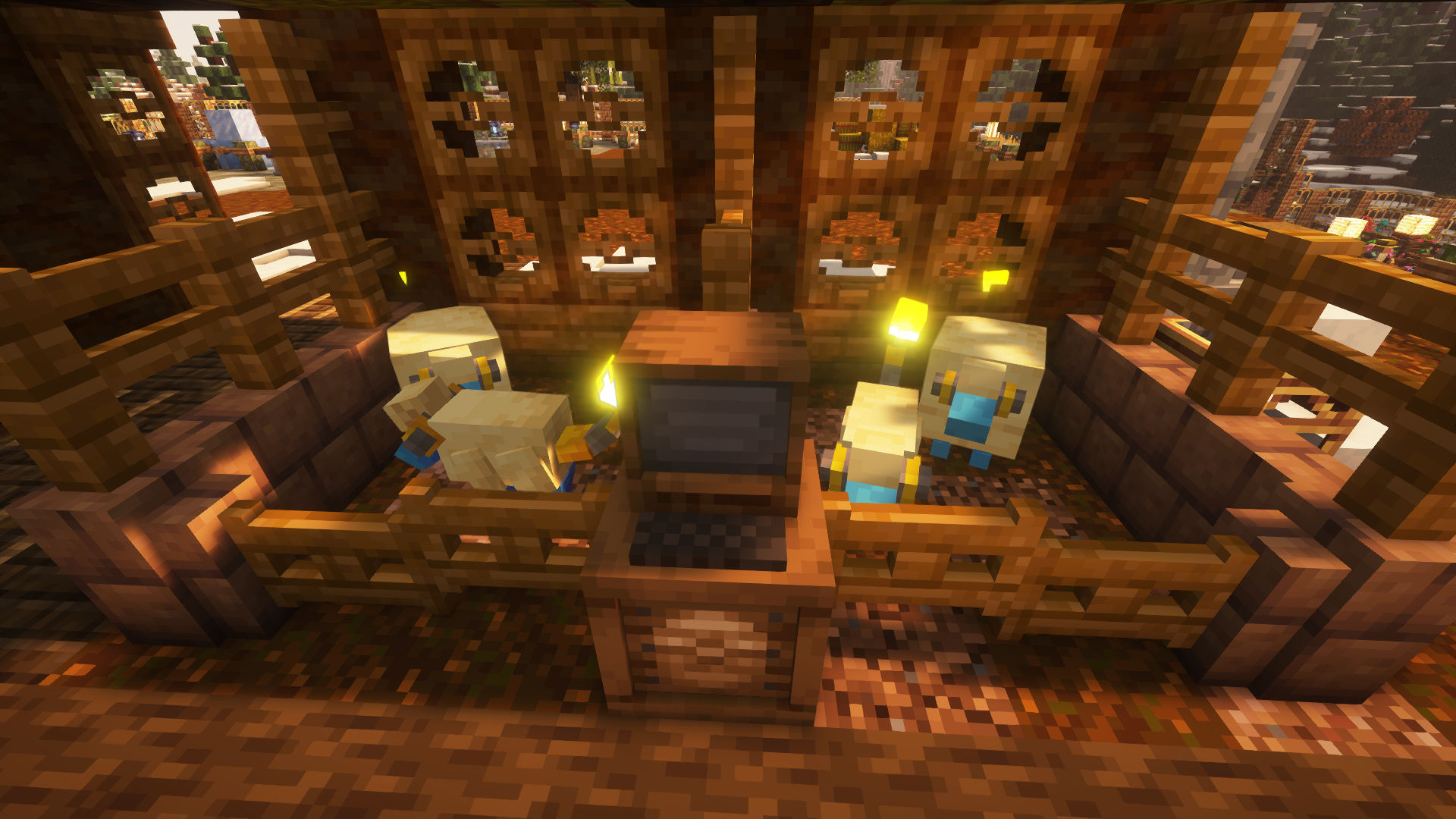
- 牧場を使って、ポケモンを好きな場所で自由に放し飼いに!
- 野生で見つけて農地で育て、マルチでボーナスを得て、交配して新しい木の実に変異させられる木の実。
- 作物や木の実を醸造台に入れると薬品アイテムを作成可能。醸造したポーションは回復量がアップ!
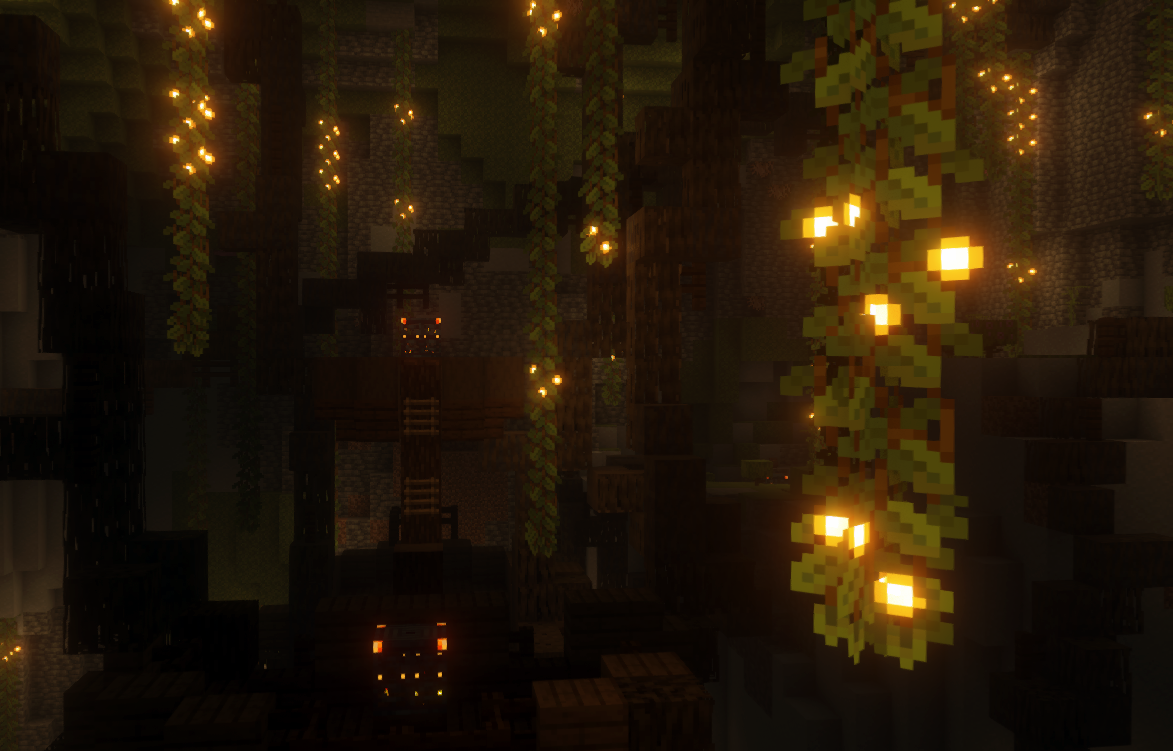
- 世界には発見できる古代の構造物があります。これらの構造物の一部には金箔のチェストがあり、貴重な戦利品やその他のサプライズが入っているかもしれません!
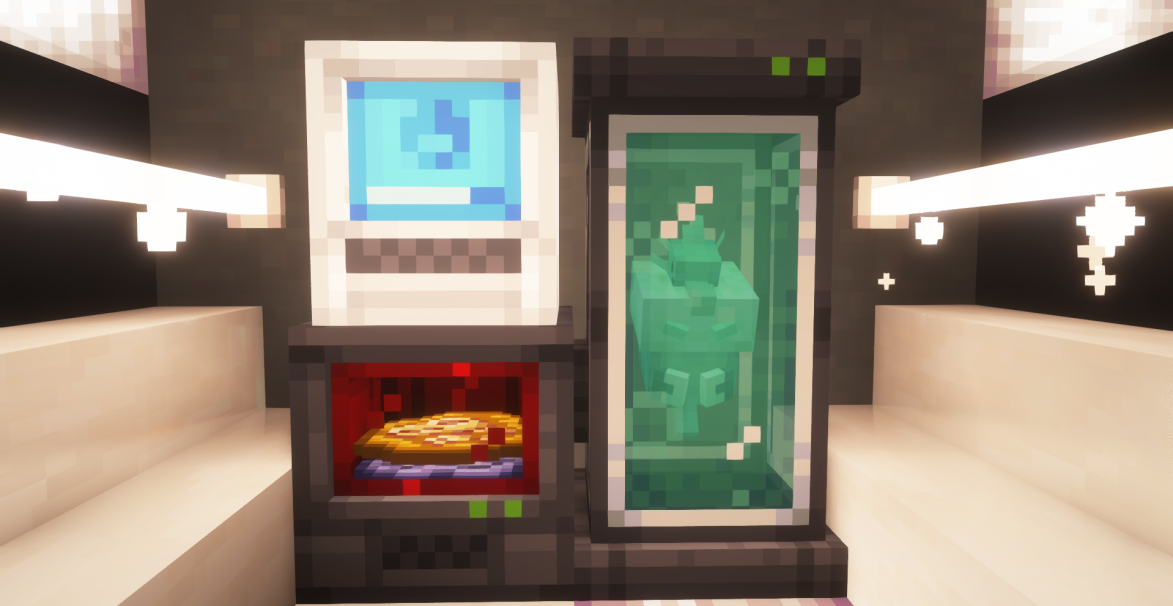
- 特定の場所で怪しい砂利や砂を発掘すると化石が見つかり、復活マシンで復元できます。
- 第1世代から第9世代までのすべてのポケモンが出現しバトルできますが、まだモデルがない場合は身代わり人形として表示されます。
- Terralith、Oh The Biomes You'll Go、William Wythers' Overhauled Overworldなど、多くのバイオームMODをサポート。対応するMODのリストは増え続けています!
- データパックとリソースパックを使ったカスタムバリエーションやフェイクモンを完全サポート。やり方はガイドで確認できます!
- Cobbled Farmsは、私たちのチームがMODの機能をインタラクティブに案内するために作ったチュートリアルワールドです。公式MODパックも付属しています!
- FabricとNeoForgeの両方をサポートしていますが、パフォーマンスが良いFabricでのプレイを推奨します!
- ... そして今後もさらに多くの機能が追加予定!
インストール
Fabric:
- お使いのMinecraftのバージョンに対応する推奨Fabric Loaderのバージョンが必要です。
- Fabric APIが必要です。
- Fabric APIとCobblemon-Fabricをmodsフォルダに入れてください。
NeoForge:
- お使いのMinecraftのバージョンに対応する推奨NeoForgeのバージョンが必要です。
- Kotlin for Forgeが必要です。
- Kotlin for ForgeとCobblemon-NeoForgeをmodsフォルダに入れてください。
以上で準備完了です!インストールで問題が発生した場合は、下記リンクのDiscordでサポートを受けられます。
または、ModrinthやCurseForgeで公式のCobblemon MODパックをダウンロードできます!Modrinth AppでのMODパックのダウンロードを推奨しますが、Prism LauncherもこれらのサイトからMODパックをダウンロードできる優れた代替ランチャーです。
注意:Cobblemonには公式サーバーはありません。公開サーバーのリストは私たちのウェブサイト、またはDiscordのserver-listingsチャンネルで確認でき、マルチプレイメニューに追加できます。または、BisectHostingなどのホストから自分のサーバーを購入することもできます。
注:Cobblemon MODはまだ開発中で、活発に更新されています。完成まで作業中または仮実装の機能が多数あります。また、今後さらに磨き上げられる既存の機能もあります。NPC、繁殖、レイドなど、さらに多くの機能が計画されています。
Discordに参加して、開発の進捗を追ったり、チームとチャットしたり、質問したり、今後の機能のスニークピークをチェックしましょう!
ポケモンを捕まえてポケデックスを埋めよう!
Pokémon Showdown!が提供するポケモンバトルで戦おう!
ポケモンに乗って陸、海、空を旅しよう!

強力なアルファポケモンを捕まえるか倒そう!
ポケモンを牧場に入れて世界を自由に歩き回らせよう!
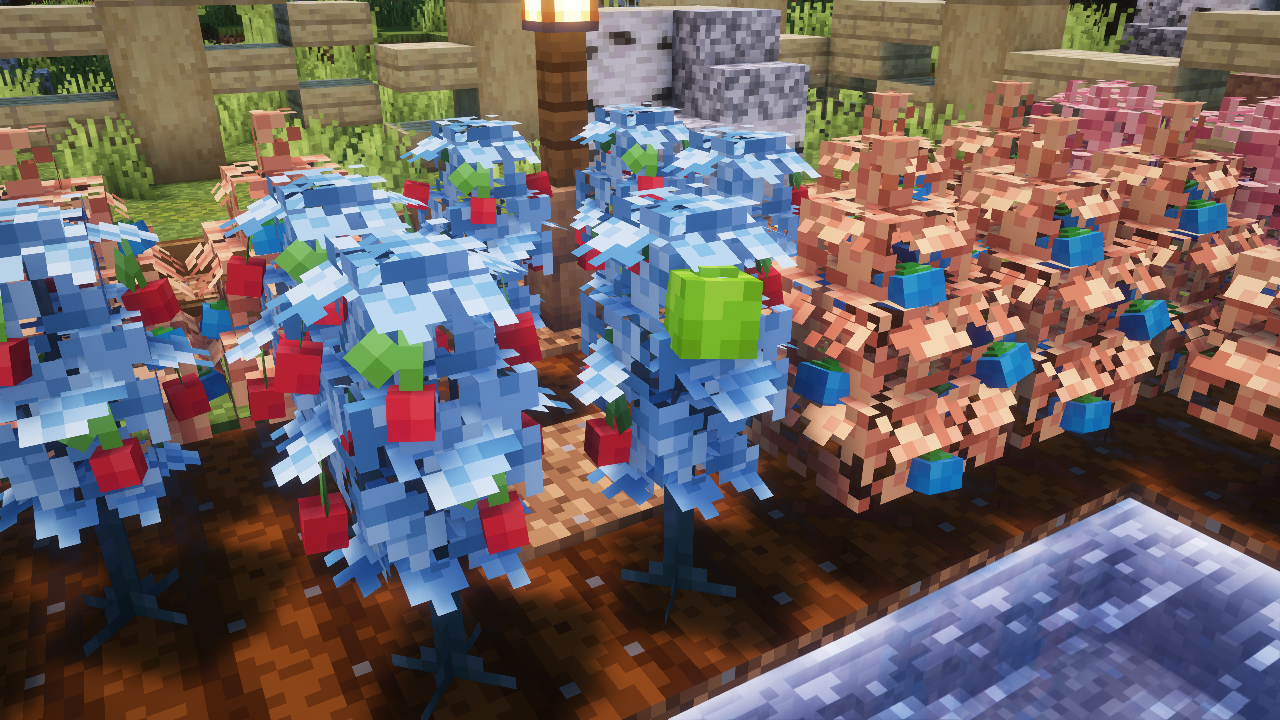
木の実を見つけて、木の実農場を育て、交配しよう!
化石を掘り起こして古代のポケモンとして復活させよう!
新しい構造物を探索し、秘密の試練に挑んで宝物を見つけよう!
ライセンス:このMODのバイナリとソースコードはMozilla Public License 2.0の下でライセンスされており、MPL2.0の下でライセンスされることを条件に、公的な改変やフォークが許可されています。
CobblemonはPokémonおよびMinecraftとは提携していません。
MinecraftはMojang Synergies ABの商標です | PokémonはNintendo、Creatures Inc.、GAME FREAK inc.の商標です。

Cobblemonのインストール方法
With Millida Launcher
Install Millida Launcher
The launcher is free: download it at millida.net/launcher and sign in with any nickname.
Click “Install” on this page
The launcher opens and installs the mod for Minecraft 1.21.1 on Fabric or NeoForge automatically, together with its dependencies: Fabric API, Kotlin for Forge.
Launch the game
A profile with it appears in the launcher: click “Play”.
Manually
Install Fabric or NeoForge
The loader must match the game version of the mod file, for example Minecraft 1.21.1. After installing it, a separate profile appears in your launcher.
Download the file for your version
In the version list above, pick the file Cobblemon-fabric-1.8.3+1.21.1.jar (133 MB) for your game version and loader.
Put it in the mods folder
The folder is inside .minecraft (Windows: %appdata%\.minecraft\mods). If it does not exist, create it. Required dependencies go there too: Fabric API, Kotlin for Forge.
Launch the loader profile
Open “Mods” in the main menu: Cobblemon should be in the list.
On a server
A server on Fabric or NeoForge
The mod only works on a server with the same loader and game version, for example 1.21.1.
File goes into the server’s mods folder
Stop the server, put the mod file into the mods folder and start the server again.
Use the “To server” button
On Millida Hosting, the button at the top of the page uploads the file to your server and restarts it for you.
Minecraft 1.21.1 runs on Java 21: with a different Java version the game may close right after launch.
バージョン
依存関係あり
| Minecraft | ローダー | ファイル | 日付 | 操作 |
|---|---|---|---|---|
| 1.21.1 | Fabric | 1.21.1133 MB 2 | ||
| 1.21.1 | NeoForge | 1.21.1135 MB 1 | ||
| 1.21.1 | Fabric | 1.21.1133 MB 16 | ||
| 1.21.1 | NeoForge | 1.21.1134 MB 14 | ||
| 1.21.1 | Fabric | 1.21.1131 MB 5 | ||
| 1.21.1 | NeoForge | 1.21.1133 MB 1 | ||
| 1.21.1 | Fabric | 1.21.1155 MB 1 | ||
| 1.21.1 | NeoForge | 1.21.1156 MB |
動作に必要なもの
これを必要とするコンテンツ
FAQ
Which Minecraft versions does Cobblemon work on?
Only Minecraft 1.21.1: there are no files for other versions.
Is Cobblemon for Forge or Fabric?
There are files for Fabric: 1.21.1 and for NeoForge: 1.21.1. There are no files for Forge: a mod for another loader will not start.
What does Cobblemon need to work?
Required: Fabric API, Kotlin for Forge. Without them the mod will not start: dependencies go into the same mods folder.
Does Cobblemon work on a server?
Yes. Cobblemon works both in singleplayer and on a server.
Which Java does Cobblemon need?
Minecraft 1.21.1 runs on Java 21. If the game closes right after launch, the usual cause is the wrong Java version in the profile settings.
Where can I download Cobblemon safely?
On this page: the file Cobblemon-fabric-1.8.3+1.21.1.jar (133 MB) is stored on Millida’s server, with no link shorteners. SHA-1 checksum: 9155e84912d3bb0dad9aa88586e547c88c37eb1d.
レビュー
Cobblemonの最初の評価を書きませんか


