

 Fabric

Introducing The Adventure Modpack
Experience new lands, blocks, items, and treasures in this modpack. The Adventure Modpack adds mods to make your game more exciting, detailed, and adventurous.
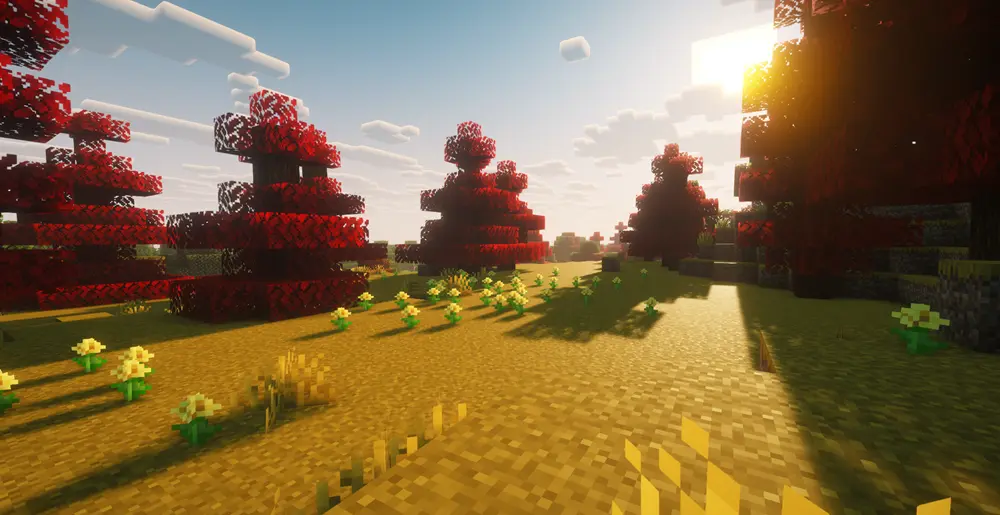
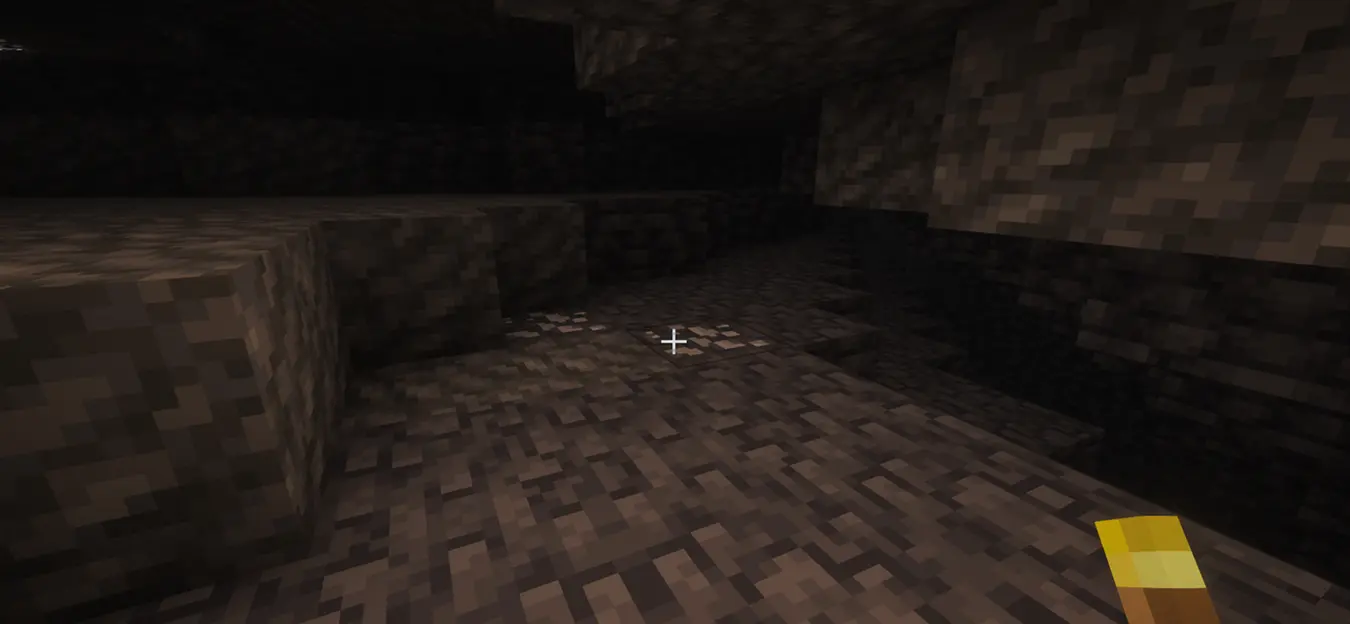
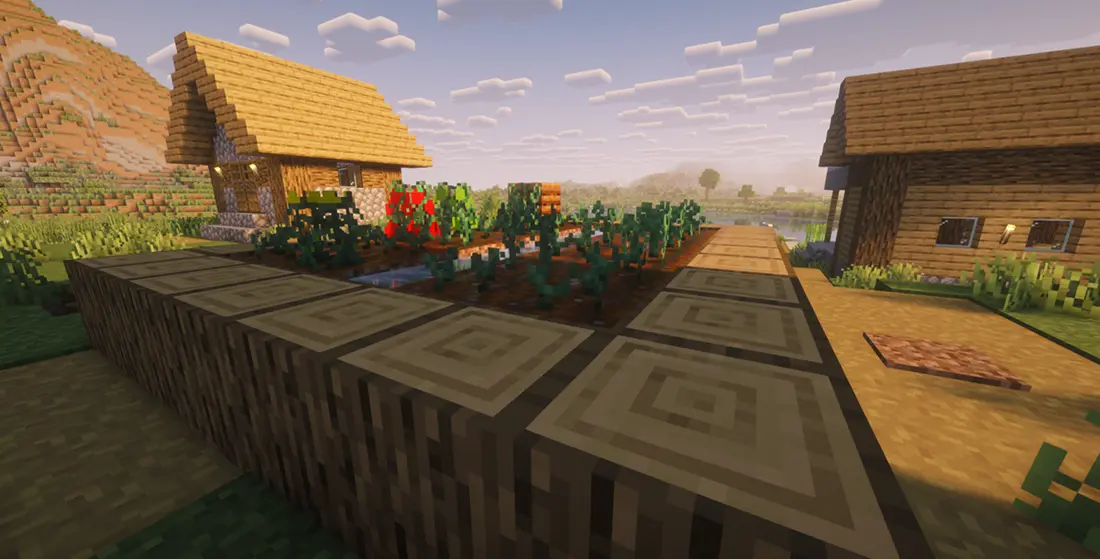
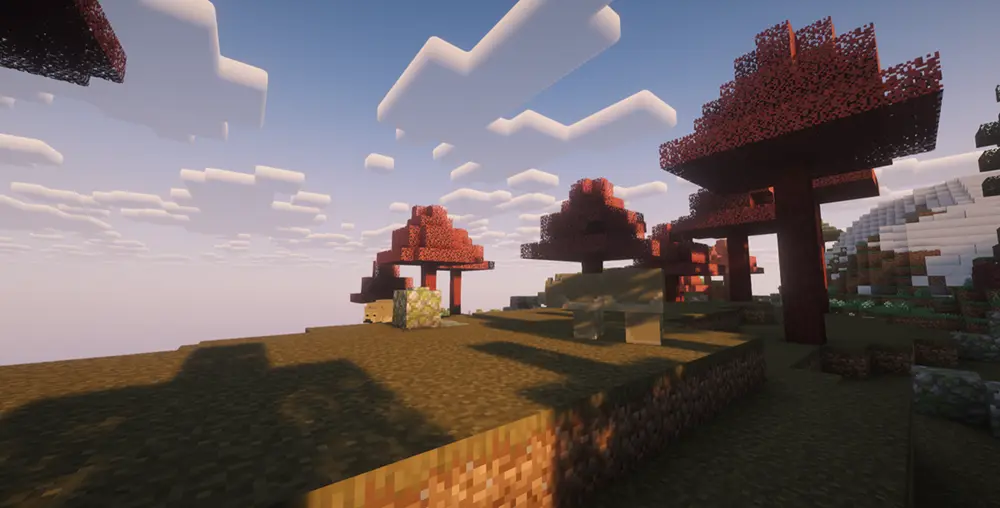
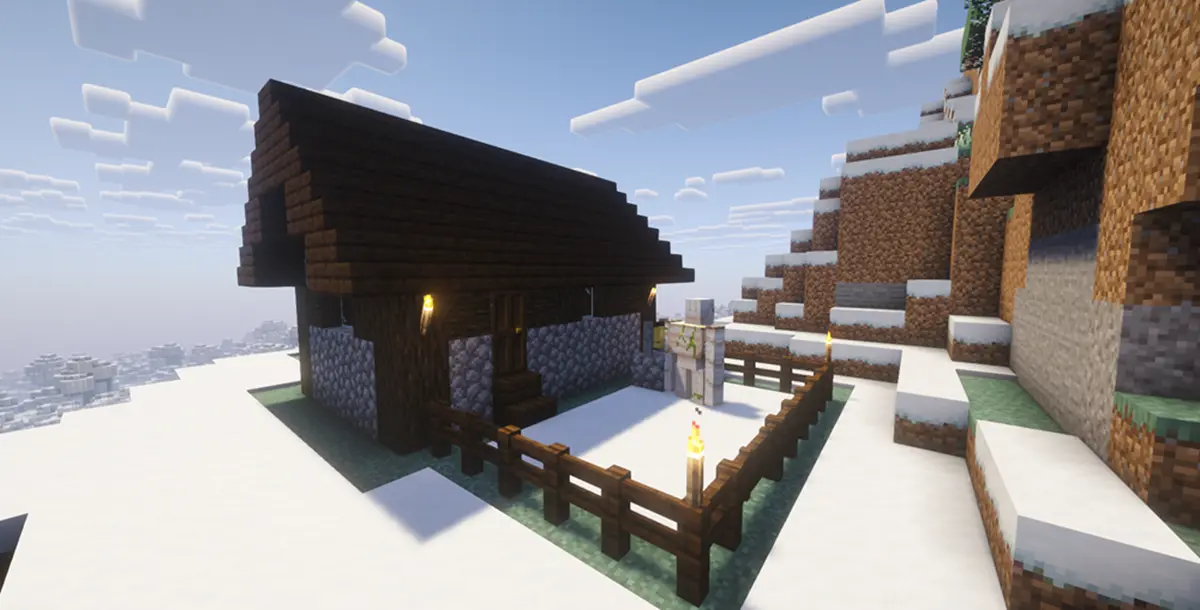
Mods Used
- Simple HUD Enhanced
- Redwood
- TerraBlender
- Xaero's World Map
- Farmer's Crops
- Magic Mod
- Iris Shaders
- Sodium
- Text Placeholder API
- Custom Weapons
- Coffee Variants
- Essential Mod
- Mod Menu
- Colorful Torches
- TerraBiomes
- Colorful Copper Lanterns
- Fabric API
- Individual Keep Inventory
- Simple Voice Chat

The Adventure Modpackのインストール方法
With Millida Launcher
Install Millida Launcher
The launcher is free: download it at millida.net/launcher and sign in with any nickname.
Click “Install” on this page
The launcher opens and installs the modpack for Minecraft 26.2 on Fabric automatically.
Launch the game
A profile with it appears in the launcher: click “Play”.
Manually
Download the modpack archive
In the version list above, pick the file The Adventure Modpack 1.4.0.mrpack (23 KB).
Import it into a launcher
A launcher that supports modpacks (Millida Launcher, Prism) takes the archive via “Add modpack”, then “From file”. No need to unpack it yourself.
Allocate memory
Modpacks need more memory than the plain game: set 4–6 GB in the profile settings.
On a server
Use the “To server” button
On Millida Hosting, the button at the top of the page uploads the file to your server and restarts it for you.
Invite friends: they install the same modpack
To join the server, every player needs the same modpack version.
バージョン
依存関係あり
| Minecraft | ローダー | ファイル | 操作 |
|---|---|---|---|
| 26.2 | Fabric | 26.222.6 KB 1 |
動作に必要なもの
- Dependency導入済み
- Fabric Language Kotlin導入済み
- Inventory Profiles Next導入済み
- Dependency導入済み
- Iris Shaders導入済み
- Text Placeholder API導入済み
- Essential Mod導入済み
- TerraBlender導入済み
- Mod Menu導入済み
- Dependency導入済み
- Dependency導入済み
- Dependency導入済み
レビュー
The Adventure Modpackの最初の評価を書きませんか


