

Minecraft 1.19.2用Dungeons Transfer ビルド
このModパックはMinecraft DungeonsをMinecraftに持ち込みます
- ダウンロード
- 2 ダウンロード
- 閲覧
- 90 閲覧
- 更新日
- 更新日 03.09.2026
- 1.19.2
 Forge
- クライアントとサーバー
Description of the modpack
- Minecraft Dungeons will no longer receive updates, as a memory of this game, I decided to create this modpack
- The modpack is based on the Dungeons content mod - https://modrinth.com/mod/dungeons-content

IMPORTANT!
If you have Dungeons transfer 1.21.1 installed, and you have problems with MidnightLib, you just have to install an older version. I don't know why this happens, but older version works. In 1.4 there's an older version already, so just don't update it

Note
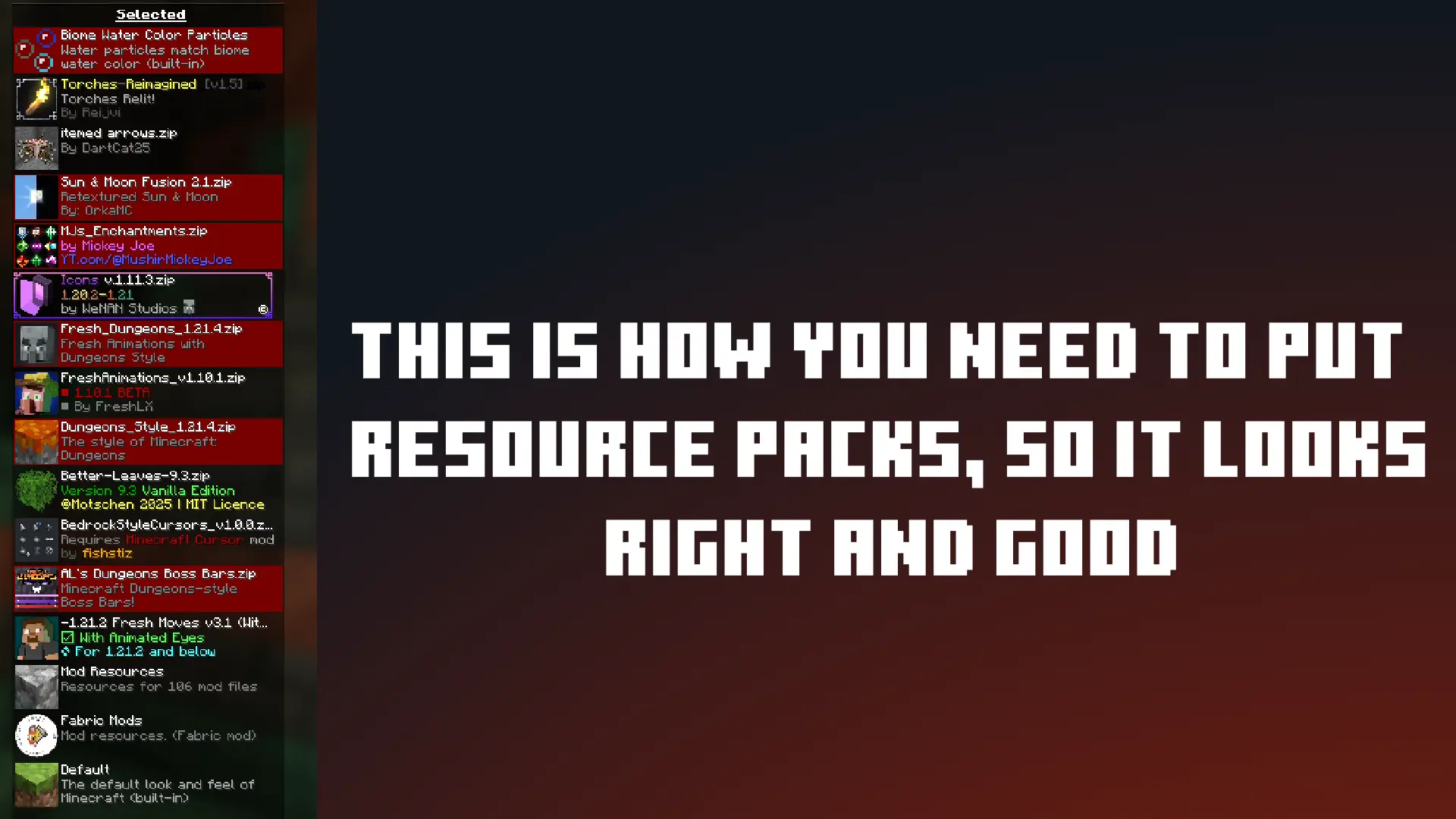
plans for a modpack
in the future I plan to transfer Minecraft Dungeons skins to Minecraft and make it a separate file (I don't think I'll make it)
My other projects
- Russian Minecraft Logo <-- Modrinth
- Russian Minecraft Logo <-- Curseforge
- **Controlify Dungeons** <-- Modrinth
- **Controlify Dungeons** <-- Curseforge
Dungeons Transferのインストール方法
With Millida Launcher
Install Millida Launcher
The launcher is free: download it at millida.net/launcher and sign in with any nickname.
Click “Install” on this page
The launcher opens and installs the modpack for Minecraft 1.19.2 on Forge automatically.
Launch the game
A profile with it appears in the launcher: click “Play”.
Manually
Download the modpack archive
In the version list above, pick the file Dungeons Transfer 1.0.mrpack (21 KB).
Import it into a launcher
A launcher that supports modpacks (Millida Launcher, Prism) takes the archive via “Add modpack”, then “From file”. No need to unpack it yourself.
Allocate memory
Modpacks need more memory than the plain game: set 4–6 GB in the profile settings.
On a server
Use the “To server” button
On Millida Hosting, the button at the top of the page uploads the file to your server and restarts it for you.
Invite friends: they install the same modpack
To join the server, every player needs the same modpack version.
Minecraft 1.19.2 runs on Java 17: with a different Java version the game may close right after launch.
バージョン
依存関係あり
| Minecraft | ローダー | ファイル | 操作 |
|---|---|---|---|
| 1.19.2 | Forge | 1.19.220.7 KB 2 |
動作に必要なもの
- [EMF] Entity Model Features導入済み
- Fresh Animations導入済み
- Dependency導入済み
- Geckolib導入済み
- Dependency導入済み
- Oculus導入済み
- BSL Shaders導入済み
- Dependency導入済み
- Dependency導入済み
- Dependency導入済み
- Dependency導入済み
- Dependency導入済み
FAQ
Which Minecraft versions does Dungeons Transfer work on?
Only Minecraft 1.19.2: there are no files for other versions.
Is Dungeons Transfer for Forge or Fabric?
Only for Forge: 1.19.2.
Which mods are in the Dungeons Transfer modpack?
Mods in the modpack include [EMF] Entity Model Features, Fresh Animations, Dependency, Geckolib, Oculus, BSL Shaders.
Which Java does Dungeons Transfer need?
Minecraft 1.19.2 runs on Java 17. If the game closes right after launch, the usual cause is the wrong Java version in the profile settings.
Where can I download Dungeons Transfer safely?
On this page: the file Dungeons Transfer 1.0.mrpack (21 KB) is stored on Millida’s server, with no link shorteners. SHA-1 checksum: b57ee2f75cb7bb5fcac1d7176d011b7828a46e74.
レビュー
Dungeons Transferの最初の評価を書きませんか


