

SurviveZ Build pour Minecraft 1.16.5
Survive-Z est le modpack ultime de survie zombie avec des armes à feu réalistes, des largages de ravitaillement et du butin aléatoire !
- téléchargements
- 1 téléchargements
- vues
- 40 vues
- Mis à jour
- Mis à jour 03.09.2026
- 1.16.5
 Forge
Forge- Client et serveur
À propos du modpack SurviveZ
Survive-Z is a themed modpack designed for the ultimate single-player zombie survival experience. It's all about staying alive for as long as possible until the next supply drop!

Features
- 50+ different zombies with random modifiers and increased awareness, including mutant mobs and other mini bosses.
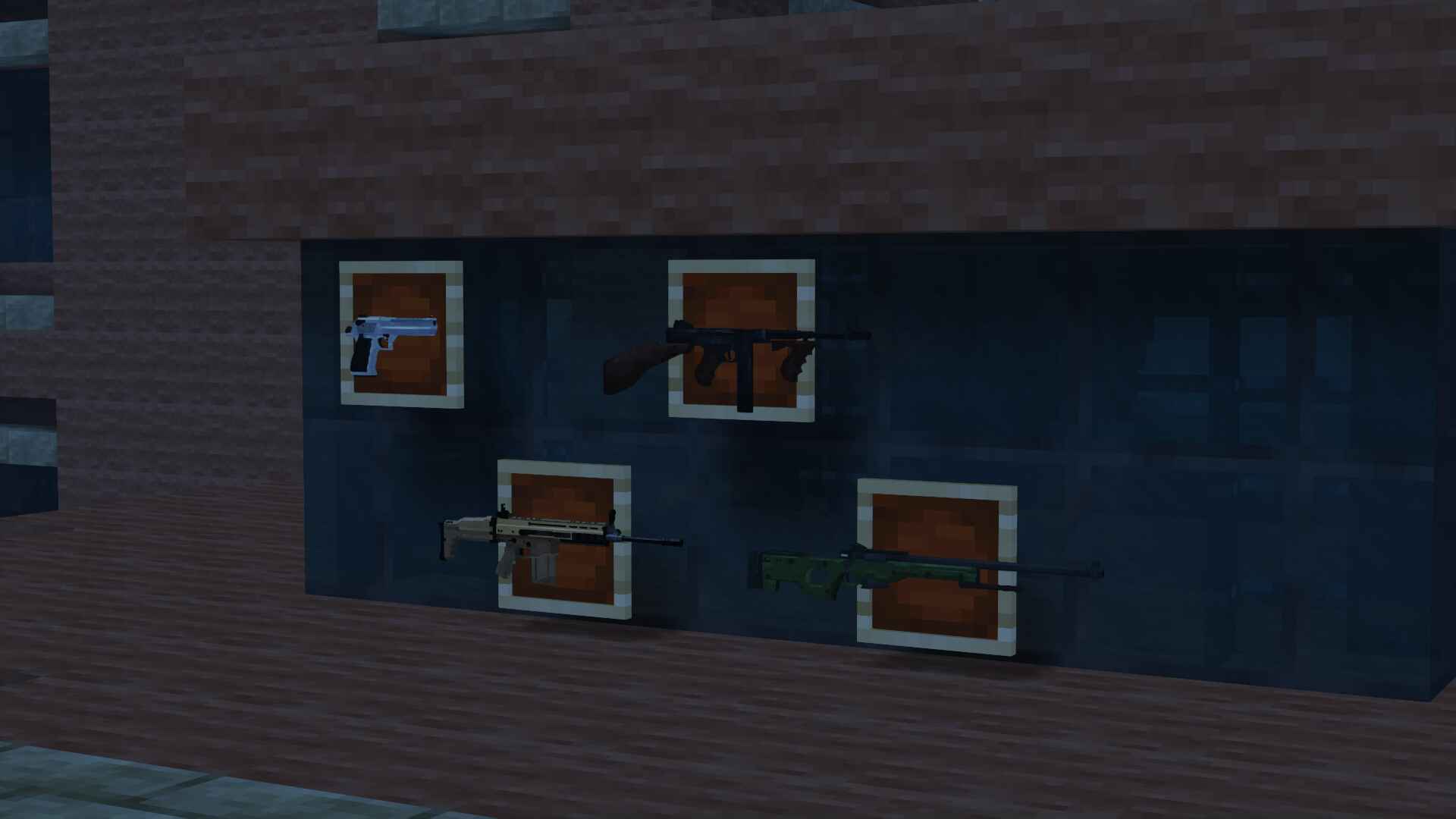
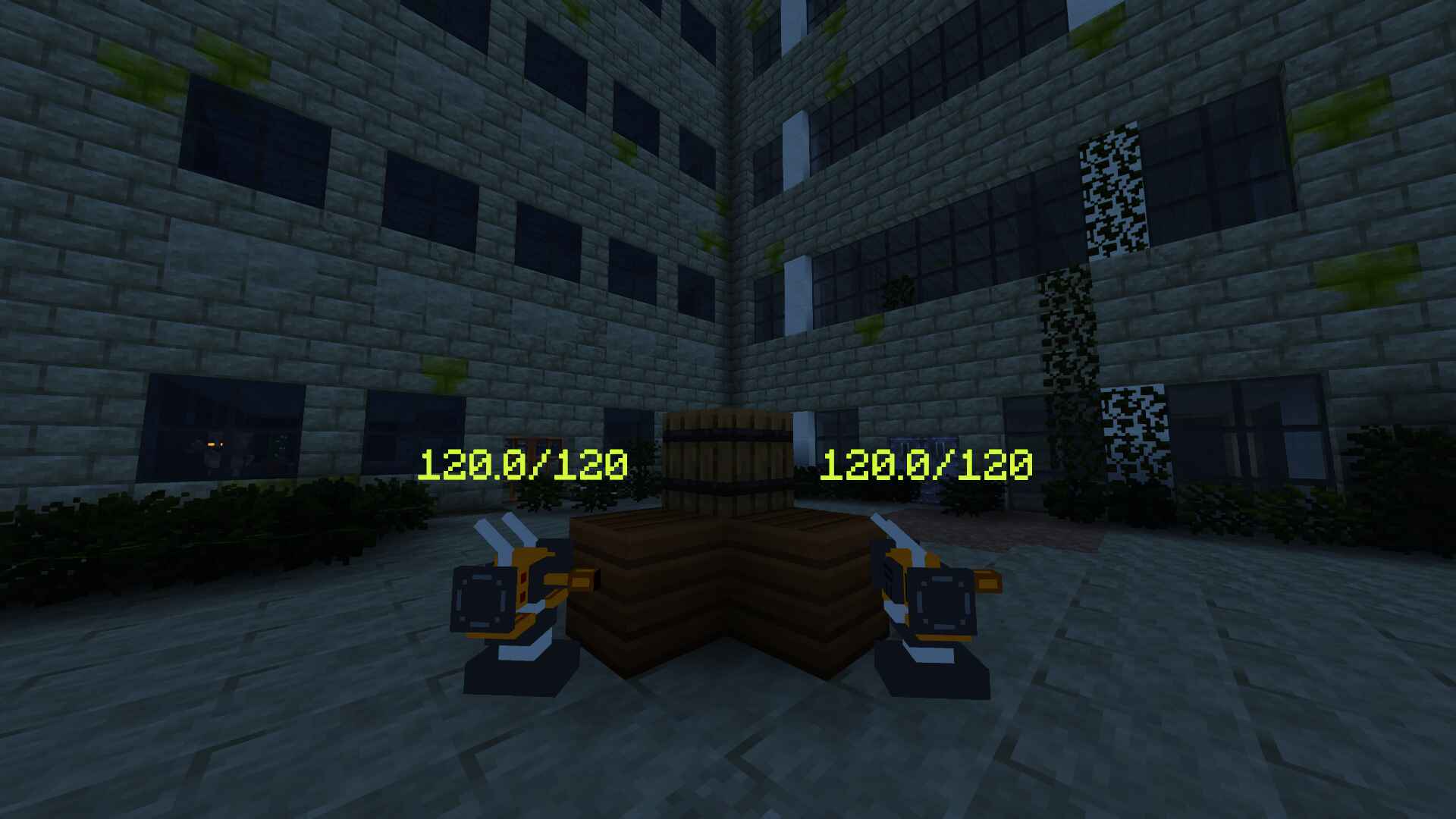
- 25+ realistic firearms and auto-turrets.
- An exclusive datapack, custom made for this modpack, that introduces falling meteors with an iron core that can be repurposed for ammo.
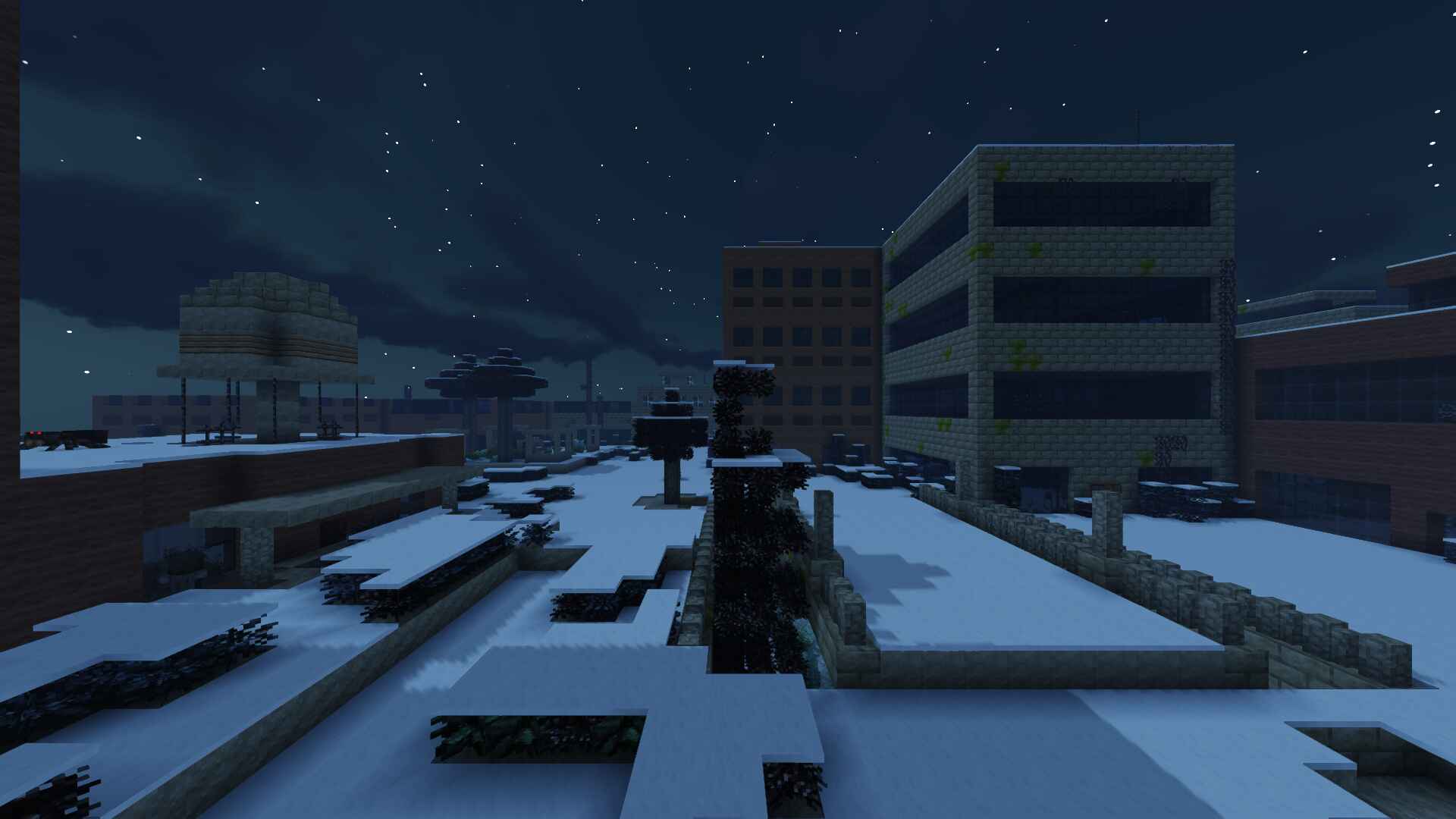
- An endless abandoned city with a perpetual night cycle.
- A carefully crafted game loop, including starting gear, custom mob drops and timed supply crates.
- Immersive visual effects and sound design.

Setting
The Lost Cities are filled with modified zombies and spiders crawling around in the dark. You can already hear their groans reverberating through the darkness.
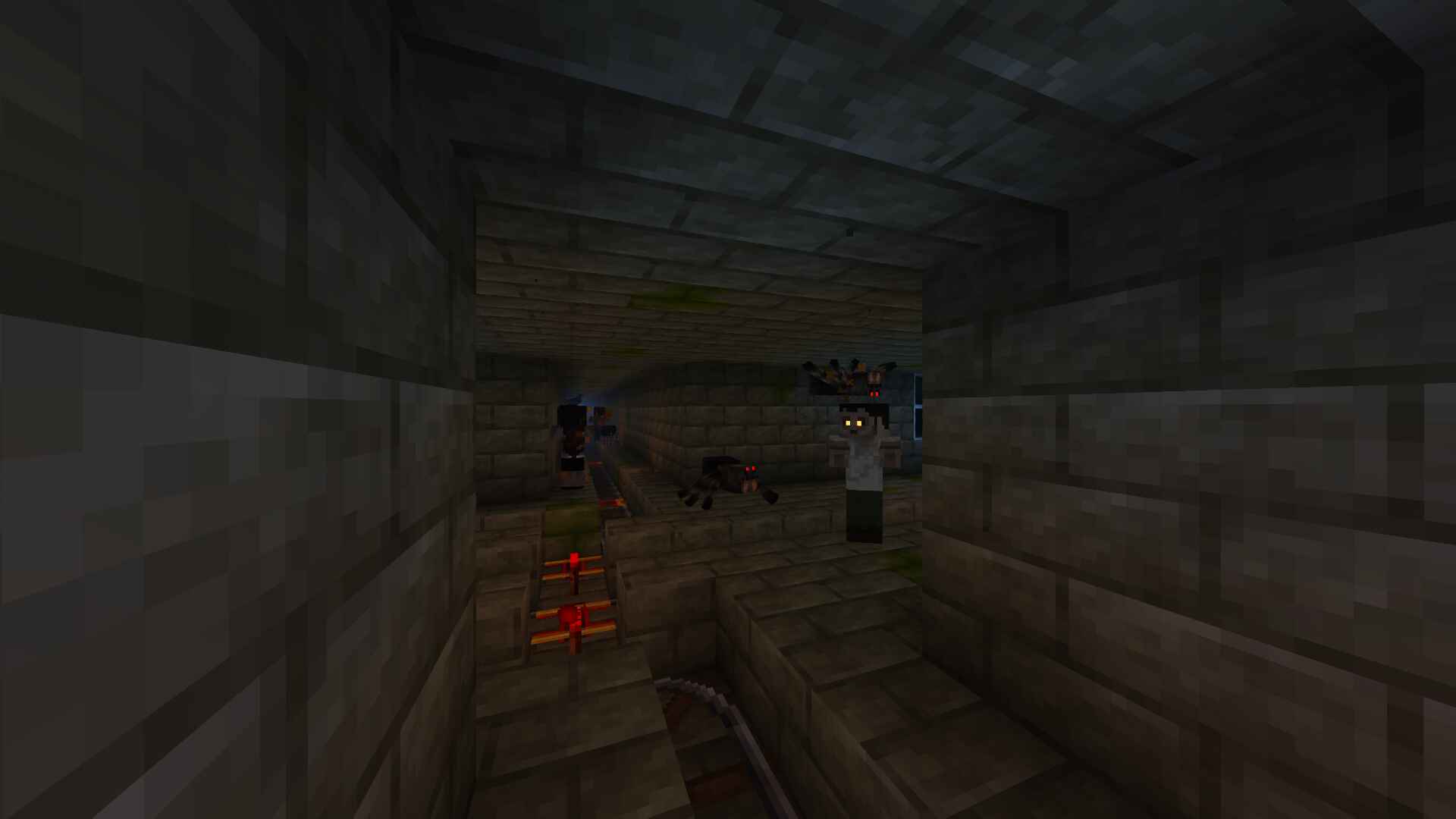
A mysterious catastrophe in the distant past plunged the world into an eternal night, enabling undead mobs to persist for longer and eventually develop heightened senses.
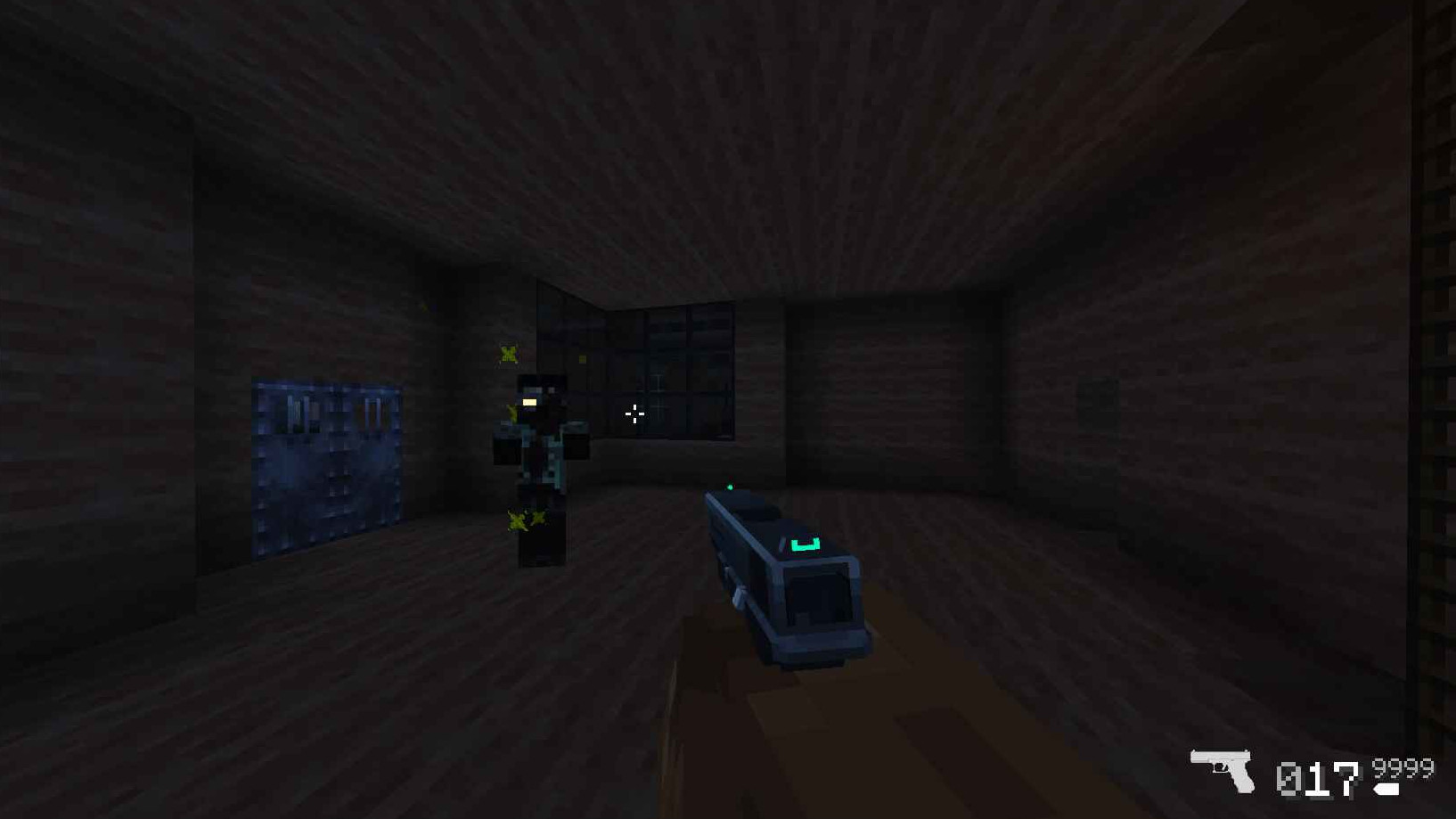
They are the monsters you were sent to fight against as the lone survivor of a secret military operation to take back the city.
Gear
Armed with your trusty pistol and knife, you will be forced to eliminate and loot the zombified monsters that once were the city's inhabitants to obtain new weapons and ammo that may prove essential to stay alive in this hostile world.
After the first ten minutes of intense combat, you hear the sound of a broadcast comm regarding a supply crate about to land in the center of the map. You make your way there, hoping to find anything that can help in your fight against the undead.
Comment installer SurviveZ
With Millida Launcher
Install Millida Launcher
The launcher is free: download it at millida.net/launcher and sign in with any nickname.
Click “Install” on this page
The launcher opens and installs the modpack for Minecraft 1.16.5 on Forge automatically.
Launch the game
A profile with it appears in the launcher: click “Play”.
Manually
Download the modpack archive
In the version list above, pick the file SurviveZ.mrpack (48 MB).
Import it into a launcher
A launcher that supports modpacks (Millida Launcher, Prism) takes the archive via “Add modpack”, then “From file”. No need to unpack it yourself.
Allocate memory
Modpacks need more memory than the plain game: set 4–6 GB in the profile settings.
On a server
Use the “To server” button
On Millida Hosting, the button at the top of the page uploads the file to your server and restarts it for you.
Invite friends: they install the same modpack
To join the server, every player needs the same modpack version.
Minecraft 1.16.5 runs on Java 8: with a different Java version the game may close right after launch.
Versions
Avec dépendances
| Minecraft | Loader | Fichier | Actions |
|---|---|---|---|
| 1.16.5 | Forge | 1.16.547.5 Mo 1 |
Ce qu'il faut pour l'exécuter
- Geckolibdéjà inclus
- Dependencydéjà inclus
- Entity Cullingdéjà inclus
- Dependencydéjà inclus
- Dependencydéjà inclus
- Dependencydéjà inclus
- Dependencydéjà inclus
- Dependencydéjà inclus
- Dependencydéjà inclus
- Dependencydéjà inclus
- CoroUtildéjà inclus
- Dependencydéjà inclus
FAQ
Which Minecraft versions does SurviveZ work on?
Only Minecraft 1.16.5: there are no files for other versions.
Is SurviveZ for Forge or Fabric?
Only for Forge: 1.16.5.
Which mods are in the SurviveZ modpack?
Mods in the modpack include Geckolib, Dependency, Entity Culling, CoroUtil.
Which Java does SurviveZ need?
Minecraft 1.16.5 runs on Java 8. If the game closes right after launch, the usual cause is the wrong Java version in the profile settings.
Where can I download SurviveZ safely?
On this page: the file SurviveZ.mrpack (48 MB) is stored on Millida’s server, with no link shorteners. SHA-1 checksum: f1db3abad49c734d0cbde6be1f5fb4a46cbbc9c1.
Avis
Soyez le premier à noter SurviveZ


