
WATERFrAMES: Multimedia Displays Mod para Minecraft 1.20.1, 1.21.1
Incluye varios bloques para reproducir vídeos e imágenes en tus mundos desde internet y archivos locales
 Fabric
 NeoForge
 Forge
Forge🖼️ WATERFrAMES | MULTIMEDIA DISPLAYS
Your mod for image displaying, show pictures, videos, gifs and more in multiple and unique blocks, using URLs and a confortable interface to rotate, set transparency, brightness, or the audio distance, display your videos with a confortable experience, synchronized with you and your friends and fully designed to work for server-admins and in survival mode.
Heavily inspired in LittlePictureFrames
Join to my discord community, and share your screenshots of you and your friends watching movies or memes, and your cinema buildings.
🎁 CONTENT OF THE MOD
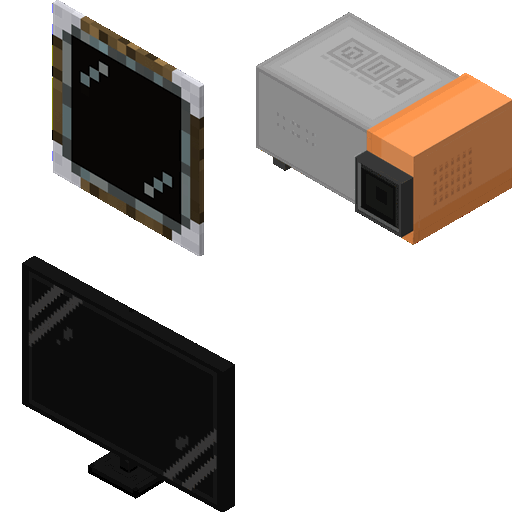
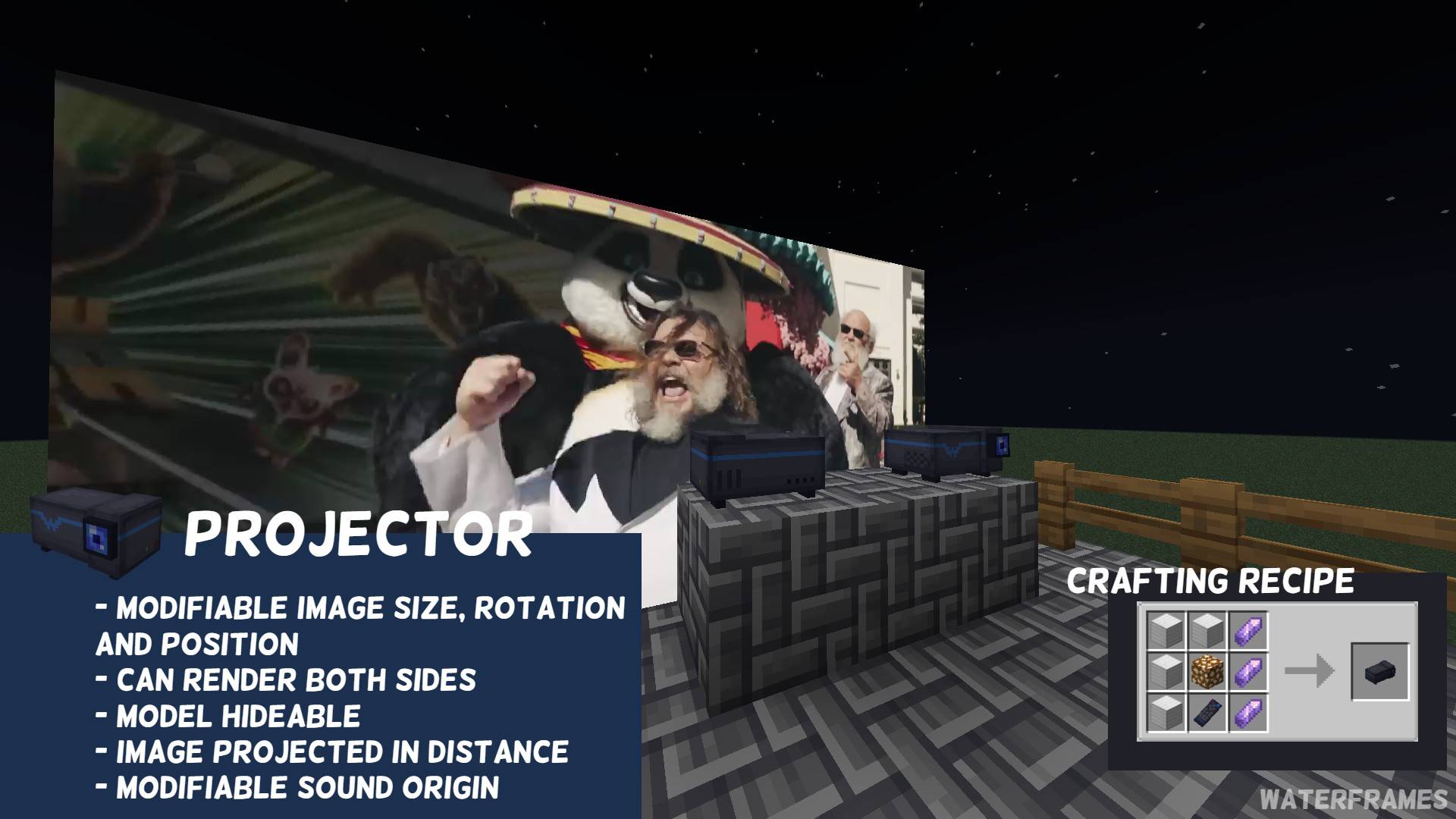
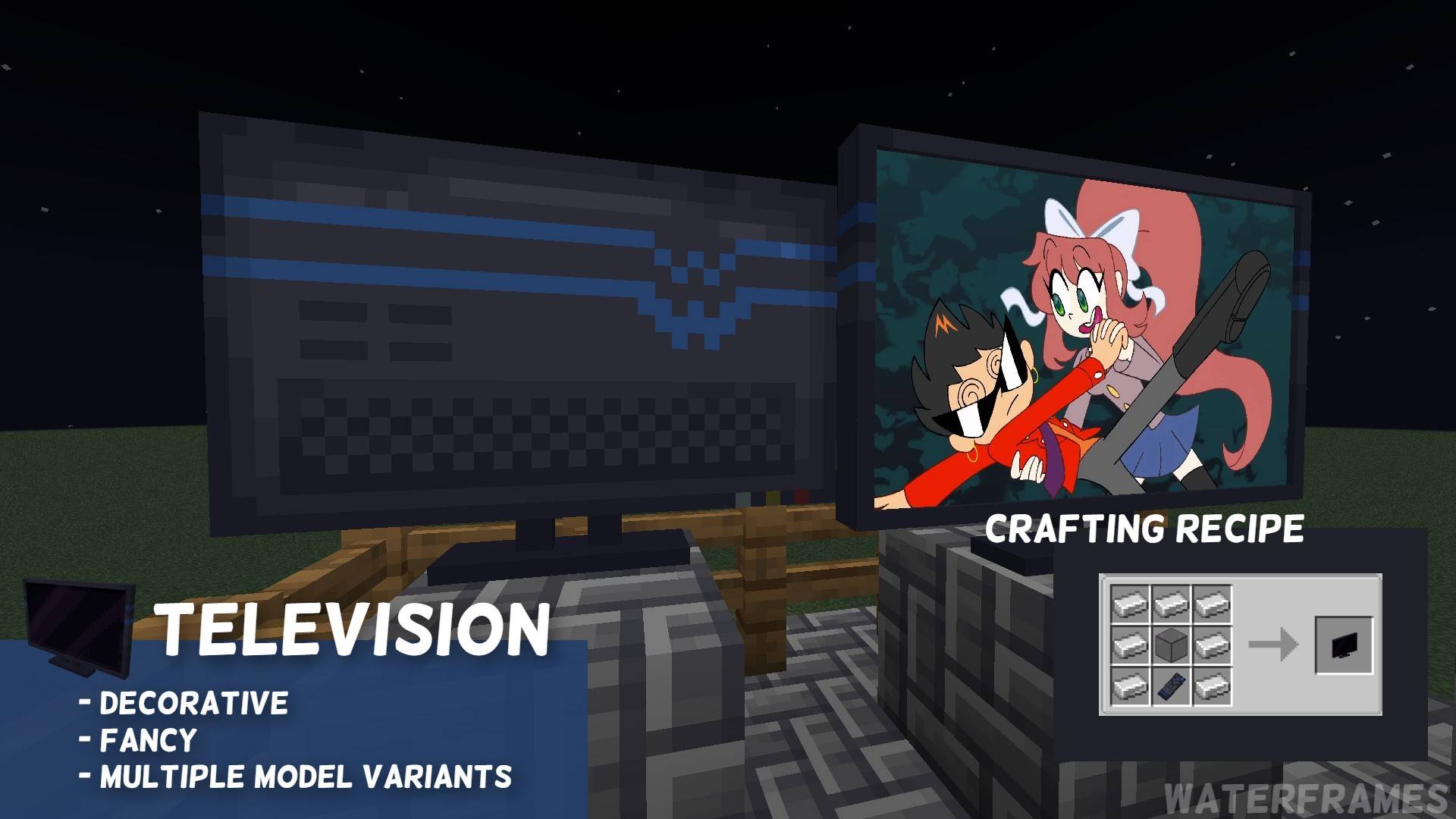
- 📺 Multiple ways to show images (Frames, Projectors, TVs and Big TVs)
- 🎮 Items (Remote Control) and commands (/waterframes) to control the frames from far away
- 📂 Local files support (powered by WATERMeDIA) using water://local/<path>
- 📺 VideoPlayer support
- 🔗 Compatible with Youtube, Twitch, Kick.com, Google Drive, One Drive, Twitter (X) and [orange_page]
- 🛡️ Good managment for server admins (url whitelist, gamemode permissions, etc)
- ⚙️ Fully customizable and configurable image (rotation, transparency, brightness and more)
- ⏱️ Easy to use and compatible with other mods having video support (WATERMeDIA)
🧩 DEPENDENCIES
- CreativeCore: GuiAPI and Networking
- WATERMeDIA: Multimedia Support
🖥️ SHOWCASE VIDEO (ENGLISH)
🖥️ SHOWCASE VIDEO (ESPAÑOL)
🕹️ PLAY WITH YOU AND YOUR FRIENDS
Get a server at just 1$ to get a 15% discount and make a theater with your friends
⁉️ FAQ
- ¿How can I play local files?
- Modpacks can use a relative path using a water://local/<path>, root is the modpack folder, so if you place your modpack intro in config/mymodpack/video.mp4 you must replace <path> with that path
- ¿Can you backport to 1.16.5?
- No, I refuse to go under 1.18.2. I am open for commisions for it but it has a high price.
- Can keep maintaining the Fabric port for 1.21.4?
- No, fabric was a headache since I started the port, and for the good sake of my mental sanity, I stopped maintaining it.
- When I put a video, block shows a picture saying "Failed to Load VLC"
- If you run on Linux or Mac, you must install VLC manually, if you run on windows or you already installed VLC on the mentioned OS please submit a issue here
🎀 SPECIAL THANKS TO
- Wayerspork: Donator and active bug reporter/helper
- Kotyarendj: Author of the current WATERFrAMES block textures
- CoolDCB: Helping me backporting LittleFrames and motivating me to make my own mod
- CreativeMD: For making LittleFrames inspiriting me. Having me patience on the PRs and begin a nice dude.
Cómo instalar WATERFrAMES: Multimedia Displays
With Millida Launcher
Install Millida Launcher
The launcher is free: download it at millida.net/launcher and sign in with any nickname.
Click “Install” on this page
The launcher opens and installs the mod for Minecraft 1.18.2–1.21.8 on Fabric, Forge or NeoForge automatically.
Launch the game
A profile with it appears in the launcher: click “Play”.
Manually
Install Fabric, Forge or NeoForge
The loader must match the game version of the mod file, for example Minecraft 1.21.8. After installing it, a separate profile appears in your launcher.
Download the file for your version
In the version list above, pick the file waterframes-FABRIC-mc1.21.8-v2.1.22.jar (256 KB) for your game version and loader.
Put it in the mods folder
The folder is inside .minecraft (Windows: %appdata%\.minecraft\mods). If it does not exist, create it.
Launch the loader profile
Open “Mods” in the main menu: WATERFrAMES: Multimedia Displays should be in the list.
Minecraft 1.21.8 runs on Java 21: with a different Java version the game may close right after launch.
Versiones
Con dependencias
| Minecraft | Cargador | Archivo | Fecha | Acciones |
|---|---|---|---|---|
| 1.20.1 | Forge | WF-FORGE/mc1.20.1/v2.2.0-beta.6249 KB 17 | ||
| 1.21.1 | NeoForge | WF-NEOFORGE/mc1.21.1/v2.1.23251 KB 6 | ||
| 1.21.8 | Fabric | WF-FABRIC/mc1.21.8/v2.1.22256 KB 3 | ||
| 1.20.1 | Forge | WF-FORGE/mc1.20.1/v2.1.22249 KB | ||
| 1.21.5 | NeoForge | WF-NEOFORGE/mc1.21.5/v2.1.20-alpha.1248 KB | ||
| 1.18.2 | Forge | WATERFrAMES/1.18.2/1.0.1-C88.6 KB |
Reseñas
Sé el primero en valorar WATERFrAMES: Multimedia Displays


