
 NeoForge
 Forge
ForgeAcerca del mod Valarian Conquest
Modrinth Discord Ko-Fi
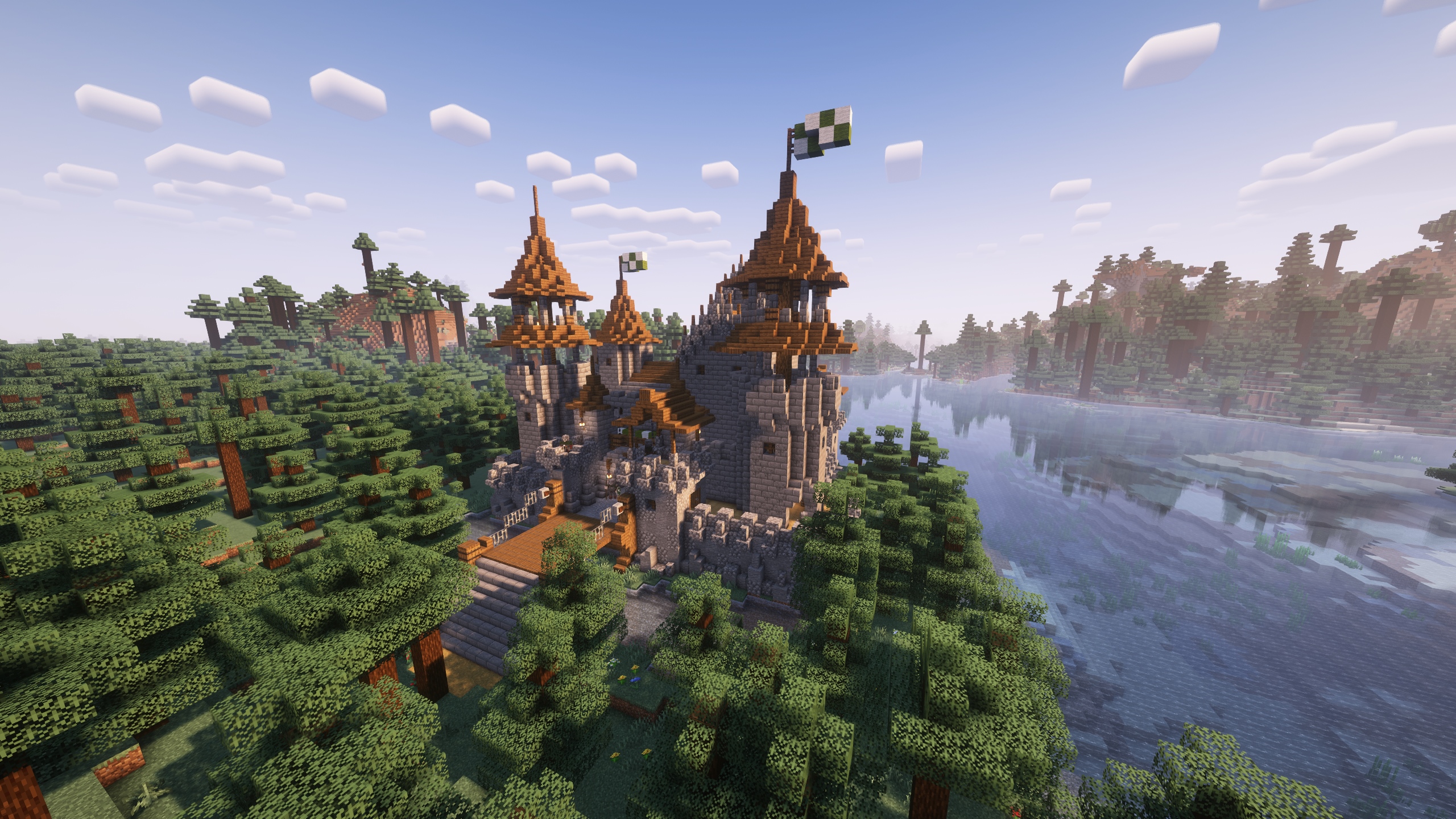
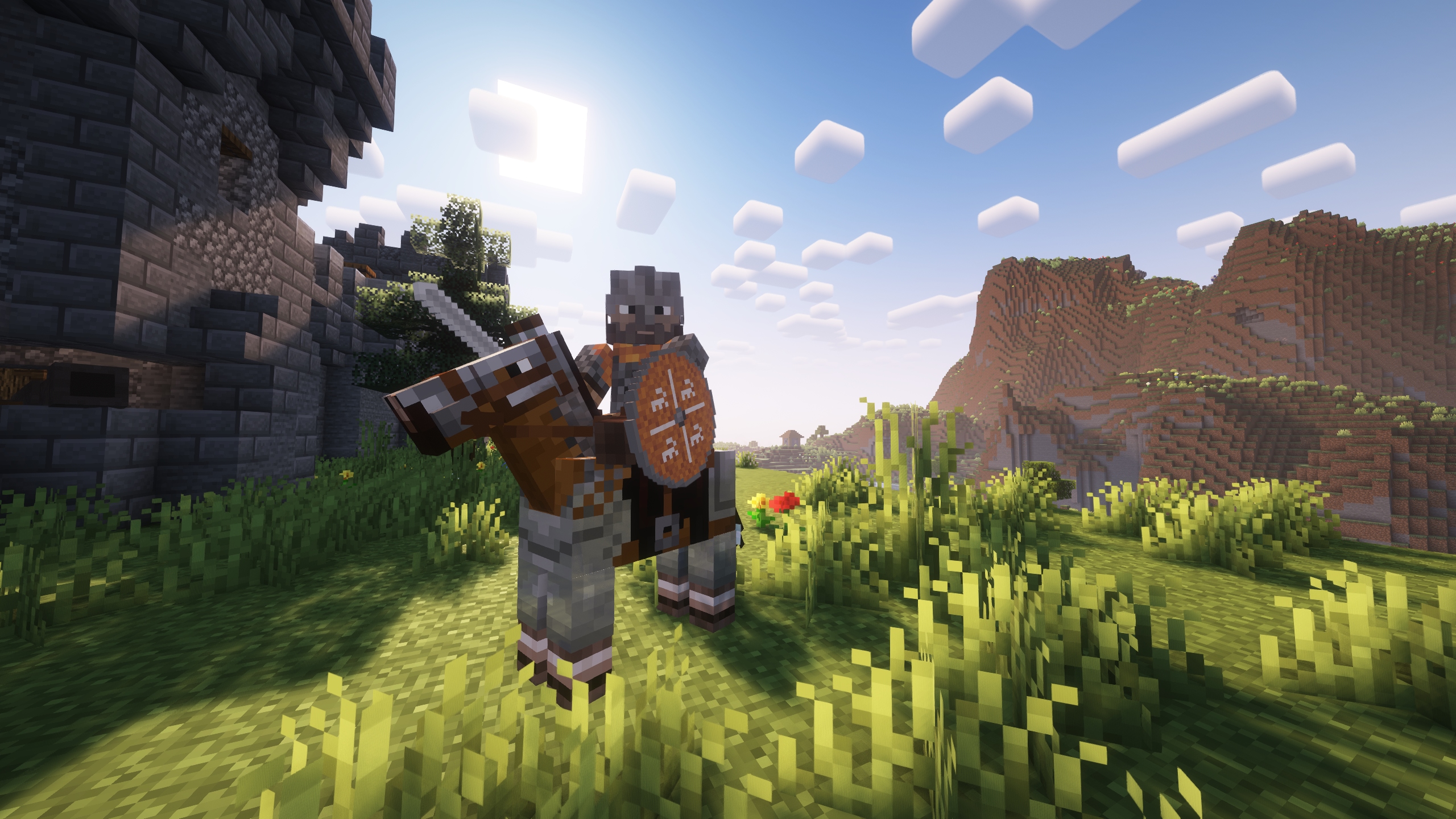
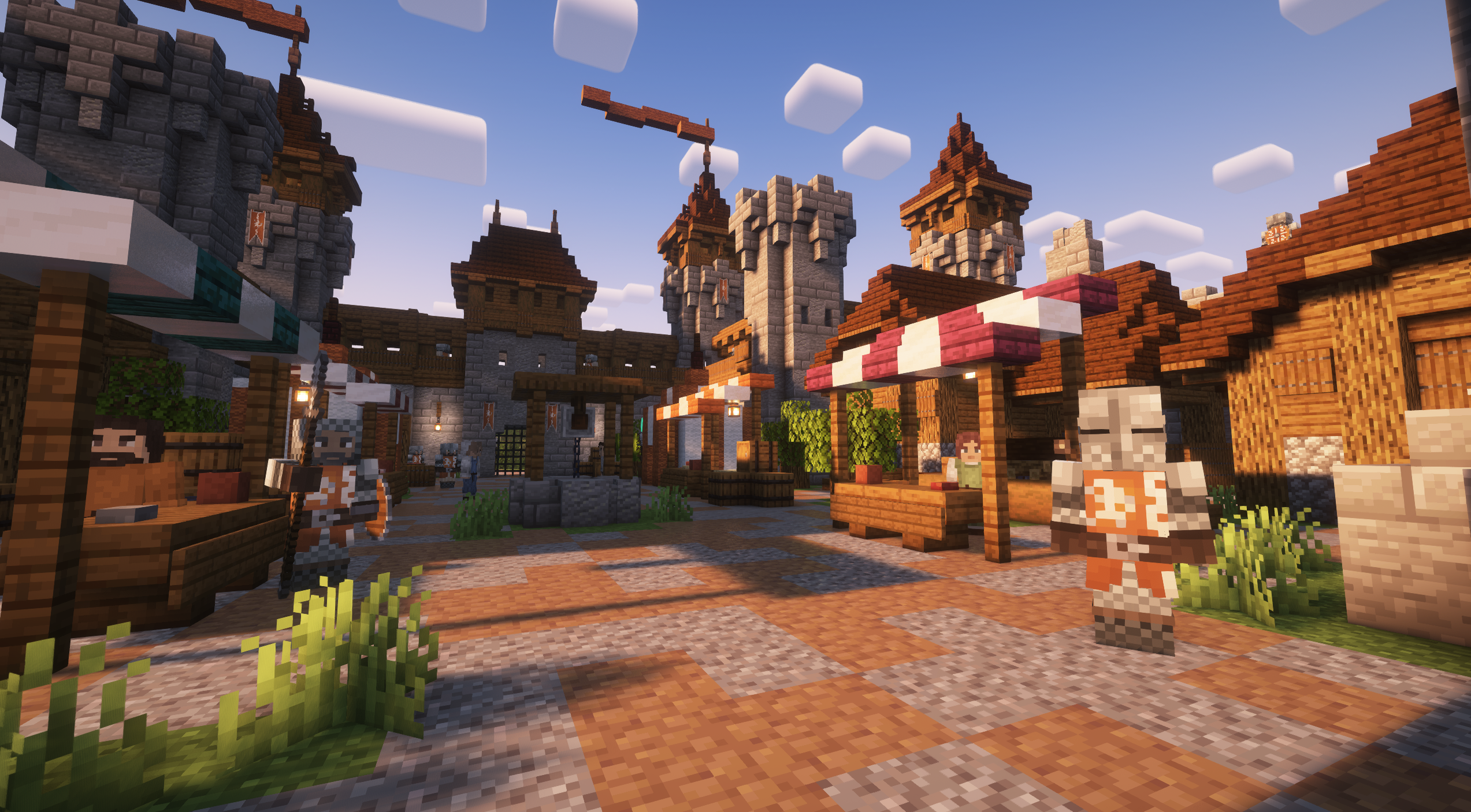
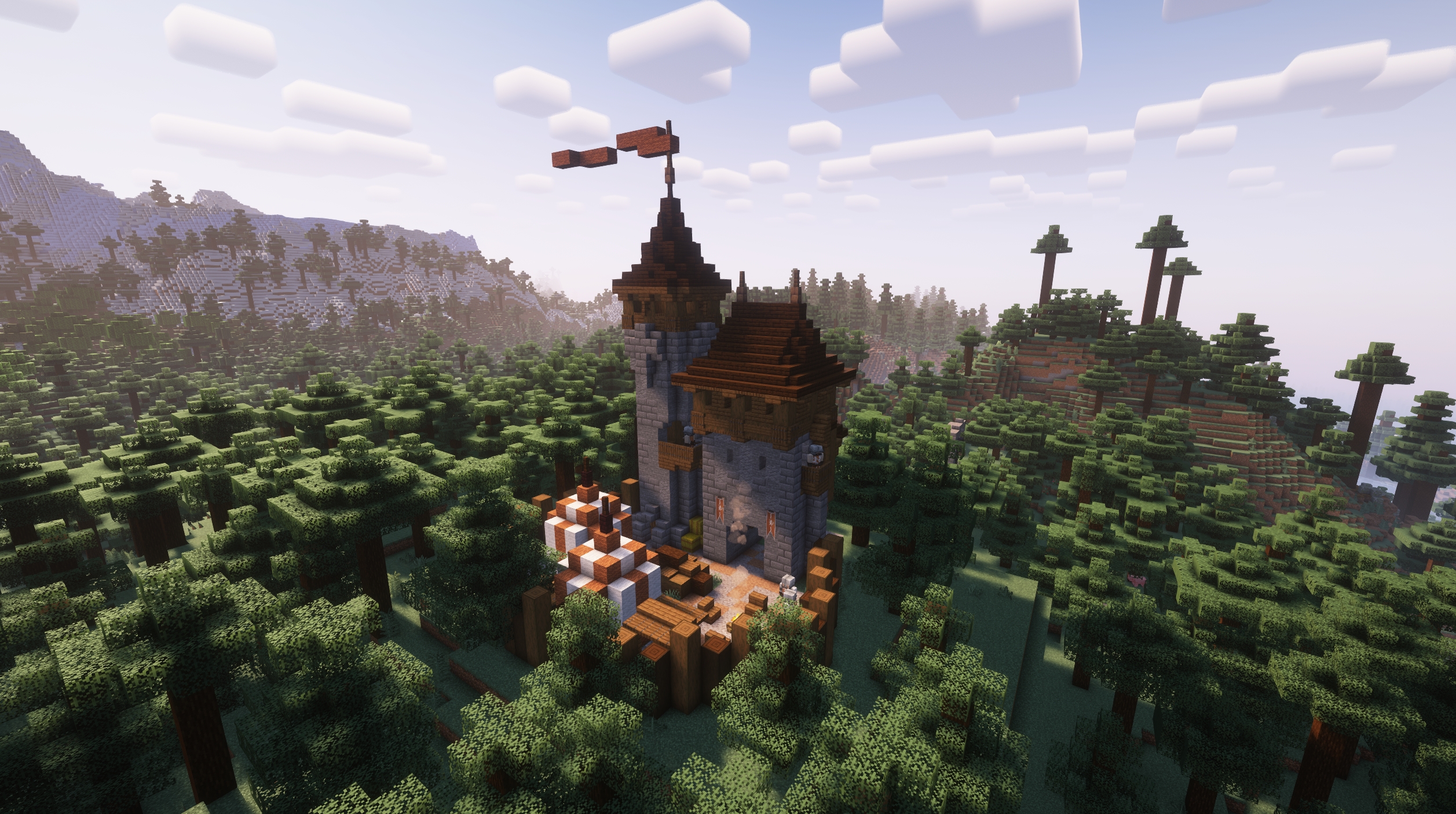
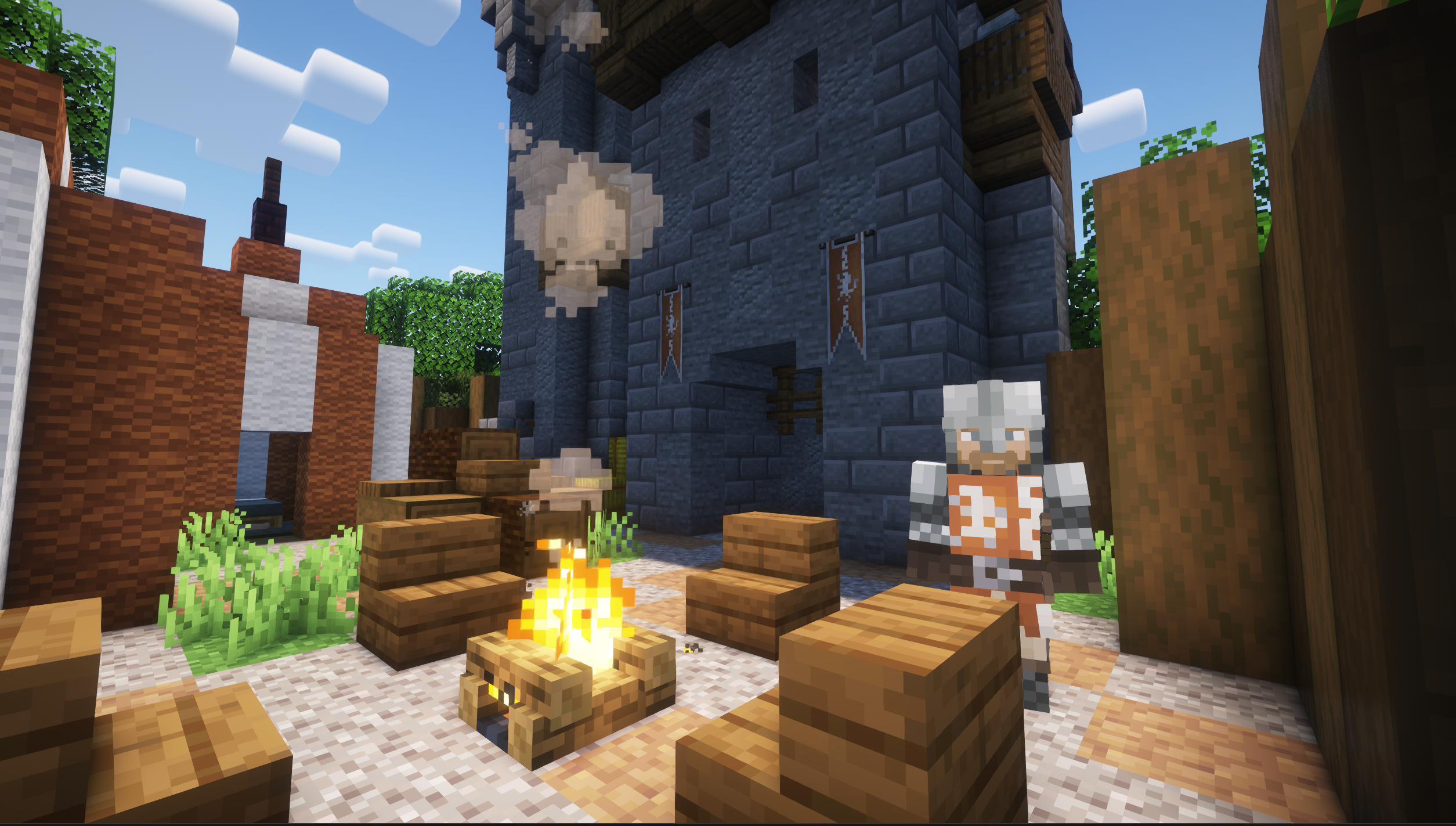
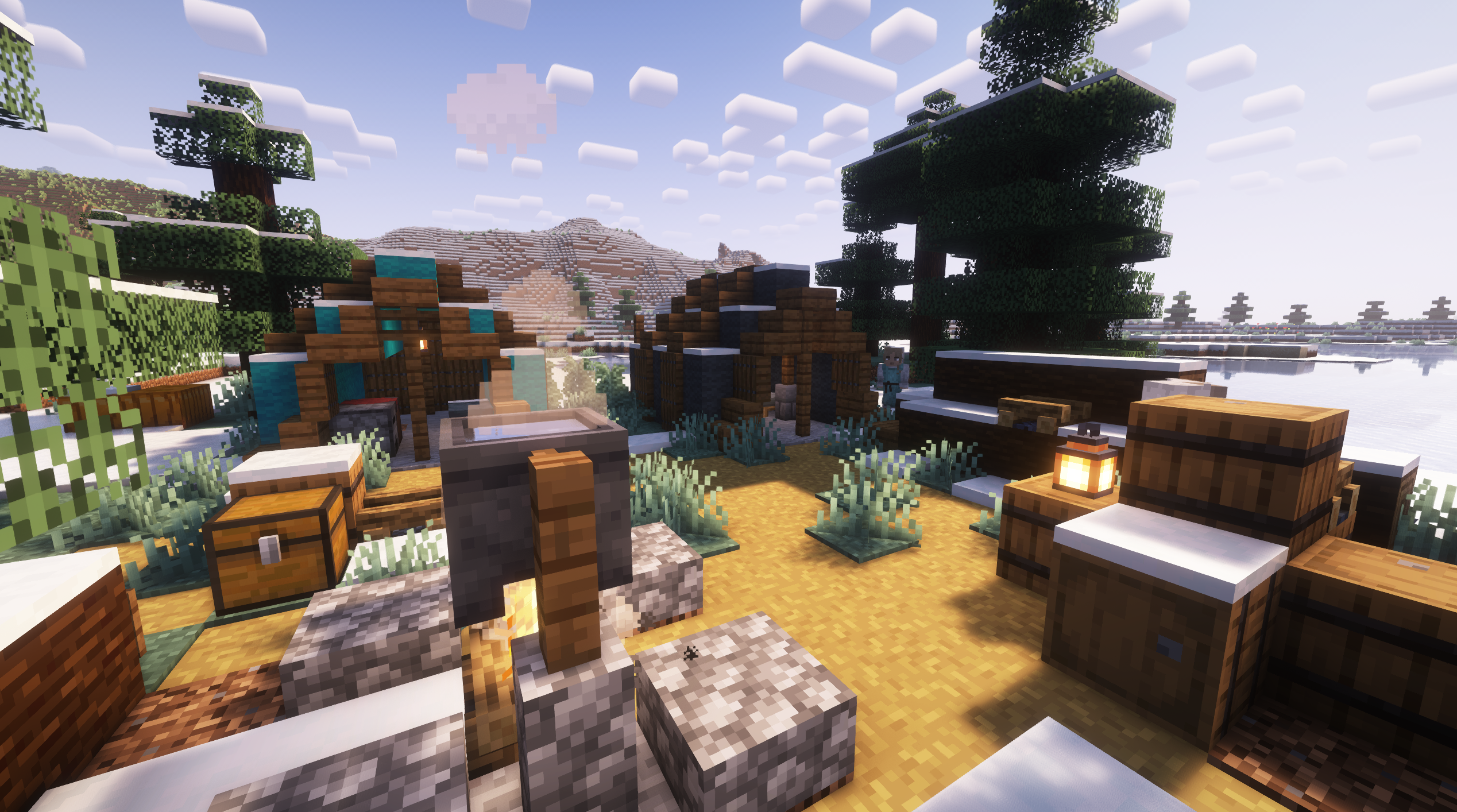
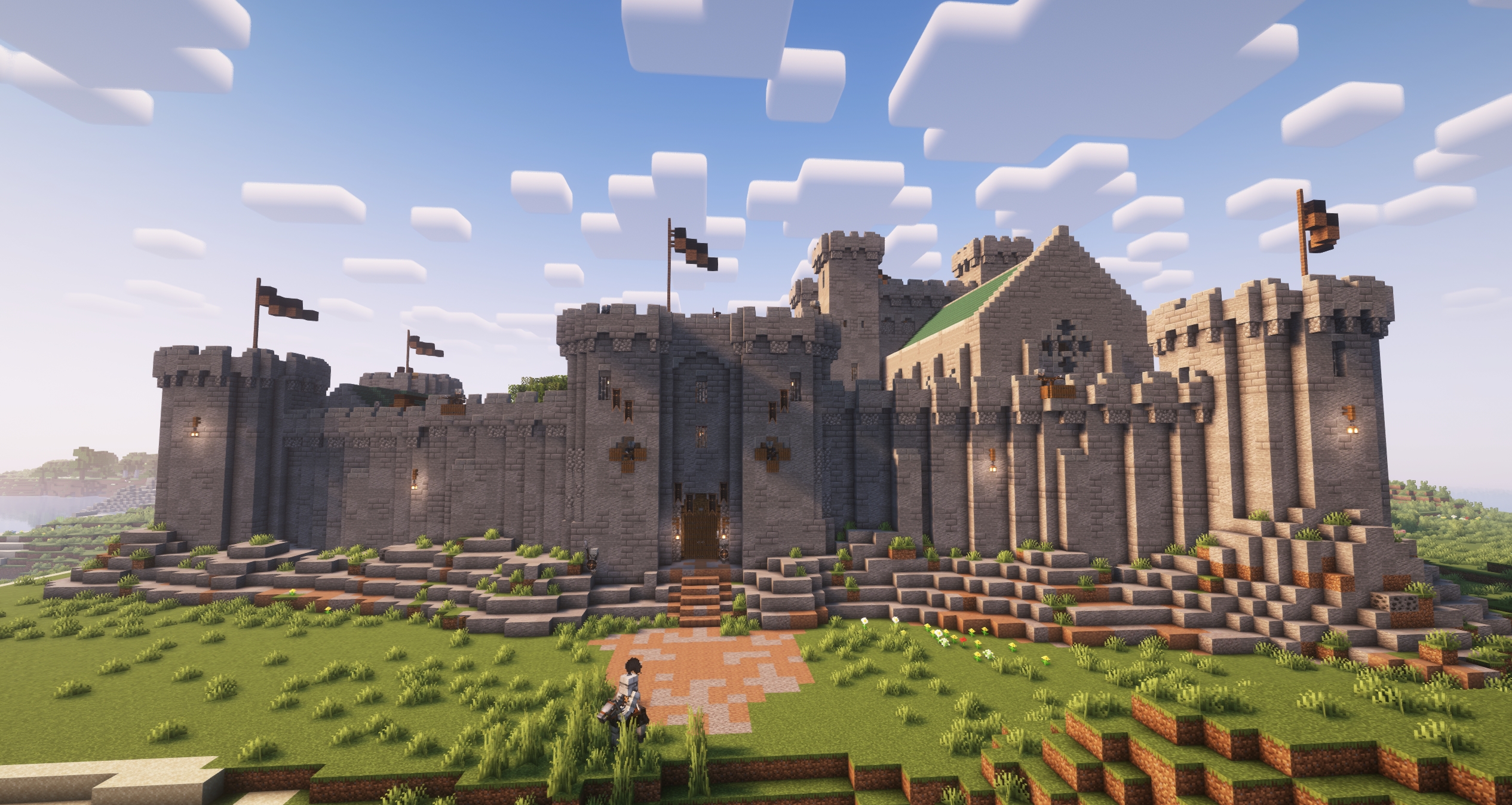
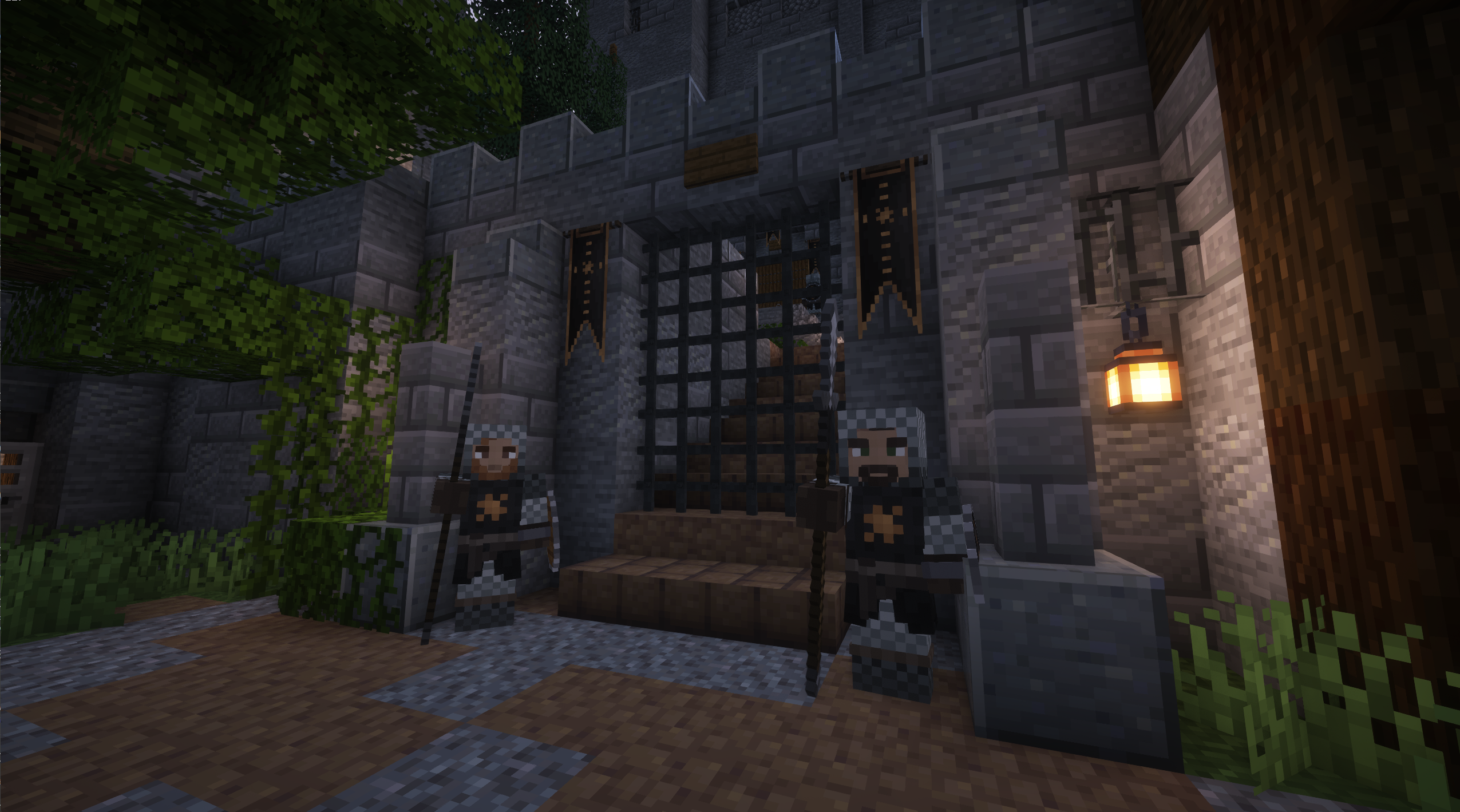
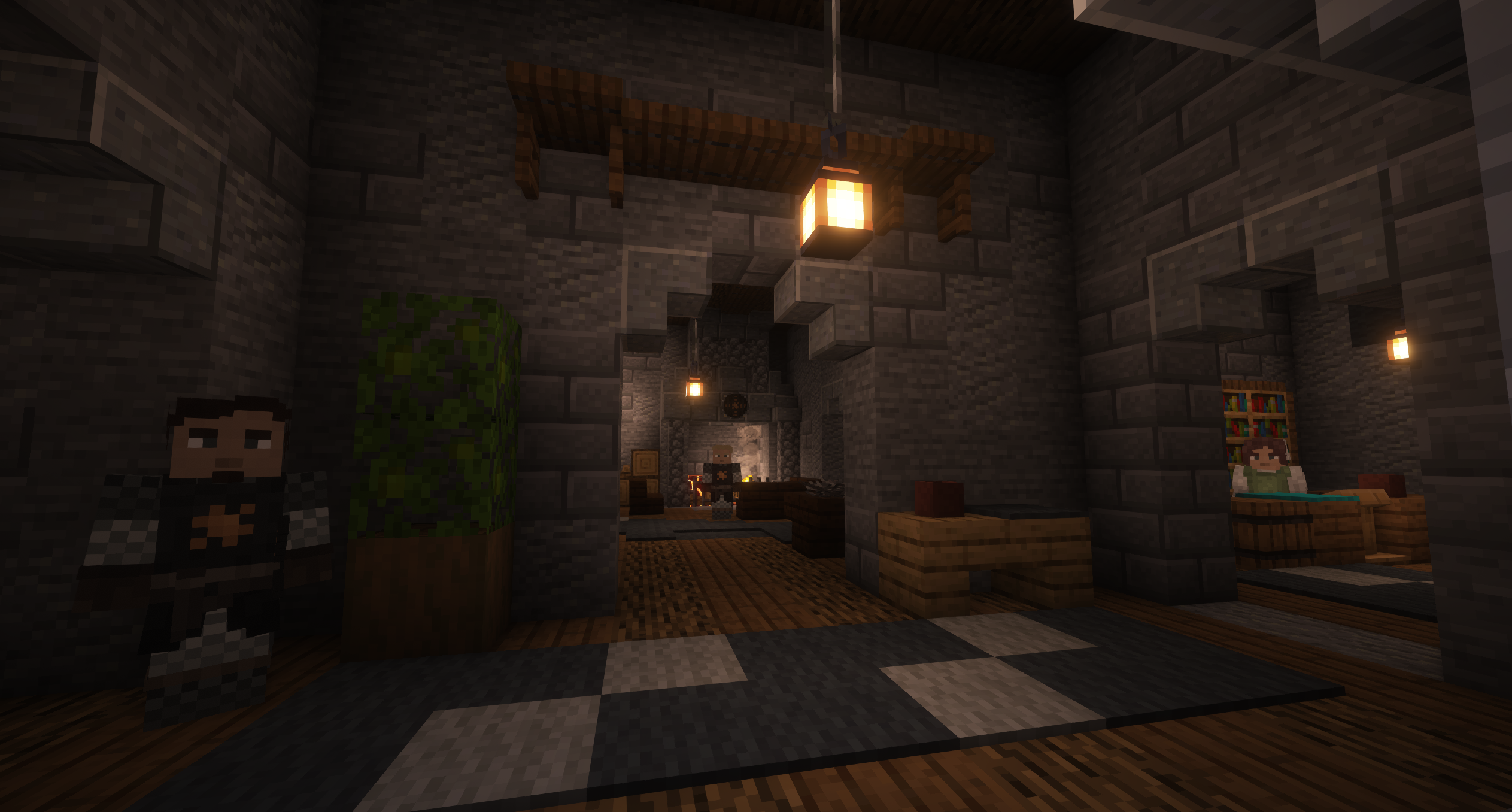
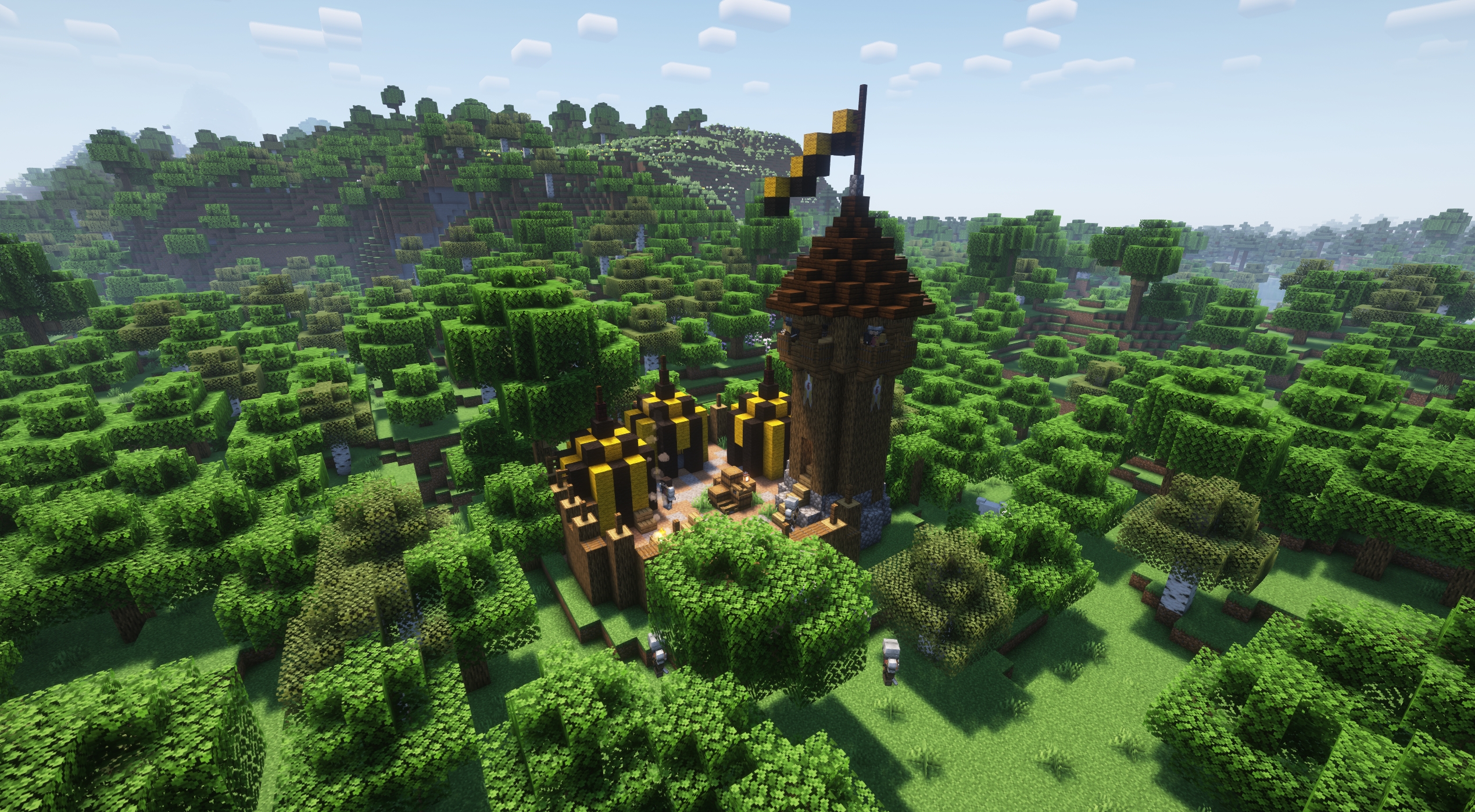
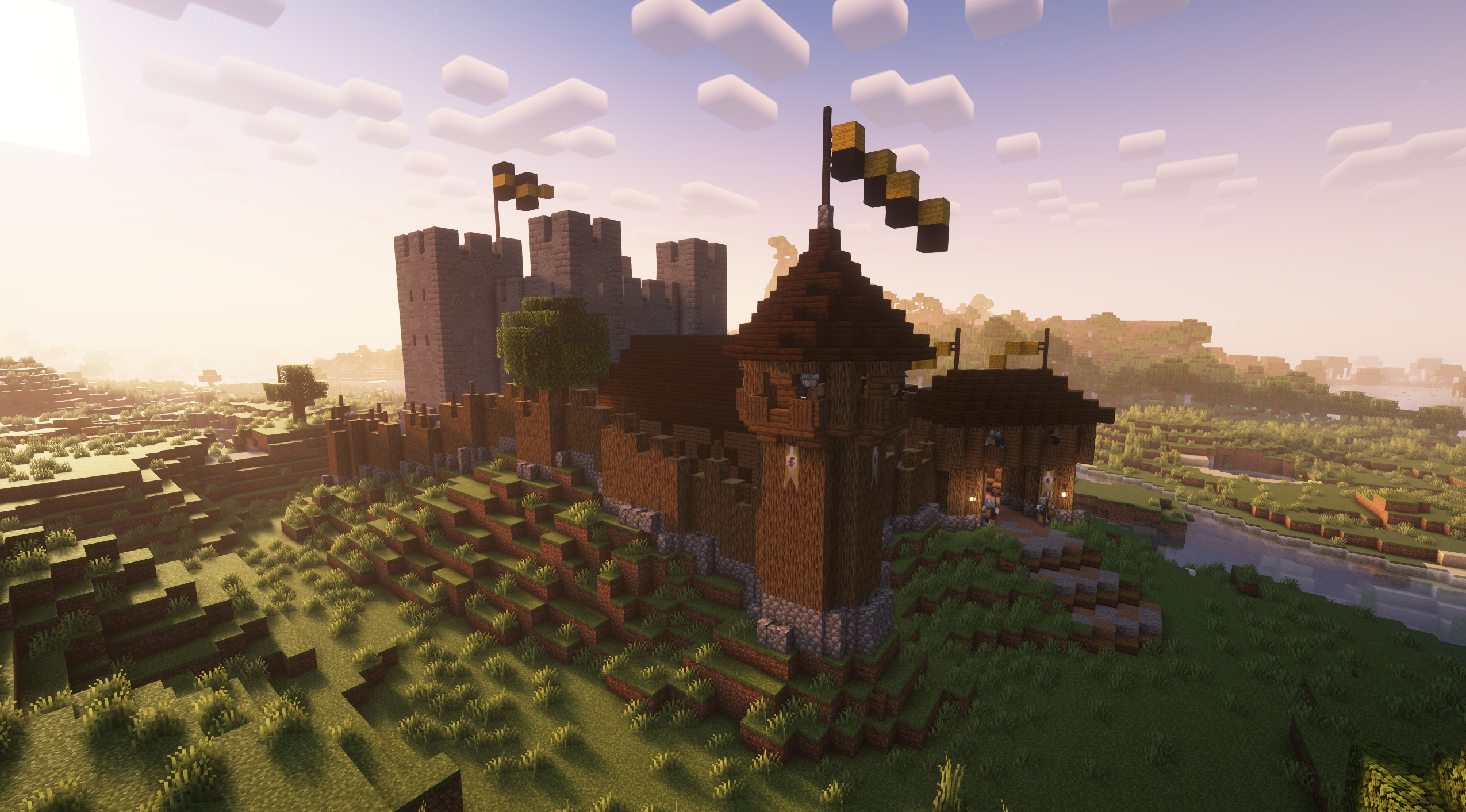
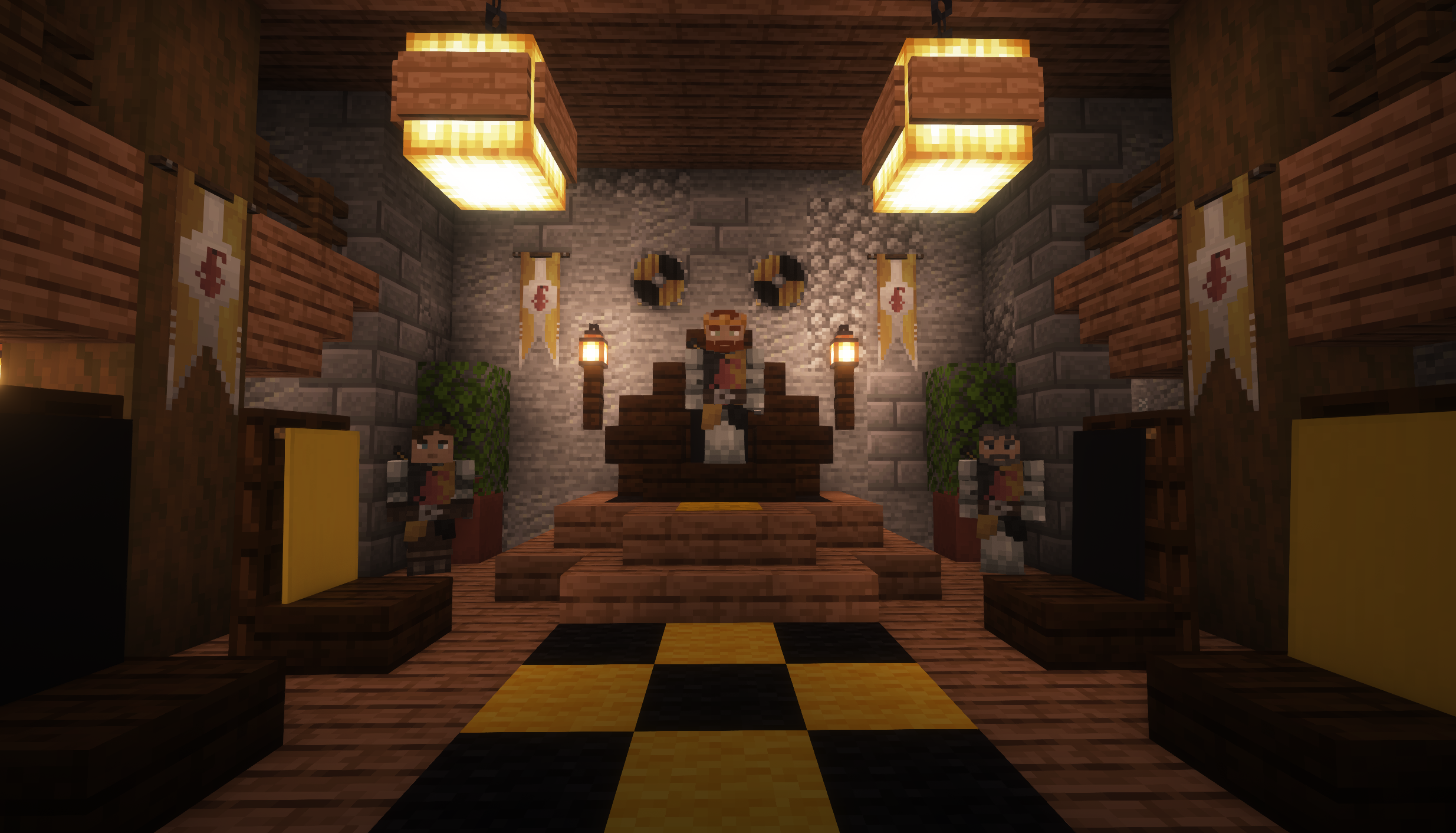
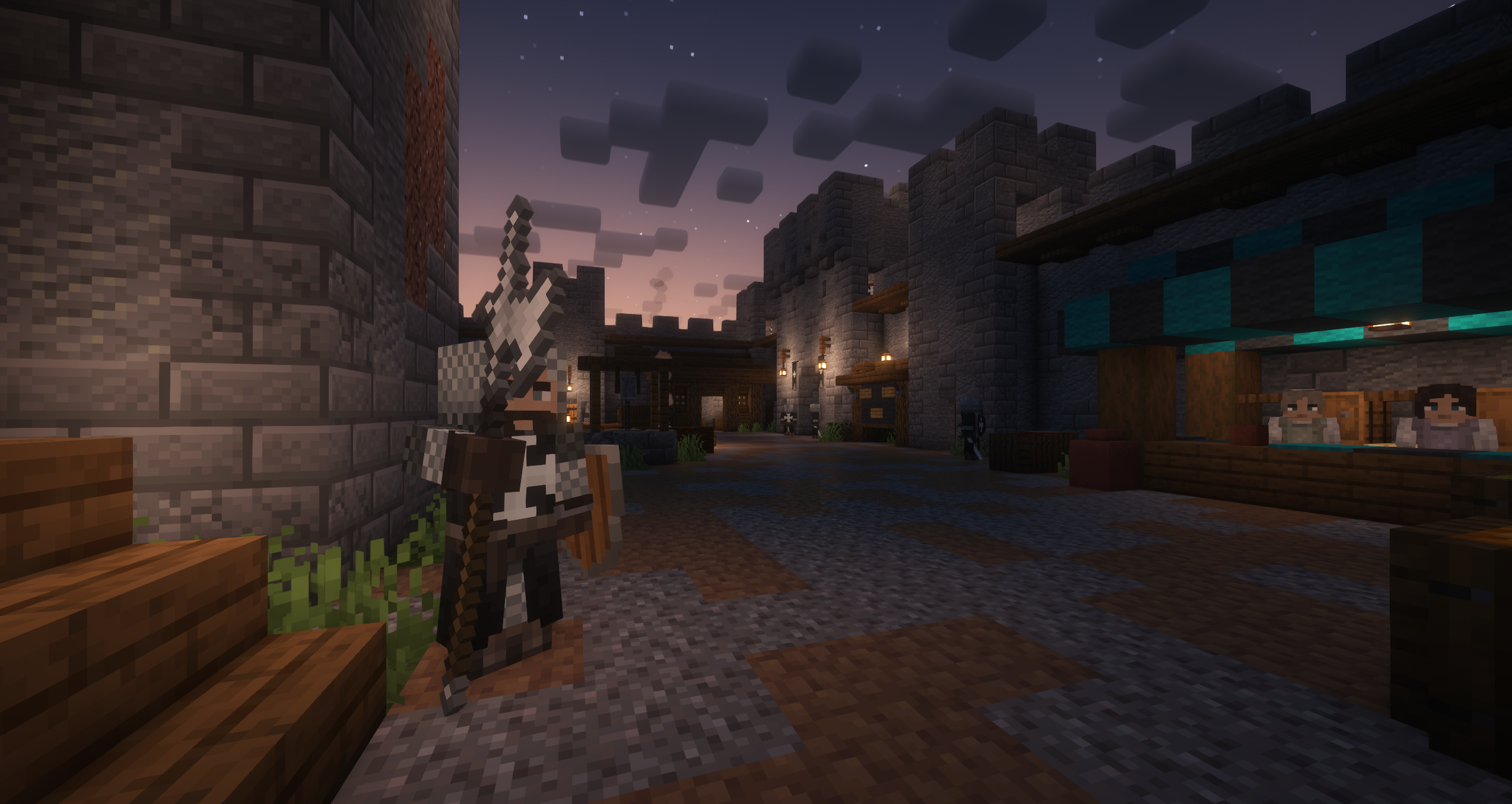
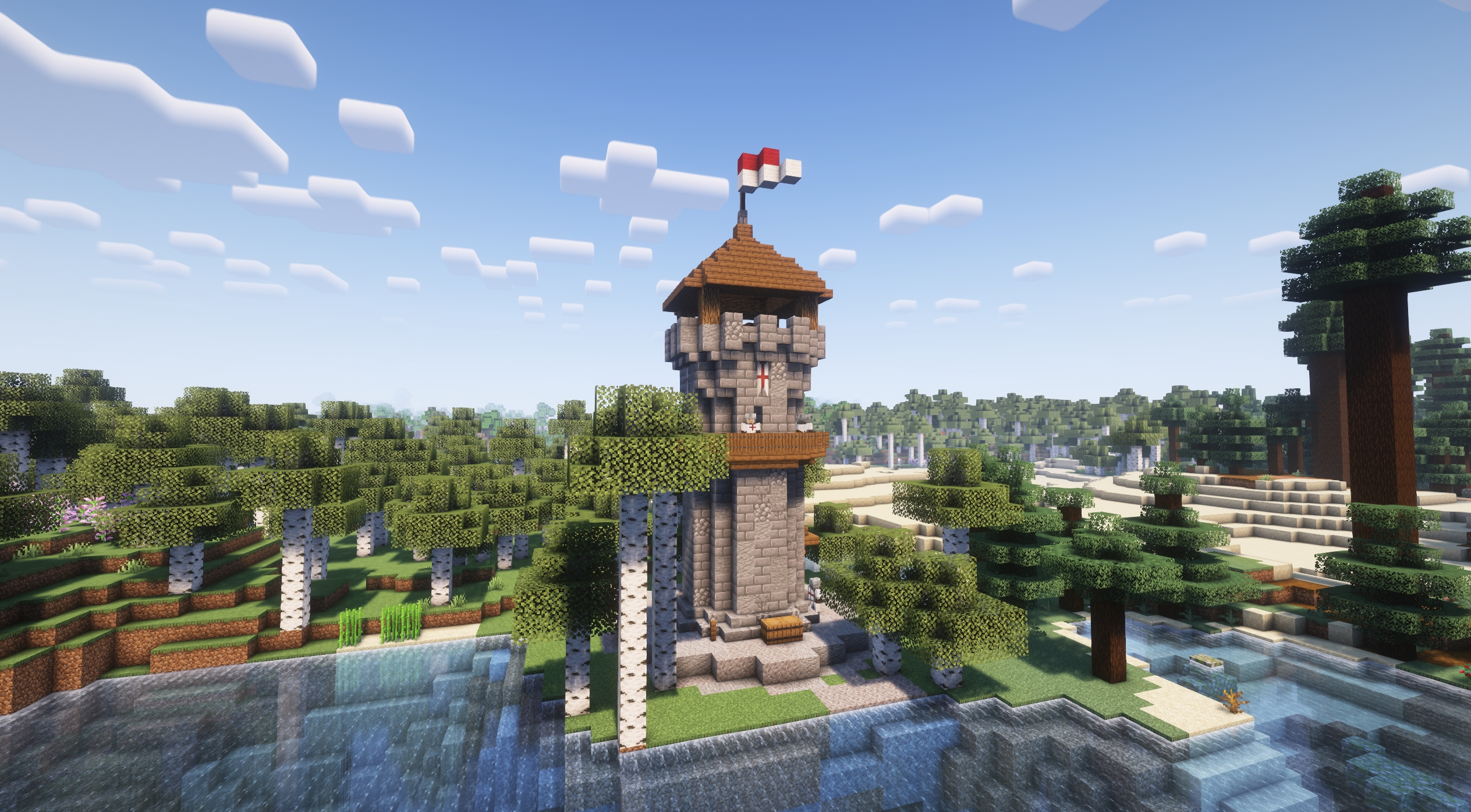
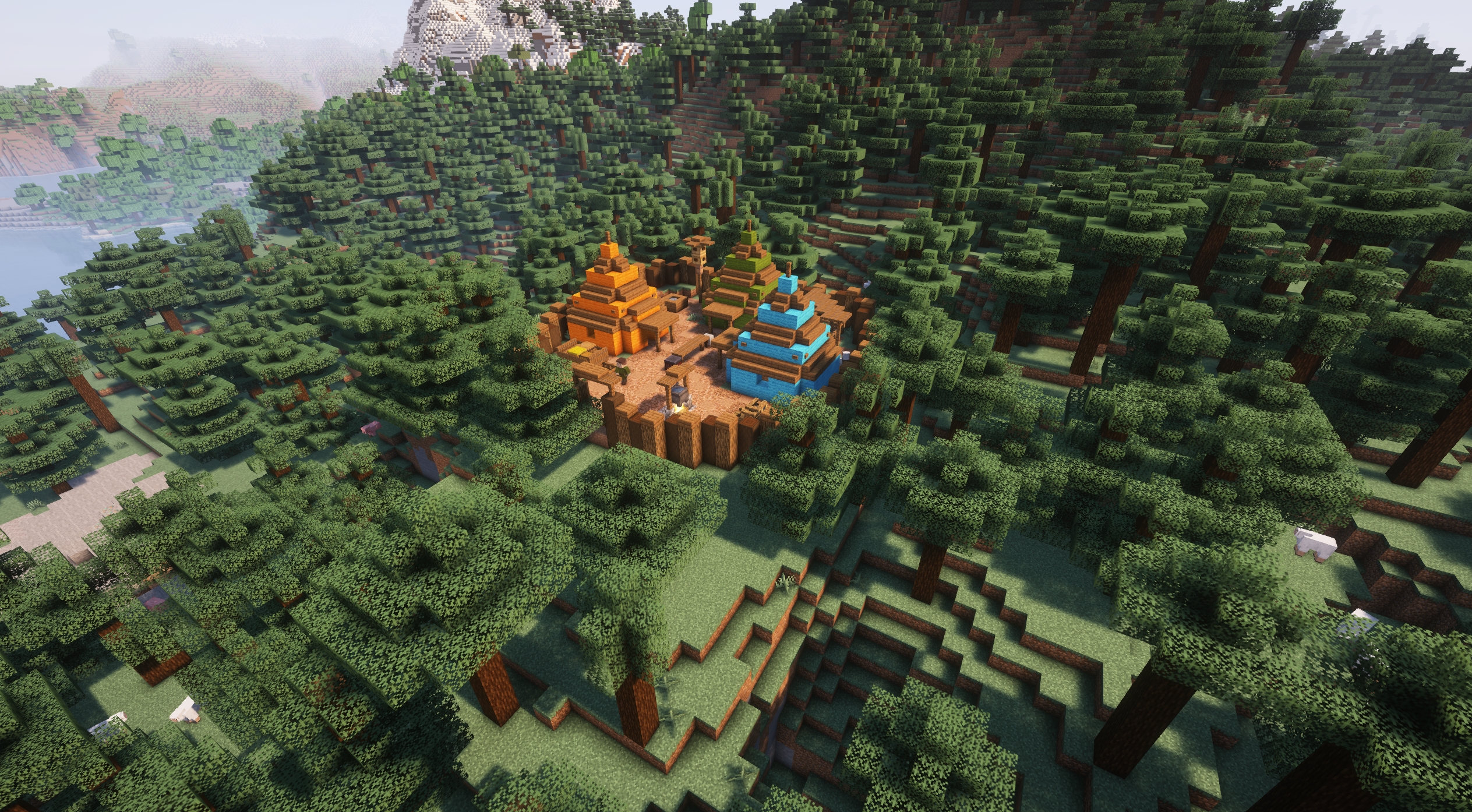
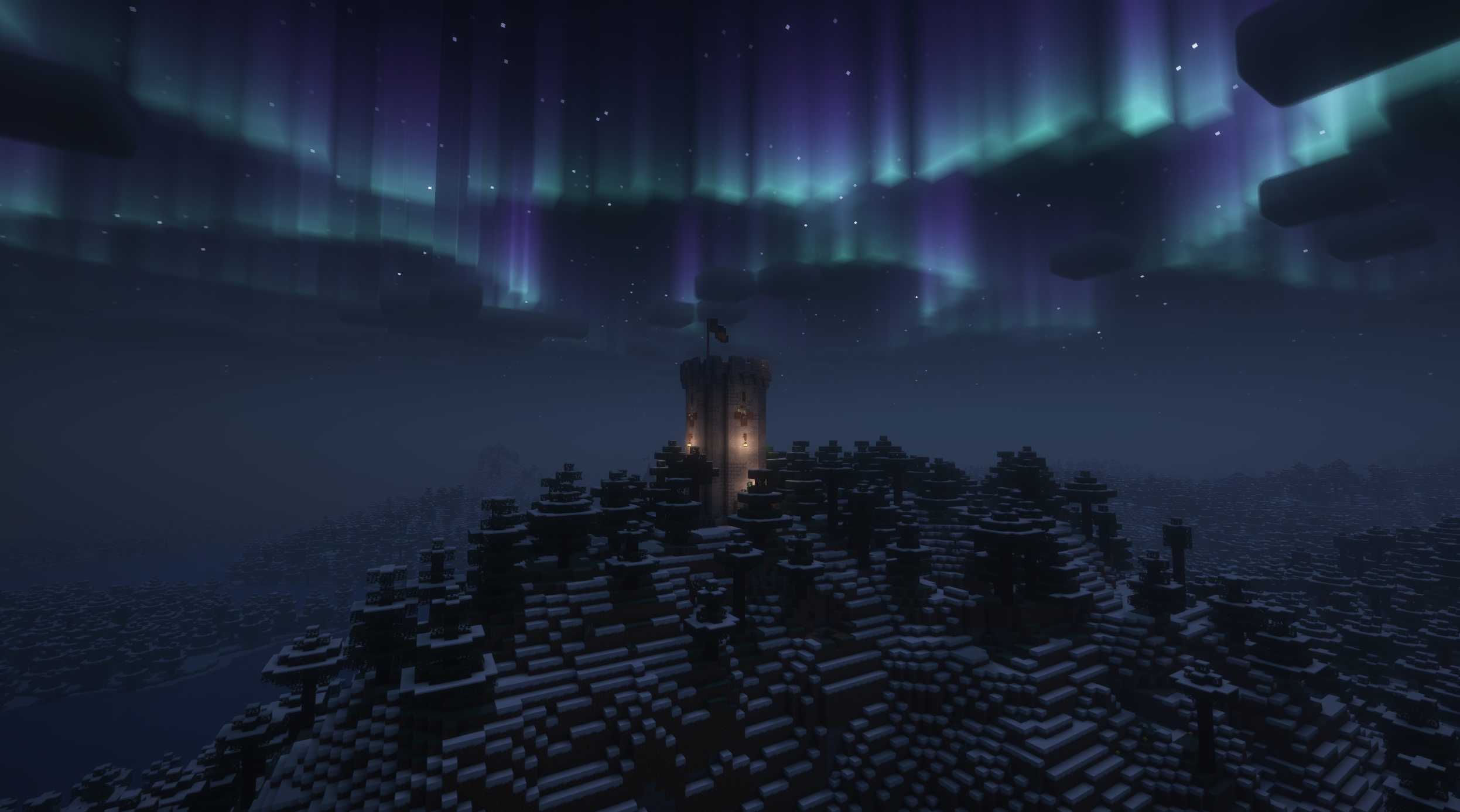
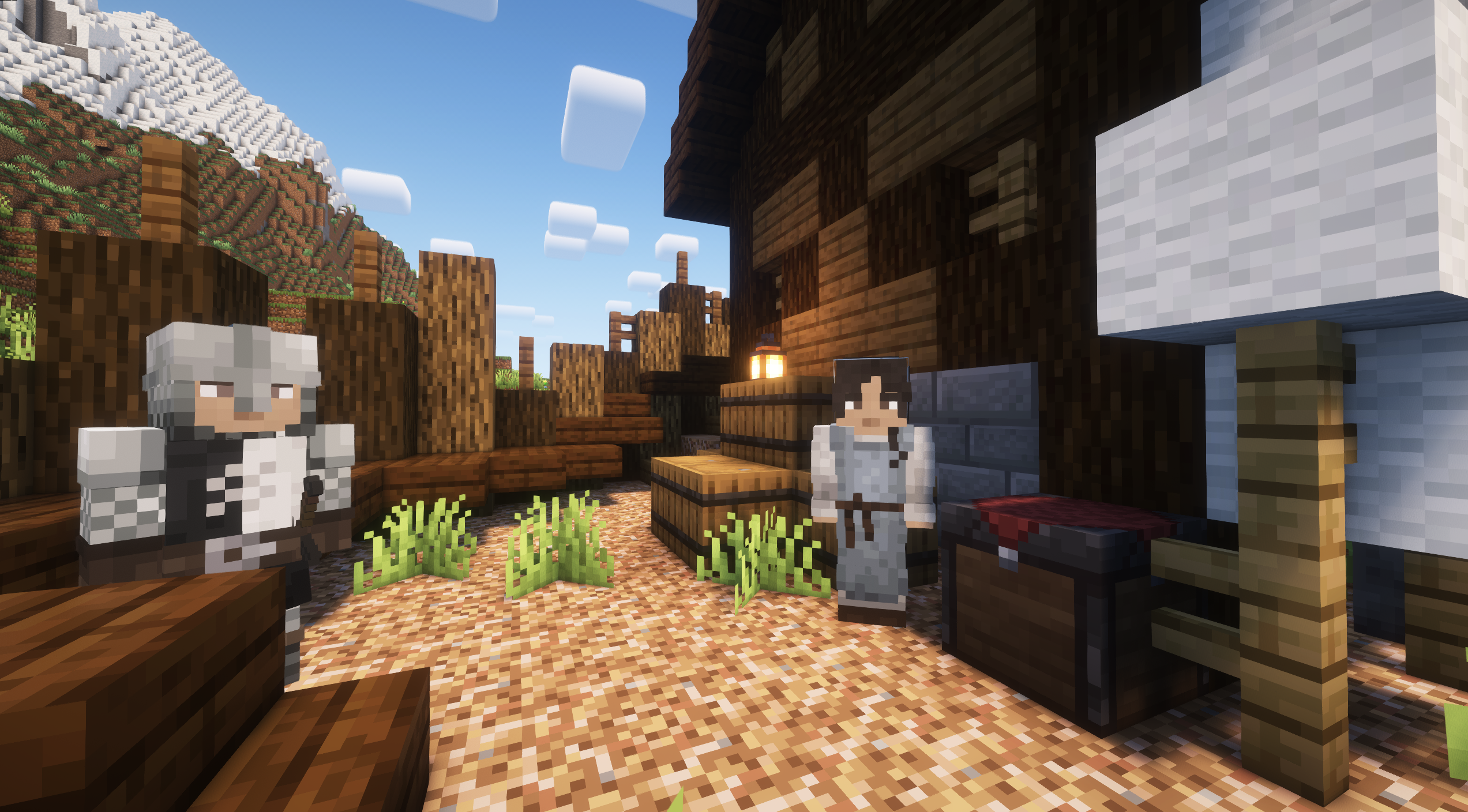
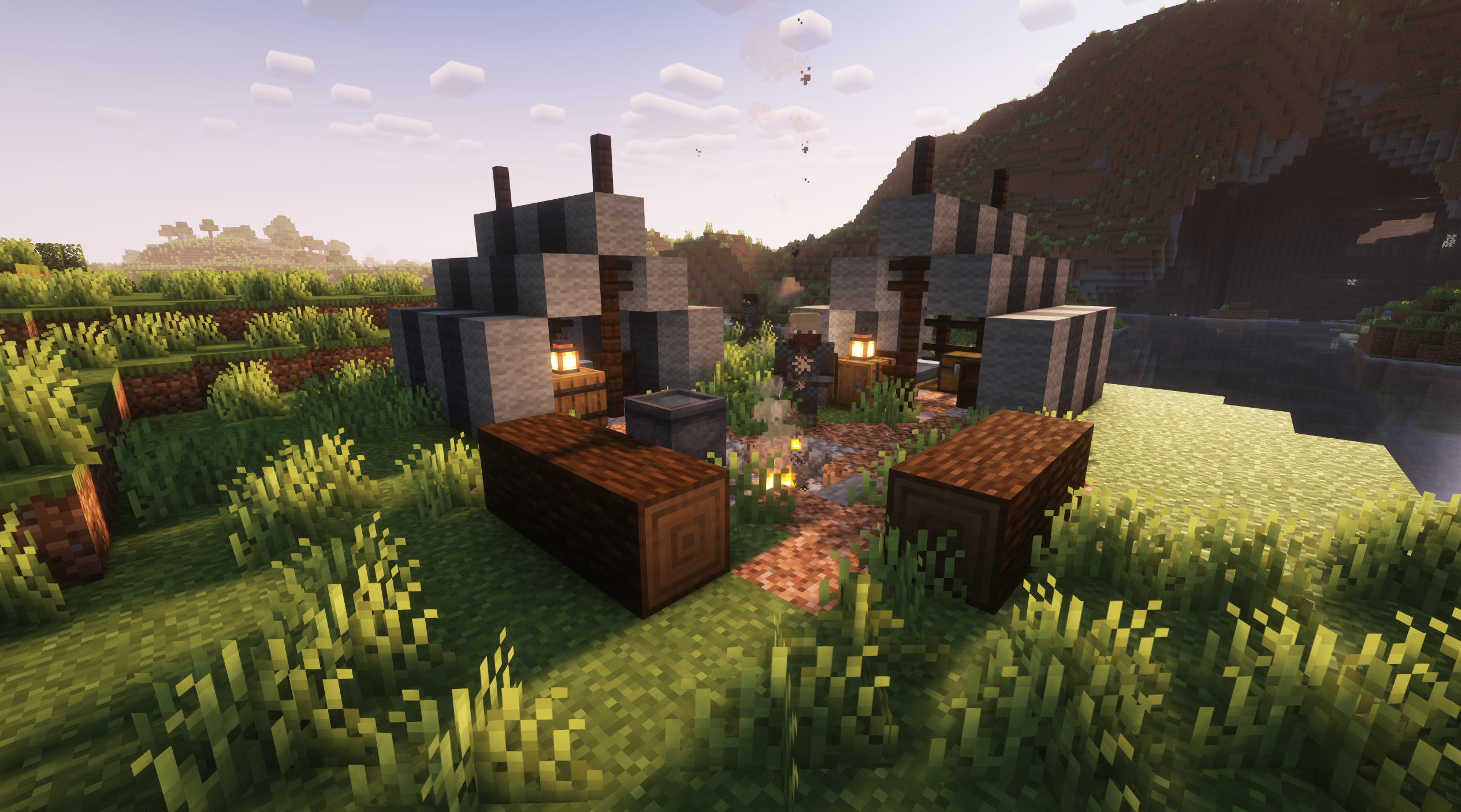
Valarian Conquest aims to enhance the overall feeling of combat and exploration in the overworld. It adds new factions, structures and mobs in an effort to make the world feel more alive, medieval and explorable. As of update 4.0 the mod now has numerous factions and unique armor and structures for each of them. Some of the human and fantasy factions from previous versions are still being worked on and will be readded over time in updates. Each of these factions can be joined and allied with and within these factions structures you can find citizens that can be rescued and claimed as your own. Once claimed, these citizens can hold villager professions or combat roles and will remain with you on your journey. Over time my hope is to expand on the features of this mod and add even more exciting gameplay elements. Just keep in mind this is the first time I have attempted a mod so if you find bugs or issues feel free to let me know and I'll do my best to address them.
This mod has no required dependencies, but some mods might enhance the experience.
Structurify - Allows tweaking structure generation to be more natural
Epic Fight Compatibility - Adds Epic Fight animations and combat to mobs
Fresh Animations Mob Compatibility - Adds Fresh Animations to mobs
Better Combat Mob Compatibility - Adds Better Combat animations to mobs
Cómo instalar Valarian Conquest
With Millida Launcher
Install Millida Launcher
The launcher is free: download it at millida.net/launcher and sign in with any nickname.
Click “Install” on this page
The launcher opens and installs the mod for Minecraft 1.20.1–1.21.1 on Forge or NeoForge automatically.
Launch the game
A profile with it appears in the launcher: click “Play”.
Manually
Install Forge or NeoForge
The loader must match the game version of the mod file, for example Minecraft 1.21.1. After installing it, a separate profile appears in your launcher.
Download the file for your version
In the version list above, pick the file valarian_conquest-4.2.2-neoforge-1.21.1.jar (10 MB) for your game version and loader.
Put it in the mods folder
The folder is inside .minecraft (Windows: %appdata%\.minecraft\mods). If it does not exist, create it.
Launch the loader profile
Open “Mods” in the main menu: Valarian Conquest should be in the list.
Minecraft 1.21.1 runs on Java 21: with a different Java version the game may close right after launch.
Versiones
Con dependencias
| Minecraft | Cargador | Archivo | Fecha | Acciones |
|---|---|---|---|---|
| 1.21.1 | NeoForge | Valarian Conquest 4.2.2 - NeoForge 1.21.110.3 MB 2 | ||
| 1.20.1 | Forge | Valarian Conquest 4.2.2 - Forge 1.20.110.7 MB 7 | ||
| 1.20.1 | Forge | Valarian Conquest 4.0 BETA - Forge 1.20.19.9 MB | ||
| 1.21.1 | NeoForge | NO STRUCTURES - Valarian Conquest NeoForge 1.21.1 - 3.2.18.1 MB |
FAQ
Which Minecraft versions does Valarian Conquest work on?
There are files for 1.21.1, 1.20.1. The newest is 1.21.1.
Is Valarian Conquest for Forge or Fabric?
There are files for Forge: 1.20.1 and for NeoForge: 1.21.1. There are no files for Fabric: a mod for another loader will not start.
Does Valarian Conquest need other mods?
The author lists no required dependencies: the Forge or NeoForge loader is enough.
Which Java does Valarian Conquest need?
Minecraft 1.21.1 runs on Java 21. If the game closes right after launch, the usual cause is the wrong Java version in the profile settings.
Where can I download Valarian Conquest safely?
On this page: the file valarian_conquest-4.2.2-neoforge-1.21.1.jar (10 MB) is stored on Millida’s server, with no link shorteners. SHA-1 checksum: c0342b654349dae9570413c0f8e47038b9ab5f35.
Reseñas
Sé el primero en valorar Valarian Conquest


