
Thermal Endergy Mod para Minecraft 1.20.1
Añade más del contenido equilibrado que te encanta a Thermal
 NeoForge
 Forge
ForgeAcerca del mod Thermal Endergy
Inspired by my old Ender IO addon (Ender IO Endergy), Thermal Endergy adds more of the balanced content* you love to Thermal. If you want faster machines, bigger drills and lower fuel consumption, then this is the mod for you! *Warning: Content may not actually be balanced.
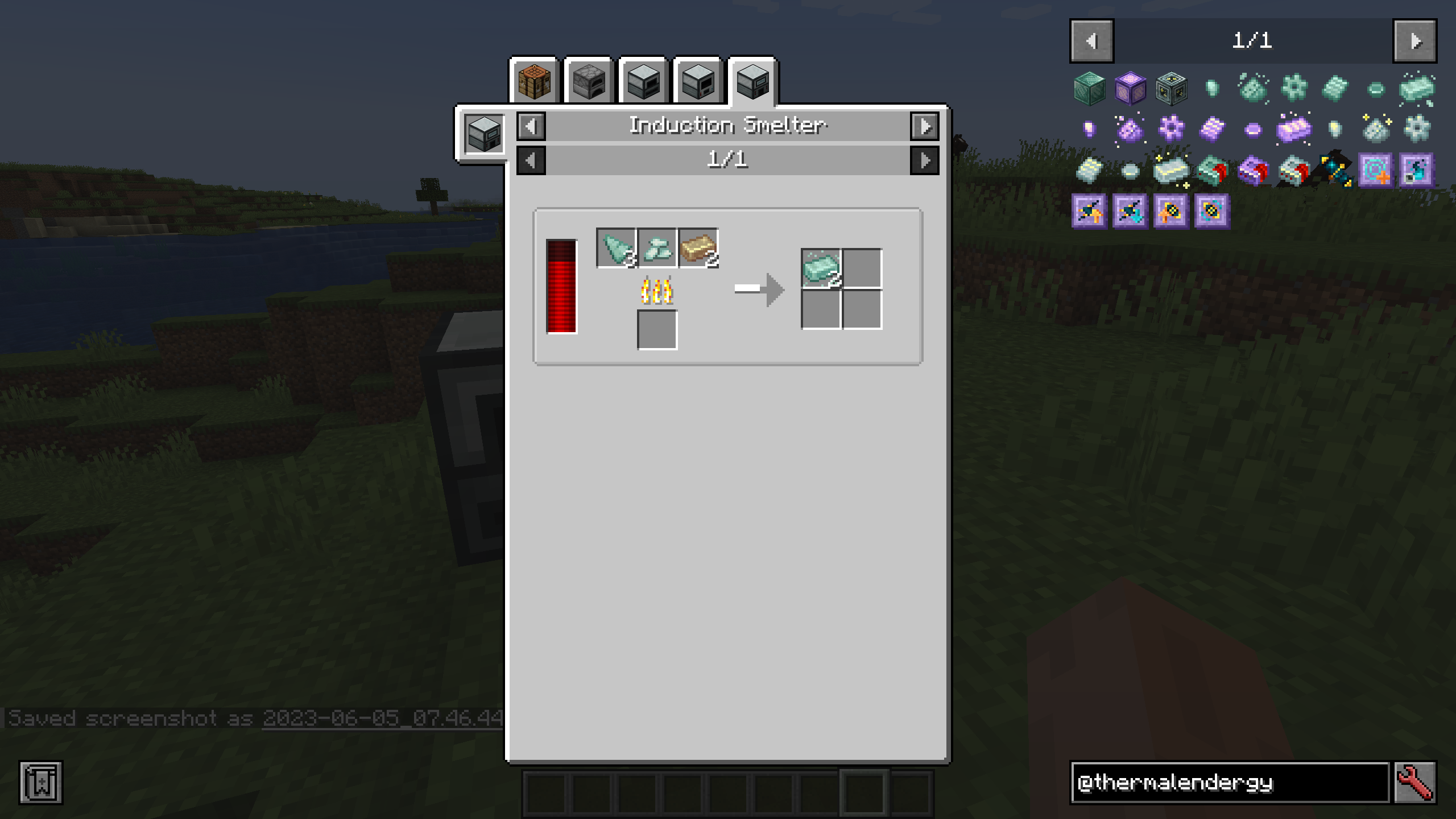
Thermal Endergy has over-powered content that expands on Thermal into the late game using the augments system with 3 new metals, inspired by the metals from Ender IO Endergy. It adds:
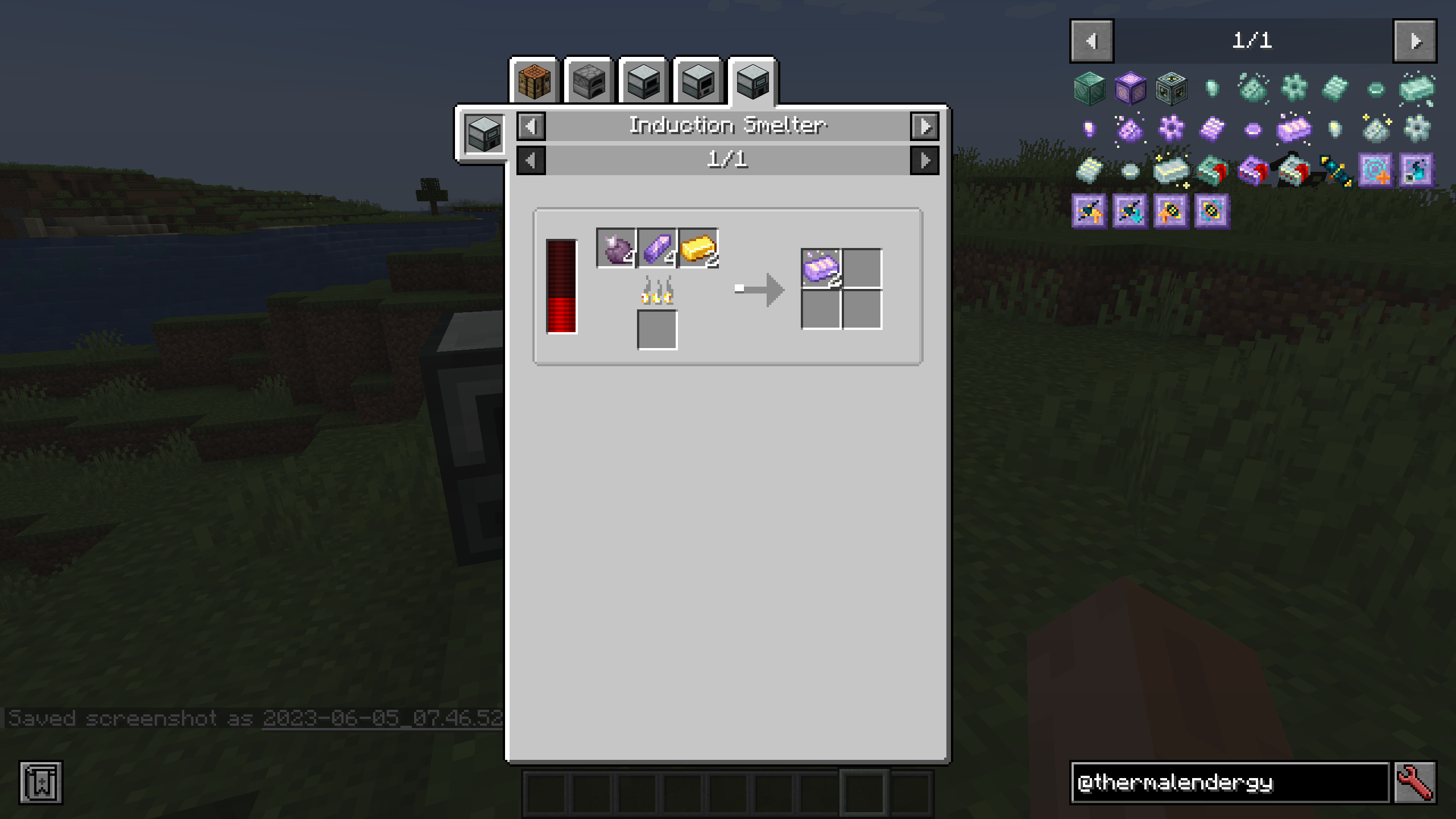
- 3 new tiers of integral components, with 6x, 8.5x and 12x modifiers respectively, requiring resources from the End and beyond.
- Nullifier Augments that massively improve certain attributes of your machines and dynamos, but at a great cost....
.. and more to come!
Upcoming updates will include:
- Cross-mod integration for recipes and new augments
- Enchanced tools with more upgrades expanding on Thermal Innovation
I am an official Akliz partner. Akliz provides fantastic support for all their servers, and has incredibly fast single-thread servers. If you want to support me, and net yourself a server, use the link above for a discount on an Akliz server.
If you have any other questions, ask them in our discord here.
Follow EpicSquid here for frequent progress updates!
Cómo instalar Thermal Endergy
With Millida Launcher
Install Millida Launcher
The launcher is free: download it at millida.net/launcher and sign in with any nickname.
Click “Install” on this page
The launcher opens and installs the mod for Minecraft 1.20.1 on Forge or NeoForge automatically.
Launch the game
A profile with it appears in the launcher: click “Play”.
Manually
Install Forge or NeoForge
The loader must match the game version of the mod file, for example Minecraft 1.20.1. After installing it, a separate profile appears in your launcher.
Download the file for your version
In the version list above, pick the file thermalendergy-1.20.1-1.0.0.jar (183 KB) for your game version and loader.
Put it in the mods folder
The folder is inside .minecraft (Windows: %appdata%\.minecraft\mods). If it does not exist, create it.
Launch the loader profile
Open “Mods” in the main menu: Thermal Endergy should be in the list.
Minecraft 1.20.1 runs on Java 17: with a different Java version the game may close right after launch.
Versiones
Con dependencias
| Minecraft | Cargador | Archivo | Fecha | Acciones |
|---|---|---|---|---|
| 1.20.1 | NeoForge, Forge | thermalendergy-1.20.1-1.0.0.jar183 KB 1 |
FAQ
Which Minecraft versions does Thermal Endergy work on?
Only Minecraft 1.20.1: there are no files for other versions.
Is Thermal Endergy for Forge or Fabric?
There are files for Forge: 1.20.1 and for NeoForge: 1.20.1. There are no files for Fabric: a mod for another loader will not start.
Does Thermal Endergy need other mods?
The author lists no required dependencies: the Forge or NeoForge loader is enough.
Which Java does Thermal Endergy need?
Minecraft 1.20.1 runs on Java 17. If the game closes right after launch, the usual cause is the wrong Java version in the profile settings.
Where can I download Thermal Endergy safely?
On this page: the file thermalendergy-1.20.1-1.0.0.jar (183 KB) is stored on Millida’s server, with no link shorteners. SHA-1 checksum: 32c78200fa944ee6f444549f761e80ea83eb5865.
Reseñas
Sé el primero en valorar Thermal Endergy


