
The Corners Mod para Minecraft 1.20.1
Explora los rincones del universo, donde ningún hombre debería estar.
 Quilt
Quilt Fabric
Acerca del mod The Corners
This mod has been discontinued! See The Corners: Renewed for a continuation by the Dimensional Doors team.
Ever dreamt a place you've never been?
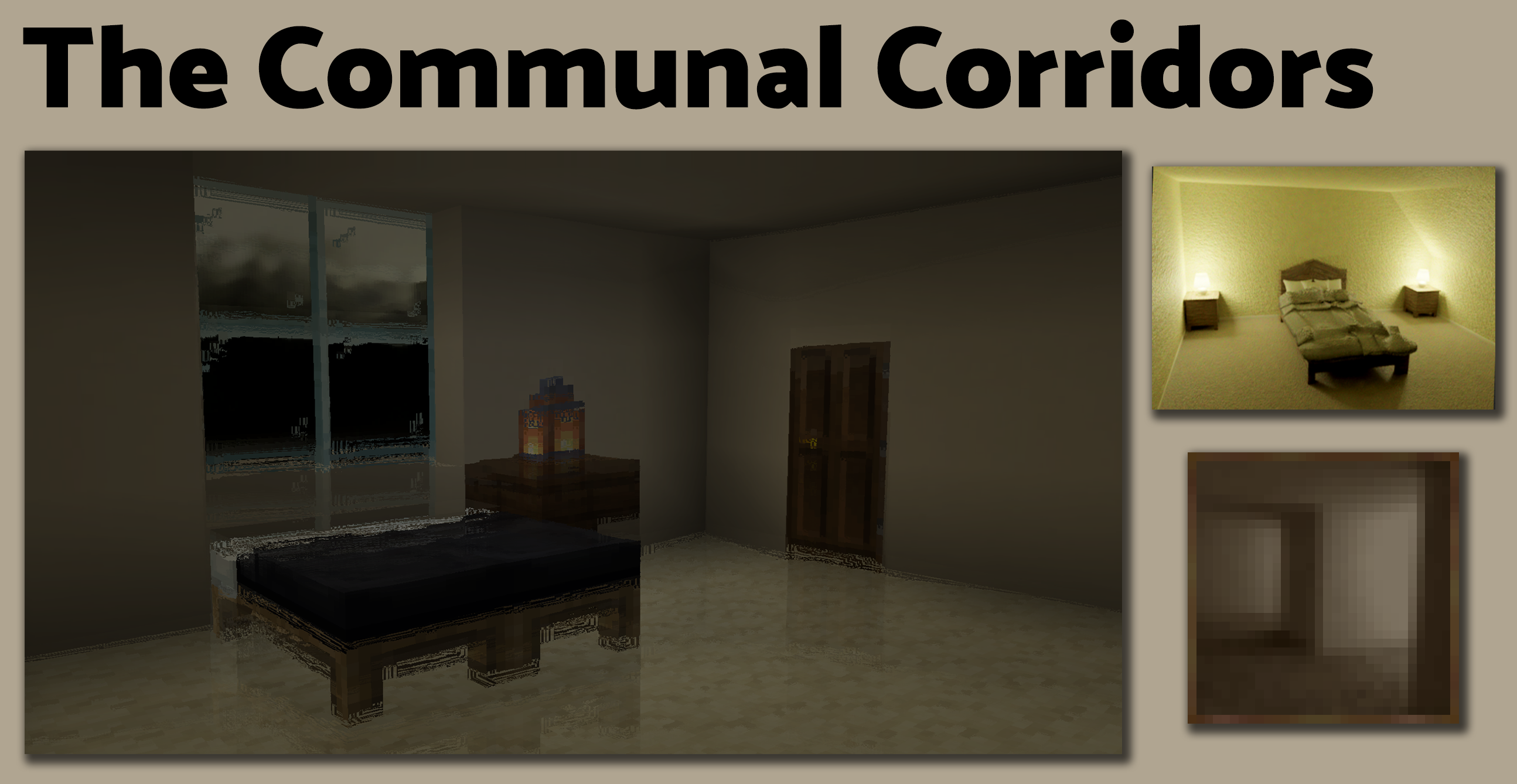
The Corners adds many unique dimensions based off of Liminal Spaces; Areas in your mind that should have people, but don't. Places that reek of loss, rooms that convey nothing but despair, and so much more. Explore The Corners of the universe, where no man was ever meant to go.
To get to each new dimension, place down a painting that the mod adds, and light it with a Flint and Steel. From there, its activated, and you can walk through whenever you please!
Contact
To get in contact with me or any of the development team, you can join our Discord Server! You can suggest new dimension ideas, chat about random things, or give some neat mod ideas! We're welcome to everyone!
Shaders and Rendering Mods
This mod does in fact work with Iris and Sodium! Though, support for Optifine/Optifabric, Canvas, and other rendering mods is unlikely.
Dependencies
This is a Quilt mod! You need Quilt. Read more here!
There are a few mods that are required for the game to run. You will need QSL.
Soundtracks
Yes! This mod adds numerous soundtracks to the game! Each dimension has its own ambient music and Radio music! Composed by LudoCrypt and Racoon Syndrome, The Corners adds a wide variety of atmospheric music! The music is non-copyright, and you are free to use them anywhere you please, so long as you give appropriate credit!
The Corners Volume Alpha
The Corners Volume Beta
The Corners Volume Delta
The Corners Volume Theta
List of Dimensions
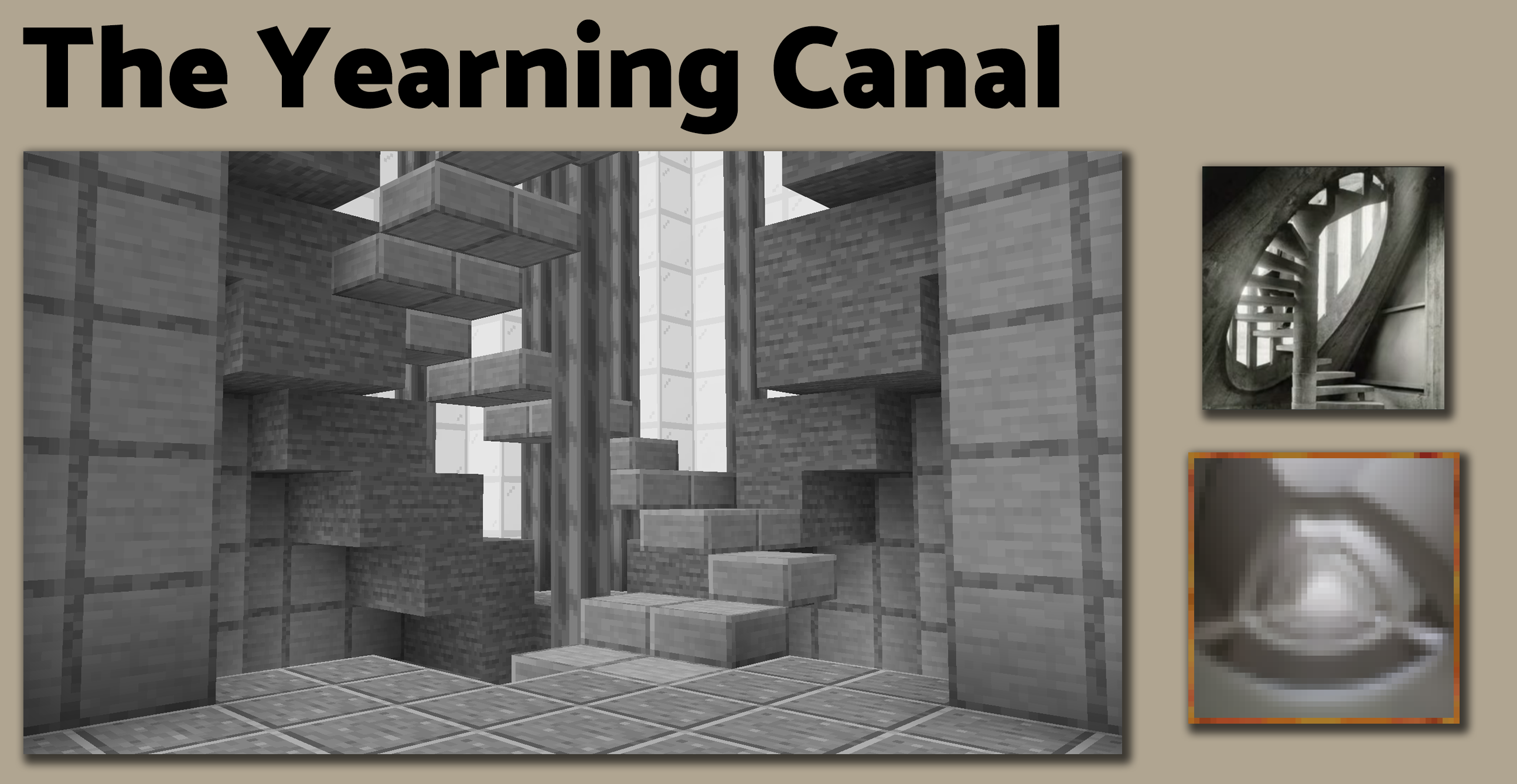
The dimensions that this mod adds can all be found in the images tab of the mod page!
Credits
Thank you to everyone who contributed to the making of The Corners!
Shai, an incredible artist, created the dimension designs and layouts!
KraCactus, for helping build and design some of the dimensions!
Racoon Syndrome, an incredible musician, created some of the soundtracks you hear ingame!
LudoCrypt, an incredible developer, created the mod you're seeing!
A big hearty thank you to Basement Spider, for creating the Radio textures!
A huge thank you to ImXR24 for creating the Gaia Woodset textures!
FAQ
Will you port to forge/fabric?
Forge and Fabric will not be supported
Will you update to x.x.x version?
No I will not
Can you add this Liminal Space next?
I would love to! Join my Discord Server to suggest it! No guarantee though, but you're always welcome to join in on any of the Corners related activities we have!
How do I access the dimensions?
To get to the new dimensions, you have to place down one of the paintings this mod adds, light it with a Flint and Steel, and walk through. Keep in mind that three of these paintings lead you back to the overworld, this is intentional.
Is there a way to turn off the strong effects the dimensions have?
Yes there is! In the config, you can disable strong shaders. I would not want anyone to have any seizures while playing this mod.
Is this related to the backrooms?
Not directly. This mod is related to Liminal Spaces, which the backrooms is apart of, but the mod as a whole takes inspiration from the concept of Liminal Spaces, not the backrooms itself!
Cómo instalar The Corners
With Millida Launcher
Install Millida Launcher
The launcher is free: download it at millida.net/launcher and sign in with any nickname.
Click “Install” on this page
The launcher opens and installs the mod for Minecraft 1.17.1–1.20.1 on Fabric or Quilt automatically.
Launch the game
A profile with it appears in the launcher: click “Play”.
Manually
Install Fabric or Quilt
The loader must match the game version of the mod file, for example Minecraft 1.20.1. After installing it, a separate profile appears in your launcher.
Download the file for your version
In the version list above, pick the file the_corners-1.2.8.jar (76 MB) for your game version and loader.
Put it in the mods folder
The folder is inside .minecraft (Windows: %appdata%\.minecraft\mods). If it does not exist, create it.
Launch the loader profile
Open “Mods” in the main menu: The Corners should be in the list.
Minecraft 1.20.1 runs on Java 17: with a different Java version the game may close right after launch.
Versiones
Con dependencias
| Minecraft | Cargador | Archivo | Fecha | Acciones |
|---|---|---|---|---|
| 1.20.1 | Quilt | The Corners 1.2.876.1 MB | ||
| 1.19.1 | Fabric, Quilt | The Corners 1.2.362.1 MB | ||
| 1.17.1 | Fabric | The Corners 1.0.321.1 MB |
FAQ
Which Minecraft versions does The Corners work on?
There are files for 1.20.1, 1.19.1, 1.17.1. The newest is 1.20.1.
Does The Corners need other mods?
The author lists no required dependencies: the Fabric or Quilt loader is enough.
Which Java does The Corners need?
Minecraft 1.20.1 runs on Java 17. If the game closes right after launch, the usual cause is the wrong Java version in the profile settings.
Where can I download The Corners safely?
On this page: the file the_corners-1.2.8.jar (76 MB) is stored on Millida’s server, with no link shorteners. SHA-1 checksum: ba3aa6535e21188ec54bf2dfe452ded6551103ad.
Reseñas
Sé el primero en valorar The Corners


