

 Forge
 Fabric
Acerca del mod Soulful Nether
This is Soulful Nether, a mod that is workin' to upgrade the nether
What does it do?
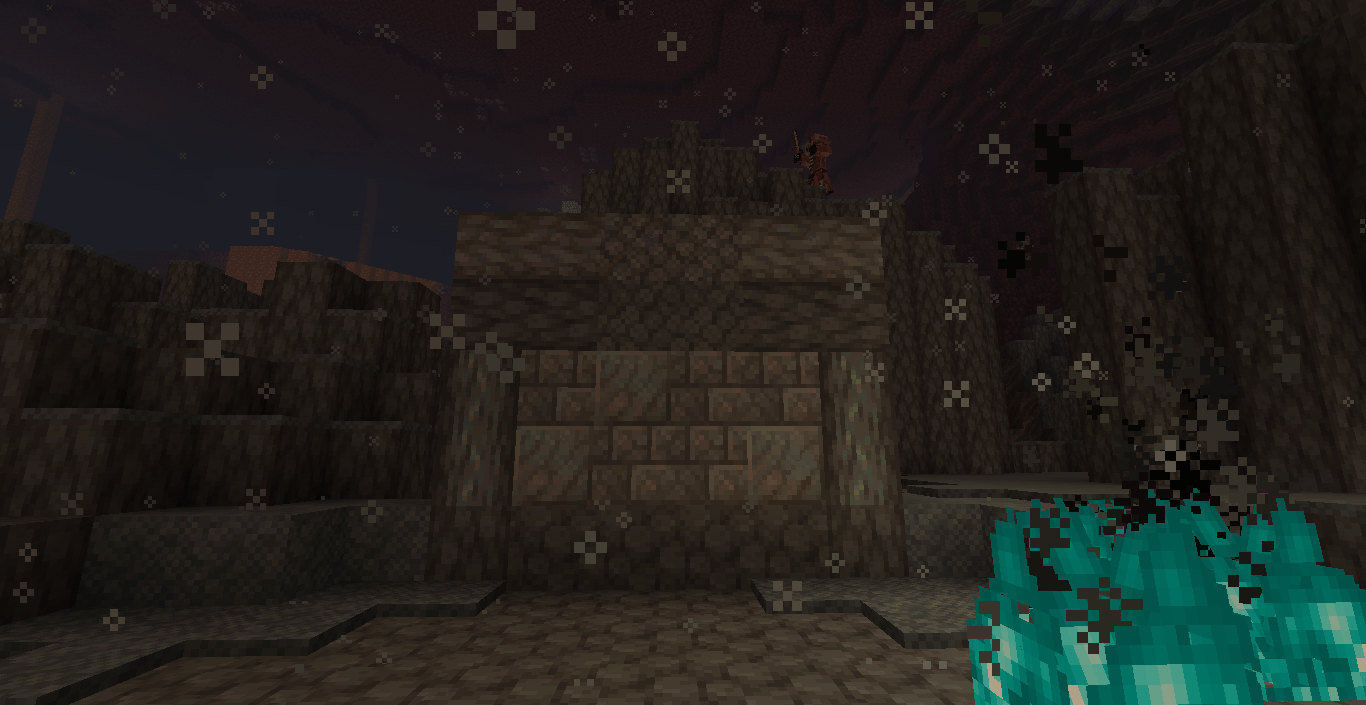
Soulful Nether adds a Fright Forest, the Fright Forest is a netherwart forest based in the Soul Sand Valley;
The second current biome is the Ashen Deltas, its what would happen if the basalt deltas were based in souls (Looks like ive got a theme starting),
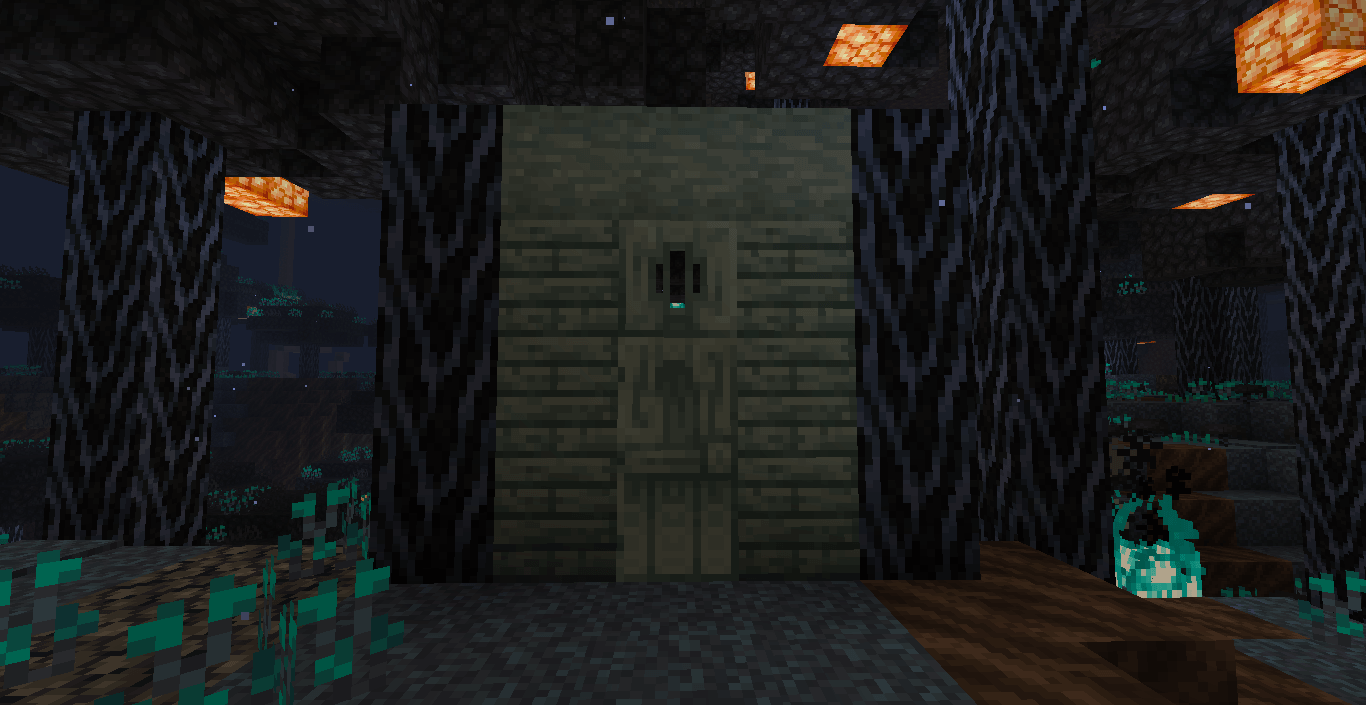
The third biome is the Gloomy Glades, a Warped Forest sub-biome with a yellow/cyan theme and no souls to be found
Soulful Nether also adds Soulroots! you get them from planting beetroots in Soul Sand/Soul Soil or Lichoss
And our first mob; the Bone Wyrm!
Will you port to X version?
I most likely wont be porting my mod for a while, though it's something I'm interested in doing
What are you planning?
well, I'm planning on making compat in the future for stuff like more Soulroot Foods!
Compat!
Currently the existing compat is:
Farmers Delight (adding Soulroot Crates of every type)
Jadens Nether Expansion (adding Frostbitten Soulroots and Frostbitten Popsicles)
And credits!
ThatJadenXgamer - help on some Mixins, Java classes, and ideas
DigitalPear - help on Terrablender dependancy setup and some Mixins
Cómo instalar Soulful Nether
With Millida Launcher
Install Millida Launcher
The launcher is free: download it at millida.net/launcher and sign in with any nickname.
Click “Install” on this page
The launcher opens and installs the mod for Minecraft 1.20.1 on Fabric or Forge automatically.
Launch the game
A profile with it appears in the launcher: click “Play”.
Manually
Install Fabric or Forge
The loader must match the game version of the mod file, for example Minecraft 1.20.1. After installing it, a separate profile appears in your launcher.
Download the file for your version
In the version list above, pick the file soulfulnether-1.0.2.jar (712 KB) for your game version and loader.
Put it in the mods folder
The folder is inside .minecraft (Windows: %appdata%\.minecraft\mods). If it does not exist, create it.
Launch the loader profile
Open “Mods” in the main menu: Soulful Nether should be in the list.
Minecraft 1.20.1 runs on Java 17: with a different Java version the game may close right after launch.
Versiones
Con dependencias
| Minecraft | Cargador | Archivo | Fecha | Acciones |
|---|---|---|---|---|
| 1.20.1 | Forge | soulfulnether-1.0.2.jar712 KB 1 | ||
| 1.20.1 | Fabric | soulful_nether-1.0.0.jar177 KB |
FAQ
Which Minecraft versions does Soulful Nether work on?
Only Minecraft 1.20.1: there are no files for other versions.
Is Soulful Nether for Forge or Fabric?
There are files for Fabric: 1.20.1 and for Forge: 1.20.1. There are no files for NeoForge: a mod for another loader will not start.
Does Soulful Nether need other mods?
The author lists no required dependencies: the Fabric or Forge loader is enough.
Which Java does Soulful Nether need?
Minecraft 1.20.1 runs on Java 17. If the game closes right after launch, the usual cause is the wrong Java version in the profile settings.
Where can I download Soulful Nether safely?
On this page: the file soulfulnether-1.0.2.jar (712 KB) is stored on Millida’s server, with no link shorteners. SHA-1 checksum: 41dbf1ffcbb50f02d2695d7abc9c770a12480da6.
Reseñas
Sé el primero en valorar Soulful Nether


