

Sodium/Embeddium Device Check Mod para Minecraft 1.21.1, 1.18.2
Un mod de Minecraft que puede comprobar tu dispositivo
 Fabric
 Quilt
Quilt NeoForge
 Forge
Forge

Sodium Device Check
Sodium Device Check is an auxiliary module for sodium. Please install the Sodium before installation
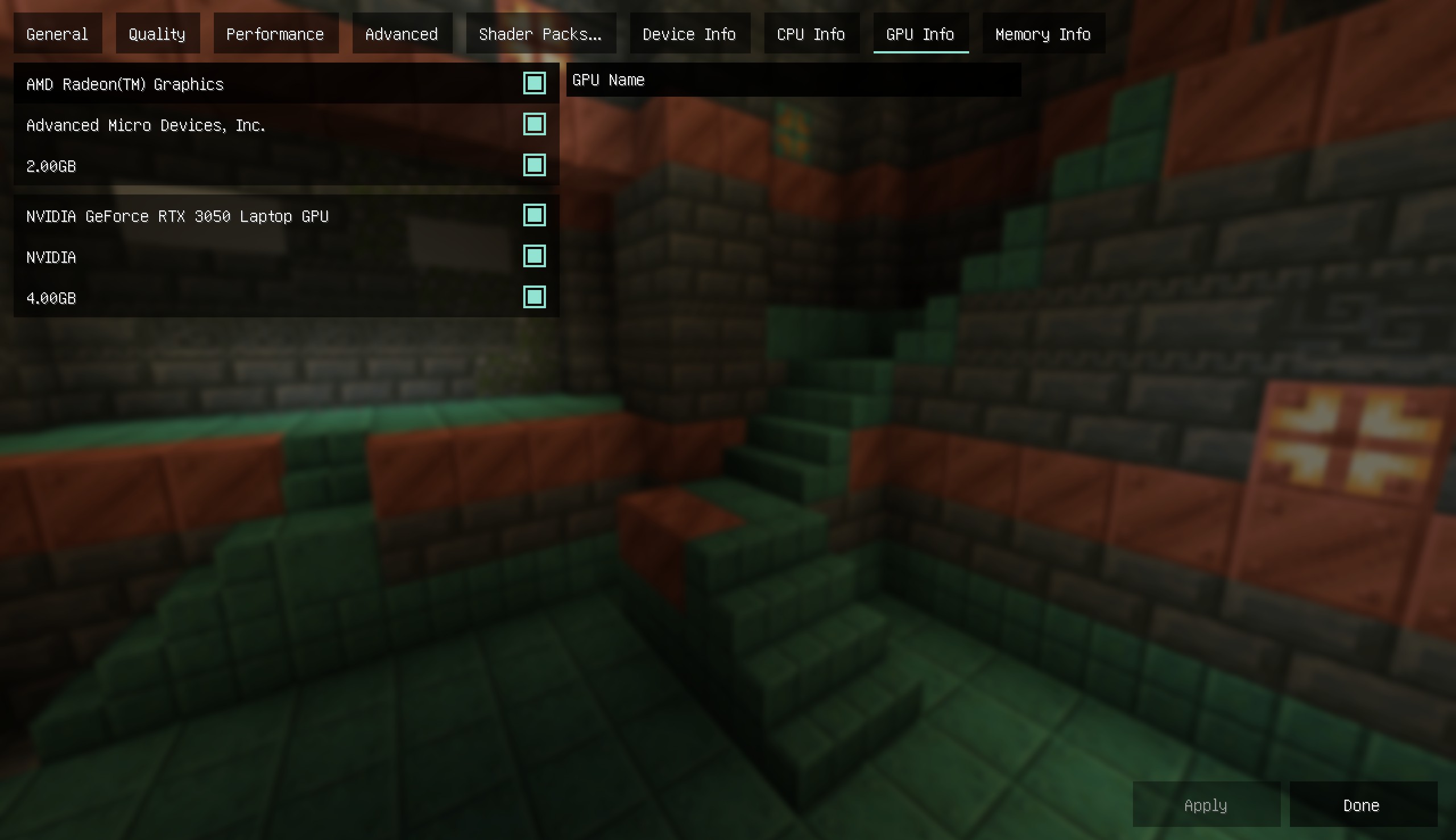
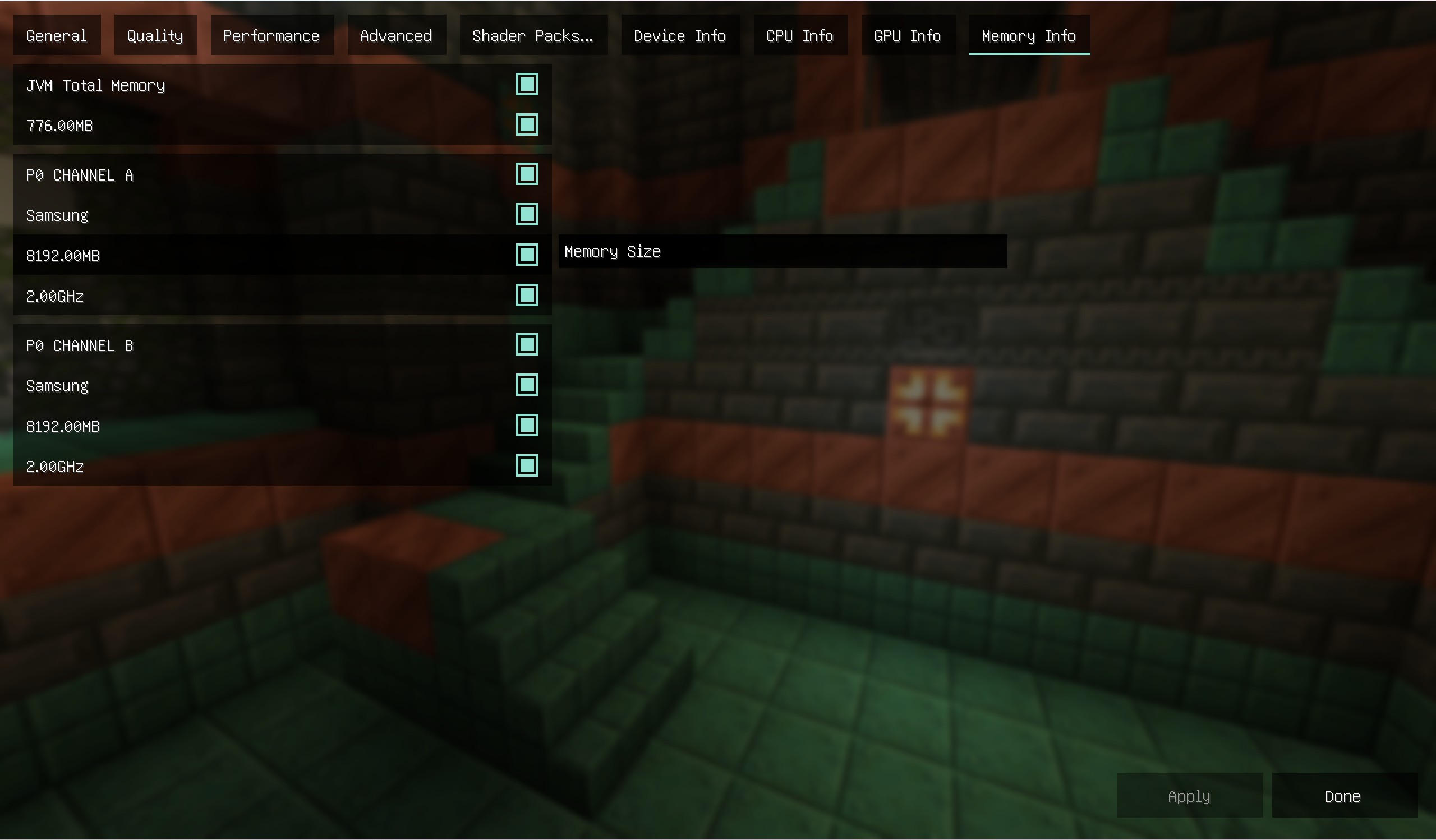
After installing the module, you can view platform information as a reference for adjusting image quality The functions are as follows
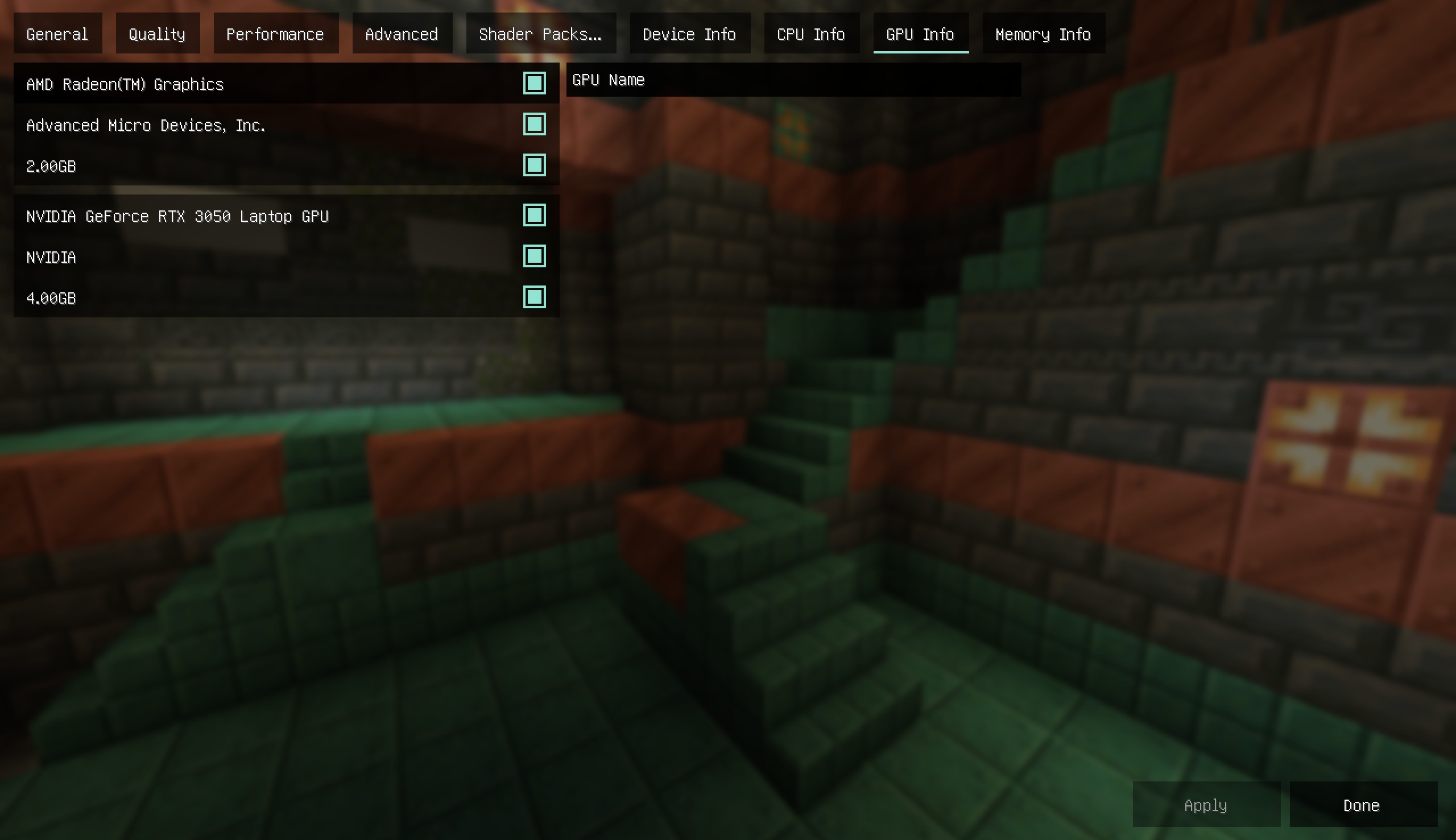
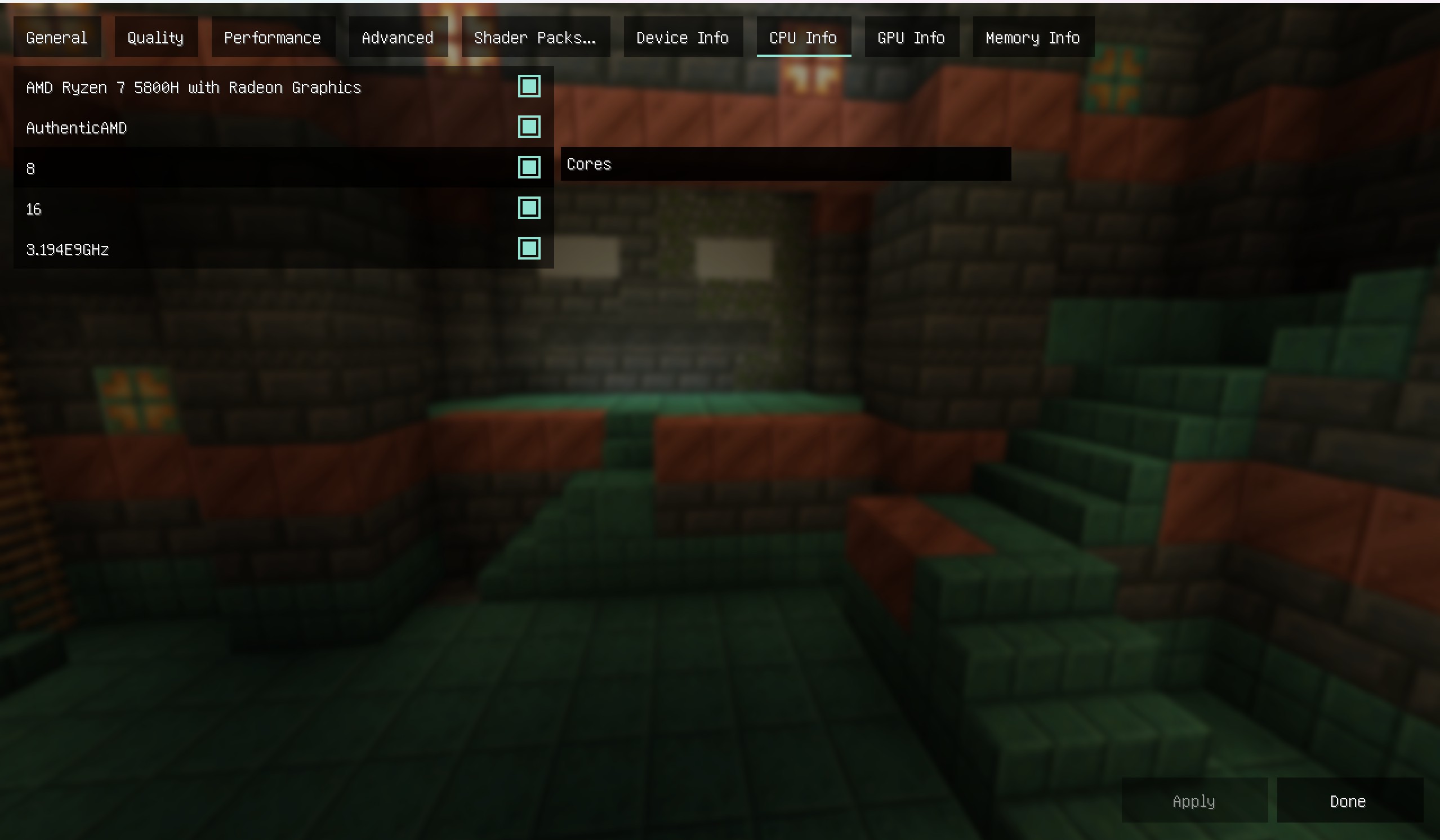
- View CPU information, including model, supplier, number of physical cores (cores), number of logical cores (threads), frequency
- View graphics card information, including the model, supplier, and memory of each graphics card on the computer
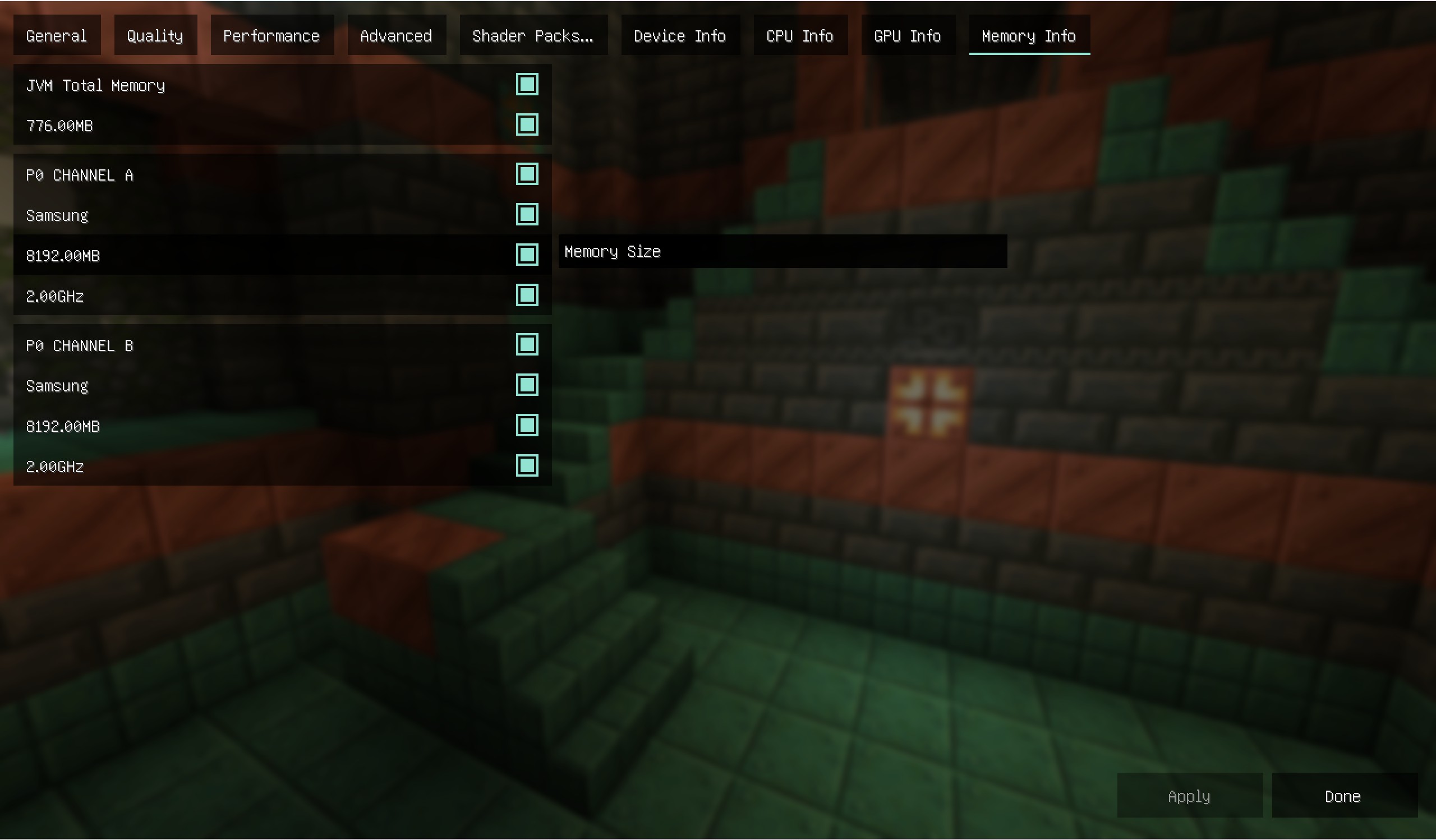
- View memory information, including the model, supplier, and size of each memory module on the computer
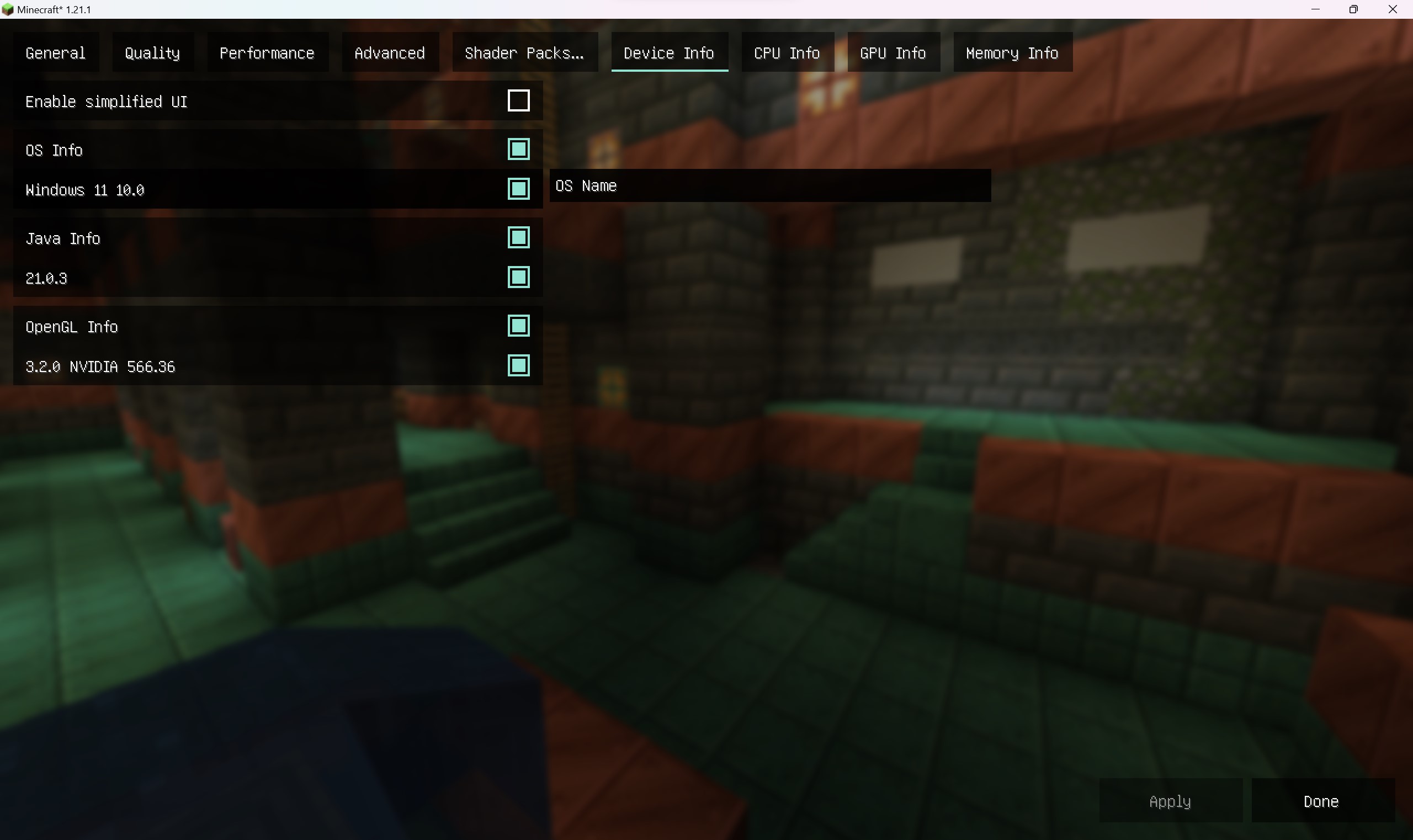
- View software information, including Java information, operating system information, and OpenGL information
钠-设备检测
钠-设备检测是钠的附属模组,安装前请先安装钠模组(Sodium)
安装模组后可以查看平台信息以作为调节画质时的参考 功能如下
1.查看CPU信息,包含型号,供应商,物理核心数(核心数),逻辑核心数(线程数),频率
2.查看显卡信息,包含计算机上每一张显卡的型号,供应商,显存
3.查看内存信息,包含计算机上每一根内存条的型号,供应商,大小
4.查看软件信息,包含Java信息,操作系统信息和OpenGL信息

Cómo instalar Sodium/Embeddium Device Check
With Millida Launcher
Install Millida Launcher
The launcher is free: download it at millida.net/launcher and sign in with any nickname.
Click “Install” on this page
The launcher opens and installs the mod for Minecraft 1.18.2–1.21.11 on Fabric, Forge, NeoForge or Quilt automatically.
Launch the game
A profile with it appears in the launcher: click “Play”.
Manually
Install Fabric, Forge, NeoForge or Quilt
The loader must match the game version of the mod file, for example Minecraft 1.21.11. After installing it, a separate profile appears in your launcher.
Download the file for your version
In the version list above, pick the file lsdc-fabric-5.0.0-snapshot+mc1.21.11-local.jar (345 KB) for your game version and loader.
Put it in the mods folder
The folder is inside .minecraft (Windows: %appdata%\.minecraft\mods). If it does not exist, create it.
Launch the loader profile
Open “Mods” in the main menu: Sodium/Embeddium Device Check should be in the list.
Minecraft 1.21.11 runs on Java 21: with a different Java version the game may close right after launch.
Versiones
Con dependencias
| Minecraft | Cargador | Archivo | Fecha | Acciones |
|---|---|---|---|---|
| 1.21.1 | Fabric | lsdc-fabric-4.10.jar345 KB 4 | ||
| 1.21.1 | NeoForge | lsdc-neoforge-4.10.jar344 KB 1 | ||
| 1.21.11 | Fabric, Quilt | lsdc-fabric-5.0.0-snapshot+mc1.21.11-local.jar345 KB 26 | ||
| 1.21.11 | NeoForge | lsdc-neoforge-5.0.0-snapshot+mc1.21.11-local.jar344 KB 2 | ||
| 1.18.2 | Forge | rubidium-device-check-2.0.1+mc1.18.2-unknown.jar173 KB 1 |
Reseñas
Sé el primero en valorar Sodium/Embeddium Device Check


