

Ribbits Mod para Minecraft 1.20.1, 1.21.1
¡Aldeas de pantano y ranas musicales!
 Fabric
 NeoForge
 Forge
ForgeAcerca del mod Ribbits
¡Apóyanos en Ko-fi para ver avances y acceder antes a contenido nuevo!
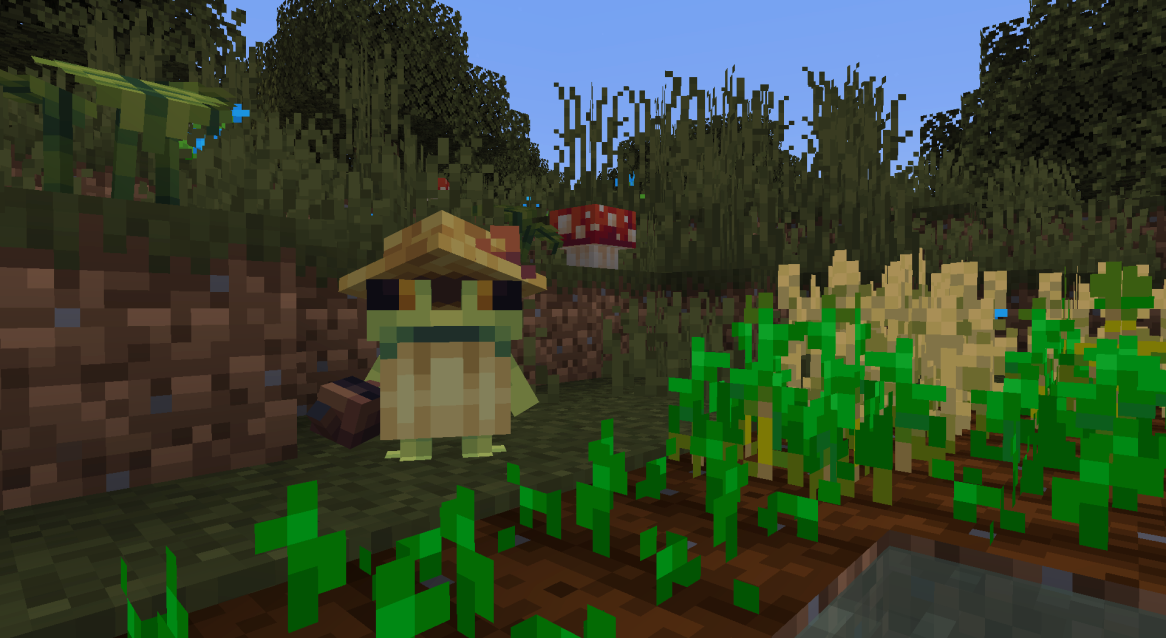
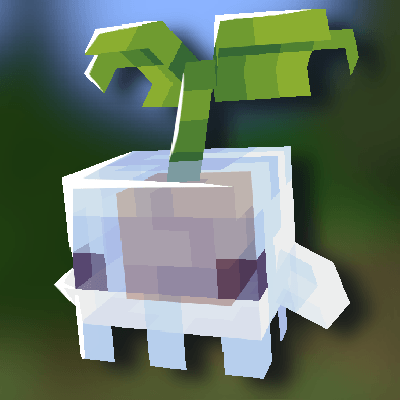
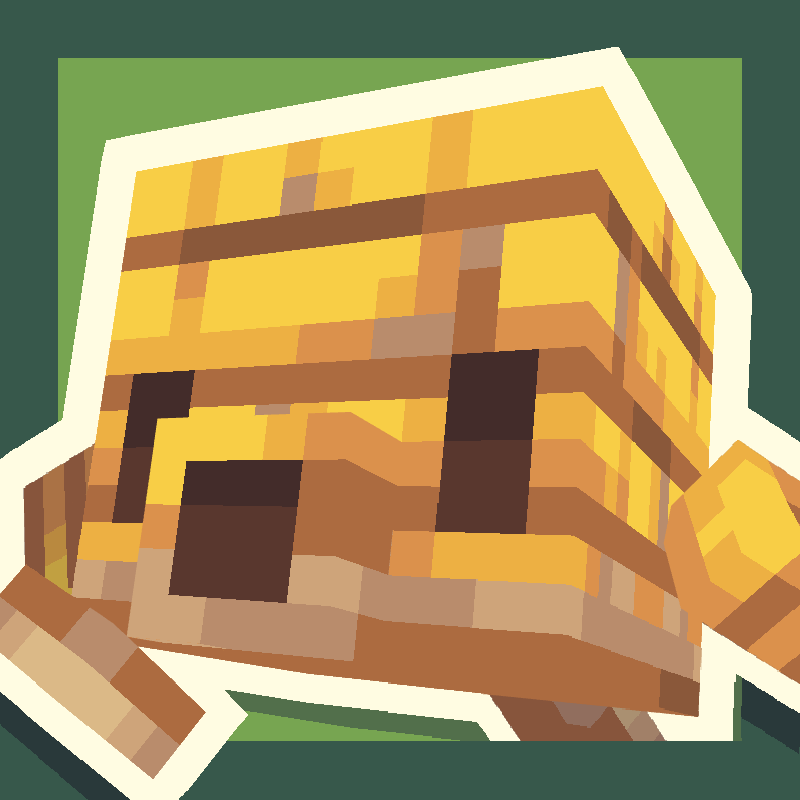
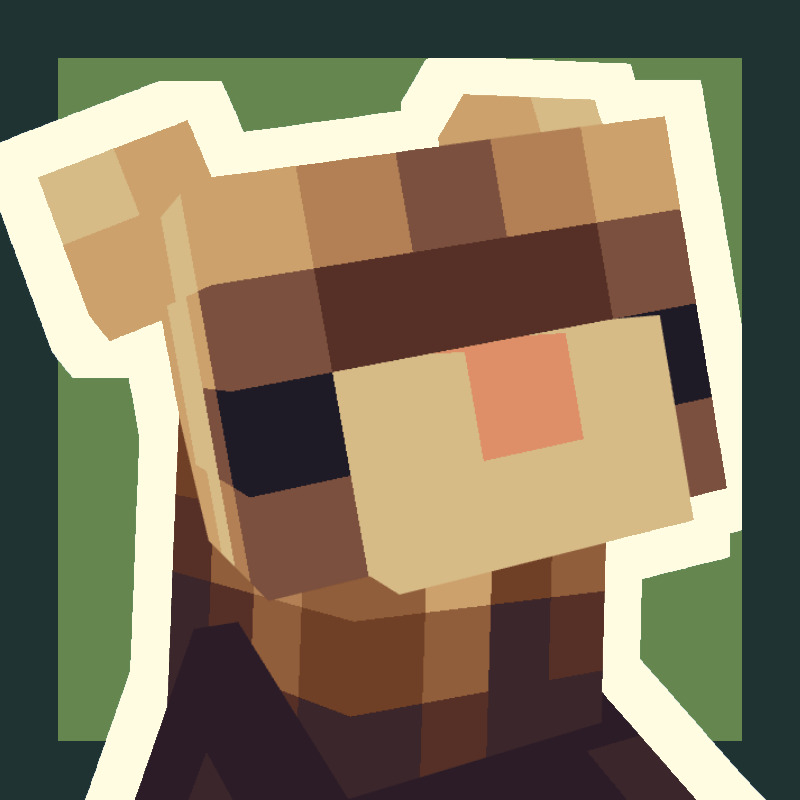
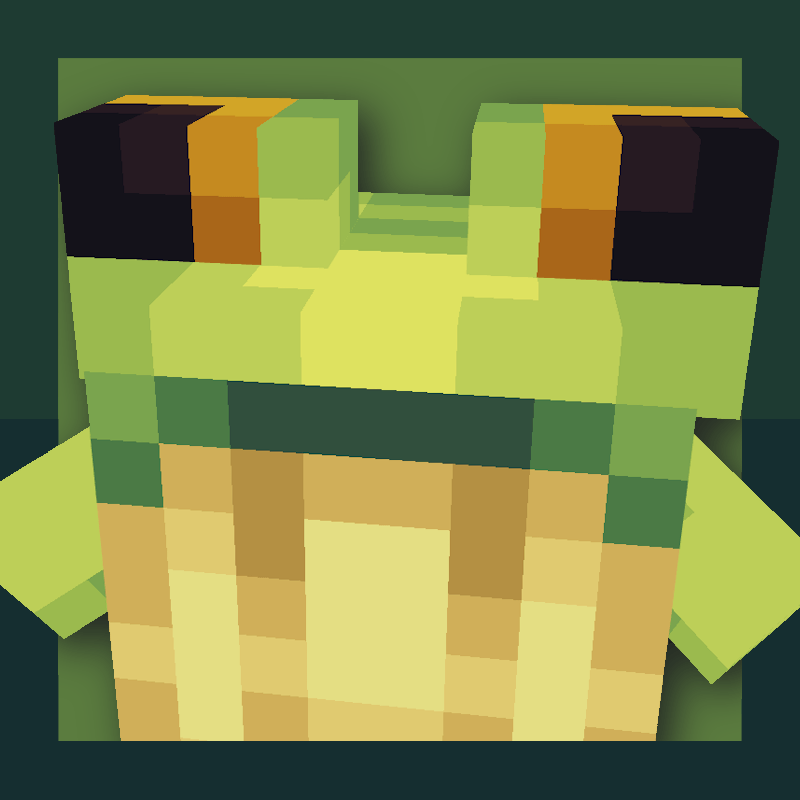
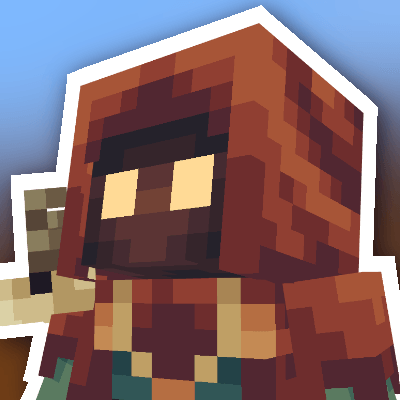
Ribbits añadirá aldeas de pantano llenas de pequeños aldeanos rana llamados ribbits. A estos pequeños les gustará sentarse en grupos para tocar música, ¡y podrás unirte a ellos!
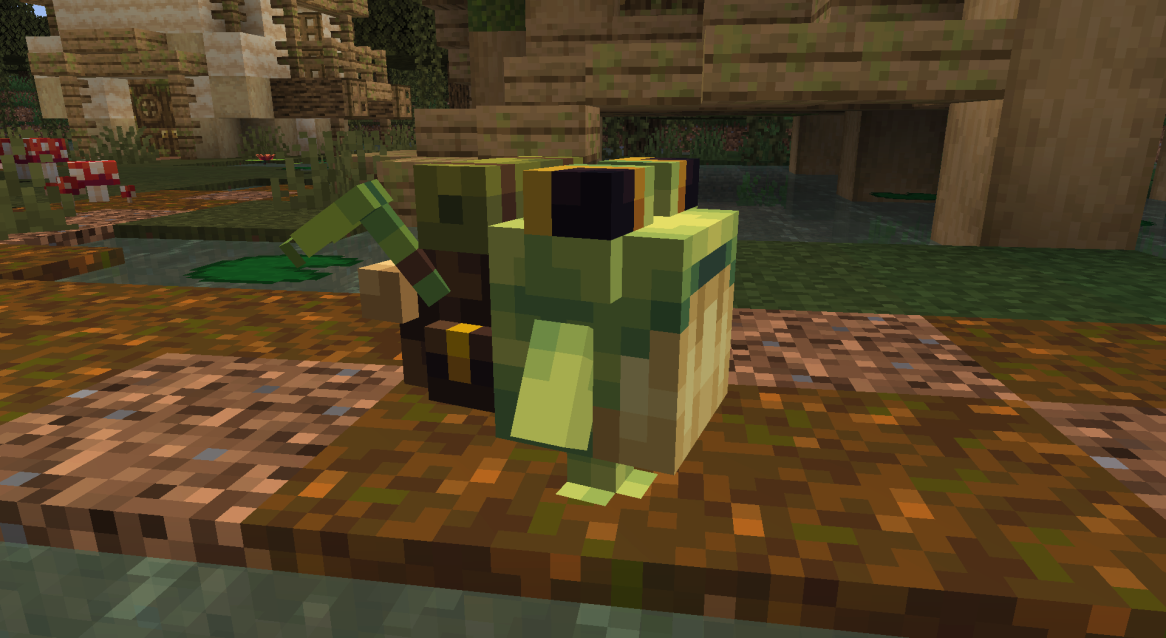
Se podrá comerciar con los ribbits mercaderes y pescadores para conseguir varios objetos, incluidos los nuevos bloques de planta de ribbits y las maracas. Los ribbits hechiceros lanzarán hechizos ocasionalmente para potenciar al jugador, y todos los ribbits jardineros regarán los cultivos.
Los ribbits volverán de forma natural a sus hogares por la noche, pero si quieres reubicarlos, puedes restablecer su punto de hogar a su posición actual haciendo clic derecho sobre ellos con amatista.
Josh/Joosh - Arte yungnickyoung - Programación HellionGames - Programación scratchysd - Sonidos wesleybenjamin - Música joakota - Construcciones joshesque - Logotipo


Cómo instalar Ribbits
With Millida Launcher
Install Millida Launcher
The launcher is free: download it at millida.net/launcher and sign in with any nickname.
Click “Install” on this page
The launcher opens and installs the mod for Minecraft 1.20.1–1.21.1 on Fabric, Forge or NeoForge automatically.
Launch the game
A profile with it appears in the launcher: click “Play”.
Manually
Install Fabric, Forge or NeoForge
The loader must match the game version of the mod file, for example Minecraft 1.21.1. After installing it, a separate profile appears in your launcher.
Download the file for your version
In the version list above, pick the file Ribbits-1.21.1-Fabric-4.1.6.jar (2.2 MB) for your game version and loader.
Put it in the mods folder
The folder is inside .minecraft (Windows: %appdata%\.minecraft\mods). If it does not exist, create it.
Launch the loader profile
Open “Mods” in the main menu: Ribbits should be in the list.
Minecraft 1.21.1 runs on Java 21: with a different Java version the game may close right after launch.
Versiones
Con dependencias
| Minecraft | Cargador | Archivo | Fecha | Acciones |
|---|---|---|---|---|
| 1.21 | Fabric | Ribbits [Fabric] 4.1.6 for 1.21.12.2 MB 11 | ||
| 1.21 | NeoForge | Ribbits [NeoForge] 4.1.6 for 1.21.12.1 MB 15 | ||
| 1.20.1 | Forge | Ribbits [Forge] 3.0.5 for 1.20.12.1 MB 12 |
FAQ
Which Minecraft versions does Ribbits work on?
There are files for 1.21.1, 1.21, 1.20.1. The newest is 1.21.1.
Is Ribbits for Forge or Fabric?
There are files for Fabric: 1.21–1.21.1, for Forge: 1.20.1 and for NeoForge: 1.21–1.21.1.
Does Ribbits need other mods?
The author lists no required dependencies: the Fabric, Forge or NeoForge loader is enough.
Which Java does Ribbits need?
Minecraft 1.21.1 runs on Java 21. If the game closes right after launch, the usual cause is the wrong Java version in the profile settings.
Where can I download Ribbits safely?
On this page: the file Ribbits-1.21.1-Fabric-4.1.6.jar (2.2 MB) is stored on Millida’s server, with no link shorteners. SHA-1 checksum: b95ef94e6c4d2b7a706bcbe3cde6a38b2fe936d3.
Reseñas
Sé el primero en valorar Ribbits


