
RelicEx Mod para Minecraft 1.19.2
Añade Reliquias para conectar Trinkets y PlayerEx
- visualizaciones
- 13 visualizaciones
- Actualizado
- Actualizado 18.10.2026
- 1.19.2
 Fabric
Acerca del mod RelicEx
Description
This mod adds Relic items for Trinkets, giving attribute bonuses supplied by PlayerEx (with a RPG theme), among other items. This is a Fabric mod, please refrain from taking the time out of your day just to complain about it not being Forge.
Health Potions
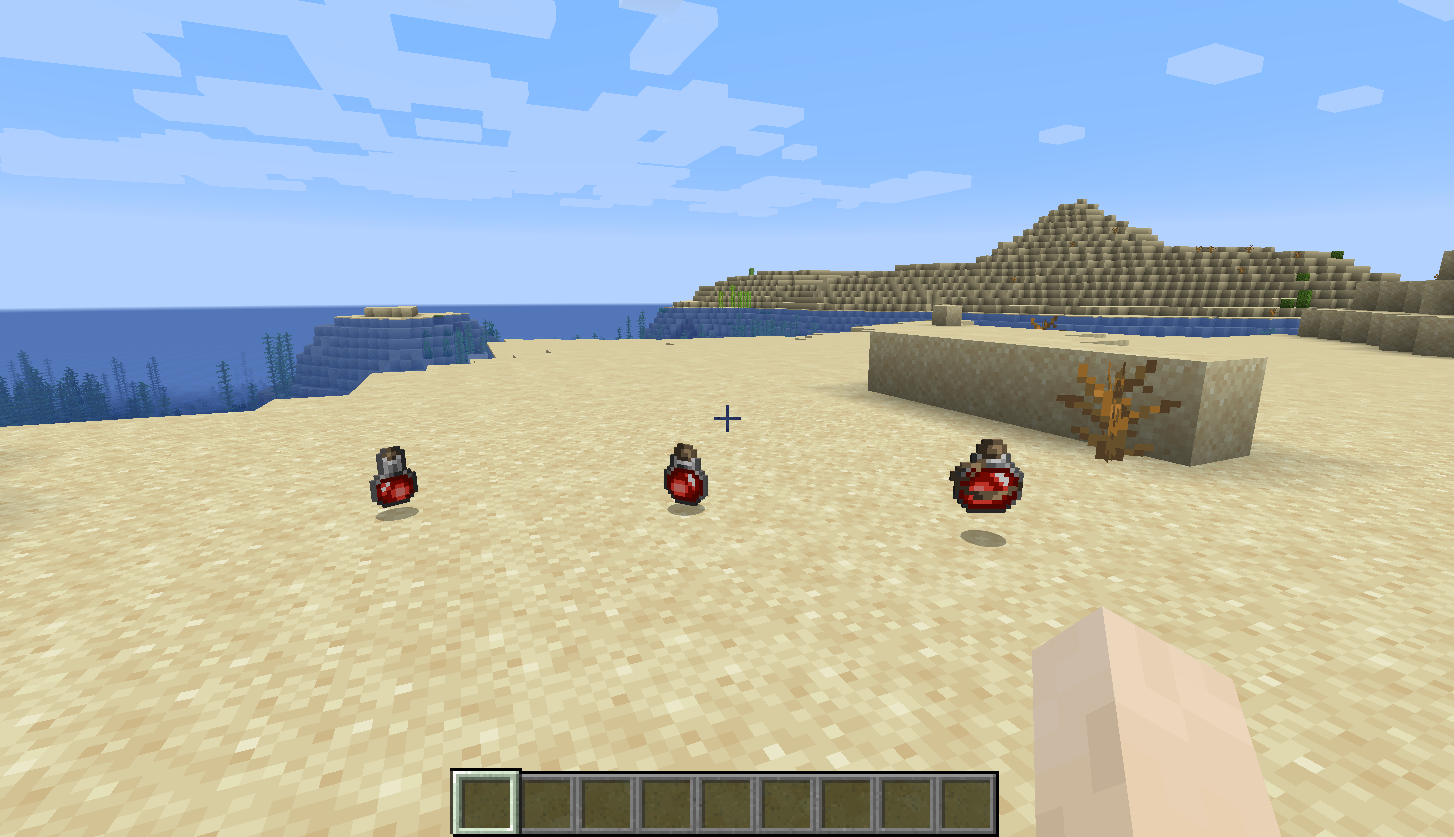
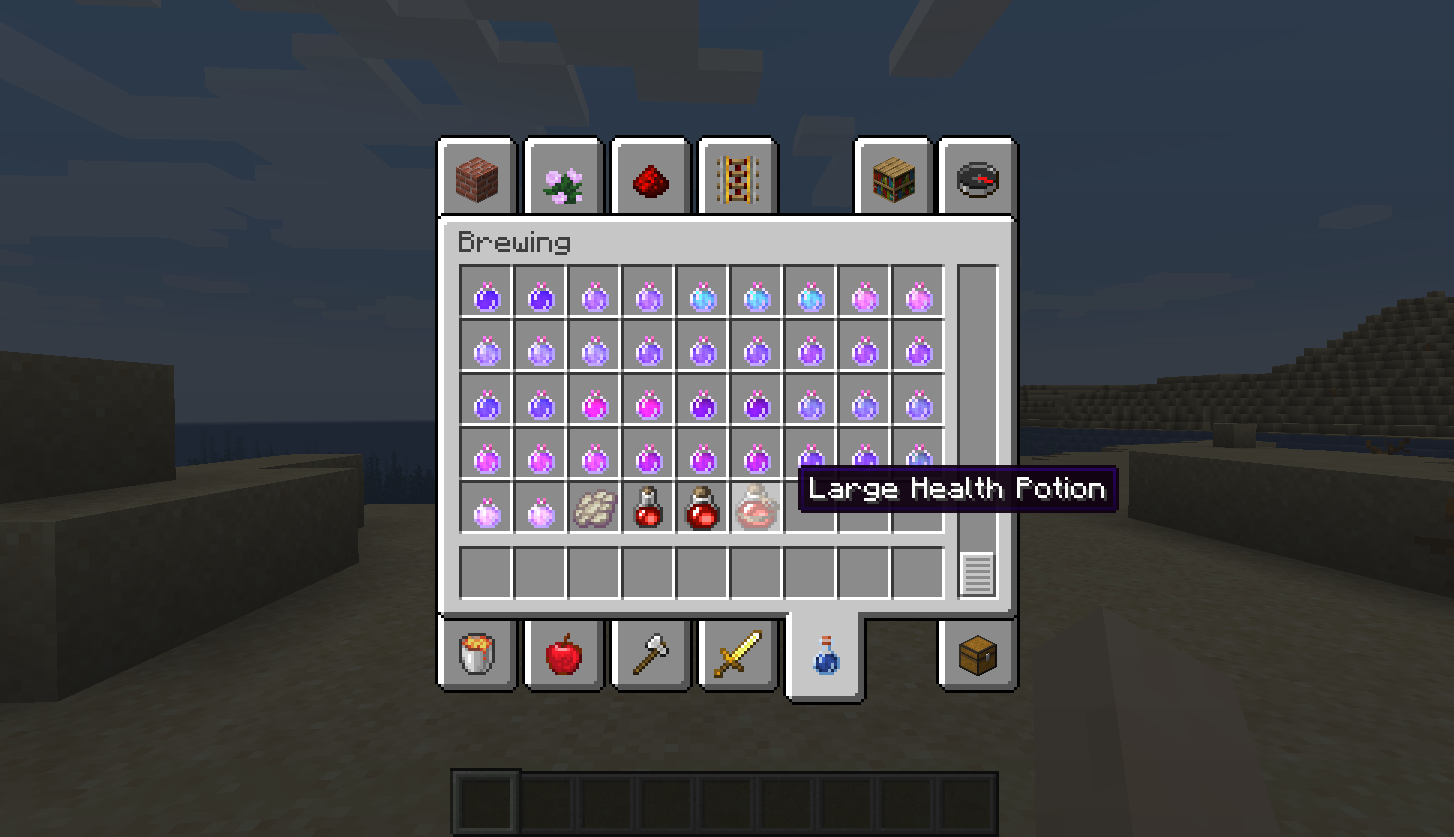
There are three health potions added: small, medium and large. Health Potions have a chance to drop from mobs, and when picked up by the player will heal for two, four and six hearts, respectively.
Relics
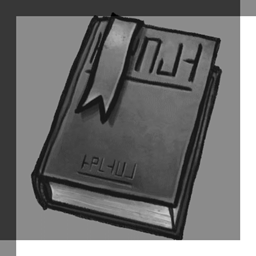
There are four relics added: amulet, body, head and ring. Relics have a chance to drop from mobs or spawn in chests, and have randomly generated attributes assigned to them that are applied when equipped as trinkets or in their respective armour slots. The randomly generated attributes are taken from PlayerEx attributes, and have randomly generated values as well.
Relics come with a rarity system: Common, Uncommon, Rare, Epic, Mythical, Legendary and Immortal. Relics can have up to five attribute bonuses attached to them (although five is exceptionally rare). Factors that influence a relic's rarity: the number of attributes attached to the relic, the bonus value attached to each attribute, and the attributes attached themselves also have a weight. More attributes can be added to the relic table with the weight property and datapacks.
Based on a relic's rarity, it displays a different texture.
Relics can be repaired like armour using Relic Shards as the repair material. Furthermore, you can affix relics to armour. Now you can wear your favourite armour piece and continue to benefit from the relic attributes. To do this, use a smithing table the same way you would to upgrade diamond armour to netherite. Note that affixing a relic to an armour piece is permanent.
Relic Shard
Obtained by smelting relics, can be smashed to provide experience - useful for disposing of unwanted relics.
Greater and Lesser Orbs of Regret
The lesser orb of regret allows the player to refund one skill point; it can be dropped from mobs and may be generated as loot in chests. The greater orb of regret allows the player to refund all their skill points. It can be dropped by monsters; it is not generated in loot chests.
Tome
Tomes are generated as loot in chests and/or dropped by monsters; they give the player a free level.
Dragon Stone
This is dropped from the Ender Dragon once it dies; it allows the player to completely reset all their attributes. The dragon Stone needs to be used on an Enderman to reset the player's attributes.
Config
The chance for monsters to drop relics, greater/lesser orbs of regret, health potions and tomes is all configurable (and can be set to zero to disable drops altogether). Whether the Ender Dragon drops a Dragon Stone is also configurable. Additionally, chest loot conditions can be configured/disabled and relics can be set to drop from monsters only for player kills.
By default relics, tomes and the lesser orb of regret all generate in loot tables with a path starting with "chests/".
Notes
- All randomness and drop chance is weighted and fully configurable.
- Modpacks are fine
- Comes packages (jar-in-jar) with ArmorRenderLib.
Special thanks to texturers, who are credited here.
Cómo instalar RelicEx
With Millida Launcher
Install Millida Launcher
The launcher is free: download it at millida.net/launcher and sign in with any nickname.
Click “Install” on this page
The launcher opens and installs the mod for Minecraft 1.19.2 on Fabric automatically.
Launch the game
A profile with it appears in the launcher: click “Play”.
Manually
Install Fabric
The loader must match the game version of the mod file, for example Minecraft 1.19.2. After installing it, a separate profile appears in your launcher.
Download the file for your version
In the version list above, pick the file relicex-3.3.2+1.19.2.jar (211 KB) for your game version.
Put it in the mods folder
The folder is inside .minecraft (Windows: %appdata%\.minecraft\mods). If it does not exist, create it.
Launch the loader profile
Open “Mods” in the main menu: RelicEx should be in the list.
Minecraft 1.19.2 runs on Java 17: with a different Java version the game may close right after launch.
Versiones
Con dependencias
| Minecraft | Cargador | Archivo | Fecha | Acciones |
|---|---|---|---|---|
| 1.19.2 | Fabric | 3.3.2+1.19.2211 KB |
FAQ
Which Minecraft versions does RelicEx work on?
Only Minecraft 1.19.2: there are no files for other versions.
Is RelicEx for Forge or Fabric?
Only for Fabric: 1.19.2. There are no files for Forge or NeoForge: a mod for another loader will not start.
Does RelicEx need other mods?
The author lists no required dependencies: the Fabric loader is enough.
Which Java does RelicEx need?
Minecraft 1.19.2 runs on Java 17. If the game closes right after launch, the usual cause is the wrong Java version in the profile settings.
Where can I download RelicEx safely?
On this page: the file relicex-3.3.2+1.19.2.jar (211 KB) is stored on Millida’s server, with no link shorteners. SHA-1 checksum: 4988377780fac3e92c910e7bf4c5134b0b3fd4b0.
Reseñas
Sé el primero en valorar RelicEx


