

Red Bits Mod para Minecraft 26.3
Añadidos y mejoras de redstone al estilo vanilla
- visualizaciones
- 2 visualizaciones
- Actualizado
- Actualizado 18.10.2026
- 26.1 — 26.3
 Fabric
Acerca del mod Red Bits
RedBits adds new redstone components and improves some already existing vanilla mechanics. Primary goal of the mod is to allow for further miniaturization of redstone contraptions, and in turn making them faster. This is a Fabric only mod, I have no plans to port it to Forge. Fabric API is required.
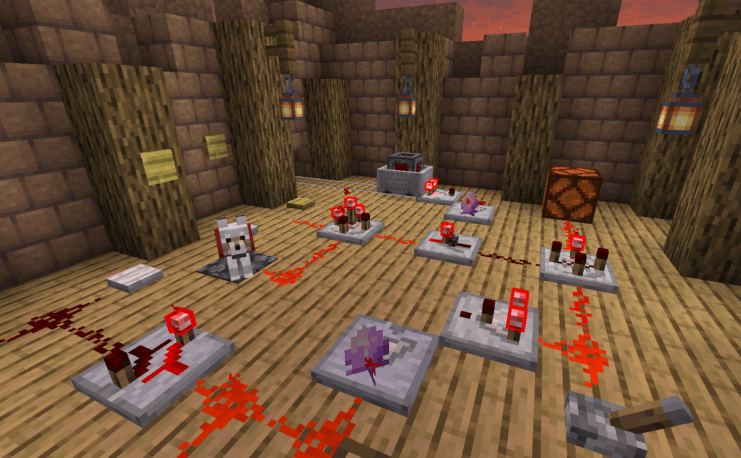
Features:
- Shaded Redstone Lamp - Non lagy version of redstone lamp for usage in displays, it doesn't emit light
- 8 New Redstone Gates - Detector, Switcher, Inverter, Latch, Timer, Bridge, Projector, Two Way Repeater and Junction
- Redstone Emitter - Emits comparator signal, replacement for using cauldrons and composters in circuits
- Inverted redstone Torch - Redstone torch that doesn't invert the signal
- Large Buttons - Buttons with larger hit boxes
- 4 New Pressure Plate types - Pressure plates triggered by different entity types
- Color Redstone Lamps - The lamp's color is determined by signal strength
- Sight Sensors - They trigger when looked at.
- As of RedBits 1.12.0 a build-in guide book is included in the mod if Patchouli Fabric is also present, it can be found under the "miscellaneous" creative tab OR in naturally generated chests in stronghold libraries, cartographer village houses and in the "Bonus Chest".
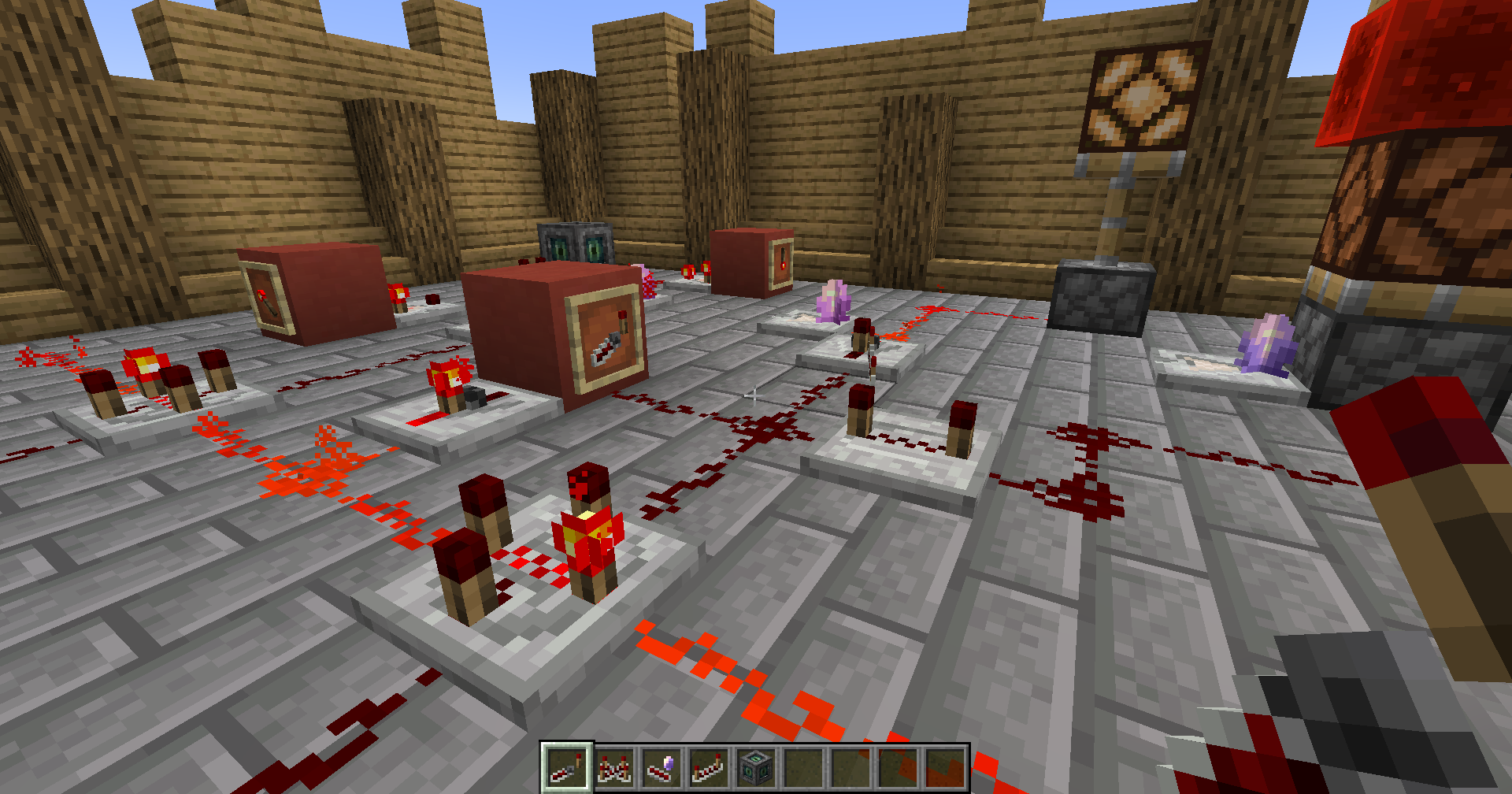
Changes:
- No more redstone torch burnout (configurable)
- Jukeboxes can now be triggered with redstone (configurable)
- Droppers and Hoppers can now interact with Jukeboxes and Campfires (configurable)
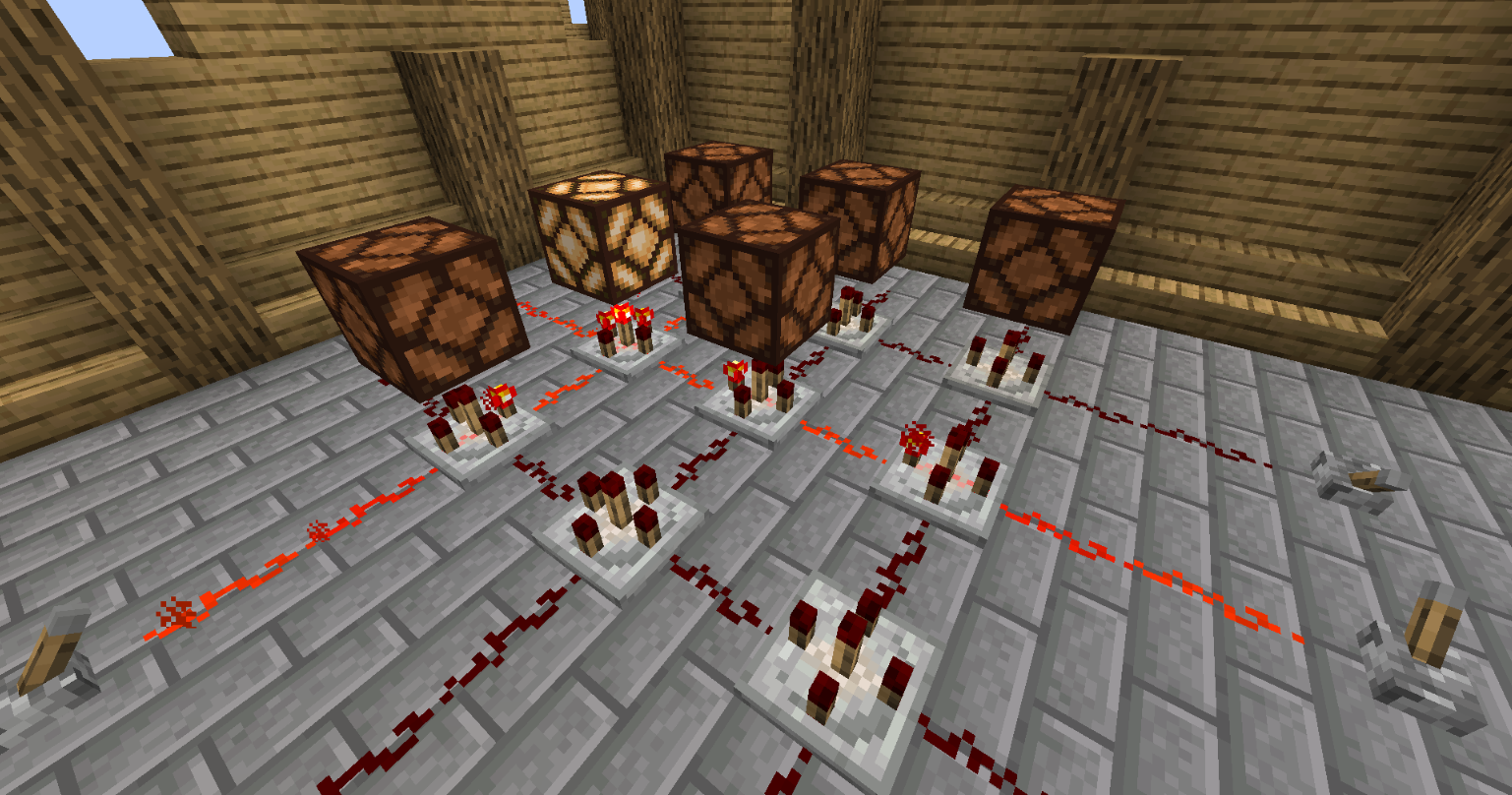
Versions:
For Minecraft: 1.16.0 - 1.16.5, use Red Bits 1.8.0 For Minecraft: 1.17.0 - 1.17.1, use Red Bits 1.10.1 For Minecraft: 1.18.0 - 1.20.2, use Red Bits 1.16.5 For Minecraft: 1.21.6 - 1.21.8, use Red Bits 2.0.1
Do you like redstone? Check out my other mod: Light Emitting Diode Interested in the newest updates of Red Bits? Join my Discord server now:
Cómo instalar Red Bits
With Millida Launcher
Install Millida Launcher
The launcher is free: download it at millida.net/launcher and sign in with any nickname.
Click “Install” on this page
The launcher opens and installs the mod for Minecraft 26.1–26.3 on Fabric automatically.
Launch the game
A profile with it appears in the launcher: click “Play”.
Manually
Install Fabric
The loader must match the game version of the mod file, for example Minecraft 26.3. After installing it, a separate profile appears in your launcher.
Download the file for your version
In the version list above, pick the file redbits-2.5.4.jar (285 KB) for your game version.
Put it in the mods folder
The folder is inside .minecraft (Windows: %appdata%\.minecraft\mods). If it does not exist, create it.
Launch the loader profile
Open “Mods” in the main menu: Red Bits should be in the list.
Versiones
Con dependencias
| Minecraft | Cargador | Archivo | Fecha | Acciones |
|---|---|---|---|---|
| 26.3 | Fabric | redbits-2.5.4.jar285 KB | ||
| 26.1 | Fabric | redbits-2.3.0.jar1.2 MB |
FAQ
Is Red Bits for Forge or Fabric?
Only for Fabric: 26.1–26.3. There are no files for Forge or NeoForge: a mod for another loader will not start.
Does Red Bits need other mods?
The author lists no required dependencies: the Fabric loader is enough.
Where can I download Red Bits safely?
On this page: the file redbits-2.5.4.jar (285 KB) is stored on Millida’s server, with no link shorteners. SHA-1 checksum: d7ac51bb43dbe959bba6b9ecaa091b8451b148bf.
Reseñas
Sé el primero en valorar Red Bits


