
Quilt Loading Screen Mod para Minecraft 1.20.1, 1.18.2
Una pantalla de carga basada en el banner del servidor de The Quilt Community.
 Quilt
Quilt Fabric
Screenshots in the Gallery tab above!
Requires Quilt Loader and QSL.
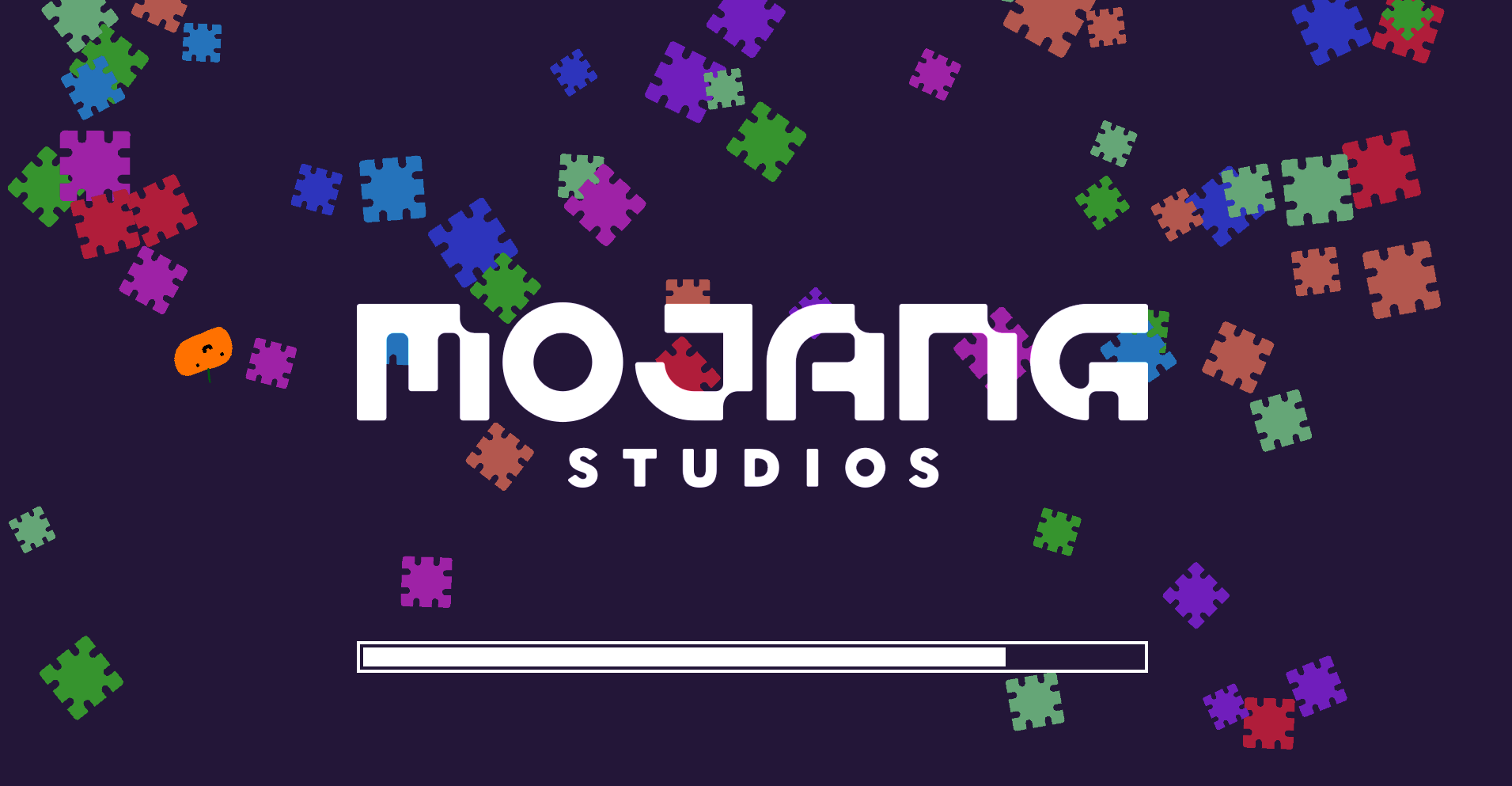
This is a loading screen based off of The Quilt Community's (former) server banner.
Not sure what Quilt is? Check it out! --> https://quiltmc.org
The mod consists of several patches from the Quilt logo falling like snow, which then rapidly fall off the screen once loading ends.
This also applies with the F3-T resource pack reload.
Every June, Quilt Loading Screen turns on Pride Mode and the patches consist of pride flags instead! You can also turn this on manually all the time via a config option if you have Mod Menu installed.
Cómo instalar Quilt Loading Screen
With Millida Launcher
Install Millida Launcher
The launcher is free: download it at millida.net/launcher and sign in with any nickname.
Click “Install” on this page
The launcher opens and installs the mod for Minecraft 1.17.1–1.20.1 on Fabric or Quilt automatically.
Launch the game
A profile with it appears in the launcher: click “Play”.
Manually
Install Fabric or Quilt
The loader must match the game version of the mod file, for example Minecraft 1.20.1. After installing it, a separate profile appears in your launcher.
Download the file for your version
In the version list above, pick the file quilt_loading_screen-6.1.0+1.20.1.jar (408 KB) for your game version and loader.
Put it in the mods folder
The folder is inside .minecraft (Windows: %appdata%\.minecraft\mods). If it does not exist, create it.
Launch the loader profile
Open “Mods” in the main menu: Quilt Loading Screen should be in the list.
Minecraft 1.20.1 runs on Java 17: with a different Java version the game may close right after launch.
Versiones
Con dependencias
| Minecraft | Cargador | Archivo | Fecha | Acciones |
|---|---|---|---|---|
| 1.20.1 | Quilt | 6.1.0+1.20.1408 KB | ||
| 1.17.1 | Fabric | QLS 2.2.1 for Fabric 1.17/1.18195 KB |
FAQ
Which Minecraft versions does Quilt Loading Screen work on?
There are files for 1.20.1, 1.18.2, 1.18.1, 1.18, 1.17.1. The newest is 1.20.1.
Is Quilt Loading Screen for Forge or Fabric?
There are files for Fabric: 1.17.1–1.18.2 and for Quilt: 1.20.1. There are no files for Forge or NeoForge: a mod for another loader will not start.
Does Quilt Loading Screen need other mods?
The author lists no required dependencies: the Fabric or Quilt loader is enough.
Which Java does Quilt Loading Screen need?
Minecraft 1.20.1 runs on Java 17. If the game closes right after launch, the usual cause is the wrong Java version in the profile settings.
Where can I download Quilt Loading Screen safely?
On this page: the file quilt_loading_screen-6.1.0+1.20.1.jar (408 KB) is stored on Millida’s server, with no link shorteners. SHA-1 checksum: 95ad28ba01e197aa24a1510eb947653eae56109e.
Reseñas
Sé el primero en valorar Quilt Loading Screen


