

Portable Spawners Mod para Minecraft 1.20.1, 1.21.1
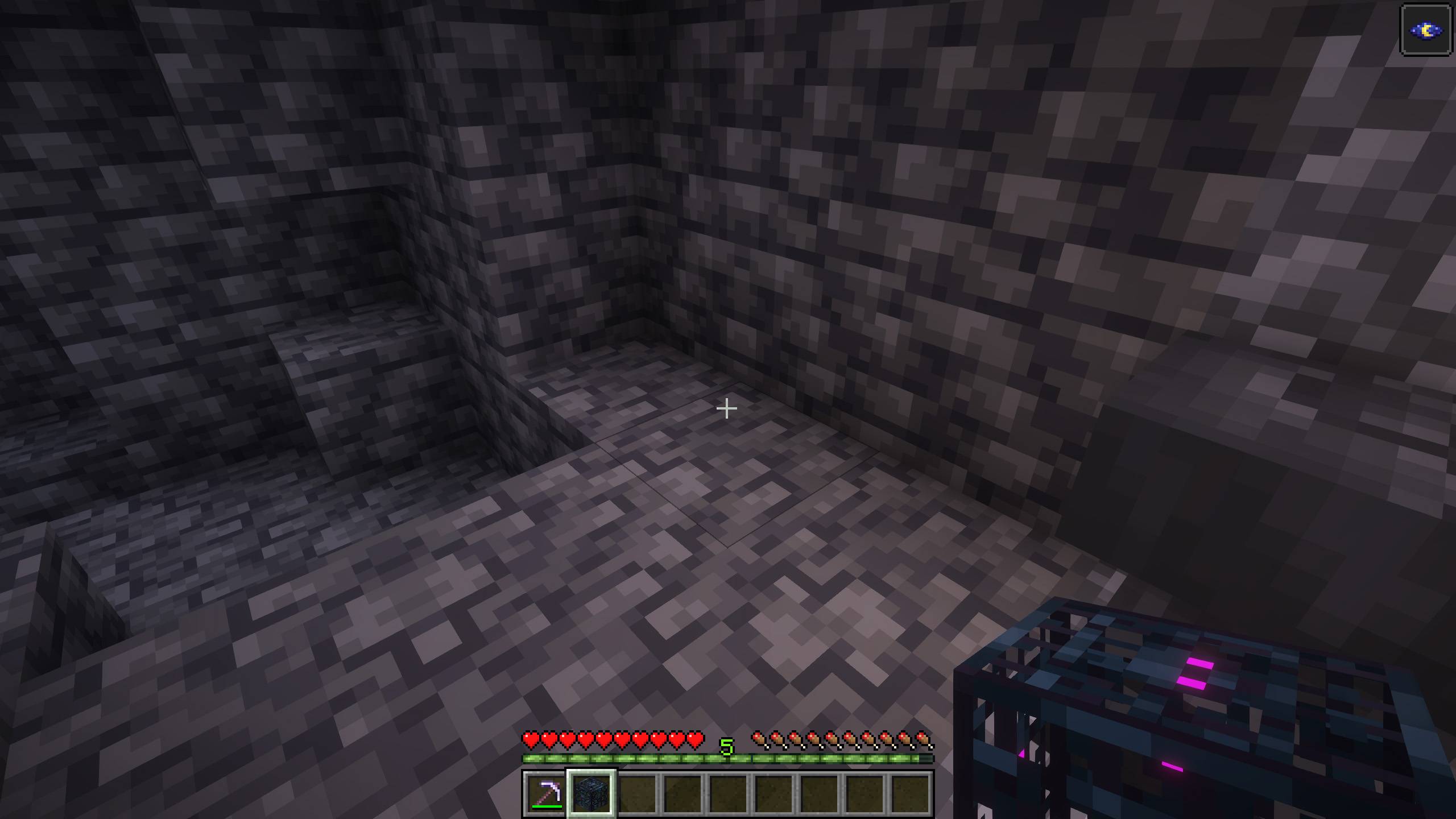
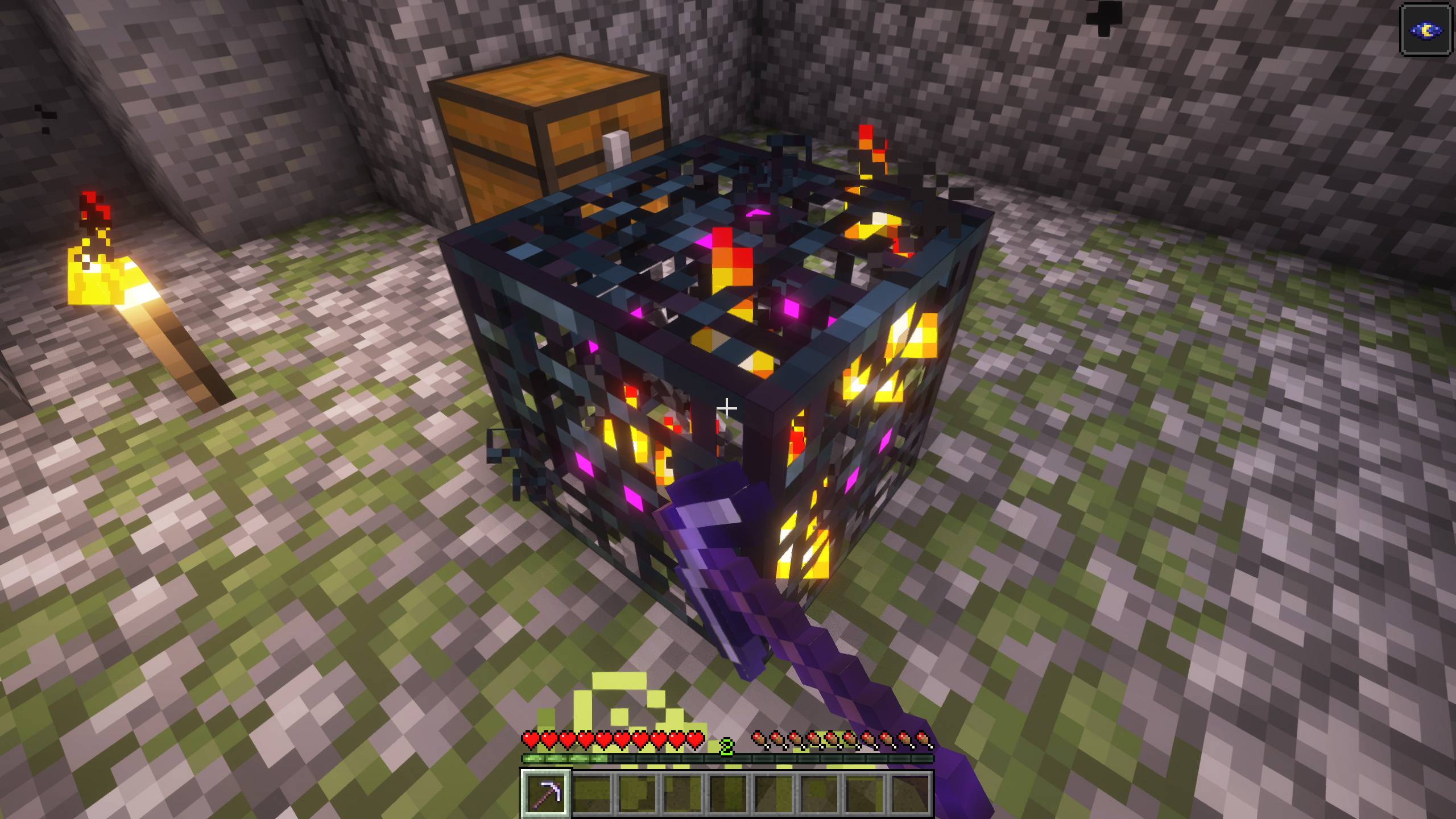
¡Ahora puedes romper generadores de mobs con un pico de hierro o de nivel superior (con toque de seda) y llevártelos a tu lugar favorito!
 NeoForge
 Fabric
 Forge
ForgeAcerca del mod Portable Spawners
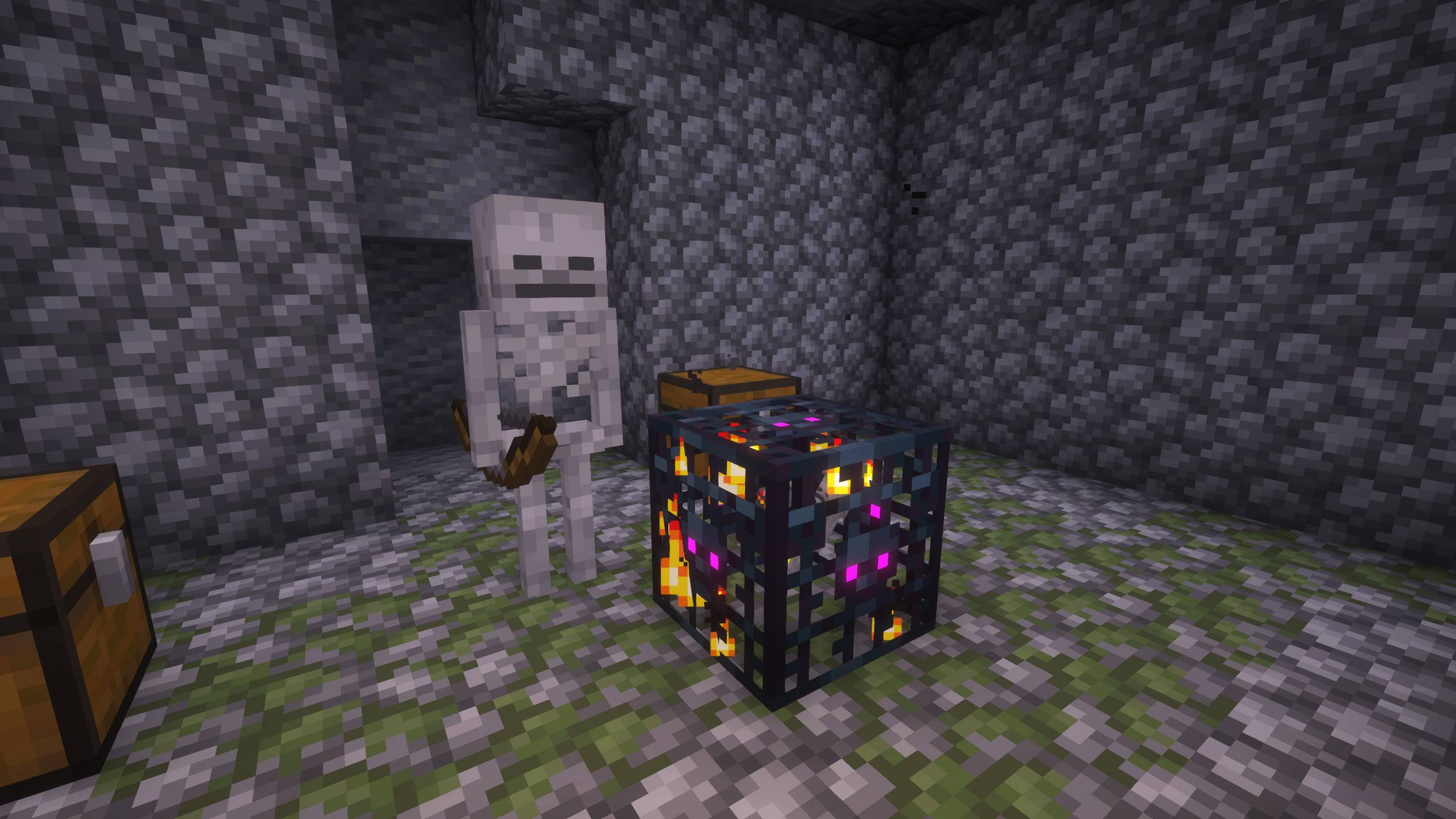
Have you ever wished that the spawner you found was in a more accessible place? For many players, moving a spawner from one place to another would be too OP, for others, it would be a great joy?
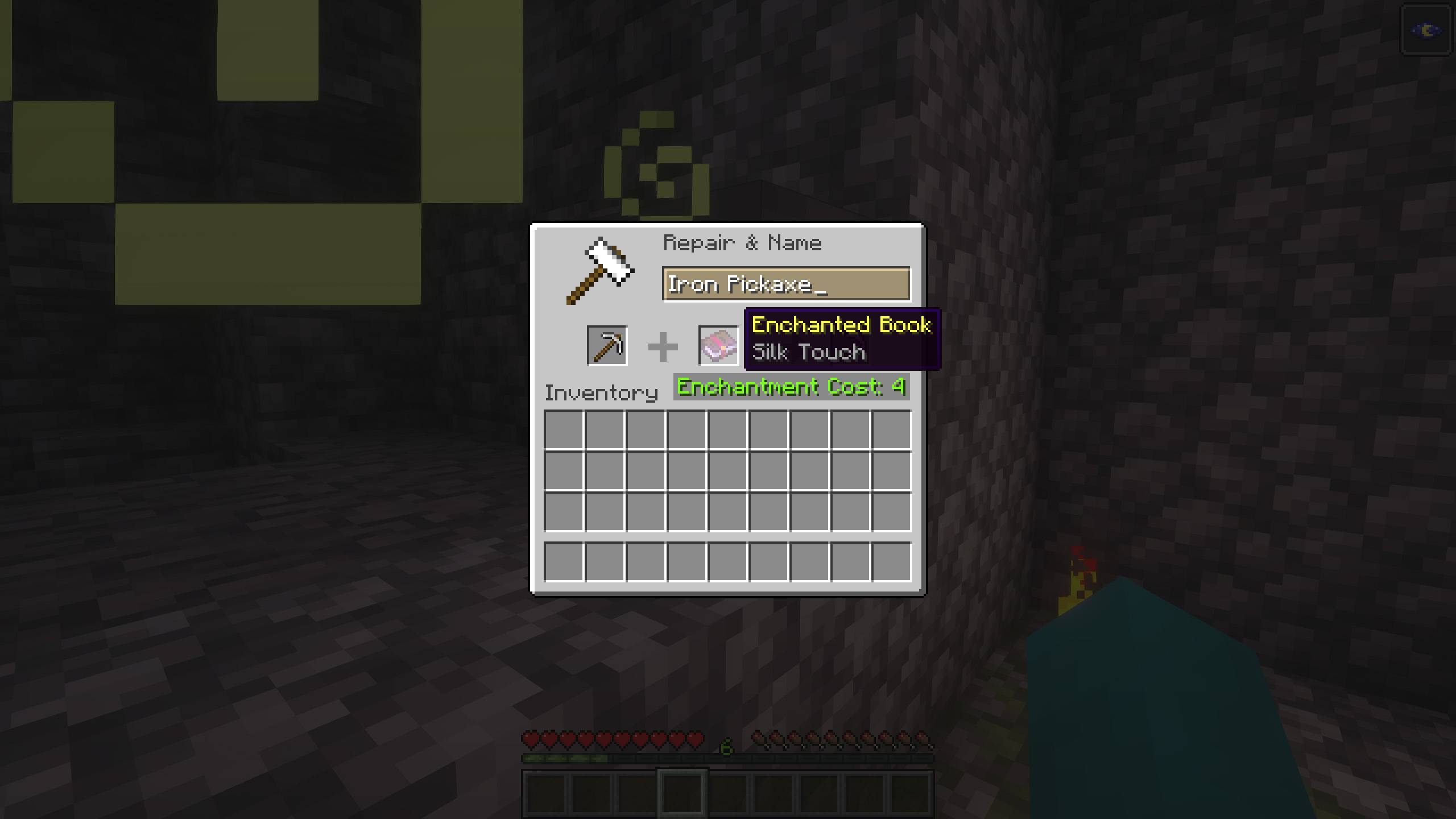
With this mod we intend to make a middle ground, since at the beginning of the game we are sure that you will not be able to move a spawner, since at the very least, you will need to have a pickaxe with the Silk Touch enchantment, without it, when you break it you will still not get it.
Ready to play with your friends on the best hosting?
I recommend Bisect Hosting for playing with friends because of their high-quality, lag-free servers. You can install any CurseForge modpack or your custom mods without errors. Plus, their support is available 24/7 to help with any issues. Use my code to get a 25% discount on your purchase.
For this mod to make sense, it won't be as simple as breaking a spawner with a normal pickaxe, that won't do any good.... You will need at least a silk touch pickaxe, otherwise the spawner will keep breaking.
Of course, once you break it with this pickaxe, the mob spawner will retain its natural generation, and you will not be able to change the mob generation for which it was created. That is, if you encounter a spider spawner, you will be able to change the location of the spider spawner, but it will still be a spider spawner!
Cómo instalar Portable Spawners
With Millida Launcher
Install Millida Launcher
The launcher is free: download it at millida.net/launcher and sign in with any nickname.
Click “Install” on this page
The launcher opens and installs the mod for Minecraft 1.20.1–1.21.1 on Fabric, Forge or NeoForge automatically.
Launch the game
A profile with it appears in the launcher: click “Play”.
Manually
Install Fabric, Forge or NeoForge
The loader must match the game version of the mod file, for example Minecraft 1.21.1. After installing it, a separate profile appears in your launcher.
Download the file for your version
In the version list above, pick the file portablespawner-neoforge-1.21.1-1.0.0.jar (9 KB) for your game version and loader.
Put it in the mods folder
The folder is inside .minecraft (Windows: %appdata%\.minecraft\mods). If it does not exist, create it.
Launch the loader profile
Open “Mods” in the main menu: Portable Spawners should be in the list.
Minecraft 1.21.1 runs on Java 21: with a different Java version the game may close right after launch.
Versiones
Con dependencias
| Minecraft | Cargador | Archivo | Fecha | Acciones |
|---|---|---|---|---|
| 1.21 | NeoForge | Portable Spawners [NeoForge] - MC 1.21.1 - 1.0.19.2 KB 2 | ||
| 1.21 | Fabric | Portable Spawners [Fabric] - MC 1.21.1 - 1.0.112.9 KB | ||
| 1.20.1 | Forge | Portable Spawners [Forge] - MC 1.20.1 - 1.0.19 KB 3 |
FAQ
Which Minecraft versions does Portable Spawners work on?
There are files for 1.21.1, 1.21, 1.20.1. The newest is 1.21.1.
Is Portable Spawners for Forge or Fabric?
There are files for Fabric: 1.21–1.21.1, for Forge: 1.20.1 and for NeoForge: 1.21–1.21.1.
Does Portable Spawners need other mods?
The author lists no required dependencies: the Fabric, Forge or NeoForge loader is enough.
Which Java does Portable Spawners need?
Minecraft 1.21.1 runs on Java 21. If the game closes right after launch, the usual cause is the wrong Java version in the profile settings.
Where can I download Portable Spawners safely?
On this page: the file portablespawner-neoforge-1.21.1-1.0.0.jar (9 KB) is stored on Millida’s server, with no link shorteners. SHA-1 checksum: 9b465fd4ed5ad0d70fb53eca77647822af0ee787.
Reseñas
Sé el primero en valorar Portable Spawners


