
Playlist Mod para Minecraft 1.20.1, 1.19.2
Toma el control de la música de Minecraft
 Fabric
 Quilt
QuiltAcerca del mod Playlist
Take control of Minecraft's in-game music - An in-game media player that allows you to create playlists, skip songs, create queues, edit song play conditions, and much more
This mod is in beta! Please report any bugs - it helps a lot!
More screenshots available in the gallery
Feature Overview
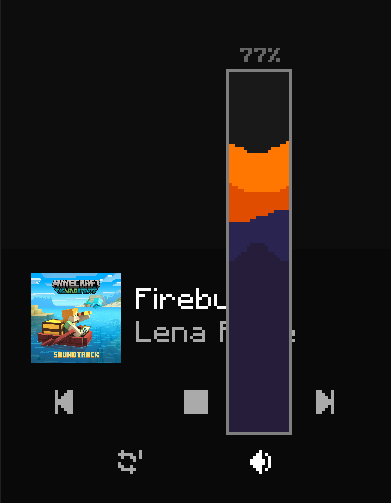
- Play any in-game song at any time (excluding records, for now)
- Create playlists with many customization options
- Stop, skip, or go back to songs
- Create queues of songs to play
- Customize how often songs play (or don't play)
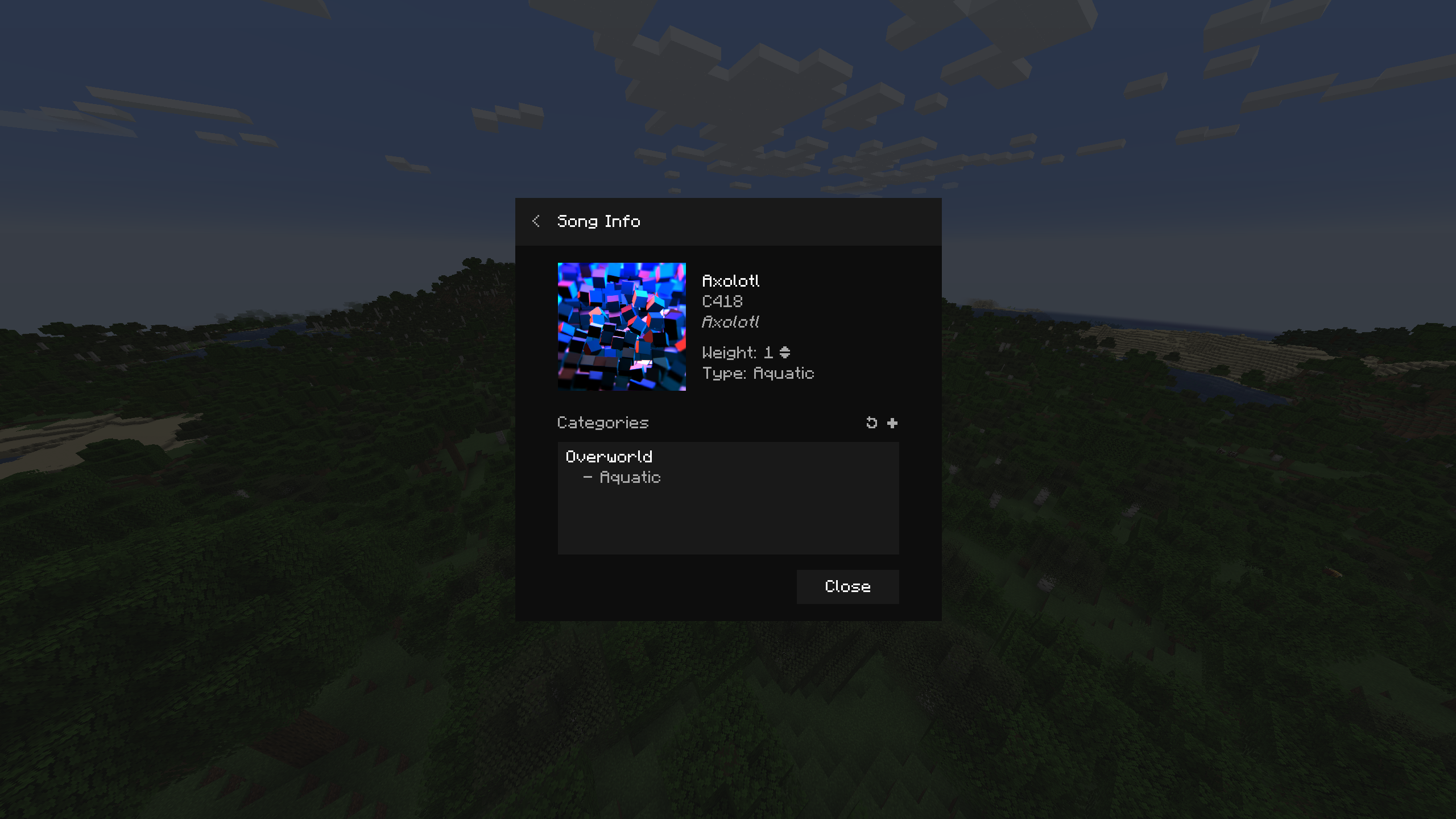
- Customize which songs play where and when based on environmental or player conditions
- Control volume right from the menu and with keybinds
- And more!
You Should Know
- The default key bind to open the menu is G
- This mod is still in beta - it should mostly be stable, though I fully expect minor bugs to still exist. Please report them so that I may squash them!
- Modpack developers - you may add this mod to your modpack without asking - though please keep in mind that this mod is in beta and will likely interfere with other mods that add music to the game!
Other info
- Before anyone asks, a Forge version will be considered if enough interest is shown
- This mod works by replacing Minecraft's entire music logic. This allows for complete control over how, when, and what music plays. However, this breaks the ability for other mods to add music to the game. This will be fixed in the future, but please do still report any mods that this mod breaks!
- I will try to push out updates as much as possible, forgive me if I'm a little slow! I've got quite a bit goin' on
Currently available for Fabric, with the latest version supported being 1.20.1, requires the Fabric API Feel free to ask any questions in the GitHub if you are unsure about something in the mod!
Enjoy!
Cómo instalar Playlist
With Millida Launcher
Install Millida Launcher
The launcher is free: download it at millida.net/launcher and sign in with any nickname.
Click “Install” on this page
The launcher opens and installs the mod for Minecraft 1.19.2–1.20.1 on Fabric or Quilt automatically.
Launch the game
A profile with it appears in the launcher: click “Play”.
Manually
Install Fabric or Quilt
The loader must match the game version of the mod file, for example Minecraft 1.20.1. After installing it, a separate profile appears in your launcher.
Download the file for your version
In the version list above, pick the file playlist-1.3.0-1.20.1.jar (3.4 MB) for your game version and loader.
Put it in the mods folder
The folder is inside .minecraft (Windows: %appdata%\.minecraft\mods). If it does not exist, create it.
Launch the loader profile
Open “Mods” in the main menu: Playlist should be in the list.
Minecraft 1.20.1 runs on Java 17: with a different Java version the game may close right after launch.
Versiones
Con dependencias
| Minecraft | Cargador | Archivo | Fecha | Acciones |
|---|---|---|---|---|
| 1.20.1 | Fabric | Playlist 1.3 for 1.20.1 [Fabric]3.4 MB | ||
| 1.19.2 | Fabric, Quilt | Playlist 1.1.0 for Minecraft 1.19.2 [Fabric/Quilt]2.8 MB |
FAQ
Which Minecraft versions does Playlist work on?
There are files for 1.20.1, 1.19.2. The newest is 1.20.1.
Is Playlist for Forge or Fabric?
There are files for Fabric: 1.19.2–1.20.1 and for Quilt: 1.19.2. There are no files for Forge or NeoForge: a mod for another loader will not start.
Does Playlist need other mods?
The author lists no required dependencies: the Fabric or Quilt loader is enough.
Which Java does Playlist need?
Minecraft 1.20.1 runs on Java 17. If the game closes right after launch, the usual cause is the wrong Java version in the profile settings.
Where can I download Playlist safely?
On this page: the file playlist-1.3.0-1.20.1.jar (3.4 MB) is stored on Millida’s server, with no link shorteners. SHA-1 checksum: c20dbfd6c24d6c7a2b1e295f85e6f56d97127300.
Reseñas
Sé el primero en valorar Playlist


