
Plants Mod para Minecraft 1.12.2
Experimenta el mundo natural; de la realidad y la ficción.
About
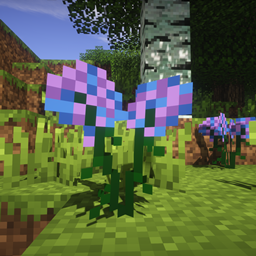
Plants is a mod aiming to add all kinds of plants to Minecraft. See, Minecraft can be rather dull at times; perhaps all that green just isn't what you're looking for, and you want something extra. Maybe you're just here for the Excalibur, or the flowerpot, or the Magical Brewing Cauldron. Either way, Plants adds ~180 new plants to Minecraft, and is continually increasing. There are a few extra features of note, however. Plants overrides the vanilla flowerpot with its own. This flowerpot has support for everything without a tile entity. It also includes the old Excalibur, if you have Botania installed. In newer versions, you may also see content from an older mod called Forgotten Nature, such as the Crystal Forest, or the nether trees.
There is also the most notable Magical Brewing Cauldron. This is a rather complex way of getting potions (and a quite tricky one to master, at that) in which you can get potions by using plants! To utilize the cauldron, craft it, place it, and fill it with three buckets of water. Then, drop two nether wart in. After that, drop 6 plants in. Their color is important (Note, this only works on plants used to craft dyes, and that dye is their color). Then, once the particles race to the sky, you can add Dragon's Breath or Gunpowder (both optional) and remove your potions with glass bottles. Each batch makes 3 potions.
As of 2.8.0, the Magical Brewing Cauldron has CraftTweaker support. See the documentation for more information.
Images
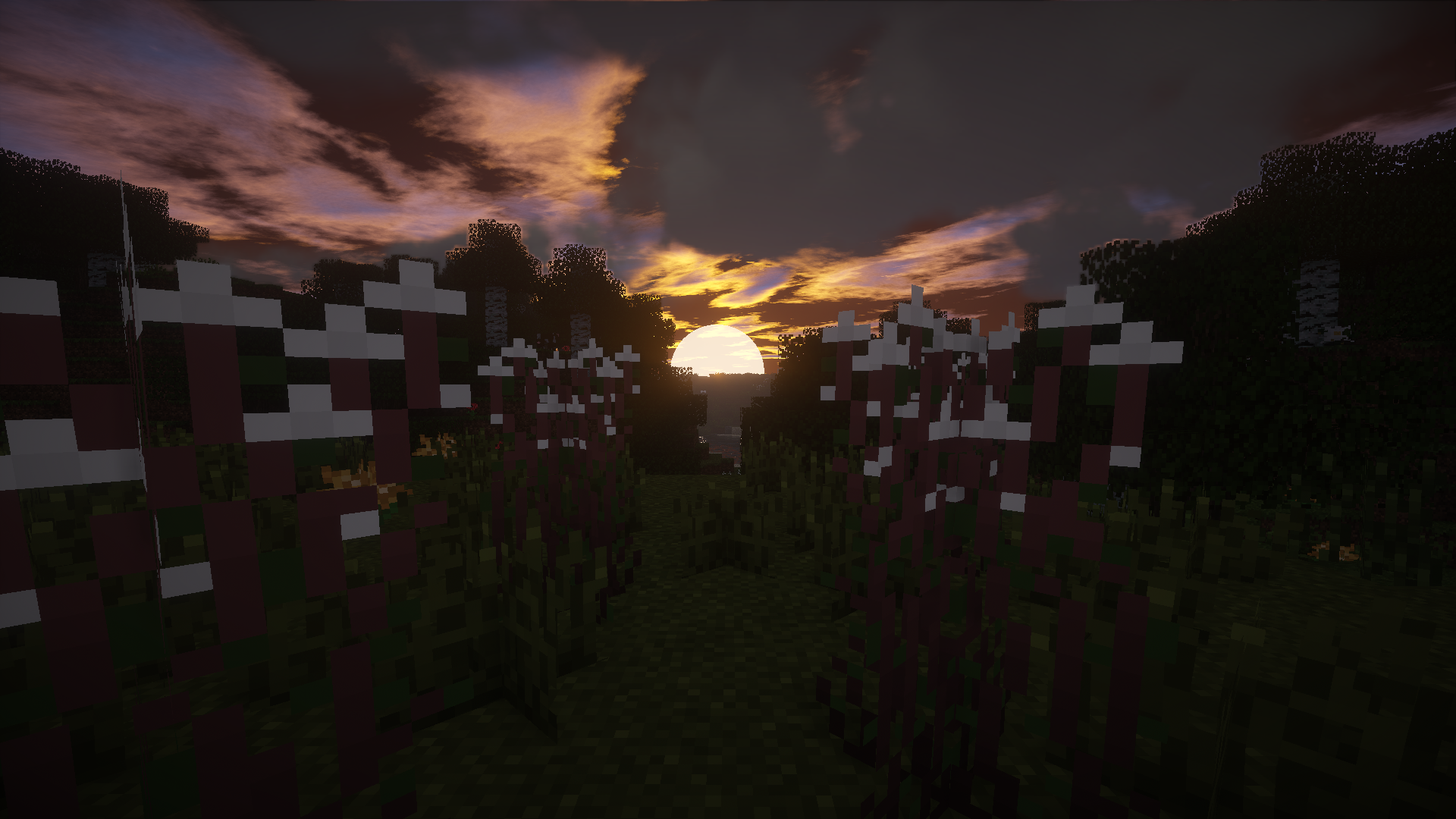
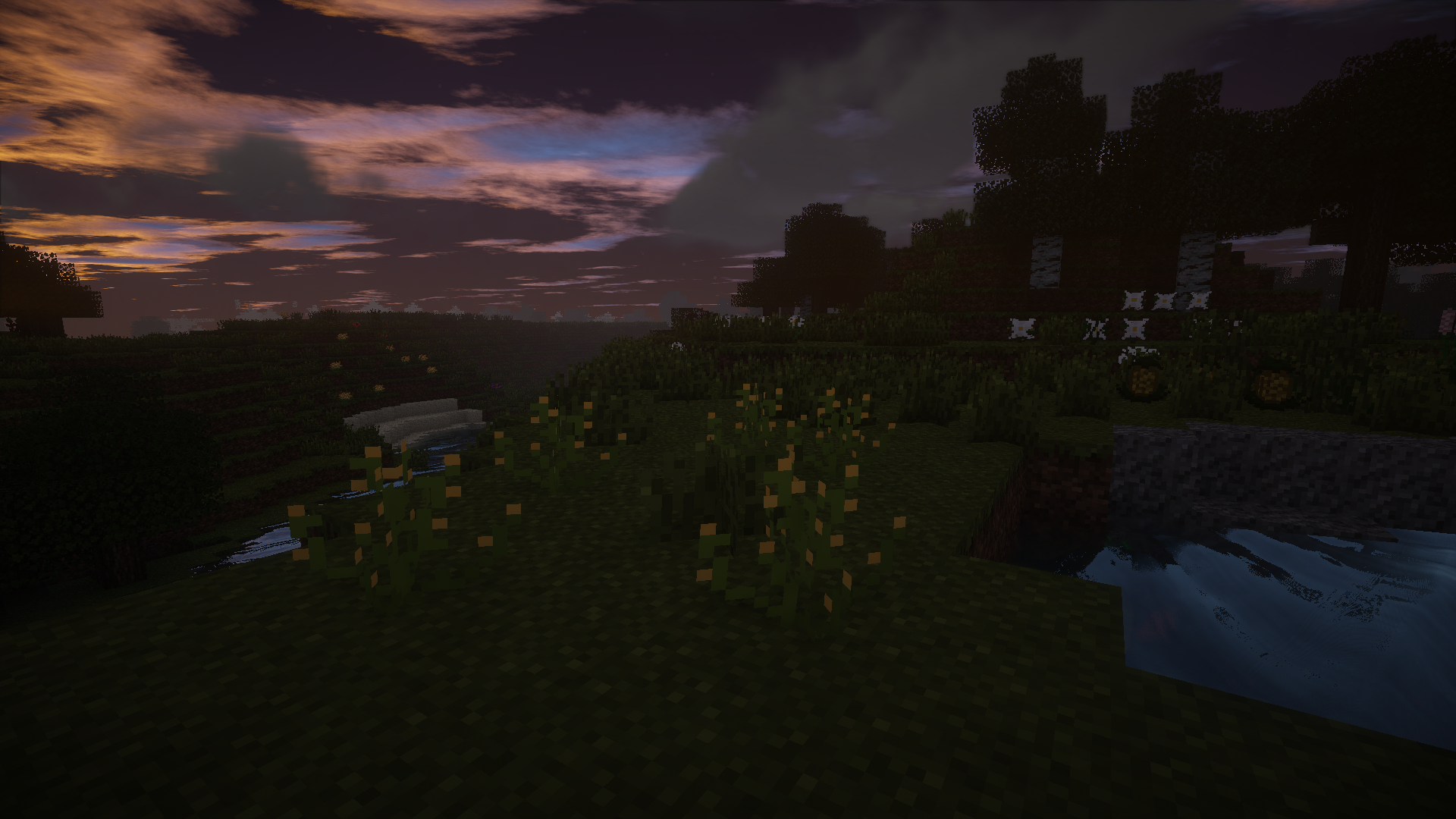
You probably want to know what is is you're getting out of this, right? Well, on top of the images tab, here's a few albums: Pre-release video: https://www.youtube.com/watch?v=KDseyVKRkkY Originals (shaders): https://imgur.com/a/Ev9Cl Beta 0.4.0: https://imgur.com/a/onEcl The Desert Update: https://imgur.com/a/K9ilA Plants 2.0: https://imgur.com/a/PrRVI The Nether: https://imgur.com/a/lSYO4 The Crystal Forest: https://imgur.com/a/XbQH2 Pots and Jars: https://i.imgur.com/e1SBDmV.png The End: https://imgur.com/a/6K5FX
Bug Reports & Feature Requests
All issue reports and feature requests should be handled on the GitHub page that is linked on this page. Please mark issues with [Bug] and features with [Idea].
Using this mod in modpacks
This mod may be distributed freely in all modpacks.
Contact
Discord: https://discord.gg/wdvU5Yz
Cómo instalar Plants
With Millida Launcher
Install Millida Launcher
The launcher is free: download it at millida.net/launcher and sign in with any nickname.
Click “Install” on this page
The launcher opens and installs the mod for Minecraft 1.10.2–1.12.2 automatically.
Launch the game
A profile with it appears in the launcher: click “Play”.
Manually
Download the file for your version
In the version list above, pick the file Plants-1.12.2-2.10.7.jar (563 KB) for your game version.
Put it in the mods folder
The folder is inside .minecraft (Windows: %appdata%\.minecraft\mods). If it does not exist, create it.
Launch the loader profile
Open “Mods” in the main menu: Plants should be in the list.
Minecraft 1.12.2 runs on Java 8: with a different Java version the game may close right after launch.
Versiones
Con dependencias
| Minecraft | Cargador | Archivo | Fecha | Acciones |
|---|---|---|---|---|
| 1.12.2 | — | Plants-1.12.2-2.10.7.jar563 KB | ||
| 1.12.2 | — | Plants-1.12.2-2.6.2.jar534 KB | ||
| 1.10.2 | — | Plants-dev0.2.jar109 KB |
FAQ
Which Minecraft versions does Plants work on?
There are files for 1.12.2, 1.10.2. The newest is 1.12.2.
Which Java does Plants need?
Minecraft 1.12.2 runs on Java 8. If the game closes right after launch, the usual cause is the wrong Java version in the profile settings.
Where can I download Plants safely?
On this page: the file Plants-1.12.2-2.10.7.jar (563 KB) is stored on Millida’s server, with no link shorteners. SHA-1 checksum: f1f887be1d63e3d1376dbc9d40ef8ec5e334ec2a.
Reseñas
Sé el primero en valorar Plants


