
Picture Mode Mod para Minecraft 1.20.1, 26.3
Este mod añade una vista isométrica del mundo dedicada a tomar fotografías.
 NeoForge
 Fabric
 Quilt
Quilt Forge
ForgeAcerca del mod Picture Mode
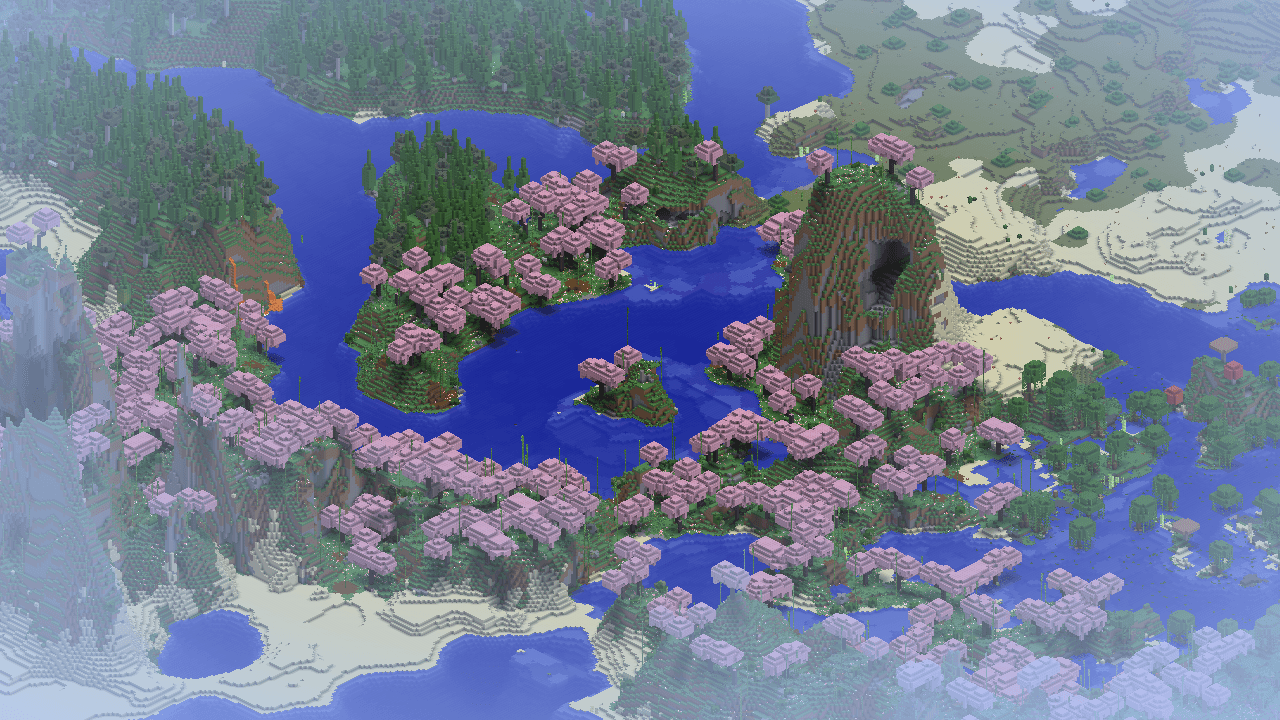
Picture Mode is a mod that adds an isometric picture taking mode to Minecraft. It is inspired by the Photo Mode from Better than Adventure. The interface is simple to use and the isometric perspective gives a unique way to capture images of structures.
Features
- An isometric perspective for screenshotting
- Controls for the camera orientation
- Panning controls for advanced cropping
- Environment controls to make the image more pretty
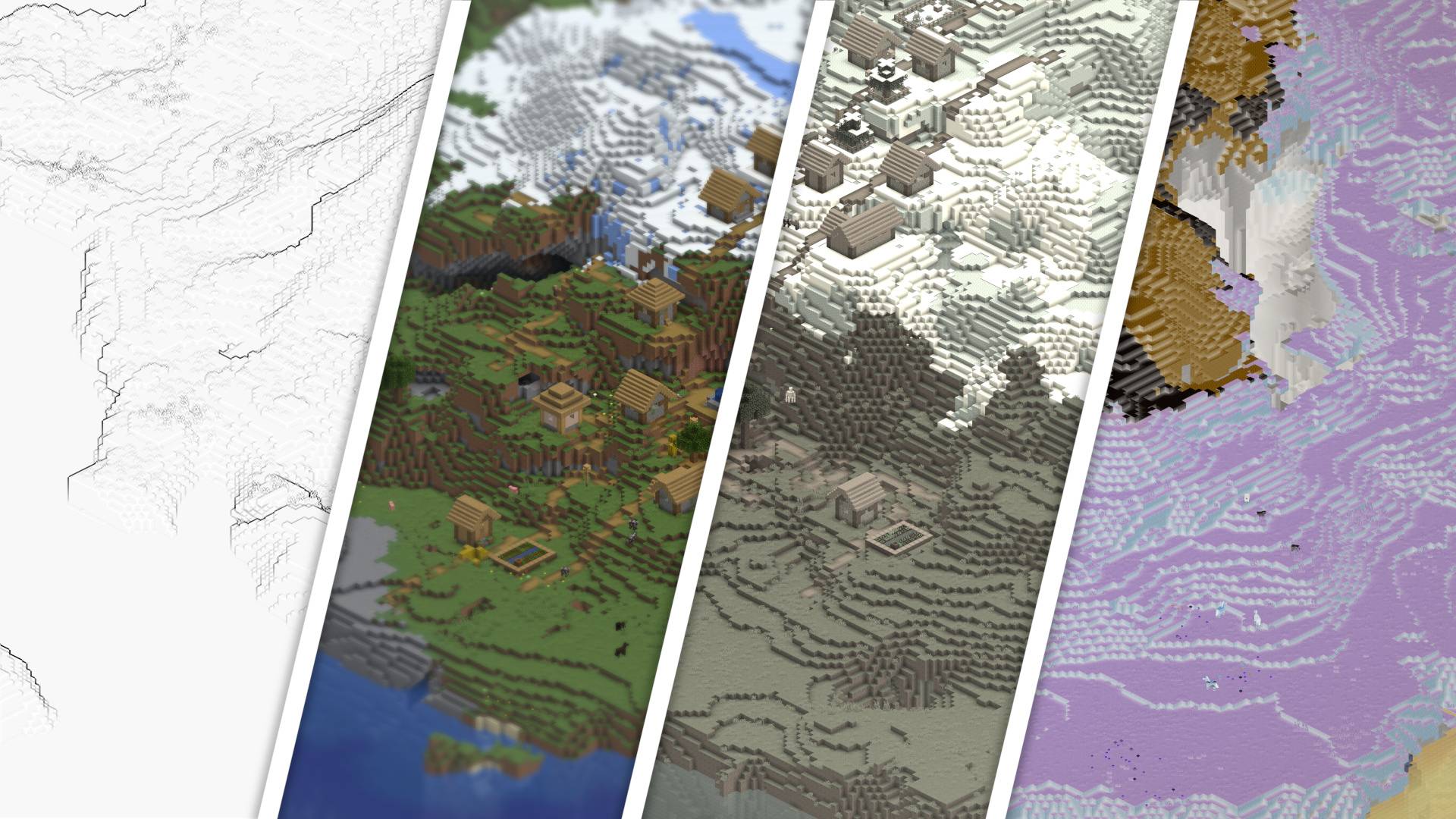
- Filters to spice up your screenshots
Screenshot
Below is a screenshot of the main interface of the mod.
Disabling for a dimension
Server owners or modpack makers can disable Picture Mode in a dimension by adding its dimension type to the picturemode:disabled tag. The button will be disabled once the player is in a dimension of the disabled type
Credits
Thanks to the Better than Adventure! team for the original Photo Mode, which is a huge inspiration for this mod.
Thanks to Bestsoft100 for letting me use their shader code for the filters.
Cómo instalar Picture Mode
With Millida Launcher
Install Millida Launcher
The launcher is free: download it at millida.net/launcher and sign in with any nickname.
Click “Install” on this page
The launcher opens and installs the mod for Minecraft 1.20–26.3 on Fabric, Forge, NeoForge or Quilt automatically.
Launch the game
A profile with it appears in the launcher: click “Play”.
Manually
Install Fabric, Forge, NeoForge or Quilt
The loader must match the game version of the mod file, for example Minecraft 26.3. After installing it, a separate profile appears in your launcher.
Download the file for your version
In the version list above, pick the file picturemode-neoforge-1.1.7+26.3.jar (393 KB) for your game version and loader.
Put it in the mods folder
The folder is inside .minecraft (Windows: %appdata%\.minecraft\mods). If it does not exist, create it.
Launch the loader profile
Open “Mods” in the main menu: Picture Mode should be in the list.
Versiones
Con dependencias
| Minecraft | Cargador | Archivo | Fecha | Acciones |
|---|---|---|---|---|
| 26.3 | NeoForge | Picture Mode 1.1.7393 KB 1 | ||
| 26.3 | Fabric, Quilt | Picture Mode 1.1.7174 KB 14 | ||
| 1.20.1 | Forge | Picture Mode 1.1.7999 KB |
FAQ
Which Minecraft versions does Picture Mode work on?
There are files for 26.3, 1.20.1, 1.20. The newest is 26.3.
Is Picture Mode for Forge or Fabric?
There are files for Fabric: 26.3, for Forge: 1.20–1.20.1, for NeoForge: 26.3 and for Quilt: 26.3.
Does Picture Mode need other mods?
The author lists no required dependencies: the Fabric, Forge, NeoForge or Quilt loader is enough.
Where can I download Picture Mode safely?
On this page: the file picturemode-neoforge-1.1.7+26.3.jar (393 KB) is stored on Millida’s server, with no link shorteners. SHA-1 checksum: 6089ce6fdba9222f674c9426499733ee84e6d178.
Reseñas
Sé el primero en valorar Picture Mode


