

OWorld2Create Mod para Minecraft 1.20.1, 1.19.2
Evita que Minecraft intente crear una nueva partida cuando no hay ninguna existente.
 Fabric
 NeoForge
 Forge
 Quilt
Acerca del mod OWorld2Create
Theoretically this mod supports ALL modloaders!
Introduction
In 1.19 and newer Minecraft versions, Minecraft will automatically open the "Create New World" screen on clicking the "Singleplayer" button if there's no existing save.
The process above might be very slow if many mods are loaded, resulting in users who mistakenly touch this button having to wait a long few seconds.
This mod lets Minecraft display an empty world selection list screen even when there is no existing save, like in versions prior to 1.19.
Showcase
When you click "Singleplayer" without any save existing:
Without the mod:
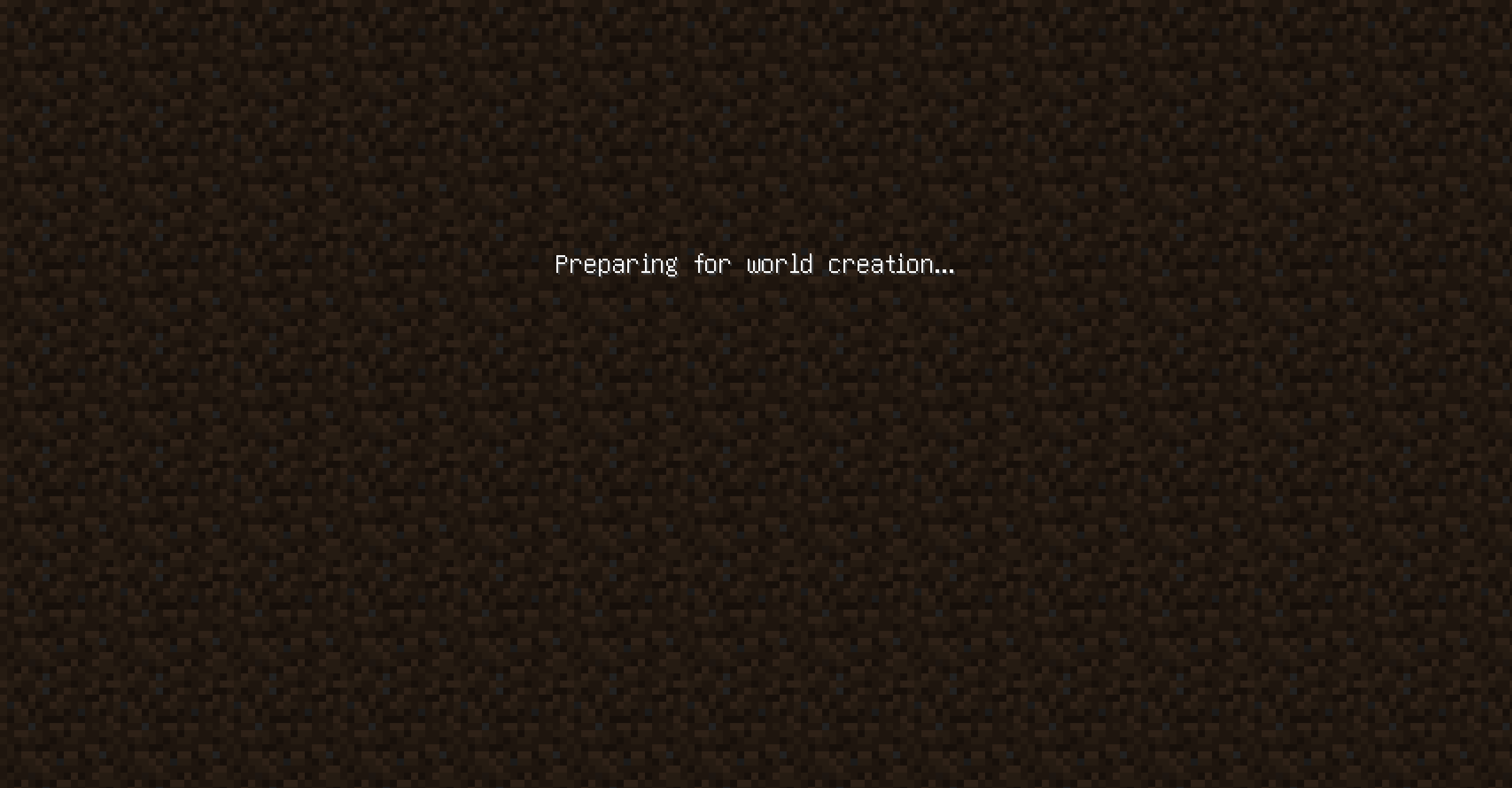
With the mod loaded:
ATTENTION
- You DEFINITELY CAN add the mod to your modpack;
- The project adheres to Nova Relay License 1.0.
Cómo instalar OWorld2Create
With Millida Launcher
Install Millida Launcher
The launcher is free: download it at millida.net/launcher and sign in with any nickname.
Click “Install” on this page
The launcher opens and installs the mod for Minecraft 1.19–1.20.2 on Fabric, Forge, NeoForge or Quilt automatically.
Launch the game
A profile with it appears in the launcher: click “Play”.
Manually
Install Fabric, Forge, NeoForge or Quilt
The loader must match the game version of the mod file, for example Minecraft 1.20.2. After installing it, a separate profile appears in your launcher.
Download the file for your version
In the version list above, pick the file 0World2Create-Universal-1.19-1.20.X-1.0.0.jar (6 KB) for your game version and loader.
Put it in the mods folder
The folder is inside .minecraft (Windows: %appdata%\.minecraft\mods). If it does not exist, create it.
Launch the loader profile
Open “Mods” in the main menu: OWorld2Create should be in the list.
Minecraft 1.20.2 runs on Java 17: with a different Java version the game may close right after launch.
Versiones
Con dependencias
| Minecraft | Cargador | Archivo | Fecha | Acciones |
|---|---|---|---|---|
| 1.19.3 | Fabric, NeoForge, Forge, Quilt | 0World2Create-Universal-1.19-1.20.X-1.0.0.jar5.8 KB 2 |
FAQ
Which Minecraft versions does OWorld2Create work on?
There are files for 1.19–1.20.2, 8 versions in total. The newest is 1.20.2.
Is OWorld2Create for Forge or Fabric?
There are files for Fabric: 1.19–1.20.2, for Forge: 1.19–1.20.2, for NeoForge: 1.19–1.20.2 and for Quilt: 1.19–1.20.2.
Does OWorld2Create need other mods?
The author lists no required dependencies: the Fabric, Forge, NeoForge or Quilt loader is enough.
Which Java does OWorld2Create need?
Minecraft 1.20.2 runs on Java 17. If the game closes right after launch, the usual cause is the wrong Java version in the profile settings.
Where can I download OWorld2Create safely?
On this page: the file 0World2Create-Universal-1.19-1.20.X-1.0.0.jar (6 KB) is stored on Millida’s server, with no link shorteners. SHA-1 checksum: 35cc436e1155ee1ba23e24cd03eca8d92659a1e2.
Reseñas
Sé el primero en valorar OWorld2Create


