
MythicBotany Mod para Minecraft 1.20.1, 1.16.5
Sumérgete más profundamente en el mundo de botania
- descargas
- 7 descargas
- visualizaciones
- 33 visualizaciones
- Actualizado
- Actualizado 23.10.2026
- 1.16.3 — 1.20.1
 Forge
Forge
Acerca del mod MythicBotany
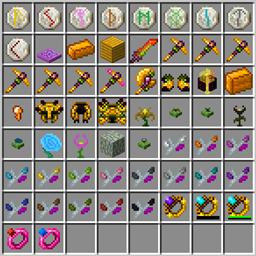
MythicBotany es un mod que amplía un poco Botania. Algunas de sus características se enumeran a continuación:
- El infusor de maná: Una mejora de la placa de aglomeración terrestre que requiere oro y piedra brillante debajo y, además de Terrasteel, permite crear Alfsteel.
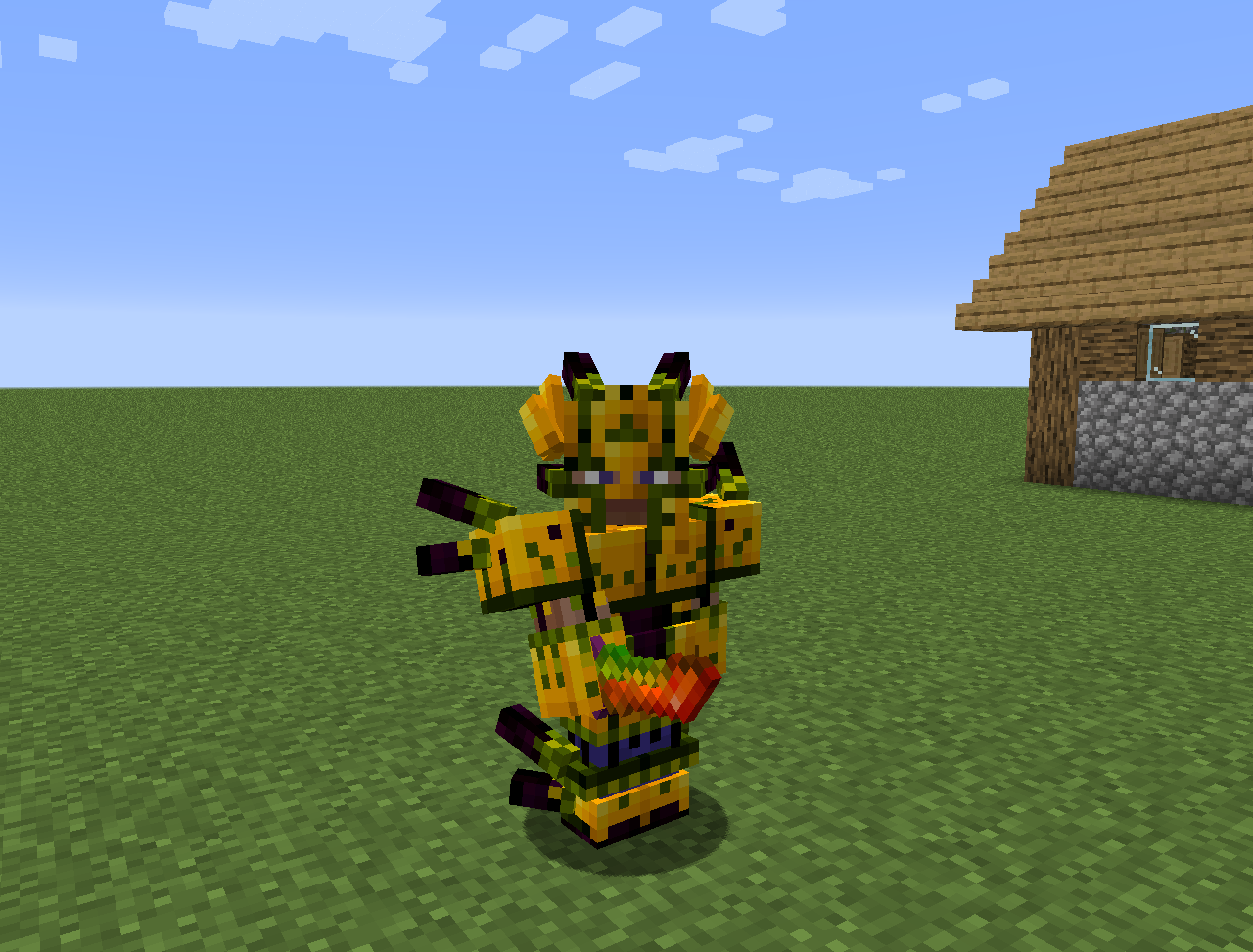
- Alfsteel: Se fabrica como el Terrasteel pero con recursos de Alfheim. Se puede usar para crear una mejor armadura, pilones y otras cosas.
- Algunas flores nuevas:
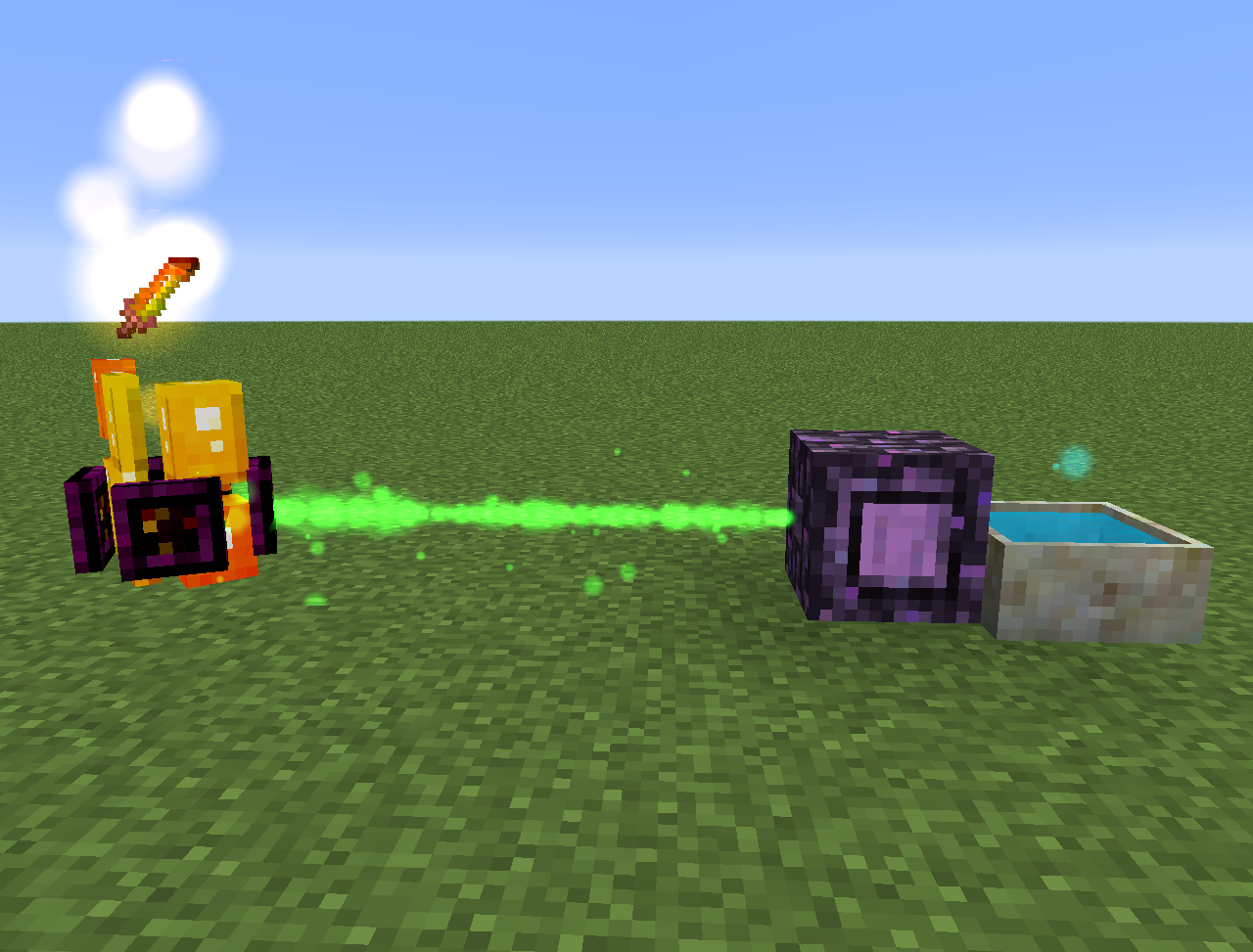
- Wither Aconite: Crea maná a partir de estrellas del Nether
- Exoblaze: Llena el combustible de los soportes de alquimia con maná
- Hellebore: Evita que los piglins y hoglins se zombifiquen en el overworld
- Aquapanthus: Llena los altares de pétalos y calderos cercanos.
- Raindeletia: Crea maná cuando llueve. Debe tener una vista despejada al cielo. Colócala sobre hierba vívida o tierra encantada para que produzca más maná.
- También añade una dimensión de Alfheim y algo de contenido de la mitología nórdica
Todo también se puede encontrar en la lexica botania.
Cómo instalar MythicBotany
With Millida Launcher
Install Millida Launcher
The launcher is free: download it at millida.net/launcher and sign in with any nickname.
Click “Install” on this page
The launcher opens and installs the mod for Minecraft 1.16.3–1.20.1 on Forge automatically.
Launch the game
A profile with it appears in the launcher: click “Play”.
Manually
Install Forge
The loader must match the game version of the mod file, for example Minecraft 1.20.1. After installing it, a separate profile appears in your launcher.
Download the file for your version
In the version list above, pick the file MythicBotany-1.20.1-4.0.4.jar (2.1 MB) for your game version.
Put it in the mods folder
The folder is inside .minecraft (Windows: %appdata%\.minecraft\mods). If it does not exist, create it.
Launch the loader profile
Open “Mods” in the main menu: MythicBotany should be in the list.
Minecraft 1.20.1 runs on Java 17: with a different Java version the game may close right after launch.
Versiones
Con dependencias
| Minecraft | Cargador | Archivo | Fecha | Acciones |
|---|---|---|---|---|
| 1.20.1 | Forge | MythicBotany-1.20.1-4.0.4.jar2.1 MB 5 | ||
| 1.18.1 | Forge | MythicBotany-1.18.1-2.0.2.jar2 MB | ||
| 1.16.5 | Forge | MythicBotany-1.16.4-1.3.7.jar2 MB 2 | ||
| 1.16.3 | — | MythicBotany-1.16.3-1.0.0.jar403 KB |
FAQ
Which Minecraft versions does MythicBotany work on?
There are files for 1.20.1, 1.18.1, 1.16.5, 1.16.4, 1.16.3. The newest is 1.20.1.
Is MythicBotany for Forge or Fabric?
Only for Forge: 1.16.4–1.20.1. There are no files for Fabric or NeoForge: a mod for another loader will not start.
Does MythicBotany need other mods?
The author lists no required dependencies: the Forge loader is enough.
Which Java does MythicBotany need?
Minecraft 1.20.1 runs on Java 17. If the game closes right after launch, the usual cause is the wrong Java version in the profile settings.
Where can I download MythicBotany safely?
On this page: the file MythicBotany-1.20.1-4.0.4.jar (2.1 MB) is stored on Millida’s server, with no link shorteners. SHA-1 checksum: b616c118d611459a0711931c51c9c4d41408abb4.
Reseñas
Sé el primero en valorar MythicBotany


