
Modular Powersuits Mod para Minecraft 1.20.1, 1.16.5
Armadura y herramienta/arma de alta tecnología ampliables
 NeoForge
 Forge
ForgeAcerca del mod Modular Powersuits
ADVERTENCIA: ¡este mod ha pasado por algunos cambios de infraestructura! Si estás actualizando desde una versión anterior, cualquier objeto Component sin usar que esté por ahí se perderá. ¡No te avergüences de volver a añadir con trampas cualquier objeto que desaparezca al actualizar!
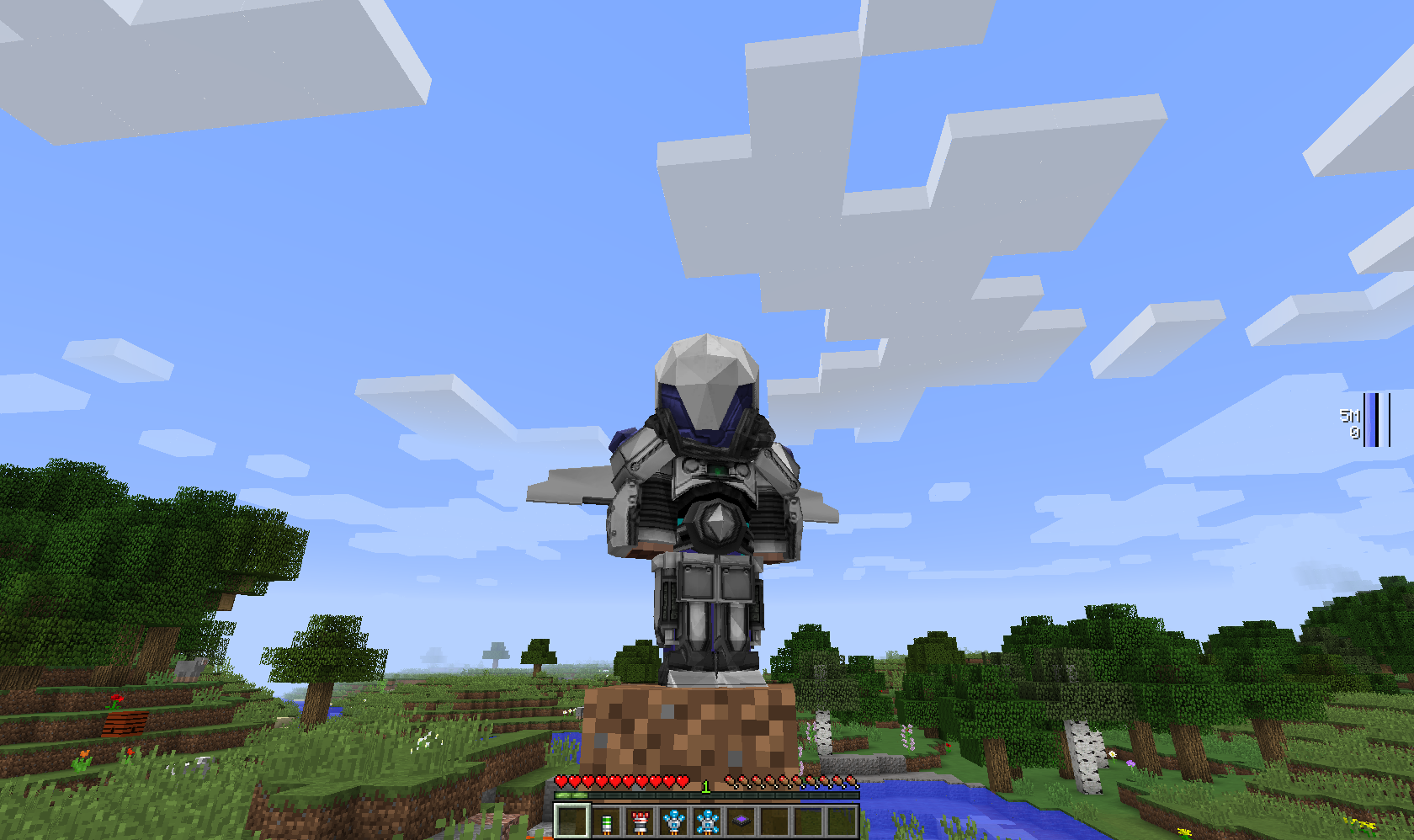
Modular Powersuits es un mod de Minecraft basado en la idea de un inventor que trastea con electrónica de alta tecnología y fabrica una armadura motorizada repleta de artilugios y funciones útiles. Inspirado por héroes como Iron Man, Megaman y Samus Aran, así como por la armadura de alta tecnología de mods como EE2 e IC2.
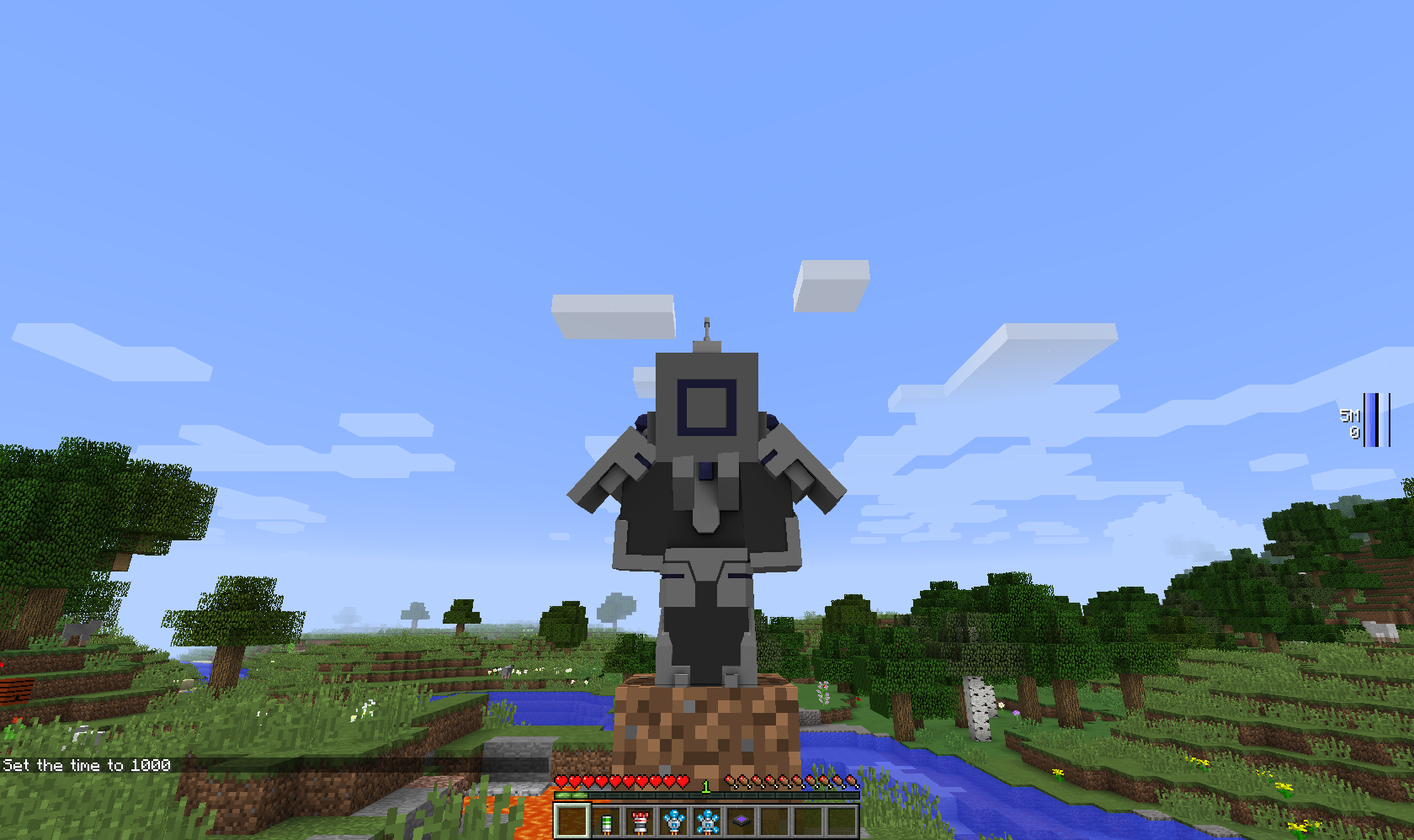
Para empezar, necesitarás una Tinker Table y al menos un objeto de powersuit: el casco, el torso, las piernas, las botas o la herramienta. Los objetos de powersuit son inútiles por sí solos, pero cuando accedas a una tinker table, te mostrará los módulos que puedes poner en ese objeto y te indicará el coste de componentes.
Requiere Numina a menos que se indique lo contrario (como en las builds Alpha).
Nota: Para las versiones 1.16.5 y posteriores, la Tinker Table como módulo es lo mismo que el bloque colocable, y lo mismo ocurre con la mesa de trabajo vanilla. La brújula y el reloj vanilla también se pueden instalar como módulos.
Cómo instalar Modular Powersuits
With Millida Launcher
Install Millida Launcher
The launcher is free: download it at millida.net/launcher and sign in with any nickname.
Click “Install” on this page
The launcher opens and installs the mod for Minecraft 1.10.2–1.20.1 on Forge or NeoForge automatically.
Launch the game
A profile with it appears in the launcher: click “Play”.
Manually
Install Forge or NeoForge
The loader must match the game version of the mod file, for example Minecraft 1.20.1. After installing it, a separate profile appears in your launcher.
Download the file for your version
In the version list above, pick the file ModularPowersuits-NeoForged-1.20.1-2.3.13.jar (1.7 MB) for your game version and loader.
Put it in the mods folder
The folder is inside .minecraft (Windows: %appdata%\.minecraft\mods). If it does not exist, create it.
Launch the loader profile
Open “Mods” in the main menu: Modular Powersuits should be in the list.
Minecraft 1.20.1 runs on Java 17: with a different Java version the game may close right after launch.
Versiones
Con dependencias
| Minecraft | Cargador | Archivo | Fecha | Acciones |
|---|---|---|---|---|
| 1.19.2 | Forge | ModularPowersuits-1.19.2-2.3.13.jar1.8 MB | ||
| 1.20.1 | NeoForge | ModularPowersuits-NeoForged-1.20.1-2.3.13.jar1.7 MB | ||
| 1.20.1 | Forge | ModularPowersuits-Forge-1.20.1-2.3.13.jar1.7 MB | ||
| 1.19.2 | Forge | ModularPowersuits-1.19.2-2.3.7.jar1.8 MB | ||
| 1.16.5 | — | ModularPowersuits-1.16.5-RC-11.5 MB | ||
| 1.16.5 | — | ModularPowersuits-1.16.4-Alpha-41.8 MB | ||
| 1.10.2 | — | ModularPowersuits-1.10.2-BETA-41.8 MB |
FAQ
Which Minecraft versions does Modular Powersuits work on?
There are files for 1.20.1, 1.19.2, 1.16.5, 1.16.4, 1.10.2. The newest is 1.20.1.
Is Modular Powersuits for Forge or Fabric?
There are files for Forge: 1.19.2–1.20.1 and for NeoForge: 1.20.1. There are no files for Fabric: a mod for another loader will not start.
Does Modular Powersuits need other mods?
The author lists no required dependencies: the Forge or NeoForge loader is enough.
Which Java does Modular Powersuits need?
Minecraft 1.20.1 runs on Java 17. If the game closes right after launch, the usual cause is the wrong Java version in the profile settings.
How do I download Modular Powersuits?
With Millida Launcher: it installs Modular Powersuits into a modpack by itself, for the right game version and loader. The launcher is free.
Reseñas
Sé el primero en valorar Modular Powersuits


