
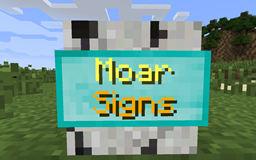
Acerca del mod MoarSigns
MoarSigns adds a lot of signs based on wood and metal from other mods.
Installing this mod alone you only will get the vanilla plank types of signs and the vanilla metals. Installing supported mods will make it possible to use the signs with woods types or metal types from those mods.
The crafting of the signs is easy. Use the plank you want and create it like a normal sign, you will get 3 signs of it. For the metal signs, it's a bit different, you can use nuggets of the metal type you want which will give you 1 sign if you use ingots of the metal type you want you will get 9 signs, for now just use a normal stick.
You can place the sign flat on the ground by shift right-click it, you can also place it on the underside of a block.
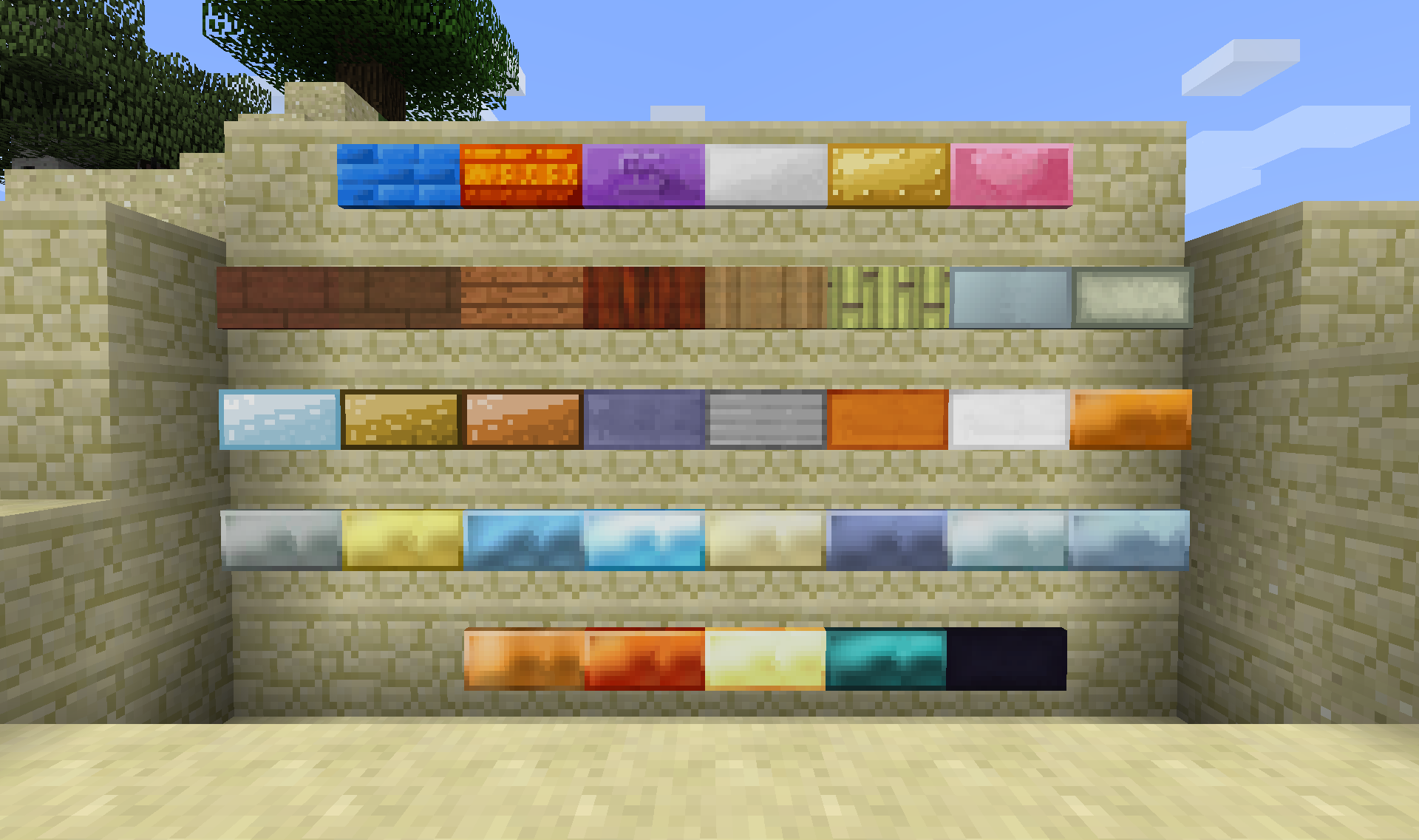
Currently supported mods:
Integration
1.9.4 1.10.2 1.11.2 1.12.2
Not Enough Items X X
Just Enough Items X X X X
Waila X X X X
Passthrough Signs X X X
Craft Tweaker
(Mine Tweaker 3)
X X X
The One Probe X X
Tumat X X
Signs
1.9.4 1.10.2 1.11.2 1.12.2
Biomes O' Plenty X X X X
Forestry X X X X
Natura X X X
IndustrialCraft 2 X X X X
Tinkers' Construct X X X X
Thermal Foundation
(Thermal Expansion)
X X
Railcraft X
Base Metals X X X X
TechReborn X X X X
Psi X X X
Ender IO X X
Extreme Reactors
(Big Reactors)
X X X
Immersive Engineering X X X
Draconic Evolution X X X
Integrated Dynamics X X X
Roots X
Random Things X X X
All planks and metals from above mods are supported.
Metals that are supported are:
- Copper
- Tin
- Silver
- Bronze
- Steel
- Lead
- Dark Iron
- Cobalt
- Ardite
- Knightslime
- Manyullyn
- Pigiron
- Aluminum
- Aluminum Brass
- Alumite
- Ferrous
- Shiny
- Mana Infused Ingot
- Invar
- Signalum
- Lumium
- Enderium
- Adamantine
- Aquarium
- Brass
- Cold-Iron
- Mithril
- Nickel
- Star-Steel
- Zinc
- and more...
More mods and metals are planned.
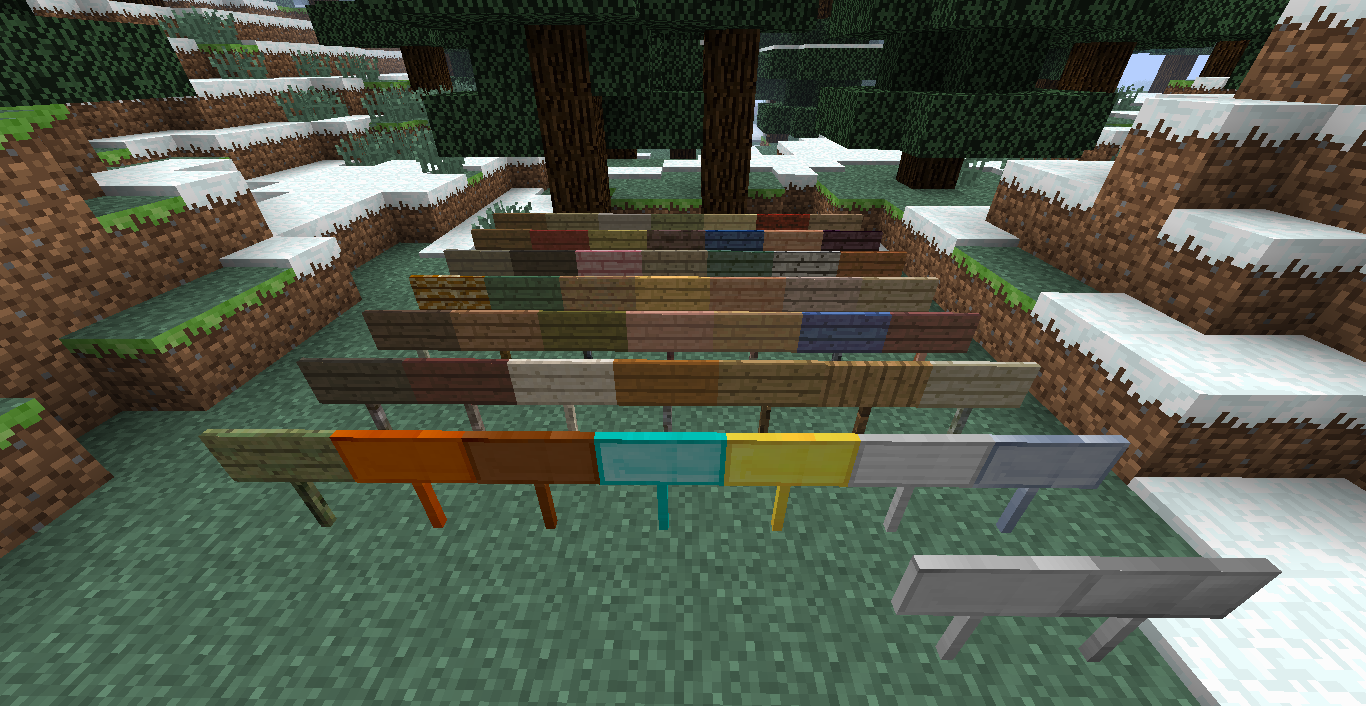
Currently known issues:
- Quark right-click to edit signs is messing with the sign-tool
ModPack Usage?
You are free to use my mod in your mod pack, make sure to link to this thread.
Got a bug or suggestion. Post it: Here Minecraft forum page: Here Github repository: Here
Cómo instalar MoarSigns
With Millida Launcher
Install Millida Launcher
The launcher is free: download it at millida.net/launcher and sign in with any nickname.
Click “Install” on this page
The launcher opens and installs the mod for Minecraft 1.12.2 automatically.
Launch the game
A profile with it appears in the launcher: click “Play”.
Manually
Download the file for your version
In the version list above, pick the file MoarSigns-1.12.2-6.0.0.11.jar (1.6 MB) for your game version.
Put it in the mods folder
The folder is inside .minecraft (Windows: %appdata%\.minecraft\mods). If it does not exist, create it.
Launch the loader profile
Open “Mods” in the main menu: MoarSigns should be in the list.
Minecraft 1.12.2 runs on Java 8: with a different Java version the game may close right after launch.
Versiones
Con dependencias
| Minecraft | Cargador | Archivo | Fecha | Acciones |
|---|---|---|---|---|
| 1.12.2 | — | MoarSigns-1.12.2-6.0.0.11.jar1.6 MB |
FAQ
Which Minecraft versions does MoarSigns work on?
Only Minecraft 1.12.2: there are no files for other versions.
Which Java does MoarSigns need?
Minecraft 1.12.2 runs on Java 8. If the game closes right after launch, the usual cause is the wrong Java version in the profile settings.
Where can I download MoarSigns safely?
On this page: the file MoarSigns-1.12.2-6.0.0.11.jar (1.6 MB) is stored on Millida’s server, with no link shorteners. SHA-1 checksum: b79040a2a08a8a958d0708178639063825c83ec8.
Reseñas
Sé el primero en valorar MoarSigns


