

Luminax Mod para Minecraft 1.20.1, 26.1.2
Añade un montón de bloques luminosos simples al juego
 NeoForge
 Forge
ForgeLuminax
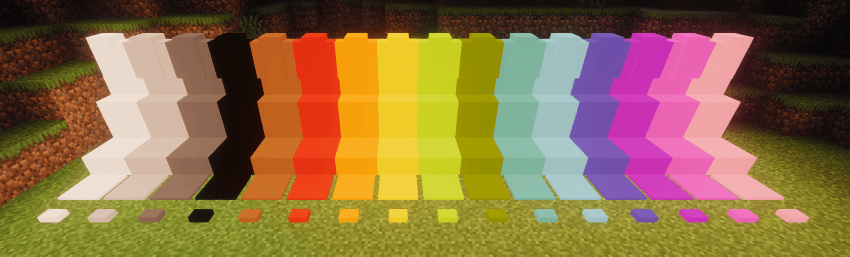
Este mod tan sencillo añade un puñado de bloques de un solo color al juego.
Puedes usar la Varita Luminax para modificar el color y la emisión de luz del bloque.
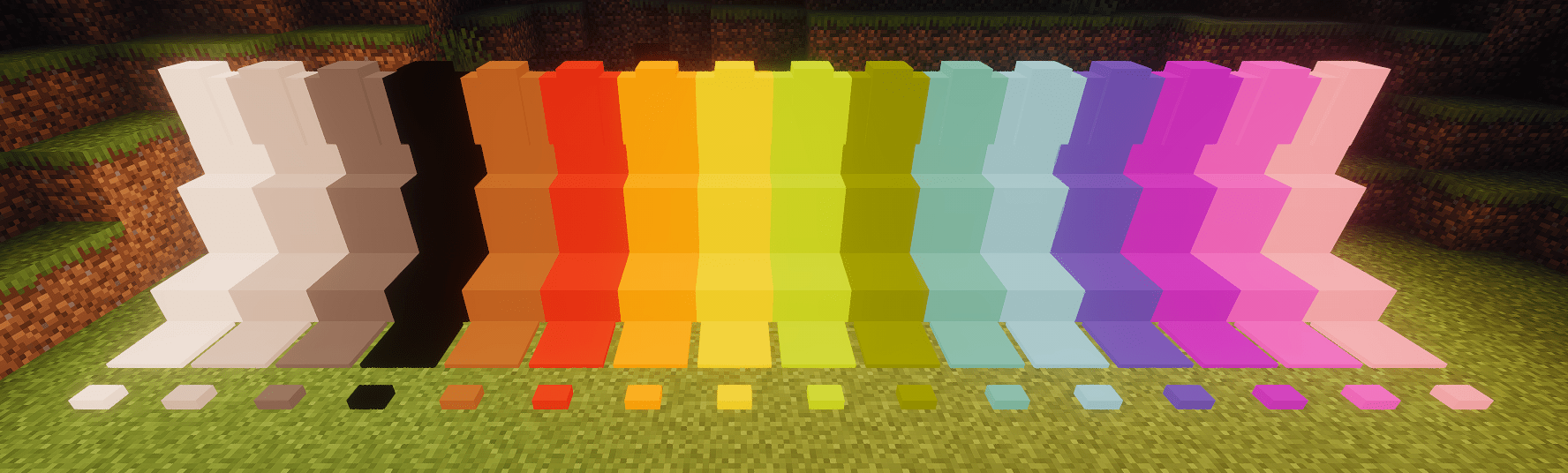
Framed Blocks también es totalmente compatible
Los bloques incluidos actualmente son:
- Bloque completo
- Losa
- Escalera
- Muro
- Placa de presión
- Botón
Cómo instalar Luminax
With Millida Launcher
Install Millida Launcher
The launcher is free: download it at millida.net/launcher and sign in with any nickname.
Click “Install” on this page
The launcher opens and installs the mod for Minecraft 1.20.1–26.1.2 on Forge or NeoForge automatically.
Launch the game
A profile with it appears in the launcher: click “Play”.
Manually
Install Forge or NeoForge
The loader must match the game version of the mod file, for example Minecraft 26.1.2. After installing it, a separate profile appears in your launcher.
Download the file for your version
In the version list above, pick the file luminax-2.0.1+26.1.2.jar (527 KB) for your game version and loader.
Put it in the mods folder
The folder is inside .minecraft (Windows: %appdata%\.minecraft\mods). If it does not exist, create it.
Launch the loader profile
Open “Mods” in the main menu: Luminax should be in the list.
Versiones
Con dependencias
| Minecraft | Cargador | Archivo | Fecha | Acciones |
|---|---|---|---|---|
| 26.1.2 | NeoForge | [Neoforge] Luminax 2.0.1-26.2.1527 KB | ||
| 1.20.1 | Forge | [Forge] Luminax 1.3.0-1.20.11 MB |
Reseñas
Sé el primero en valorar Luminax


