
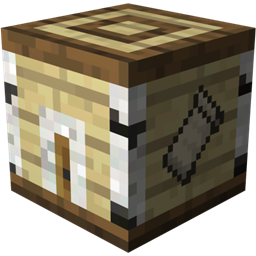
Instant Blocks (Fabric) Mod para Minecraft 1.19.2
Genera estructuras o realiza acciones al instante.
 Fabric
 Quilt
QuiltAcerca del mod Instant Blocks (Fabric)
By wiredboy27 (v1.6.5)
This is the Fabric version. Click here if you're using Forge
Configuration is supported through Cloth Config API and Mod Menu, but not required.
Also works with QuiltMC and Quilted Fabric API.
This mod adds 'Instant Blocks' to the game. These blocks could be obtained from crafting, dungeon chests, village chests, etc. Each block generates a different structure upon right-clicking on the block with an Instant Wand.
Instant Blocks
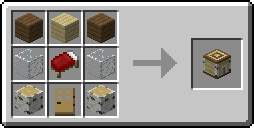
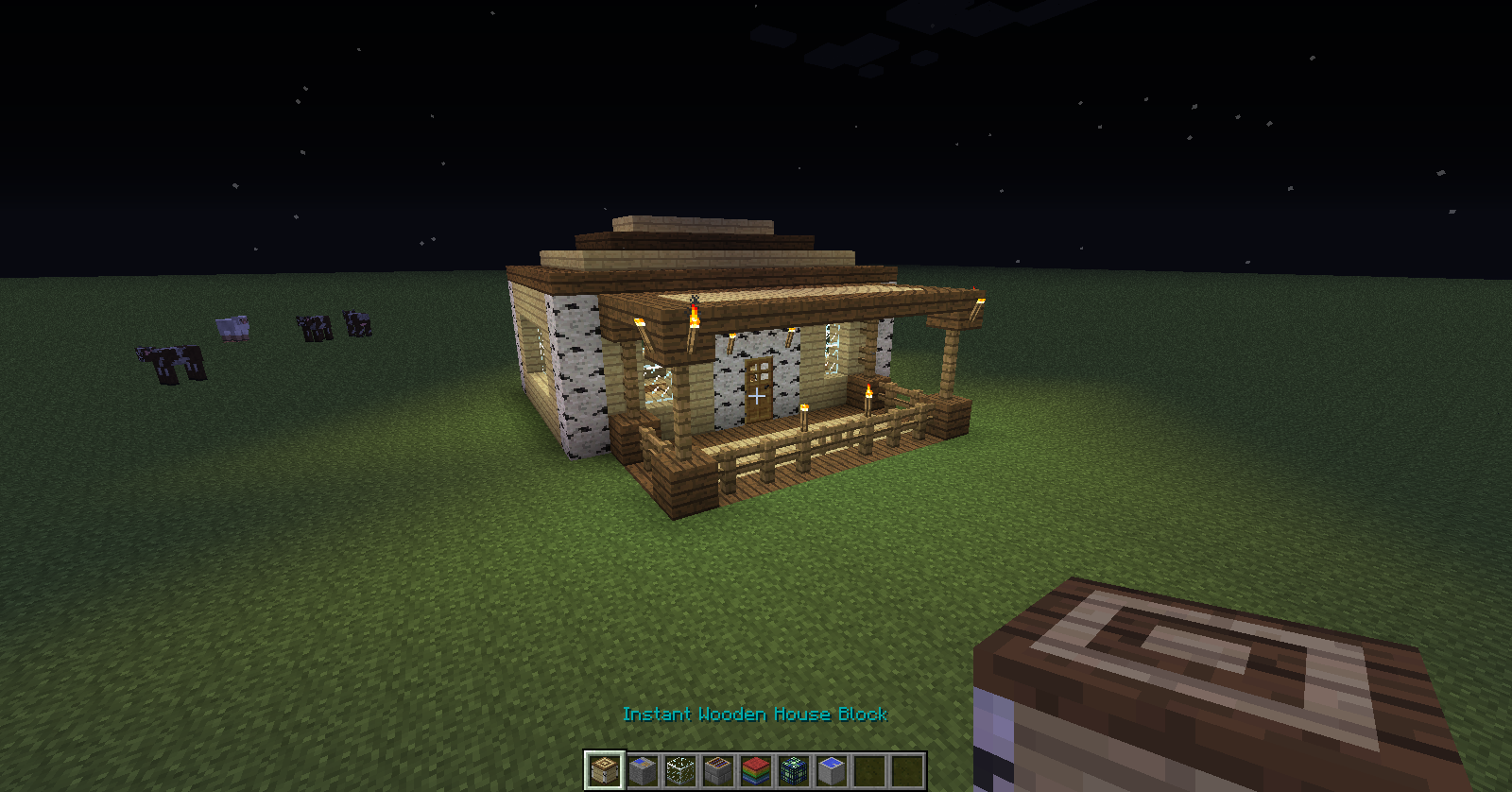
Instant Wooden House:
Creates a small wooden house.
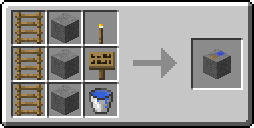
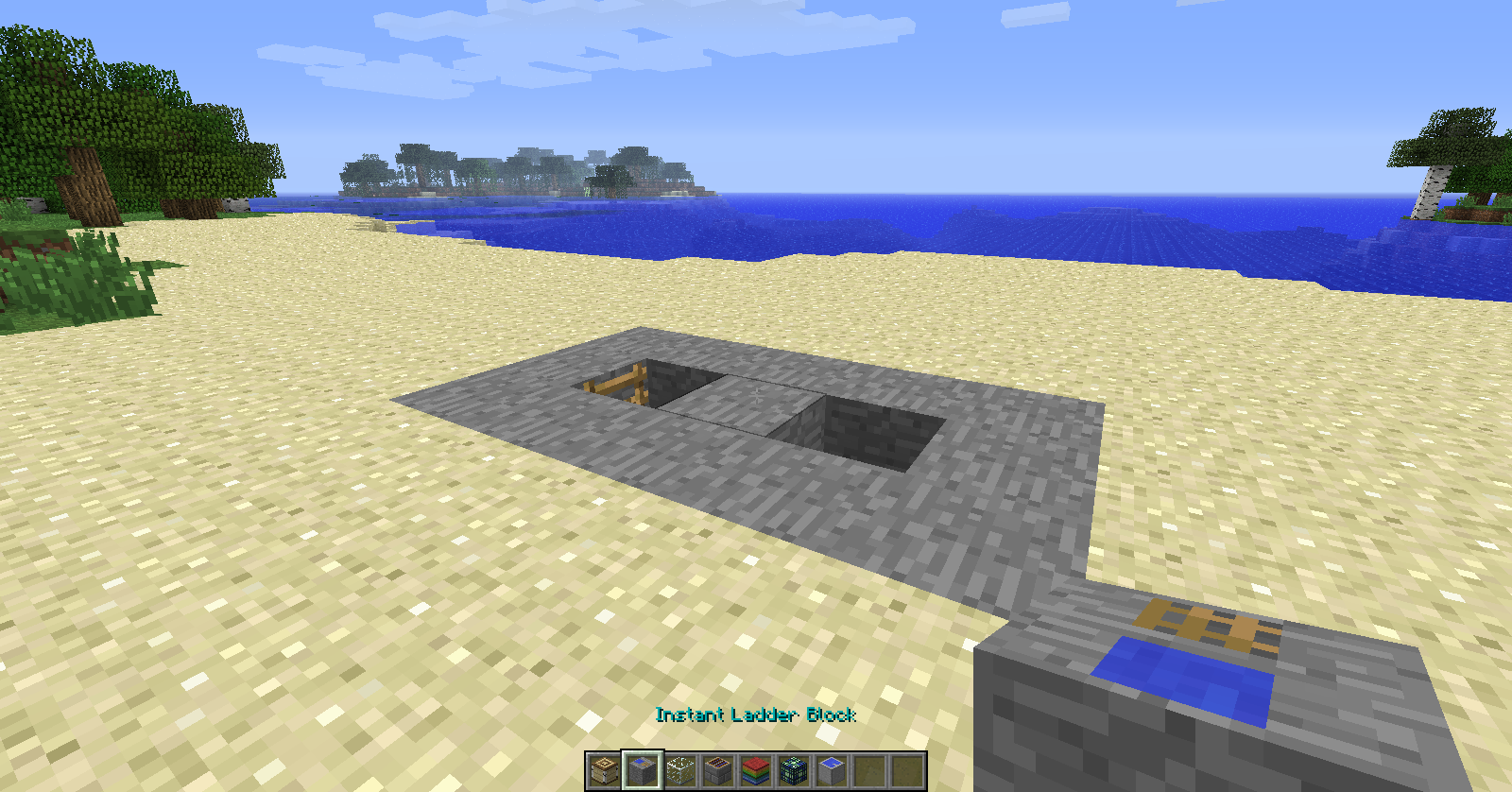
Instant Mining Ladder:
Creates a mining ladder down to a configurable layer.
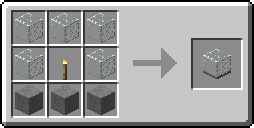
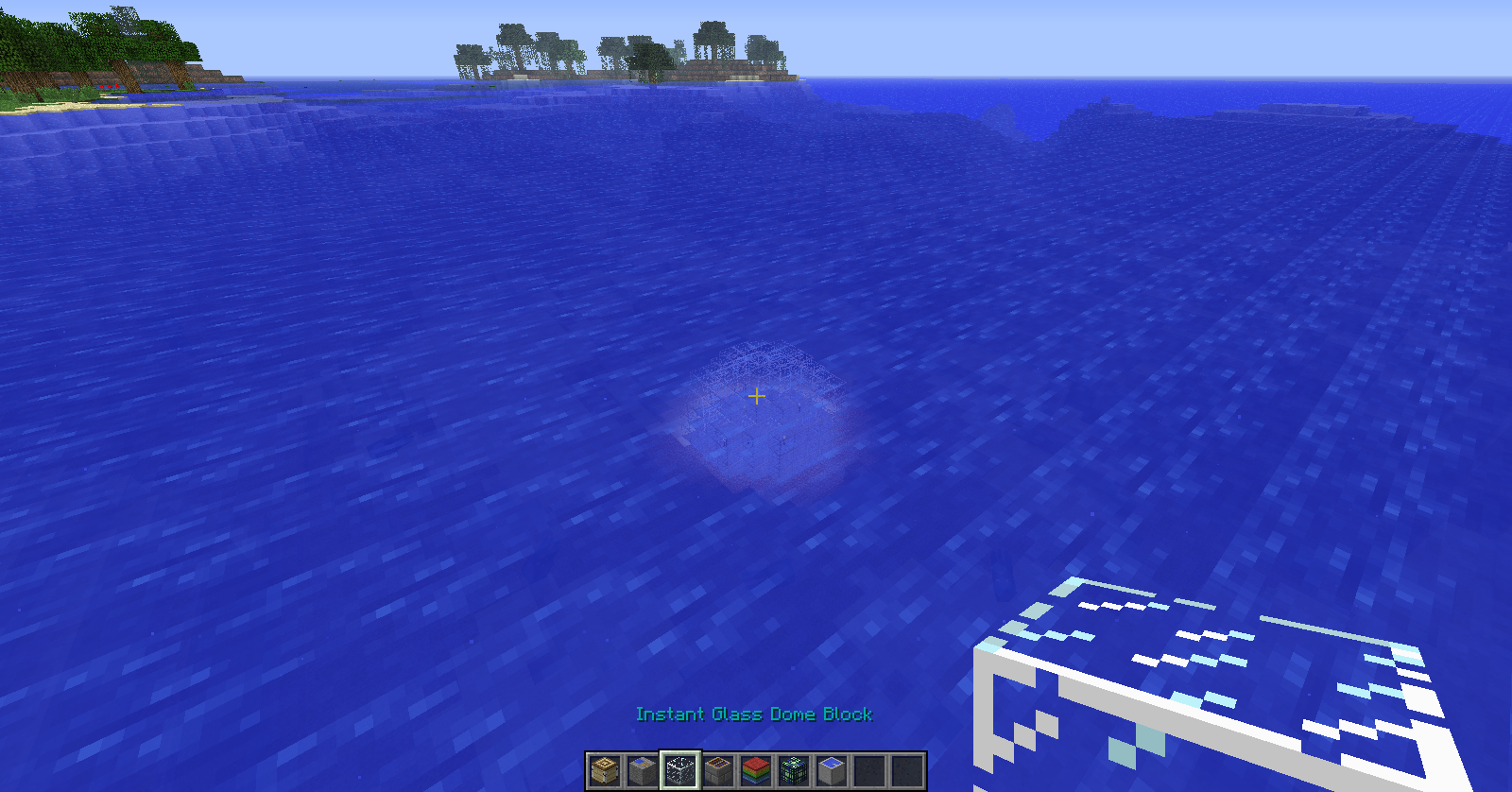
Instant Glass Dome:
Creates a glass dome with a configurable size.
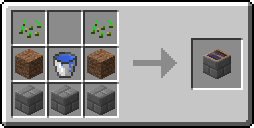
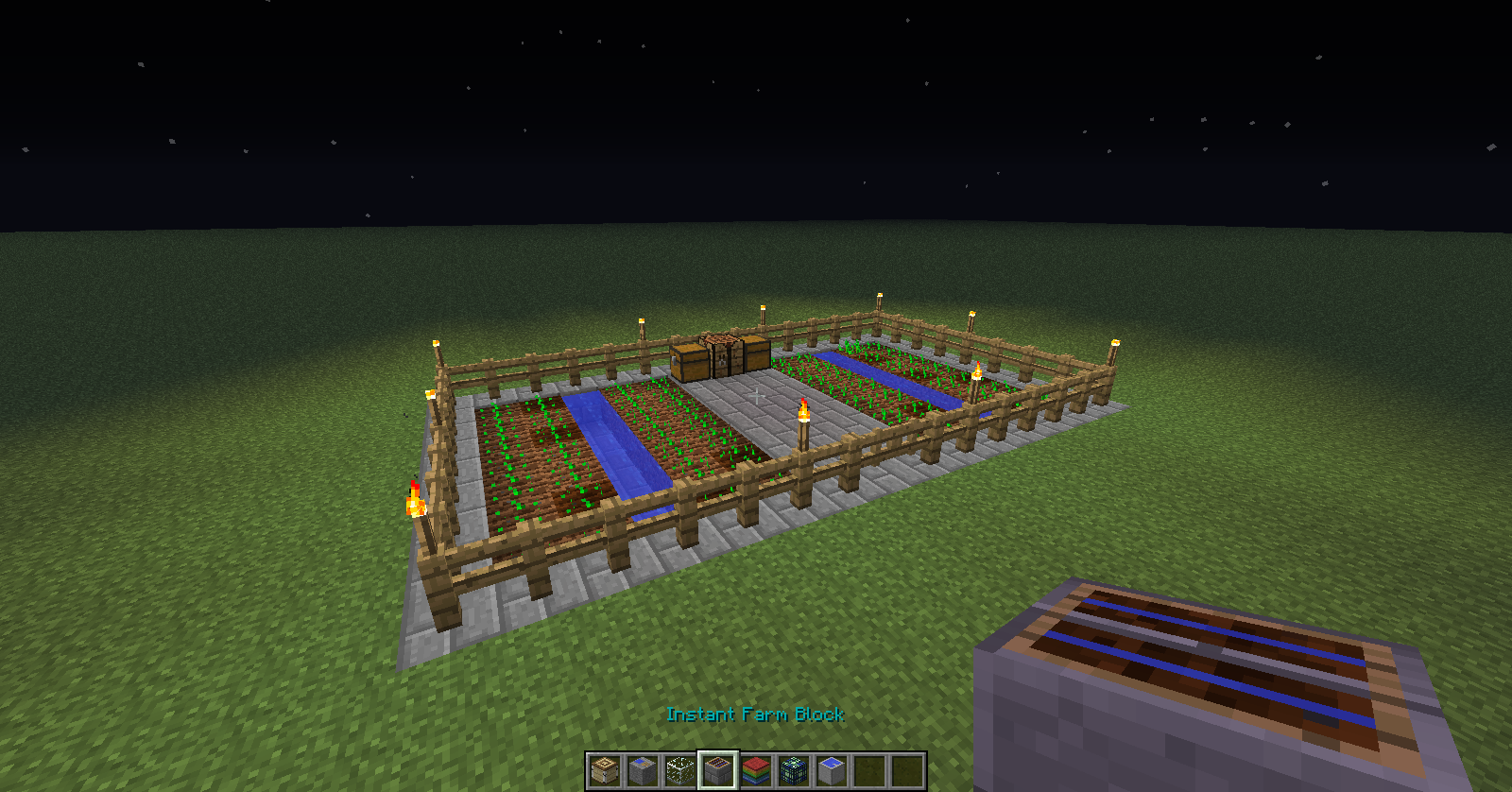
Instant Farm:
Creates a small farm with wheat/carrots/potatoes/beetroot.
All rates are configurable.
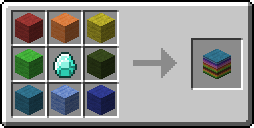
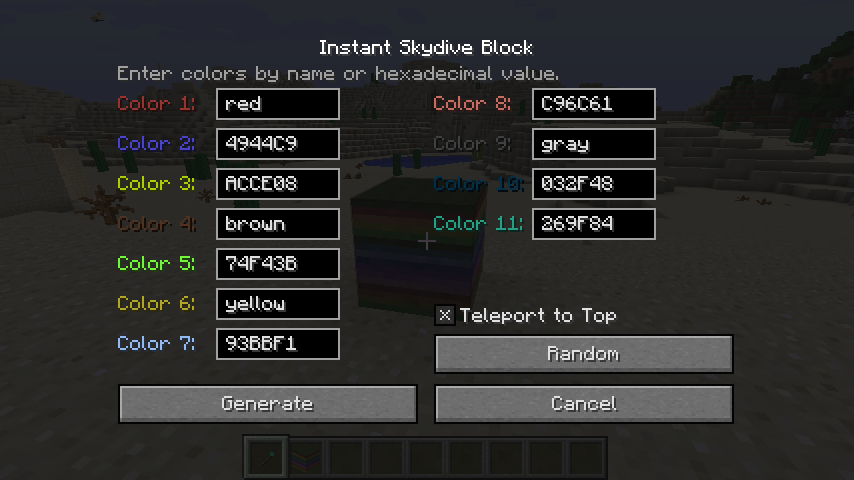
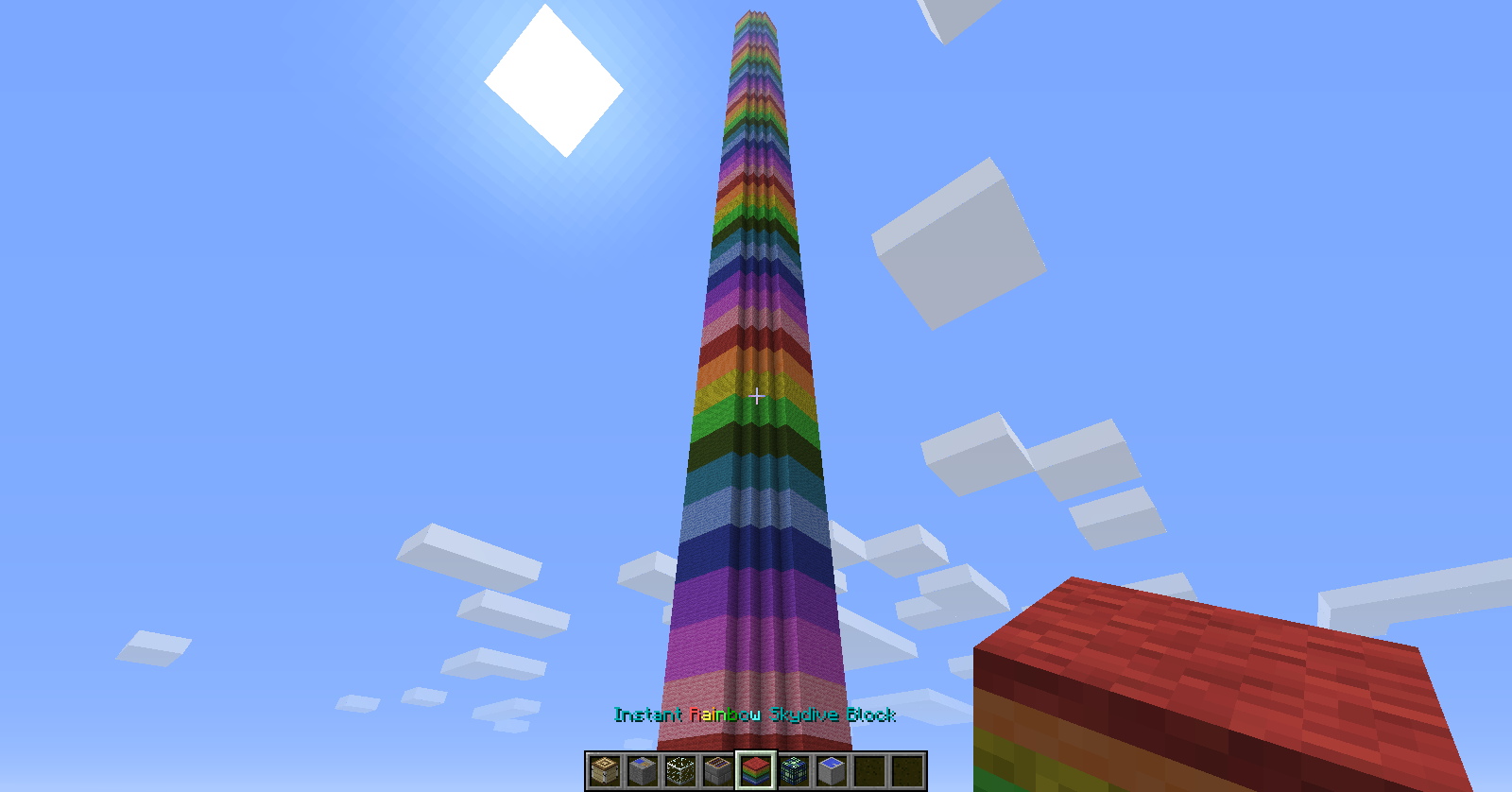
Instant Rainbow Skydive:
Creates a full height colored structure with a configurable size.
Instant Grinder:
Creates a mob grinder, specifically for zombies or skeletons.
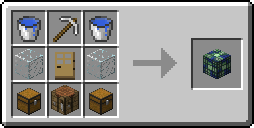
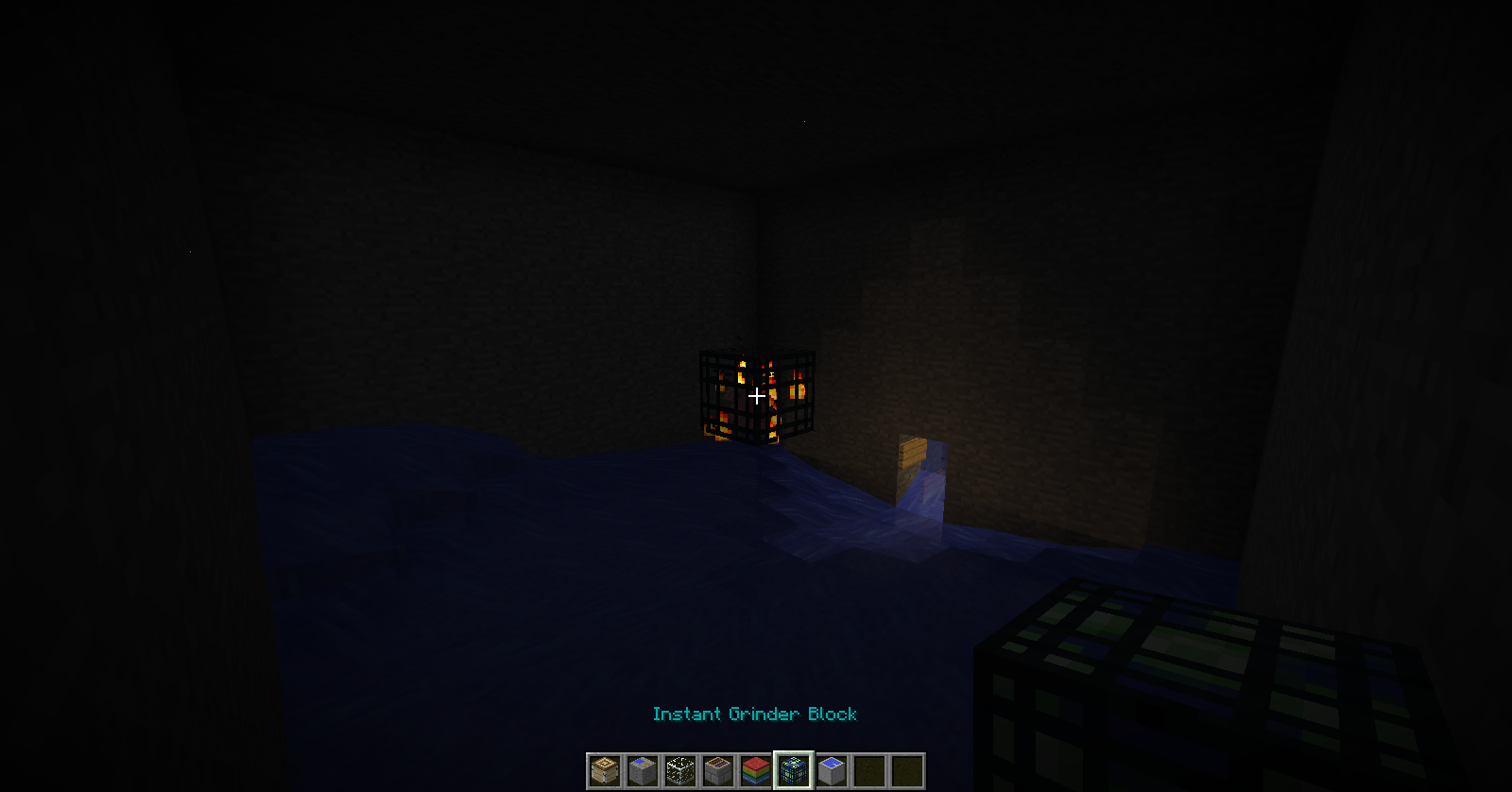
Instant Pool:
Creates a swimming pool.
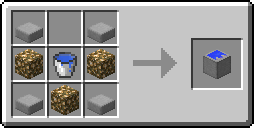
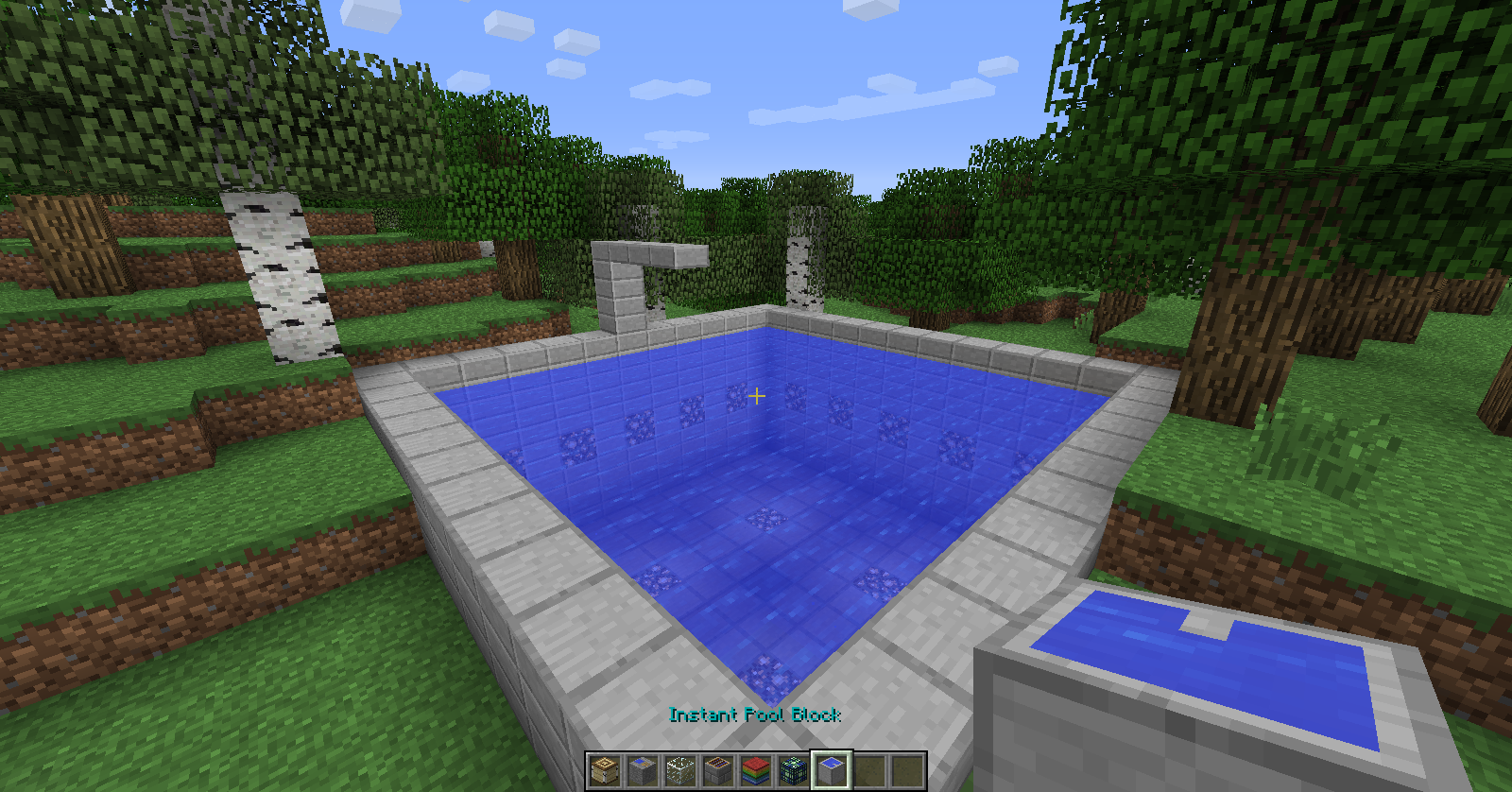
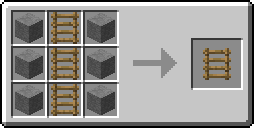
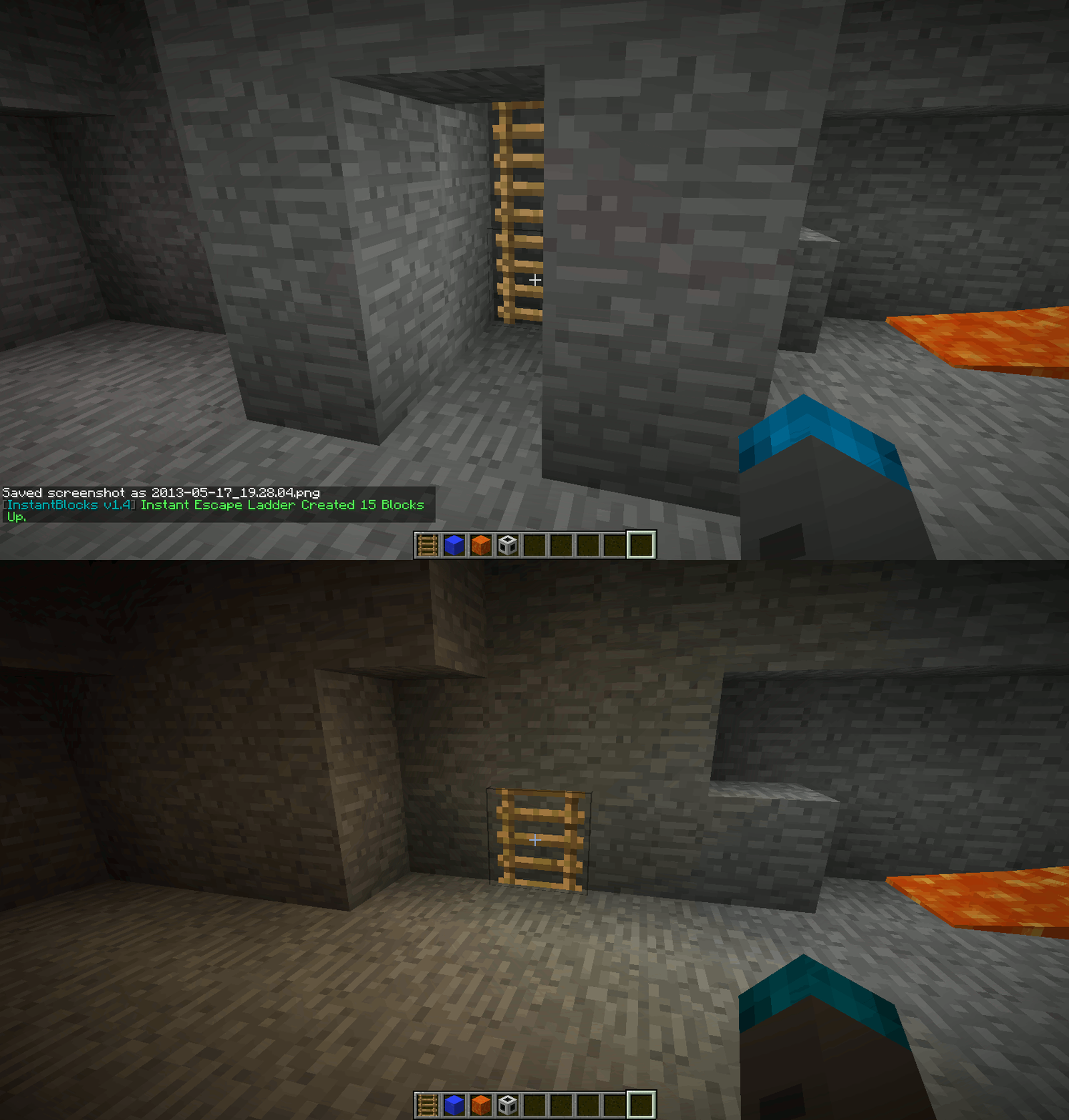
Instant Escape Ladder:
Creates a ladder to the surface.
Can only be activated underground.
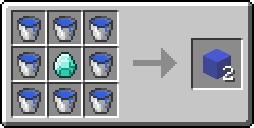
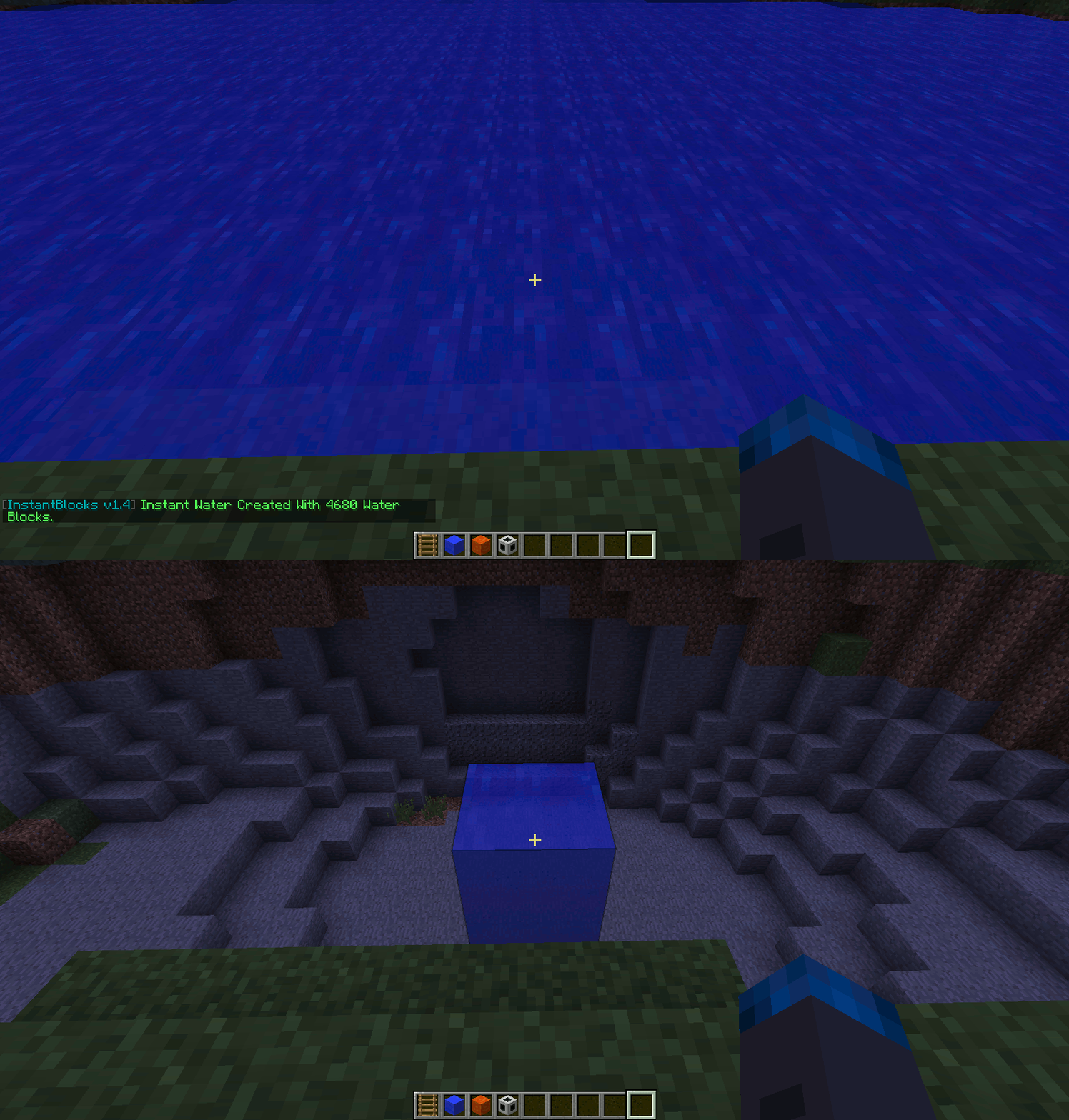
Instant Water:
Fills in an air pocket with water.
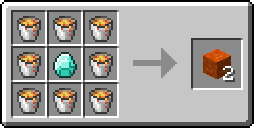
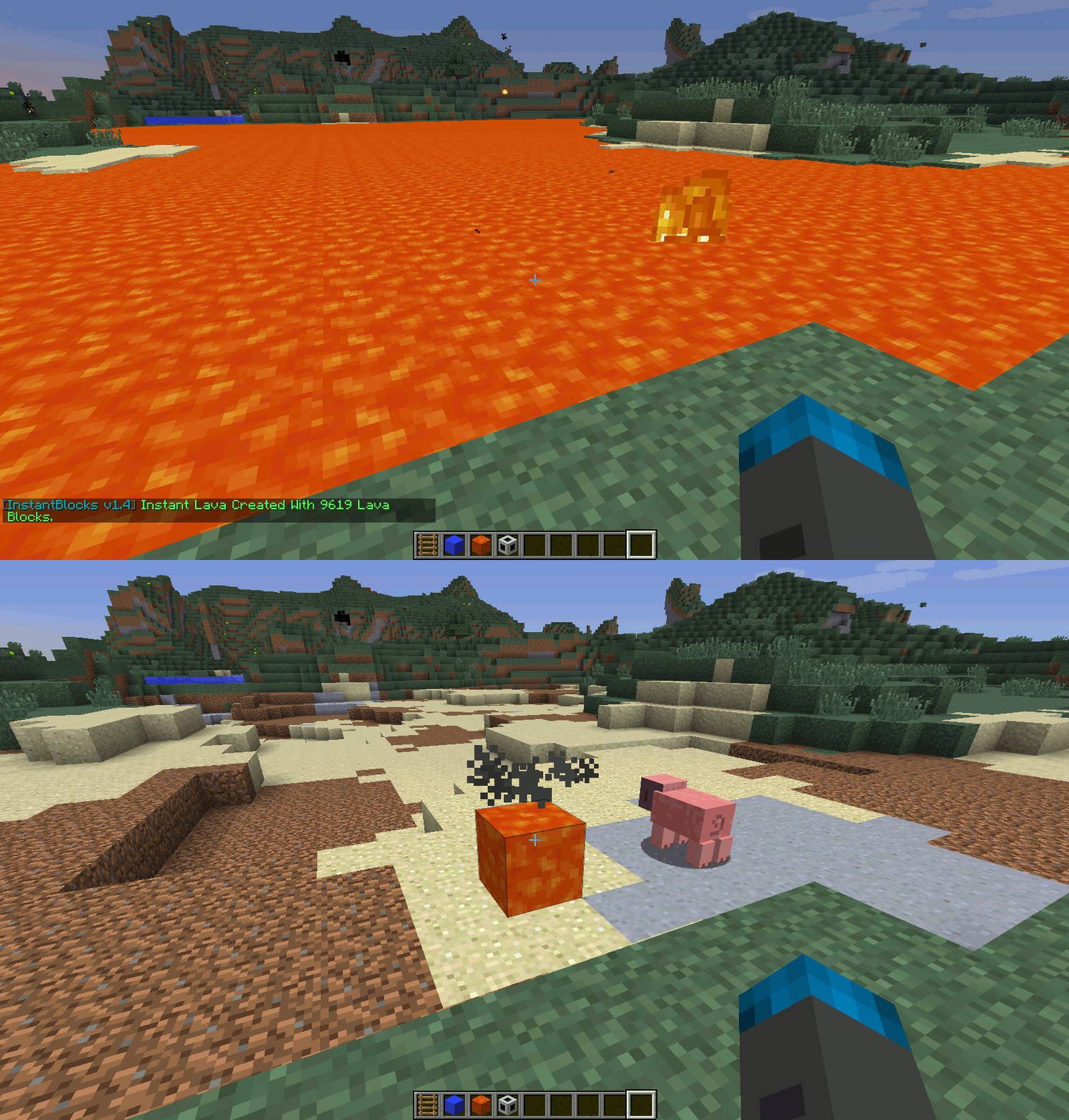
Instant Lava:
Fills in an air pocket with lava.
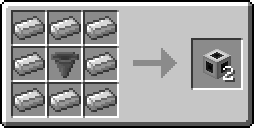
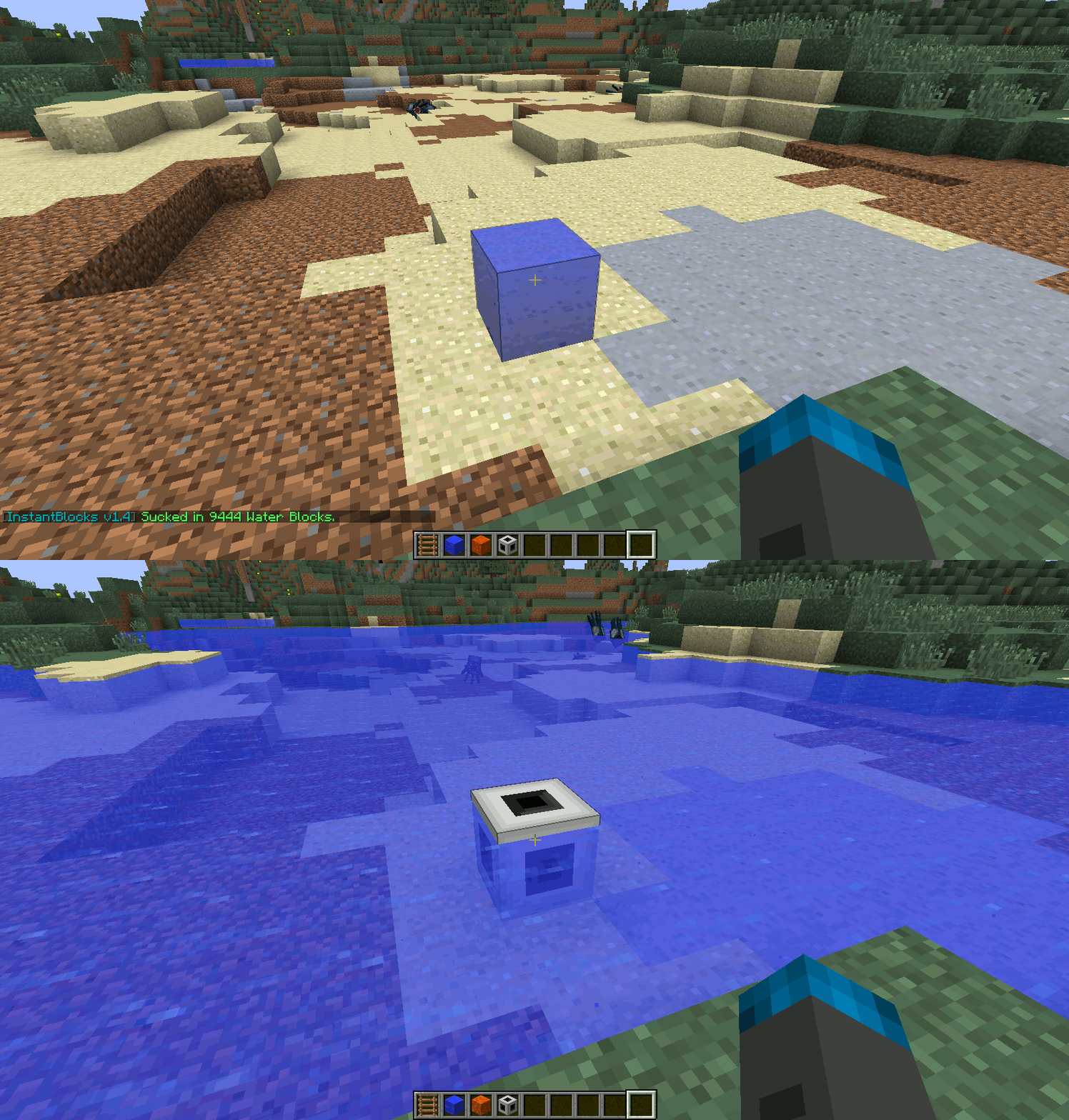
Instant Suction:
Sucks in all liquid blocks around it.
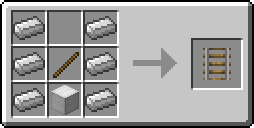
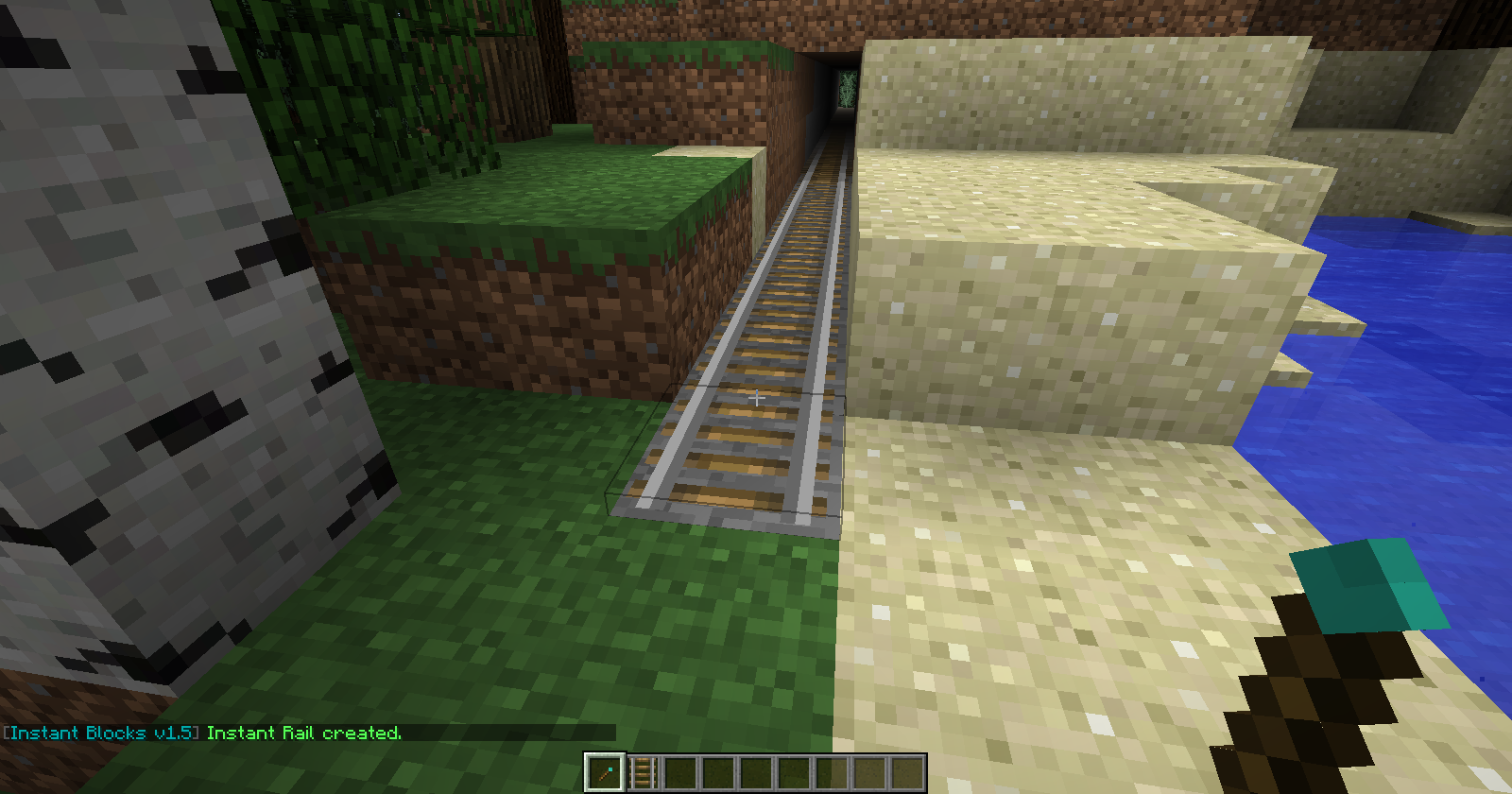
Instant Rail:
Creates a configurable amount of rails going forward.
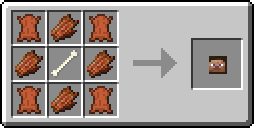
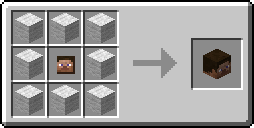
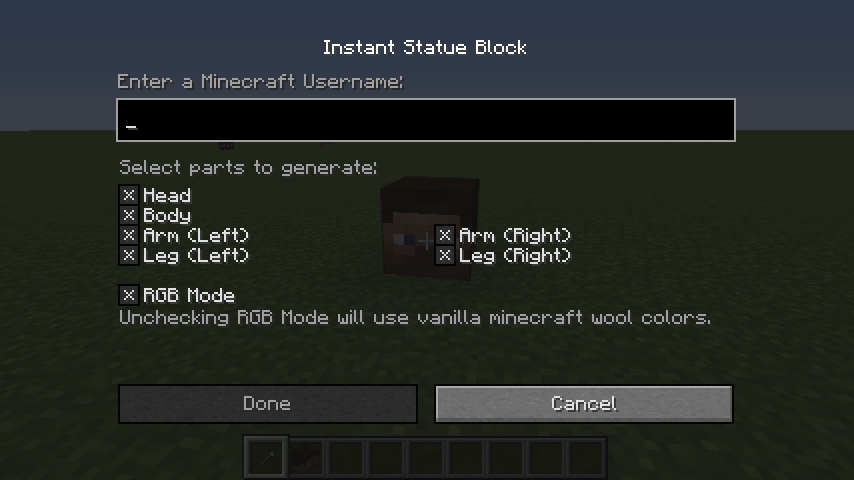
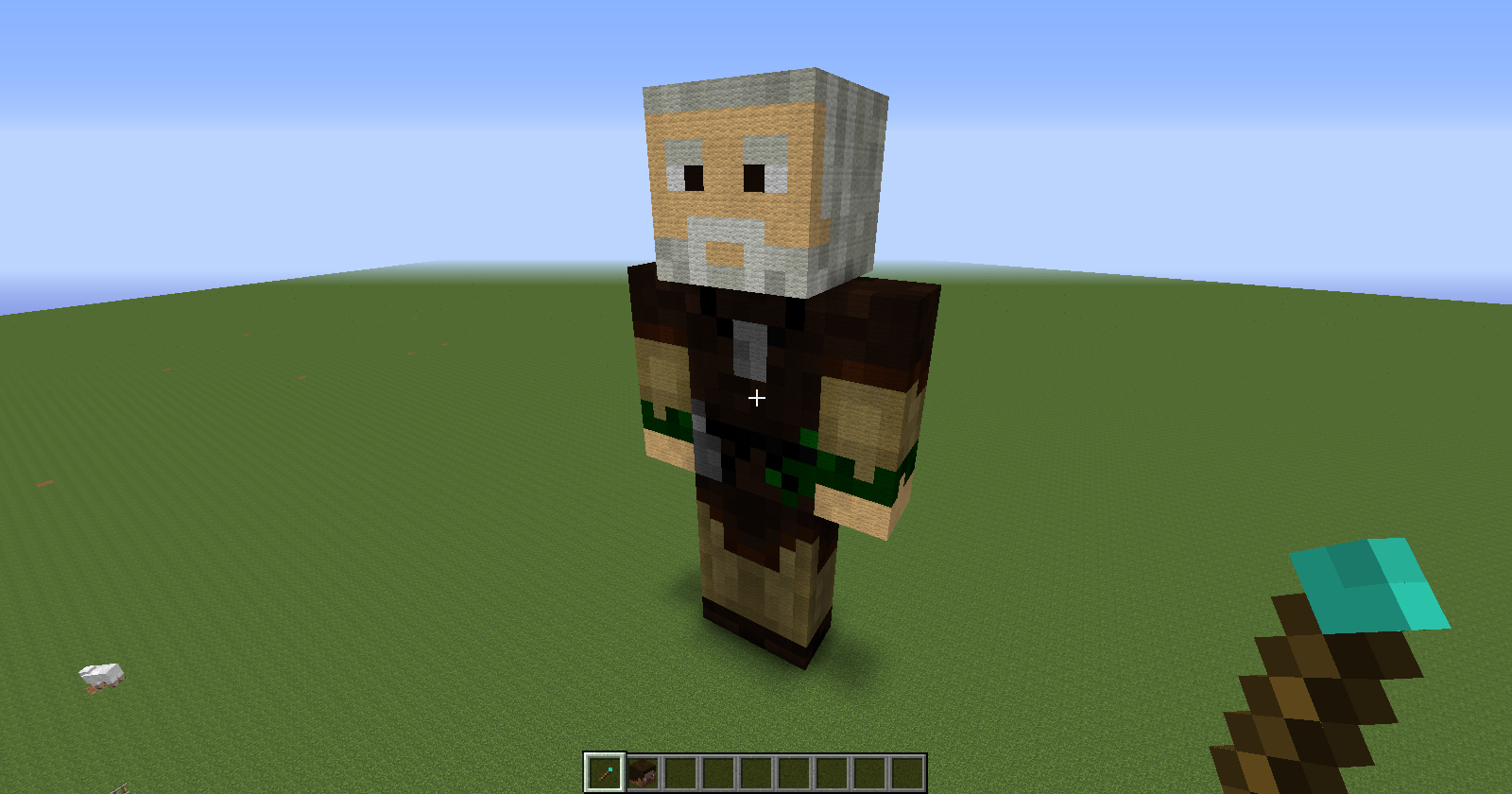
Instant Statue:
Creates a statue of any Minecraft player.
Includes options to exclude body parts.
Uses proper RGB values, but has an option to use vanilla Minecraft wool colors as well.
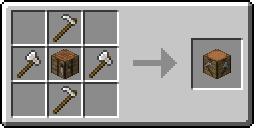
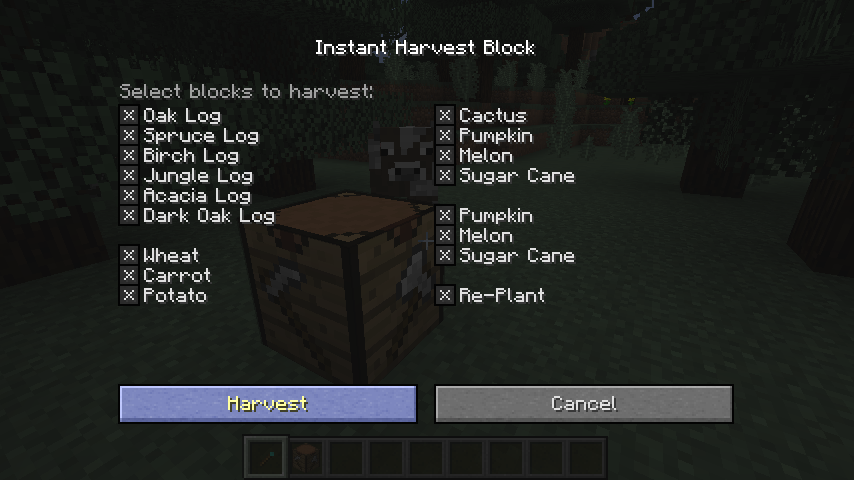
Instant Harvest:
Harvests renewable resources around the player in a configurable radius.
Allows to exclude certain resources, as well as replanting.
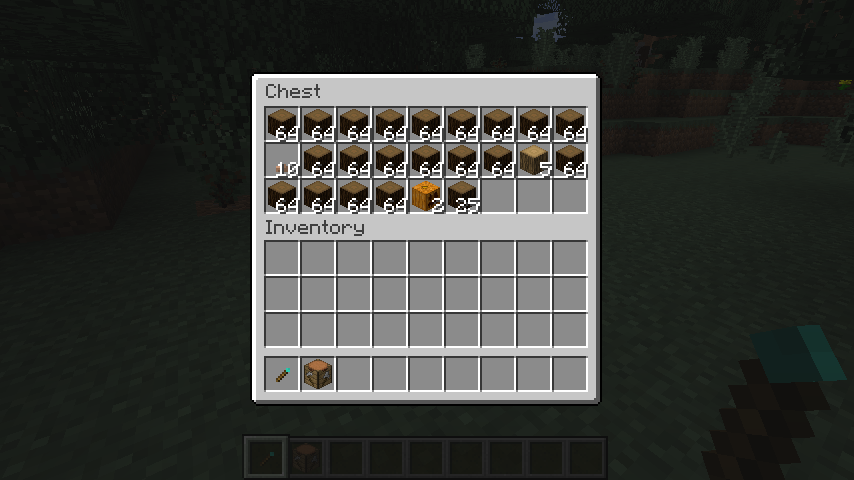
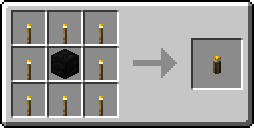
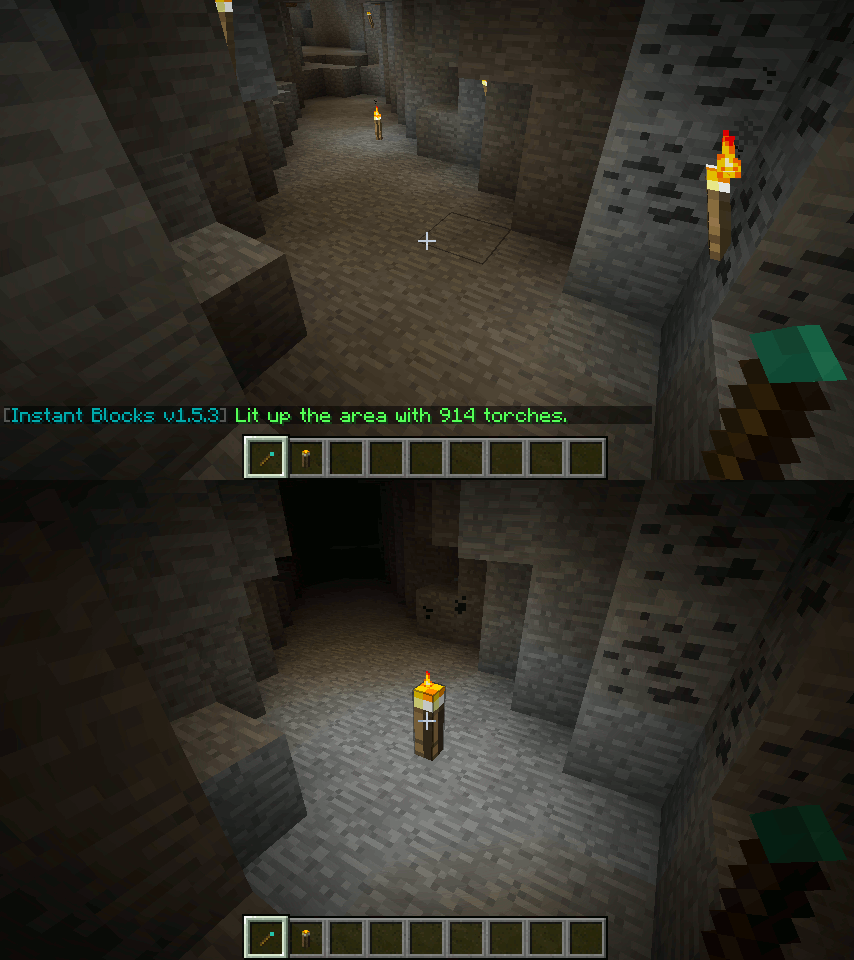
Instant Light:
Lights up dark areas around the player in a configurable radius.
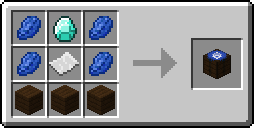
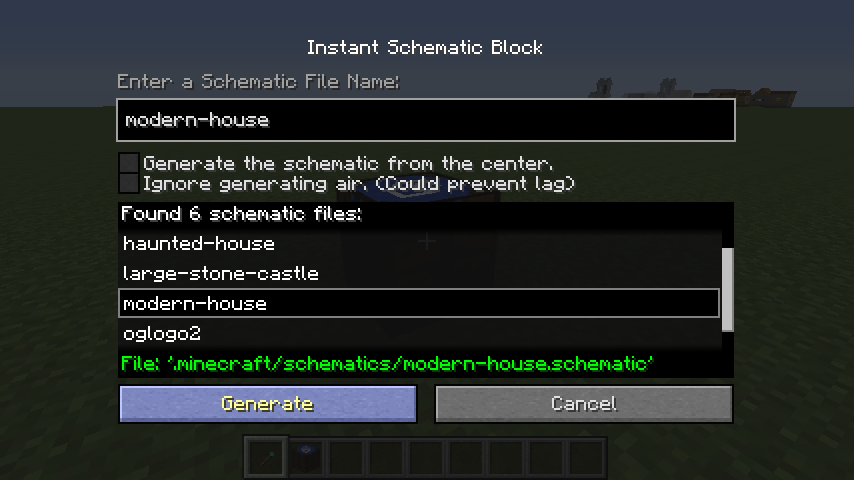
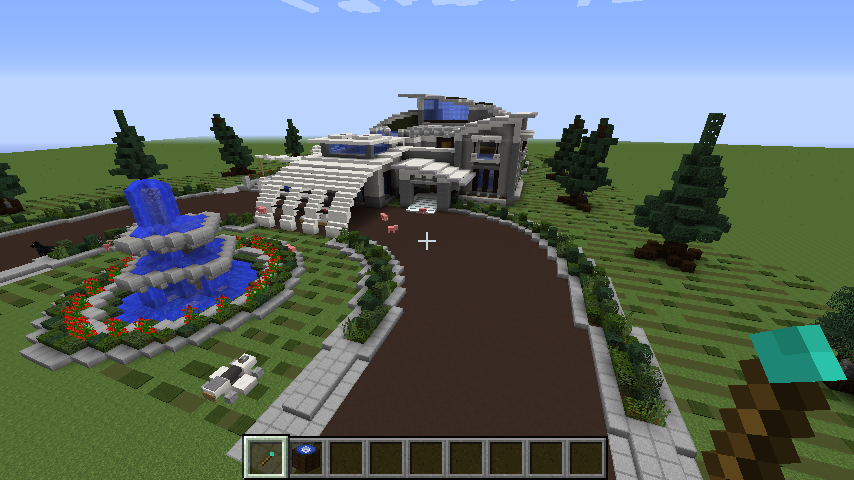
Instant Schematic:
Generates structures from schematic files.
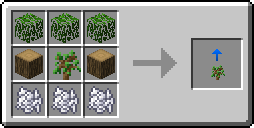
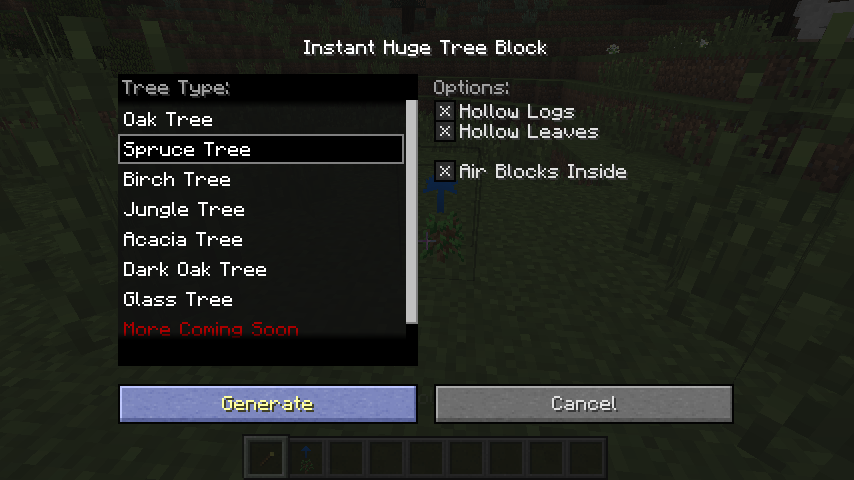
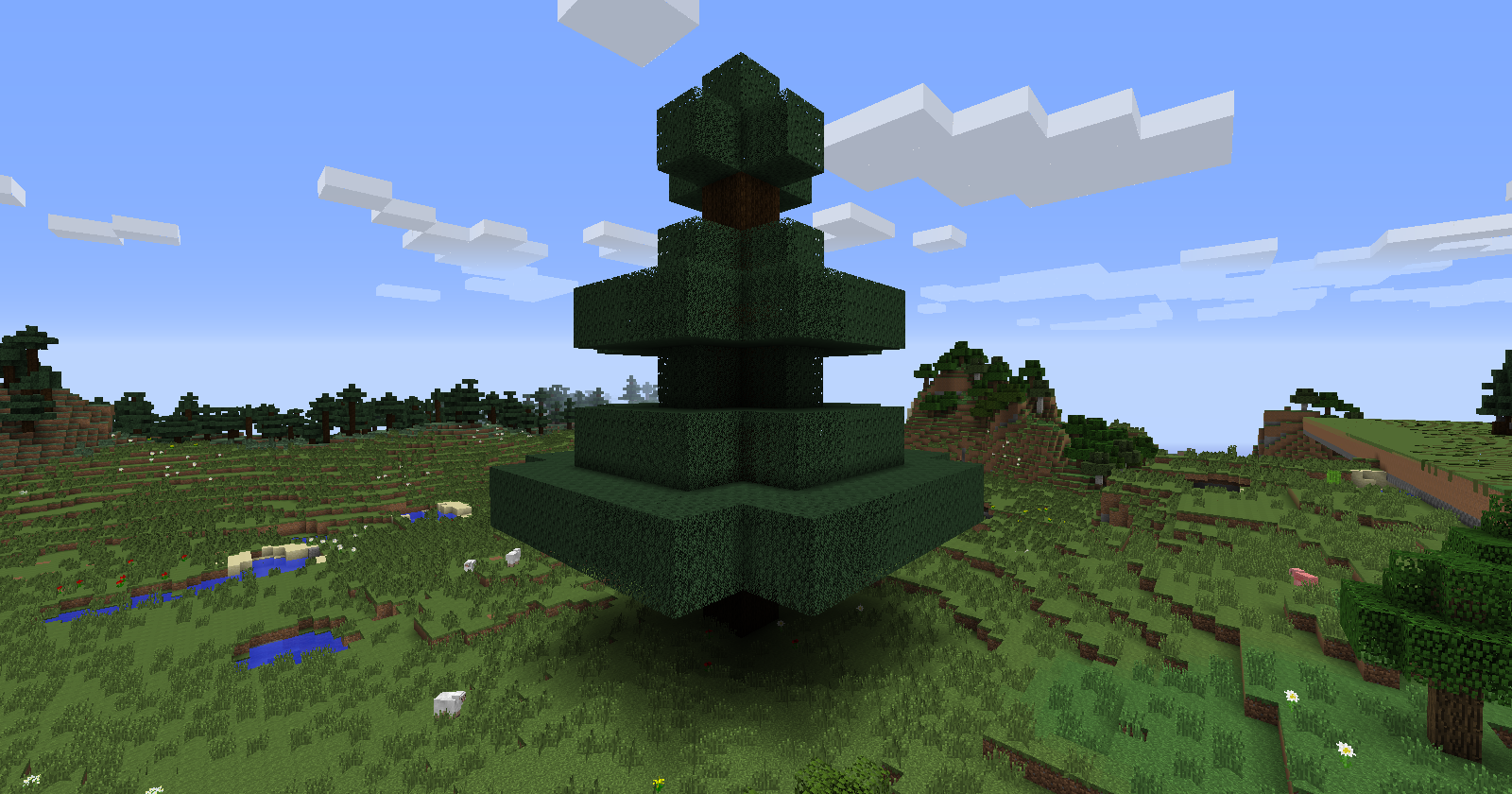
Instant Huge Tree:
Generates a tree with a configurable size.
There's a known issue with Sodium (#895) where skydive and statue colored blocks appear faded-out. The temporary fix would be to either disable biome blending or downloading the Unofficial Sodium Biome Blending Fix.
Cómo instalar Instant Blocks (Fabric)
With Millida Launcher
Install Millida Launcher
The launcher is free: download it at millida.net/launcher and sign in with any nickname.
Click “Install” on this page
The launcher opens and installs the mod for Minecraft 1.19–1.19.2 on Fabric or Quilt automatically.
Launch the game
A profile with it appears in the launcher: click “Play”.
Manually
Install Fabric or Quilt
The loader must match the game version of the mod file, for example Minecraft 1.19.2. After installing it, a separate profile appears in your launcher.
Download the file for your version
In the version list above, pick the file instantblocks-fabric-1.19.2-1.6.5.jar (352 KB) for your game version and loader.
Put it in the mods folder
The folder is inside .minecraft (Windows: %appdata%\.minecraft\mods). If it does not exist, create it.
Launch the loader profile
Open “Mods” in the main menu: Instant Blocks (Fabric) should be in the list.
Minecraft 1.19.2 runs on Java 17: with a different Java version the game may close right after launch.
Versiones
Con dependencias
| Minecraft | Cargador | Archivo | Fecha | Acciones |
|---|---|---|---|---|
| 1.19.2 | Fabric, Quilt | instantblocks-fabric-1.19.2-1.6.5.jar352 KB |
Reseñas
Sé el primero en valorar Instant Blocks (Fabric)


