
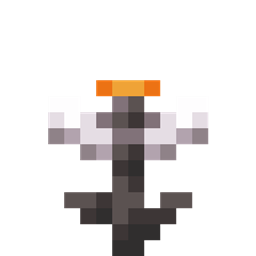
Glowing Eyeblossom Mod para Minecraft 26.3
Mod de Minecraft que hace brillar la Eyeblossom
 NeoForge
 Fabric
Glowing Eyeblossom
Makes the Eyeblossom emit light.
Works better when installed on both the server and the client
Also check out my Glowing Torchflower mod!
Discord
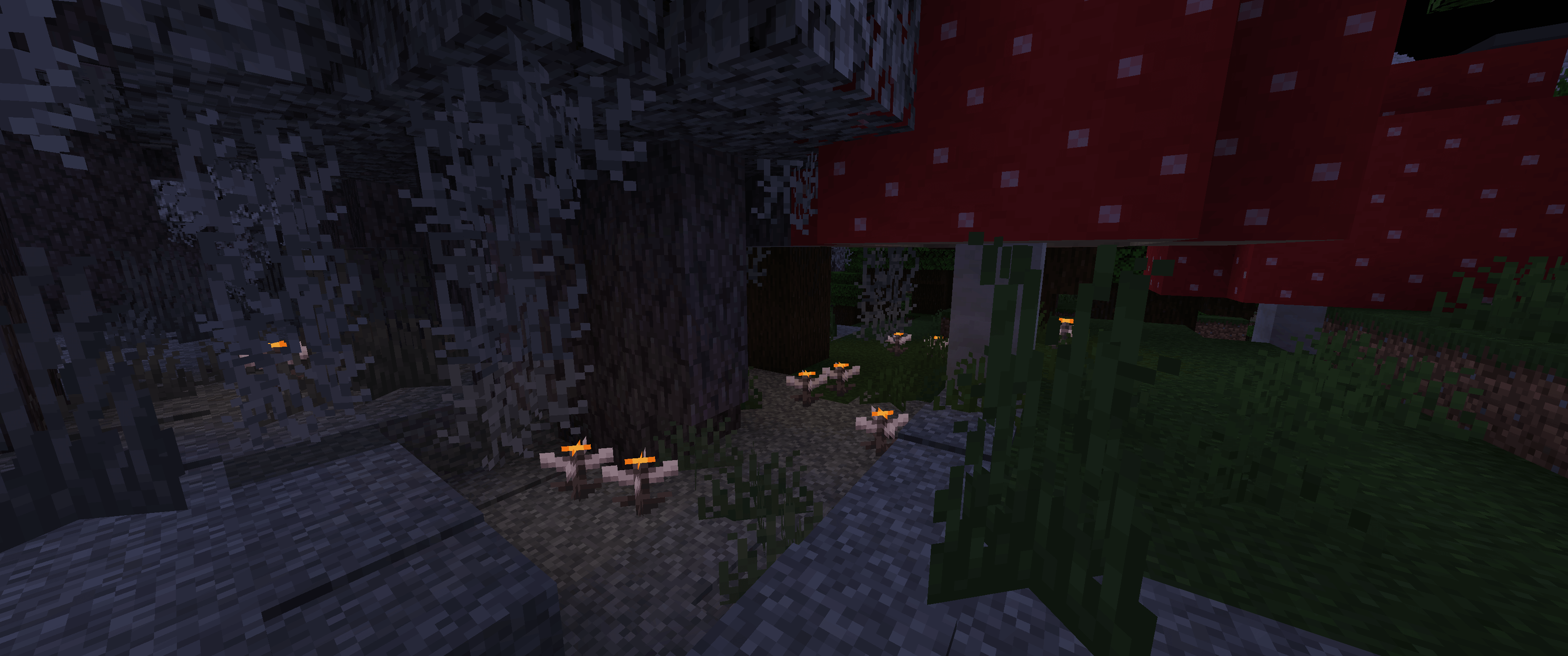
Light level
- Open Eyeblossom: 4
- Open Eyeblossom in the pot: 13
- Closed Eyeblossom: 1
- Closed Eyeblossom in the pot: 3
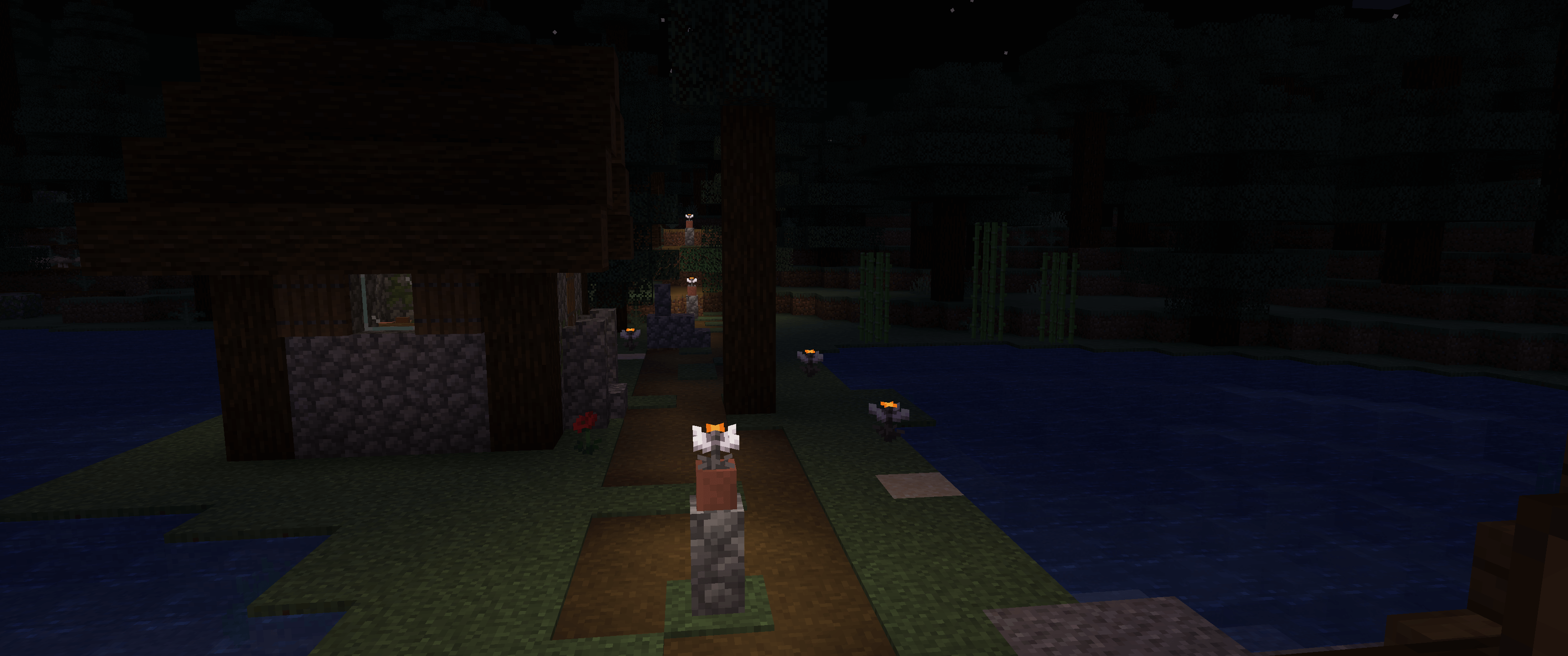
Config
You can change the light level of the Eyeblossom in the config file. The config file is located in the <game directory>/config/GlowingEyeblossom/main.conf.
Cómo instalar Glowing Eyeblossom
With Millida Launcher
Install Millida Launcher
The launcher is free: download it at millida.net/launcher and sign in with any nickname.
Click “Install” on this page
The launcher opens and installs the mod for Minecraft 26.1–26.3 on Fabric or NeoForge automatically.
Launch the game
A profile with it appears in the launcher: click “Play”.
Manually
Install Fabric or NeoForge
The loader must match the game version of the mod file, for example Minecraft 26.3. After installing it, a separate profile appears in your launcher.
Download the file for your version
In the version list above, pick the file glowing-eyeblossom-neoforge-mc26.2-1.4.1.jar (2.1 MB) for your game version and loader.
Put it in the mods folder
The folder is inside .minecraft (Windows: %appdata%\.minecraft\mods). If it does not exist, create it.
Launch the loader profile
Open “Mods” in the main menu: Glowing Eyeblossom should be in the list.
Versiones
Con dependencias
| Minecraft | Cargador | Archivo | Fecha | Acciones |
|---|---|---|---|---|
| 26.2 | NeoForge | [26.2+] 1.4.12.1 MB | ||
| 26.1 | Fabric | [26.1] 1.4.1843 KB |
Reseñas
Sé el primero en valorar Glowing Eyeblossom


