
FTB Echoes Mod para Minecraft 1.21.1
Hitos de progreso basados en la historia presentados de forma amigable y útil con un sistema de tienda integrado para recompensas.
- visualizaciones
- 5 visualizaciones
- Actualizado
- Actualizado 18.10.2026
- 1.21.1
 NeoForge
Acerca del mod FTB Echoes
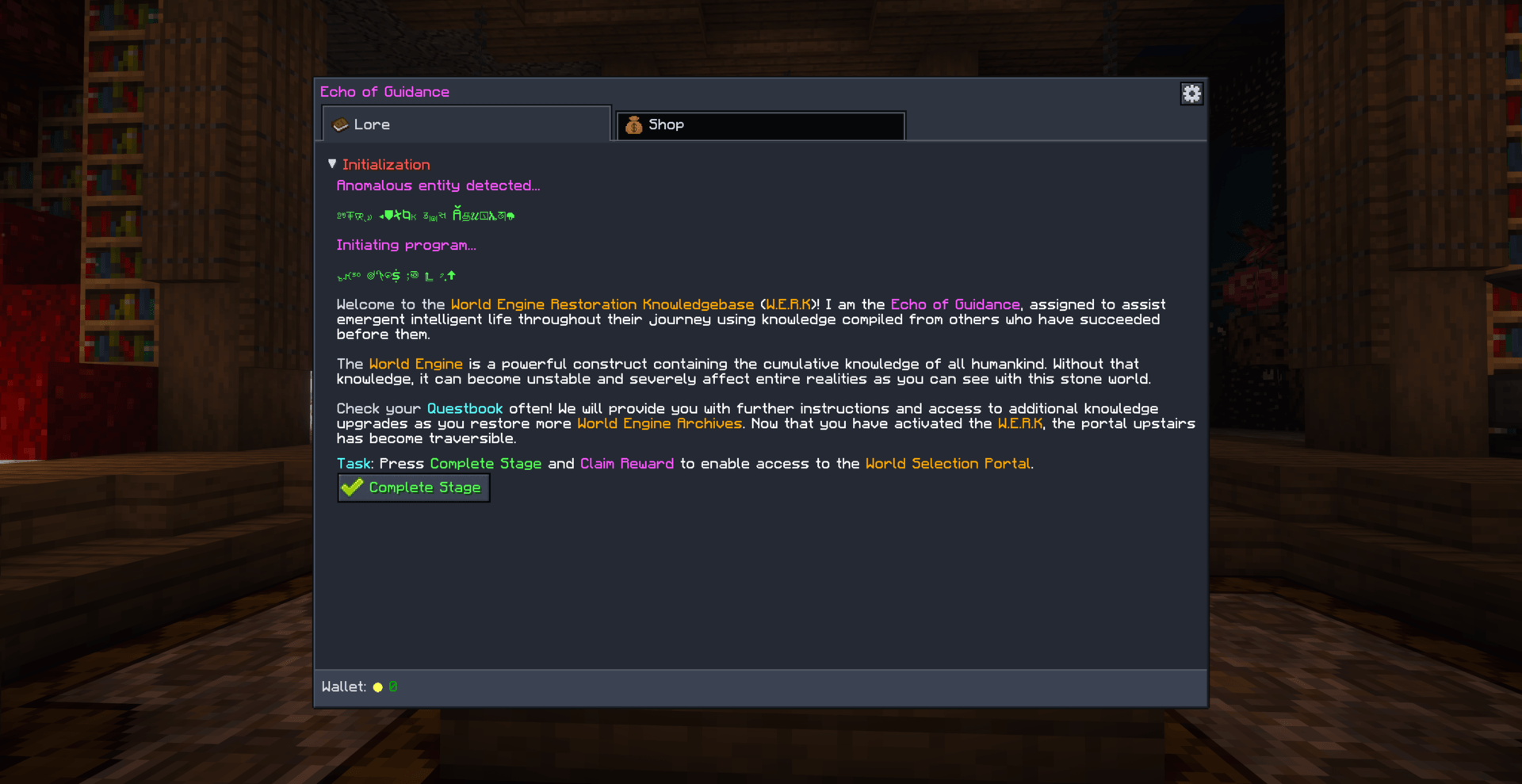
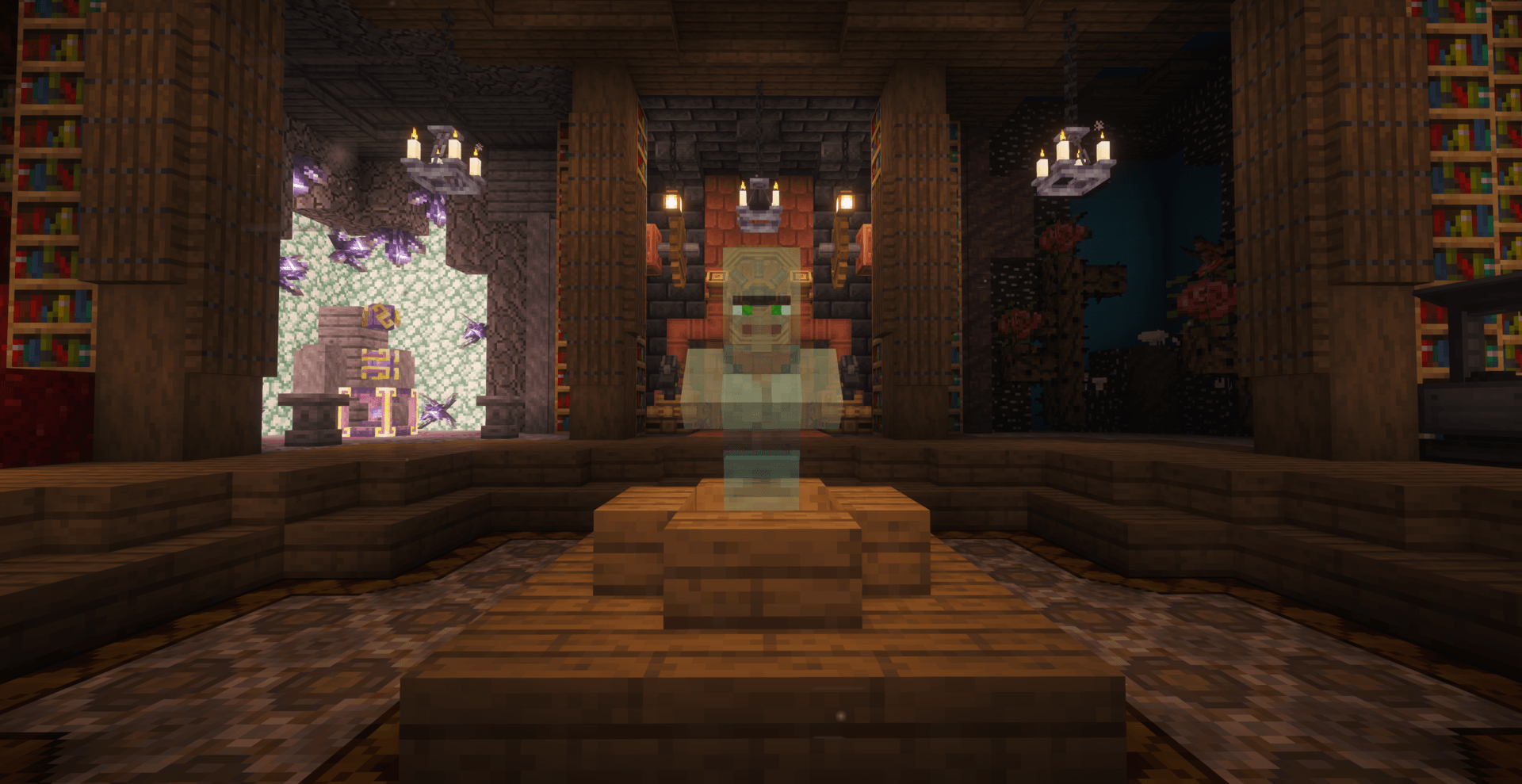
FTB Echoes provides a unique, lore driven, milestone system for any Modpack. Through a pretty nifty villager hologram, you can dicuss with the entity, what you need to do, progress to the next milestone and browse their store for goods!
We have a shop system built in where money can be exchanged for rewards. The shop system is tightly integrated stage providers like FTB Library or GameStages to allow for gating of rewards and future echoes.
By default, this mod does not ship any predefine echoes other than an example set used for internal testing. You can read more about the echoes setup on our GitHub
Limited availability
This mod is part of our "Per pack" mods collection. This means that it will only be updated to newer Minecraft versions as and when we need it for another modpack. Only basic support will be given to fix issues. Feature requests are typically not accpeted until they improve the mod for the better within the scope of the mods use in the Modpack it is intended for.
Support
- For Modpack issues, please go here: https://go.ftb.team/support-modpack
- For Mod issues, please go here: https://go.ftb.team/support-mod-issues
- Just got a question? Check out our Discord: https://go.ftb.team/discord
Cómo instalar FTB Echoes
With Millida Launcher
Install Millida Launcher
The launcher is free: download it at millida.net/launcher and sign in with any nickname.
Click “Install” on this page
The launcher opens and installs the mod for Minecraft 1.21.1 on NeoForge automatically.
Launch the game
A profile with it appears in the launcher: click “Play”.
Manually
Install NeoForge
The loader must match the game version of the mod file, for example Minecraft 1.21.1. After installing it, a separate profile appears in your launcher.
Download the file for your version
In the version list above, pick the file ftb-echoes-21.1.10.jar (318 KB) for your game version.
Put it in the mods folder
The folder is inside .minecraft (Windows: %appdata%\.minecraft\mods). If it does not exist, create it.
Launch the loader profile
Open “Mods” in the main menu: FTB Echoes should be in the list.
Minecraft 1.21.1 runs on Java 21: with a different Java version the game may close right after launch.
Versiones
Con dependencias
| Minecraft | Cargador | Archivo | Fecha | Acciones |
|---|---|---|---|---|
| 1.21.1 | NeoForge | [NEOFORGE] FTB Echoes 21.1.10318 KB |
FAQ
Which Minecraft versions does FTB Echoes work on?
Only Minecraft 1.21.1: there are no files for other versions.
Is FTB Echoes for Forge or Fabric?
Only for NeoForge: 1.21.1. There are no files for Forge or Fabric: a mod for another loader will not start.
Does FTB Echoes need other mods?
The author lists no required dependencies: the NeoForge loader is enough.
Which Java does FTB Echoes need?
Minecraft 1.21.1 runs on Java 21. If the game closes right after launch, the usual cause is the wrong Java version in the profile settings.
Where can I download FTB Echoes safely?
On this page: the file ftb-echoes-21.1.10.jar (318 KB) is stored on Millida’s server, with no link shorteners. SHA-1 checksum: b1dcfda946e5615a803fe306678373da7120f659.
Reseñas
Sé el primero en valorar FTB Echoes


