

Fast IP Ping Mod para Minecraft 1.20.1, 1.21.1
Elimina la lenta búsqueda inversa de DNS para direcciones de servidor con IP literal
 Fabric
 Forge
Forge NeoForge
Acerca del mod Fast IP Ping
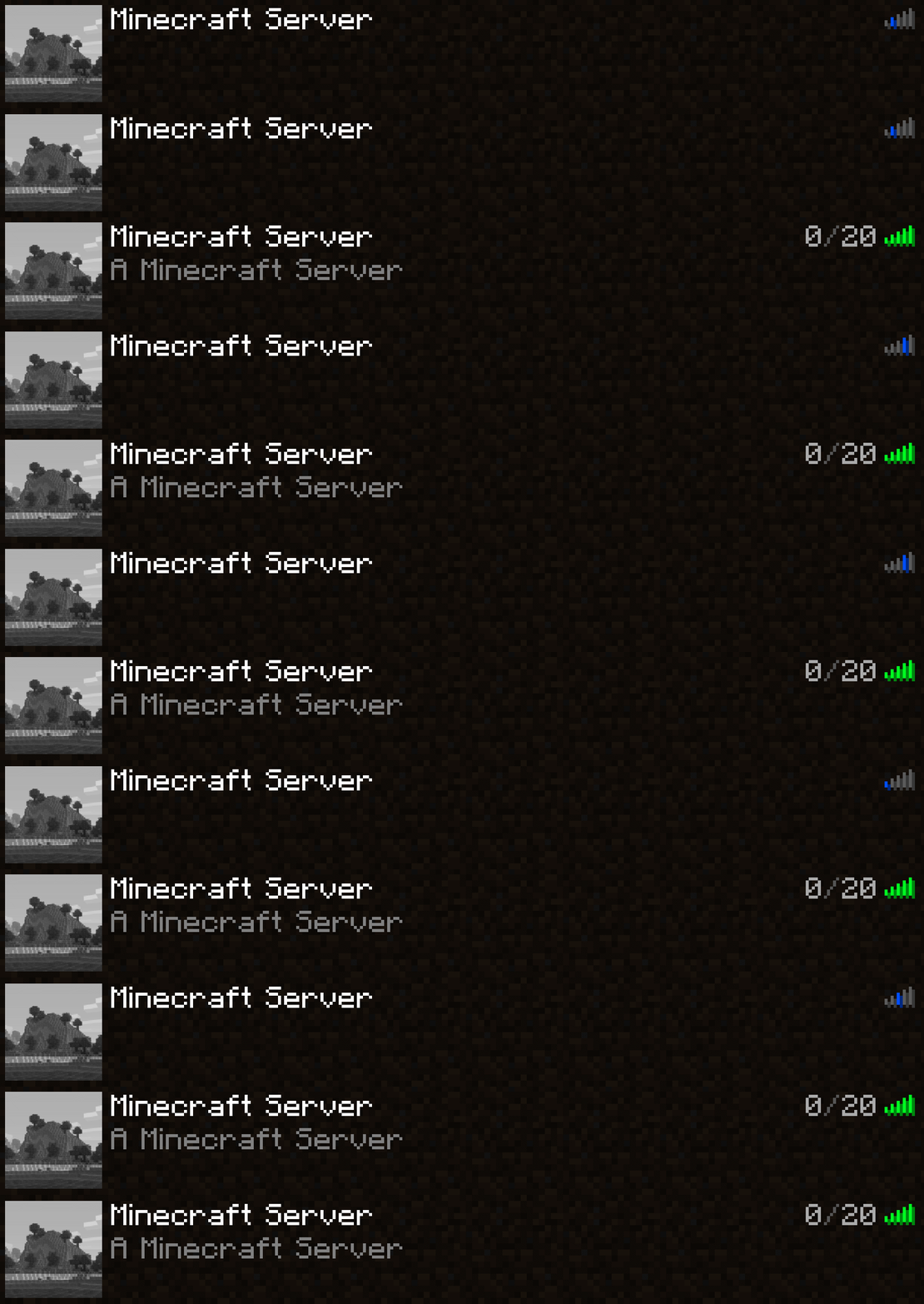
Elimina la búsqueda DNS inversa lenta para direcciones de servidor con IP literal
Extraído de la opción yeetServerIpReversedDnsLookup del Mod TweakerMore
Qué, por qué y cómo
Para servidores cuyas direcciones se representan únicamente mediante una IP literal, por ejemplo 192.168.2.10:25565, desactiva las búsquedas DNS inversas en el objeto InetAddress correspondiente
Muchas IP que no son de bucle local carecen de nombres de dominio asociados, lo que hace que las búsquedas inversas consuman mucho tiempo
// java.net.InetAddressgetHostName(boolean) String getHostName(boolean check) { if (holder().getHostName() == null) { // Será null si InetAddress.getByName() recibió una IP literal holder().hostName = InetAddress.getHostFromNameService(this, check); // <-- tarda una eternidad } return holder().getHostName(); }
Esta opción establece el dominio de esos servidores directamente a su IP, omitiendo la comprobación DNS inversa
Esto da como resultado una reducción de tiempo de 1 s a 5 s para servidores con dirección IP literal. Afecta a los siguientes entornos:
- Hacer ping al servidor en la pantalla de la lista de servidores
- Conectarse al servidor
Entorno
- Solo del lado del cliente
- Cargador de mods Fabric / Forge / NeoForge. No se necesita ningún requisito adicional
Cómo instalar Fast IP Ping
With Millida Launcher
Install Millida Launcher
The launcher is free: download it at millida.net/launcher and sign in with any nickname.
Click “Install” on this page
The launcher opens and installs the mod for Minecraft 1.16.4–26.2 on Fabric, Forge or NeoForge automatically.
Launch the game
A profile with it appears in the launcher: click “Play”.
Manually
Install Fabric, Forge or NeoForge
The loader must match the game version of the mod file, for example Minecraft 26.2. After installing it, a separate profile appears in your launcher.
Download the file for your version
In the version list above, pick the file fast-ip-ping-v1.0.11-mc26.1.2.jar (11 KB) for your game version and loader.
Put it in the mods folder
The folder is inside .minecraft (Windows: %appdata%\.minecraft\mods). If it does not exist, create it.
Launch the loader profile
Open “Mods” in the main menu: Fast IP Ping should be in the list.
Fast IP Ping works on the player’s side only: there is no need to install it on a server.
Versiones
Con dependencias
| Minecraft | Cargador | Archivo | Fecha | Acciones |
|---|---|---|---|---|
| 1.21.11 | NeoForge | 1.21.1110.2 KB 5 | ||
| 1.21.4 | NeoForge | 1.21.410.2 KB | ||
| 1.21.10 | NeoForge | 1.21.1010.2 KB 3 | ||
| 1.21.5 | NeoForge | 1.21.510.2 KB | ||
| 1.21.8 | NeoForge | 1.21.810.2 KB | ||
| 1.21.3 | NeoForge | 1.21.310.2 KB | ||
| 1.21.1 | NeoForge | 1.21.110.2 KB 7 | ||
| 1.20.6 | NeoForge | 1.20.610.2 KB |
FAQ
Which Minecraft versions does Fast IP Ping work on?
There are files for 1.16.4–26.2, 31 versions in total. The newest is 26.2.
Is Fast IP Ping for Forge or Fabric?
There are files for Fabric: 26.1–26.2, for Forge: 1.16.4–26.2 and for NeoForge: 1.20.5–26.2.
Does Fast IP Ping need other mods?
The author lists no required dependencies: the Fabric, Forge or NeoForge loader is enough.
Do I need to install Fast IP Ping on a server?
No. Fast IP Ping works on the player’s side only: there is no need to install it on a server.
Where can I download Fast IP Ping safely?
On this page: the file fast-ip-ping-v1.0.11-mc26.1.2.jar (11 KB) is stored on Millida’s server, with no link shorteners. SHA-1 checksum: 6b69eaa6323da9f7933206d55cdb09ea3299cde3.
Reseñas
Sé el primero en valorar Fast IP Ping


