
 NeoForge
 Forge
 Fabric
Acerca del mod Epic Paladins
📖 About:
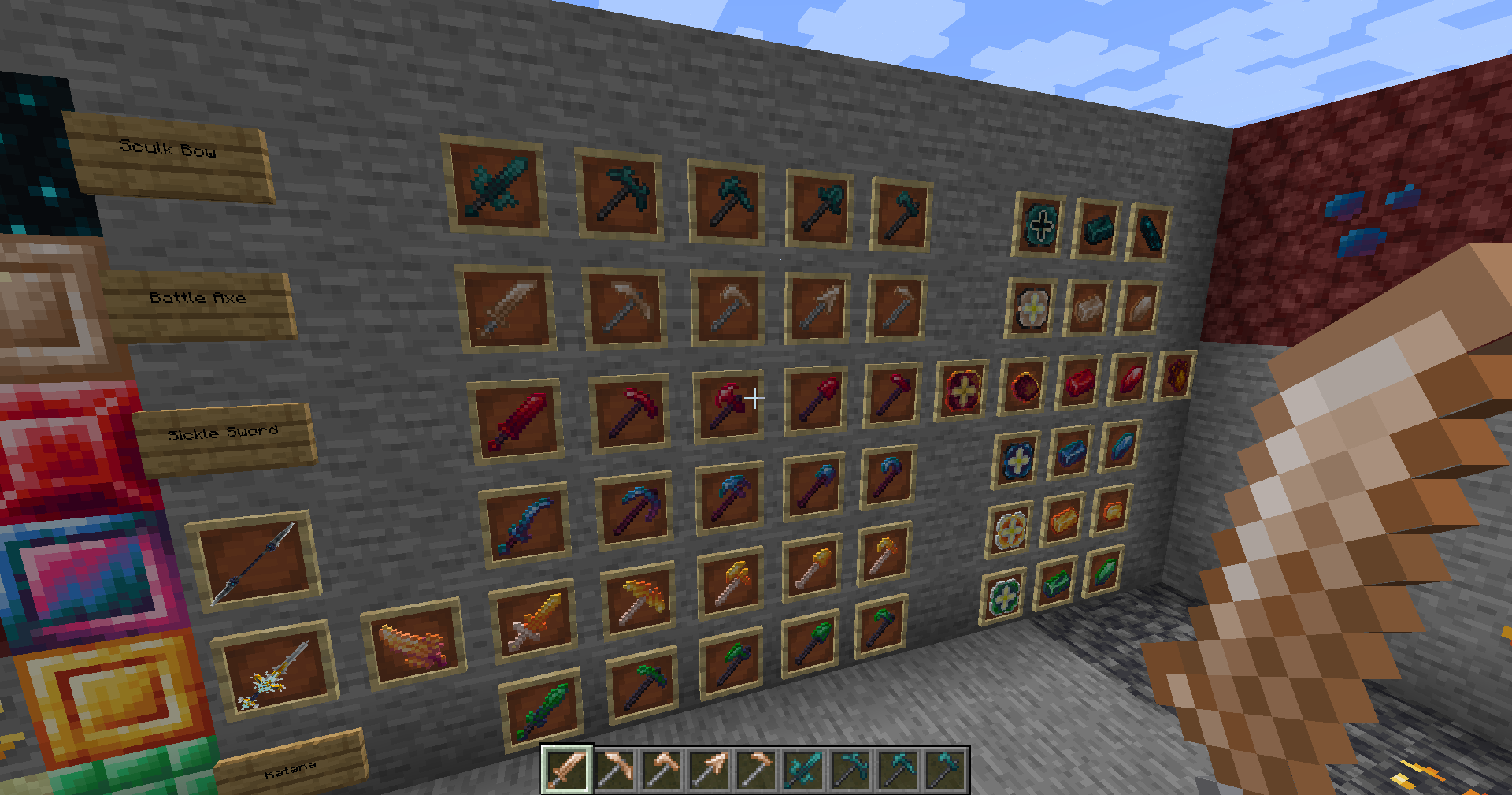
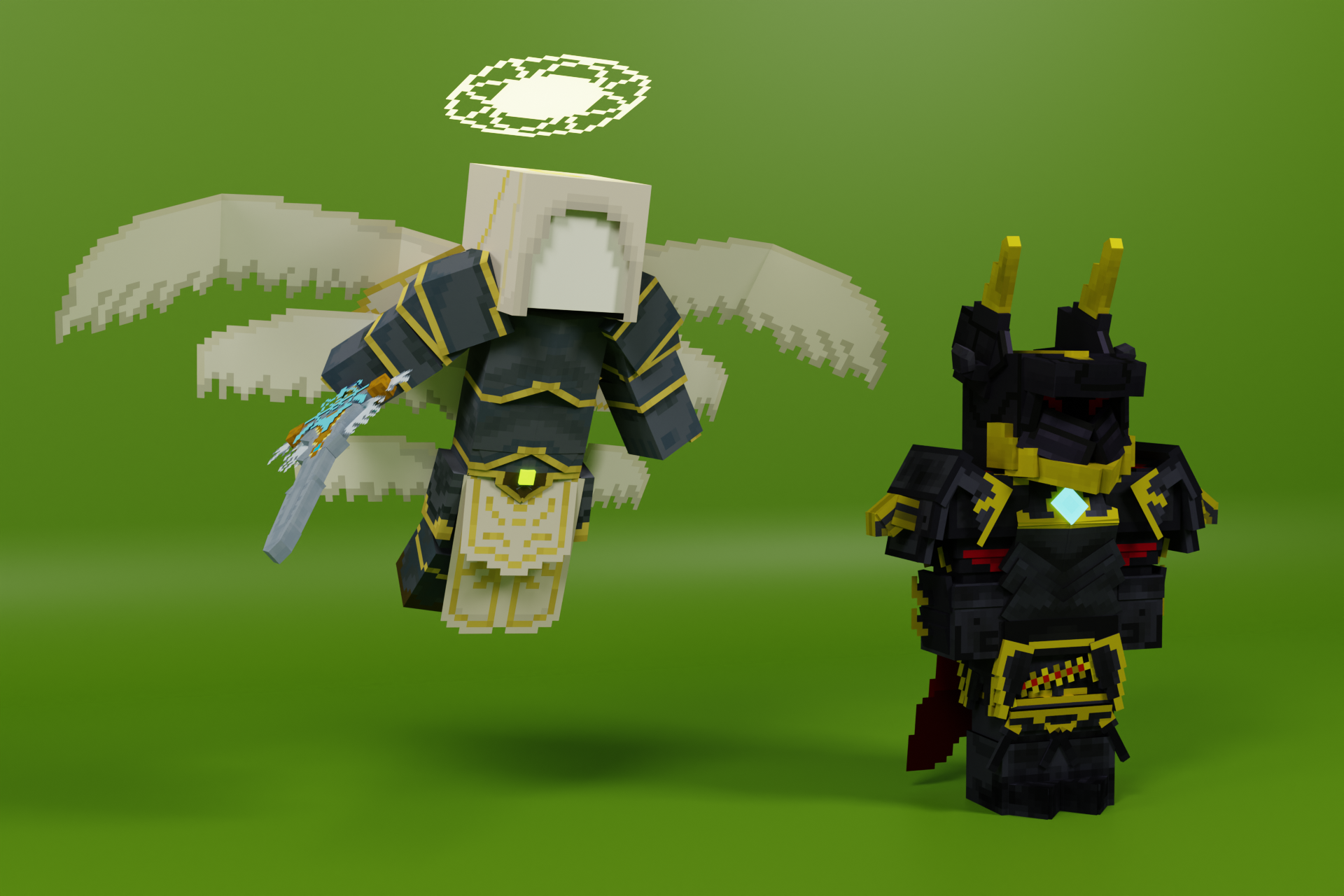
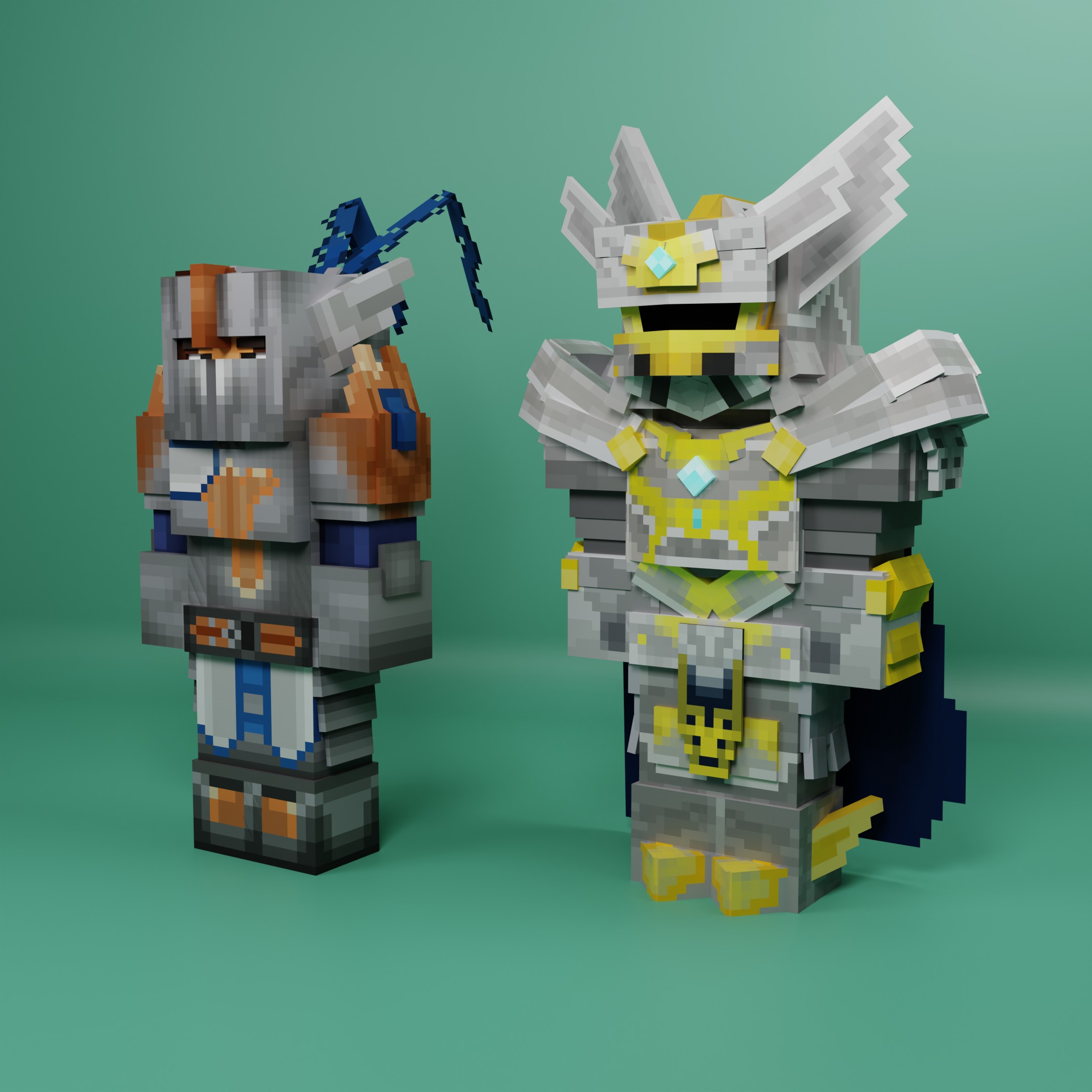
Epic Paladins introduces powerful endgame armor sets that grant immense protection and unique abilities. By collecting rare materials such as Nether Stars and other valuable resources, players can upgrade their armor using the Smithing Table. Each upgrade enhances durability, resistance, and special effects, making these armors essential for surviving the toughest battles. Only the most skilled adventurers will be able to gather the necessary materials and forge the ultimate Paladin gear. Will you rise to the challenge and become a true legend?
📦 Installation
Required
- GeckoLib
Highly recommended
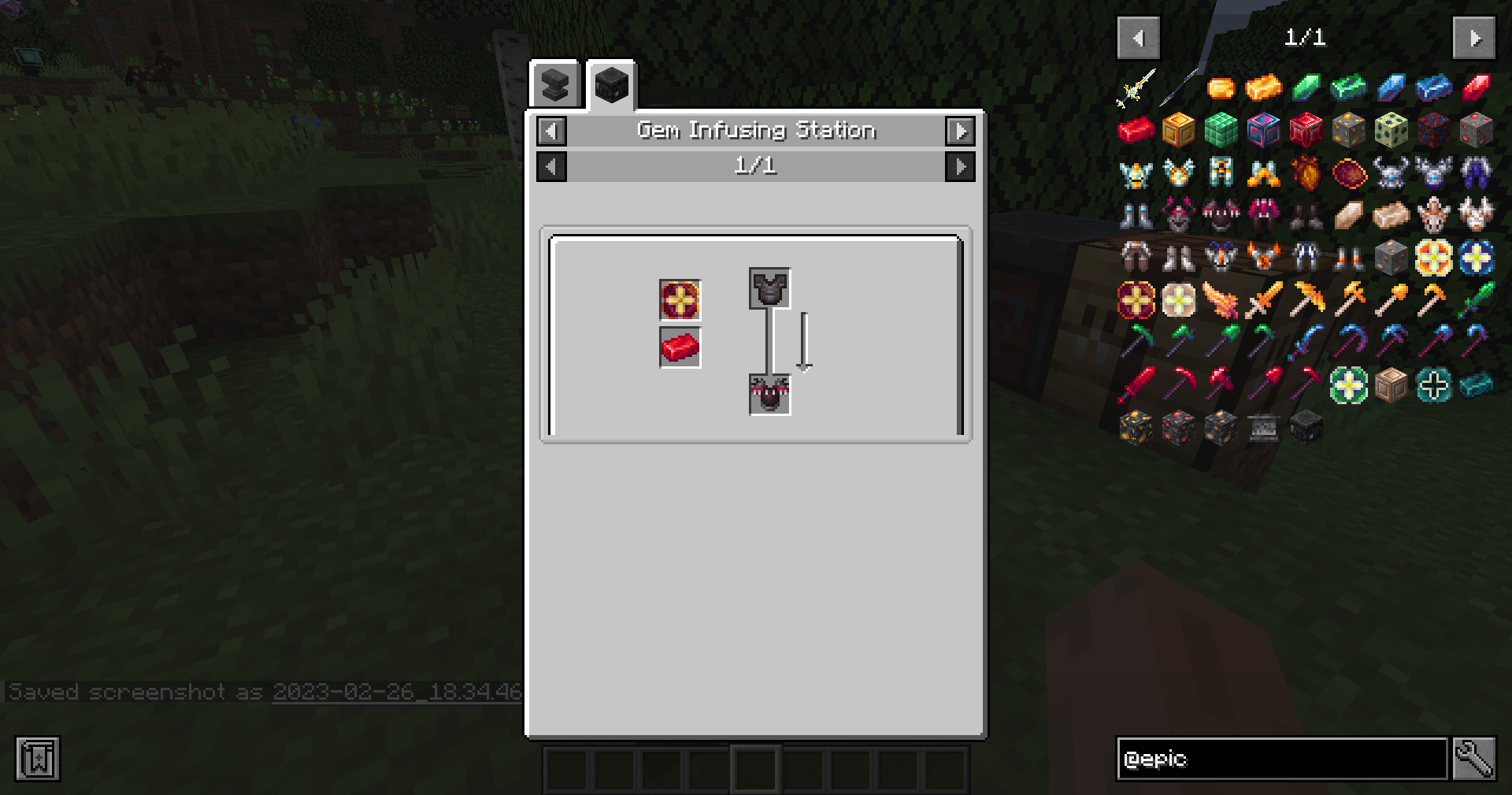
- using JEI or REI to see the recipes!
- using Better Combat
- using Combat Roll
🎨 Special Thanks to
https://minecraft-garage.com/ for the armor item textures and tool/weapon item textures
Join Our Community Discord! Check out PixelDreamStudios - an official partner!
Join my Personal Discord - CLICK HERE
🎥Showcase:
📚Pictures:
Cómo instalar Epic Paladins
With Millida Launcher
Install Millida Launcher
The launcher is free: download it at millida.net/launcher and sign in with any nickname.
Click “Install” on this page
The launcher opens and installs the mod for Minecraft 1.19.2–1.21.1 on Fabric, Forge or NeoForge automatically.
Launch the game
A profile with it appears in the launcher: click “Play”.
Manually
Install Fabric, Forge or NeoForge
The loader must match the game version of the mod file, for example Minecraft 1.21.1. After installing it, a separate profile appears in your launcher.
Download the file for your version
In the version list above, pick the file epicpaladins-1.4.3-1.21.1.jar (502 KB) for your game version and loader.
Put it in the mods folder
The folder is inside .minecraft (Windows: %appdata%\.minecraft\mods). If it does not exist, create it.
Launch the loader profile
Open “Mods” in the main menu: Epic Paladins should be in the list.
Minecraft 1.21.1 runs on Java 21: with a different Java version the game may close right after launch.
Versiones
Con dependencias
| Minecraft | Cargador | Archivo | Fecha | Acciones |
|---|---|---|---|---|
| 1.21.1 | NeoForge | epicpaladins-1.4.3-1.21.1502 KB 1 | ||
| 1.20.1 | NeoForge, Forge | epicpaladins-1.0.2-1.20.1-forge969 KB 4 | ||
| 1.19.2 | Forge | arclight-2.0.10-1.19.2-forge-beta1.7 MB | ||
| 1.19.2 | Fabric | arclight-1.19.2-fabric-0.2-fantasy-minecraft-version1.3 MB | ||
| 1.19.2 | Forge | arclight-2.0.1-1.19.2-forge-alpha952 KB | ||
| 1.19.2 | Fabric | arclight-0.1.2-1.19.2-fabric1.3 MB |
FAQ
Which Minecraft versions does Epic Paladins work on?
There are files for 1.21.1, 1.20.1, 1.19.2. The newest is 1.21.1.
Does Epic Paladins need other mods?
The author lists no required dependencies: the Fabric, Forge or NeoForge loader is enough.
Which Java does Epic Paladins need?
Minecraft 1.21.1 runs on Java 21. If the game closes right after launch, the usual cause is the wrong Java version in the profile settings.
Where can I download Epic Paladins safely?
On this page: the file epicpaladins-1.4.3-1.21.1.jar (502 KB) is stored on Millida’s server, with no link shorteners. SHA-1 checksum: b1aa62017369e8a1cf6e62d5ae9aefbd493ce31a.
Reseñas
Sé el primero en valorar Epic Paladins


