
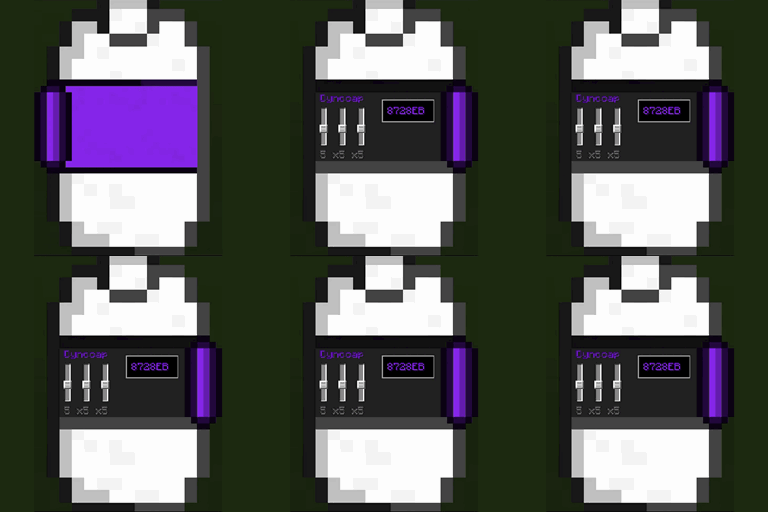
Dynocaps Mod para Minecraft 1.16.5, 1.19.4
Viaja con la comodidad de tu propio hogar
- visualizaciones
- 8 visualizaciones
- Actualizado
- Actualizado 18.10.2026
- 1.16.4 — 1.19.4
 Fabric
Dynocaps

About
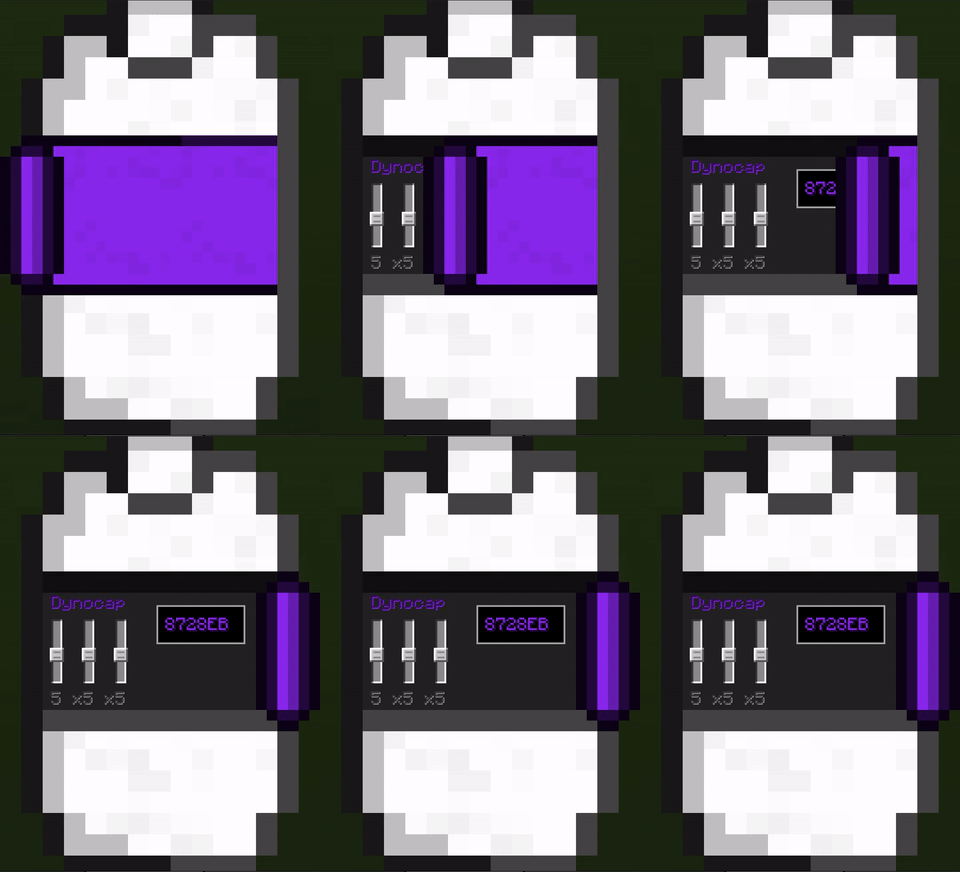
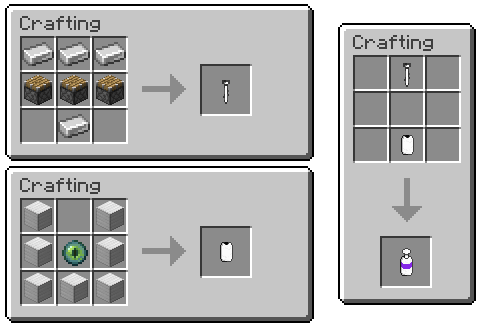
Dynocaps are handheld items that allow you to "capture" and transport large areas with to power of End technology. Some common use cases would be having a traveling house so you can explore more areas or keeps a secret and secure cache of items on you as all times
Features
- Builtin color-coding for dynocaps(ingui)
- Capule Case for compacting or grouping dynocaps
For Pack developers
- Prefab(rusty caps) that and be saved and added to loottables
- this is enabled by a custom loot table entry type
- Loottable Tweaker - builtin json tool for adding entries to loot tables
- Capabilities of dynocaps are highly configurable
- Multiple template dynocap can be registered with different capabilities
Issues
If you find an issue please report it at my Gitlab.
Feel free to request new features also.
If your issue is related to a crash: please provide a crash log link hosted on pastebin/hastebin/etc
Pastebin
Hastebin
If you like my work and would like to support me consider donating to my Ko-fi!
Need to server to play with friends?
Cómo instalar Dynocaps
With Millida Launcher
Install Millida Launcher
The launcher is free: download it at millida.net/launcher and sign in with any nickname.
Click “Install” on this page
The launcher opens and installs the mod for Minecraft 1.16.4–1.19.4 on Fabric automatically.
Launch the game
A profile with it appears in the launcher: click “Play”.
Manually
Install Fabric
The loader must match the game version of the mod file, for example Minecraft 1.19.4. After installing it, a separate profile appears in your launcher.
Download the file for your version
In the version list above, pick the file Dynocaps-3.0.2+1.19.4.jar (785 KB) for your game version.
Put it in the mods folder
The folder is inside .minecraft (Windows: %appdata%\.minecraft\mods). If it does not exist, create it.
Launch the loader profile
Open “Mods” in the main menu: Dynocaps should be in the list.
Minecraft 1.19.4 runs on Java 17: with a different Java version the game may close right after launch.
Versiones
Con dependencias
| Minecraft | Cargador | Archivo | Fecha | Acciones |
|---|---|---|---|---|
| 1.19.4 | Fabric | Dynocaps-3.0.2+1.19.4.jar785 KB | ||
| 1.16.5 | — | Dynocaps-1.7.1.jar713 KB | ||
| — | Fabric | Dynocaps-1.6.16+21w20a-BETA.jar675 KB |
Reseñas
Sé el primero en valorar Dynocaps


