
Create : Misc & Things Mod para Minecraft 1.20.1, 1.21.1
🔧 Añade cosas útiles y divertidas a Create
 NeoForge
 Forge
ForgeAcerca del mod Create : Misc & Things


Create: misc and things add some utility, building, and fun small things that don't fit in a theme. Gun made with a spout, Train Station Speaker, Building blocks…
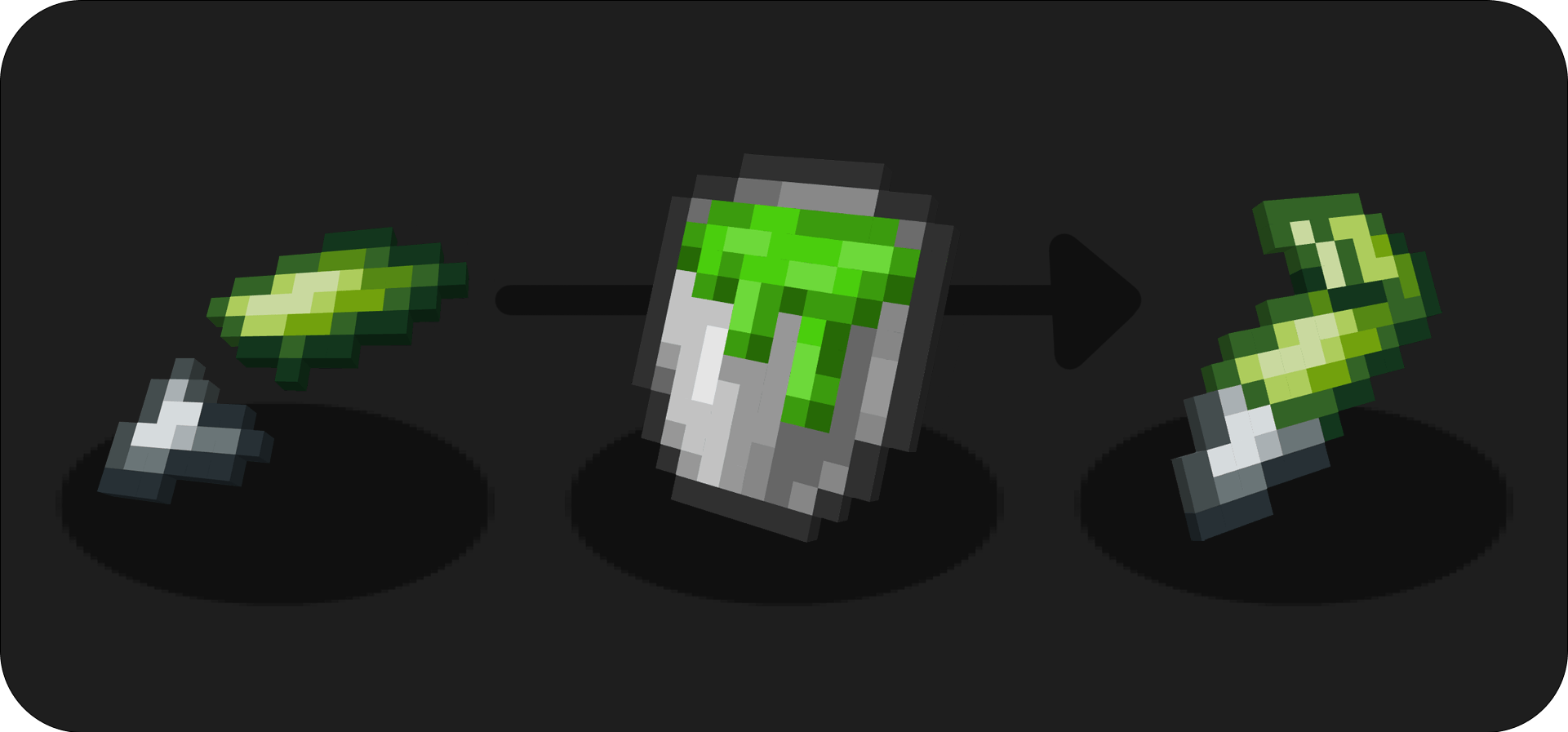
New Glue making method :
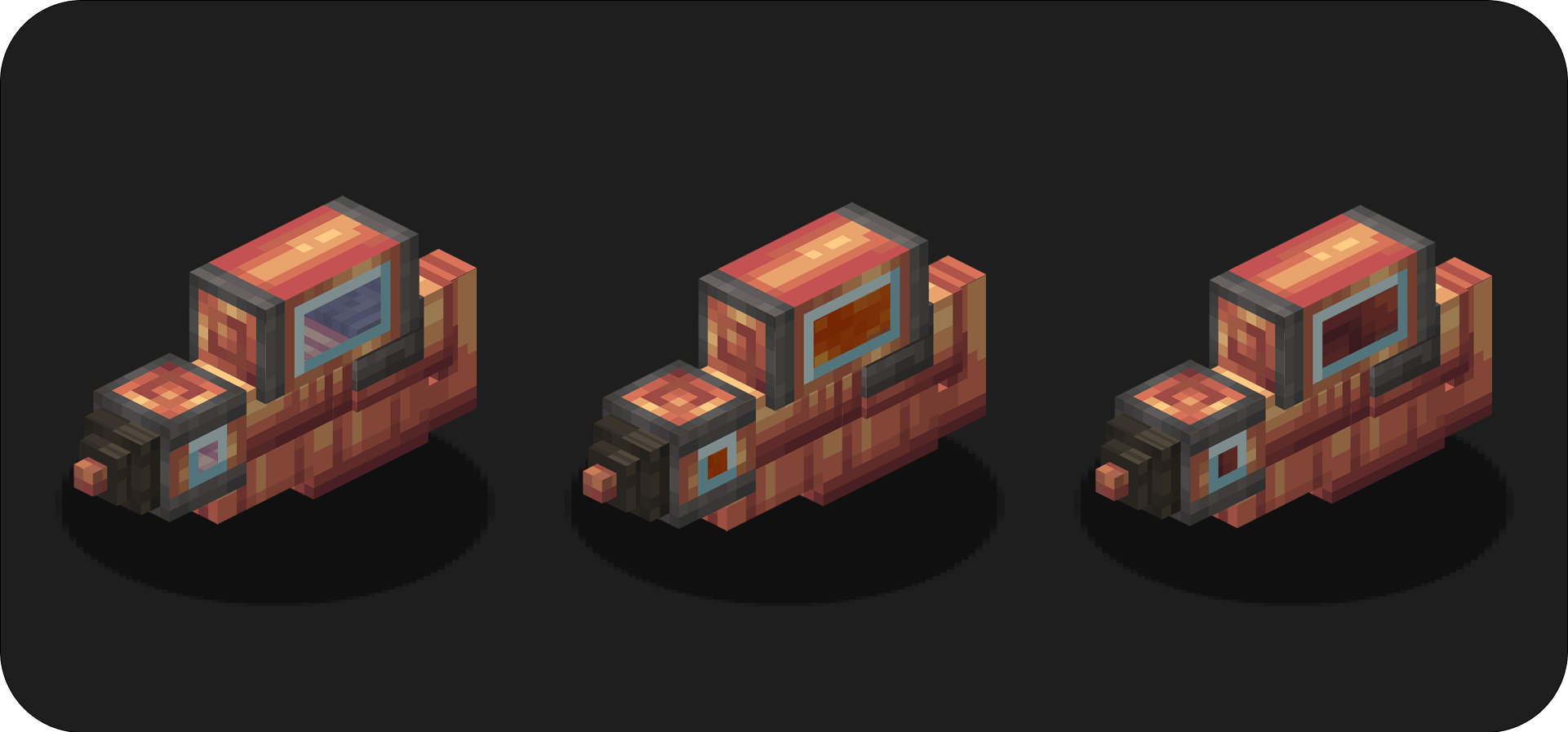
Spout Gun :
Use Spout Gun to shoot liquid to your enemies!
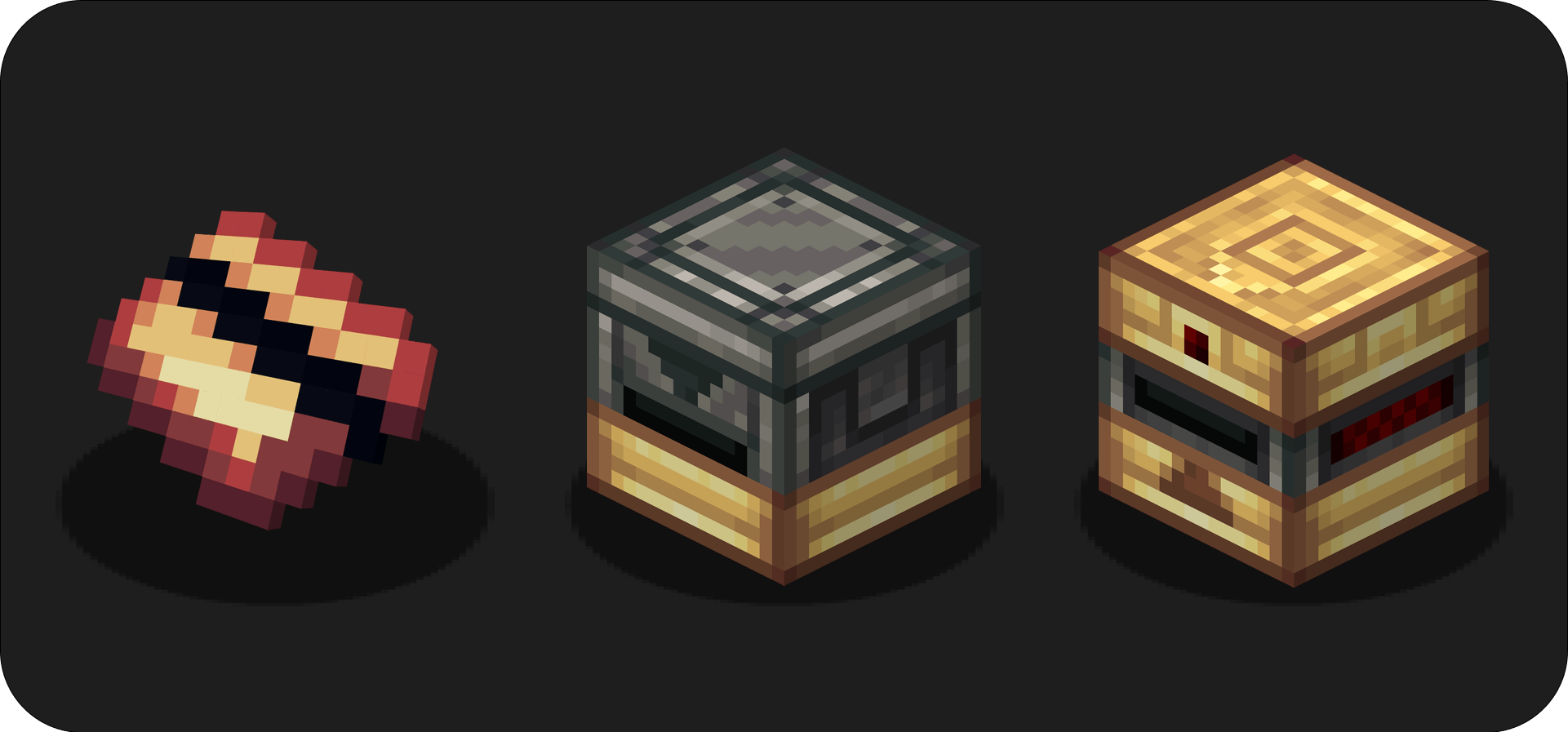
Cards :
Put a Card in a card inscriber and make unique cards: scripted card can't be reproduced by other players. Use the Card Reader to validate your card!
⚠️Cards can't be faked by another player because the player name is registered too
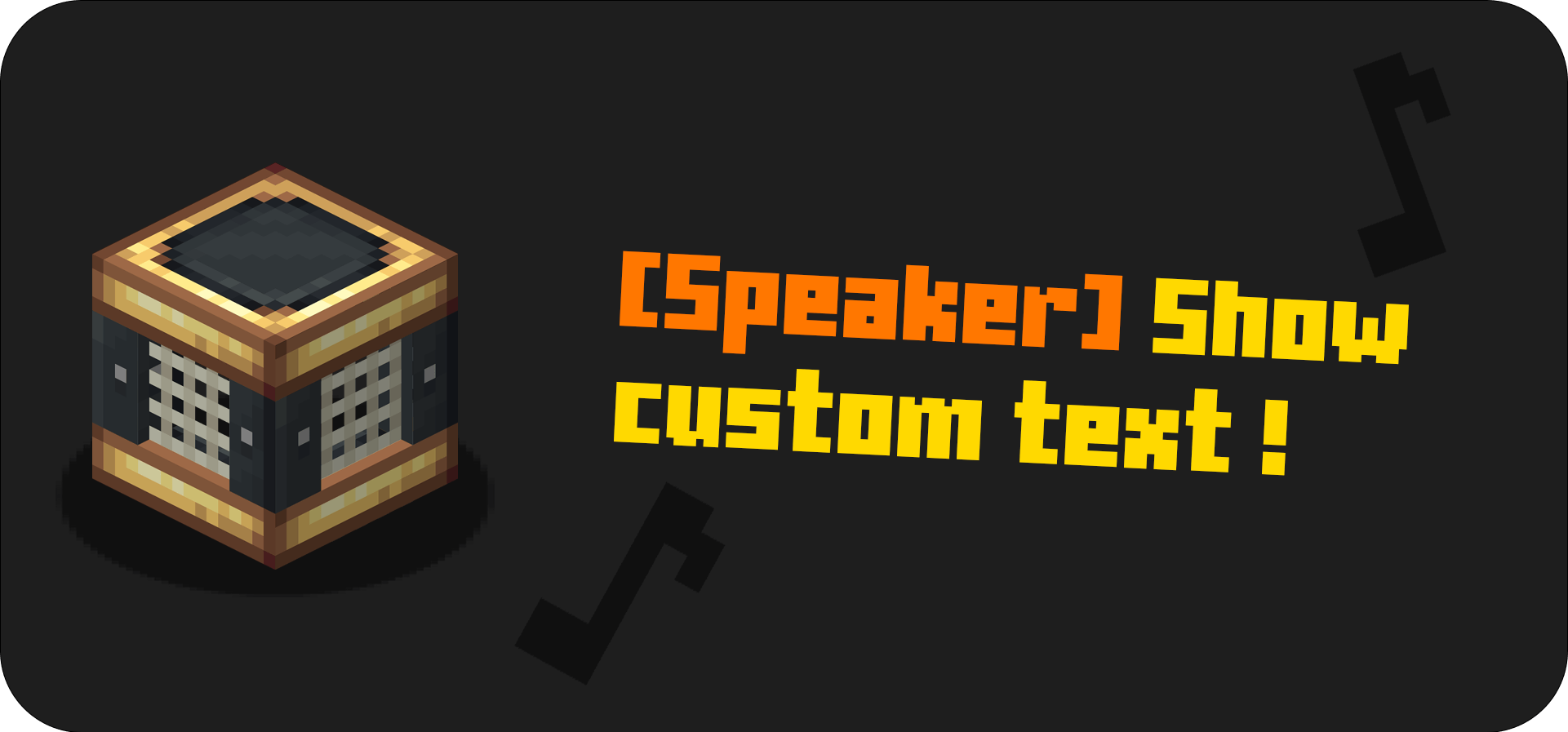
Speaker :
The speaker does a sound and sends a custom message in the chat. The perfect block for a train station!
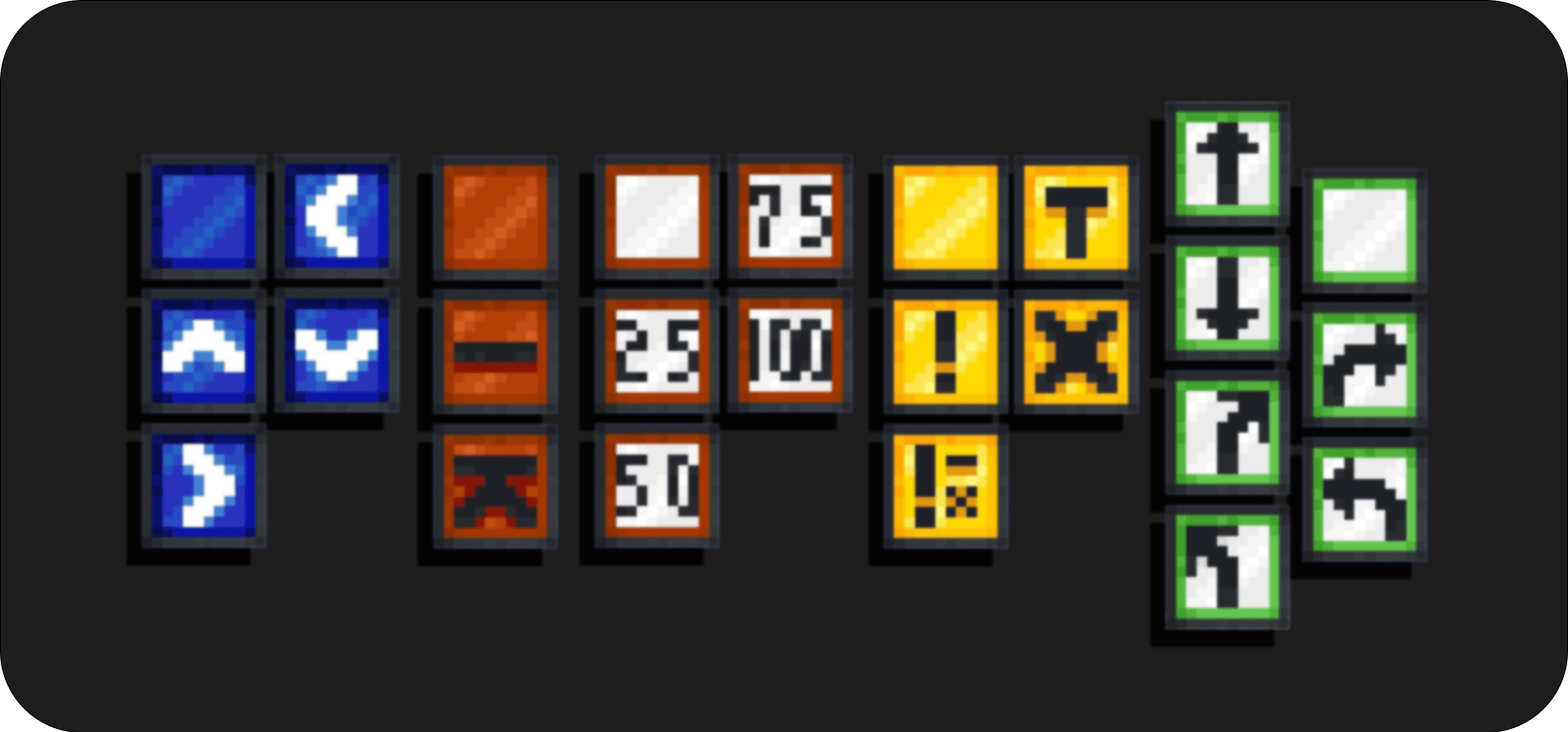
Traffic Signs :
Decorate your train tracks and avoid accidents!
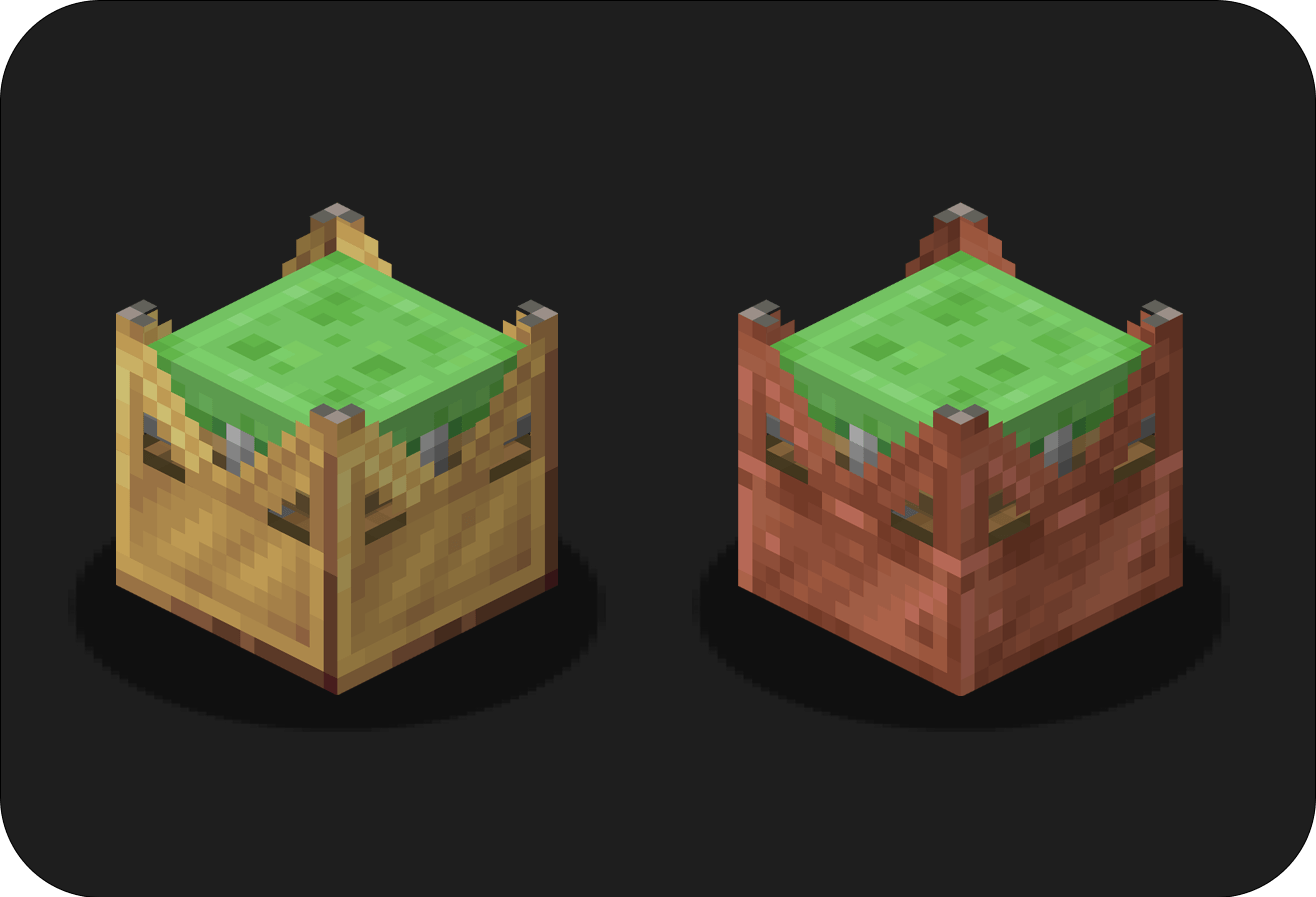
Sticky Launchers :
Jump like a rabbit! Use a sticker to craft the Copper Launcher and a Copper Launcher to craft the Brass Launcher!
Misc blocks :
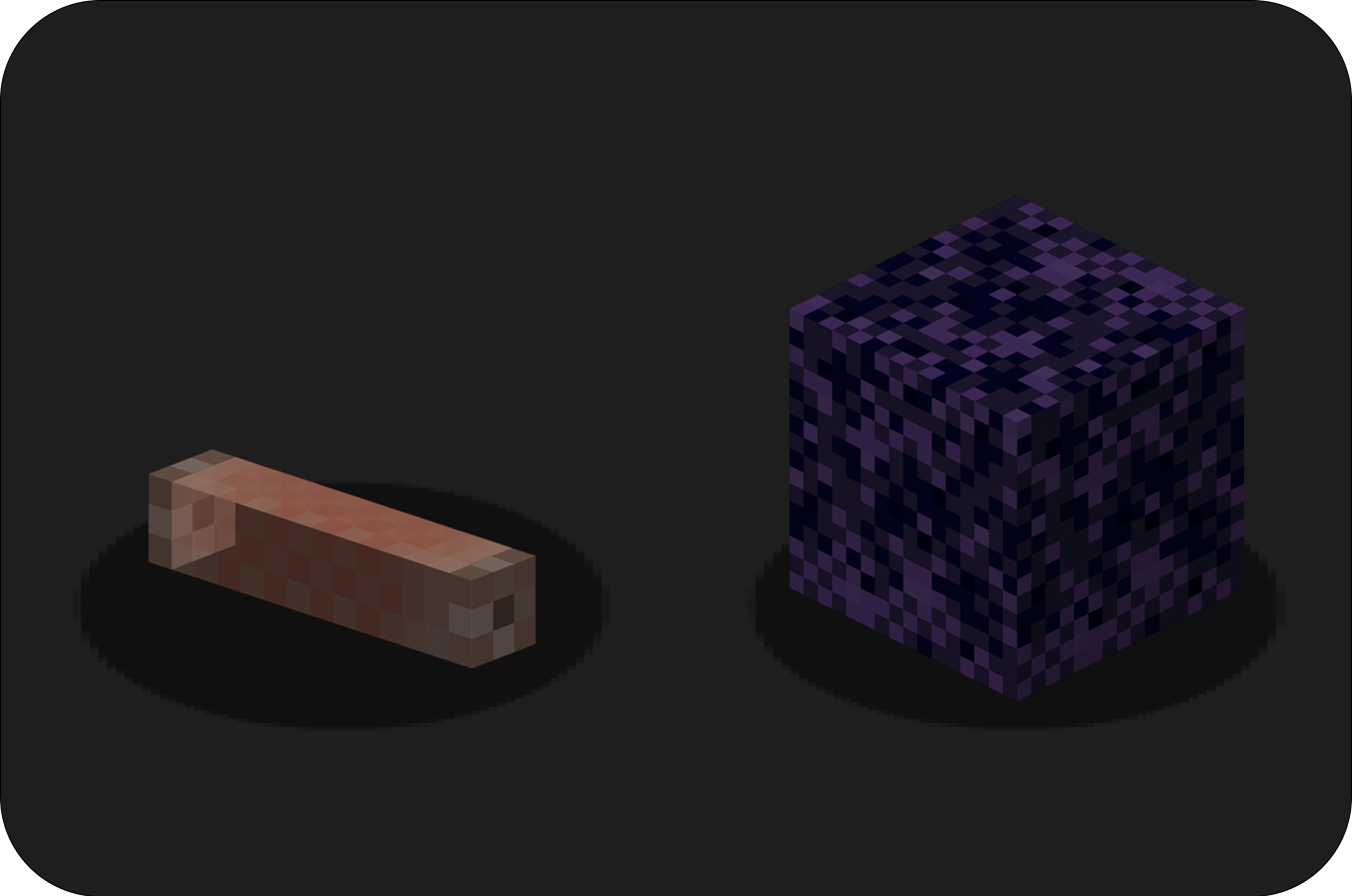
Neon tube: Throwable Torch, allows you to explore caves and decorate your builds! Powdered Obsidian block: Breakable with a Diamond Shovel, perfect for a trap!
Misc items :
Crushed Magma: Good fuel source, cook 12 items. Slime Porridge: Right-click a Slime with this to make it grow. Portable Whistle: Station Masters need this!
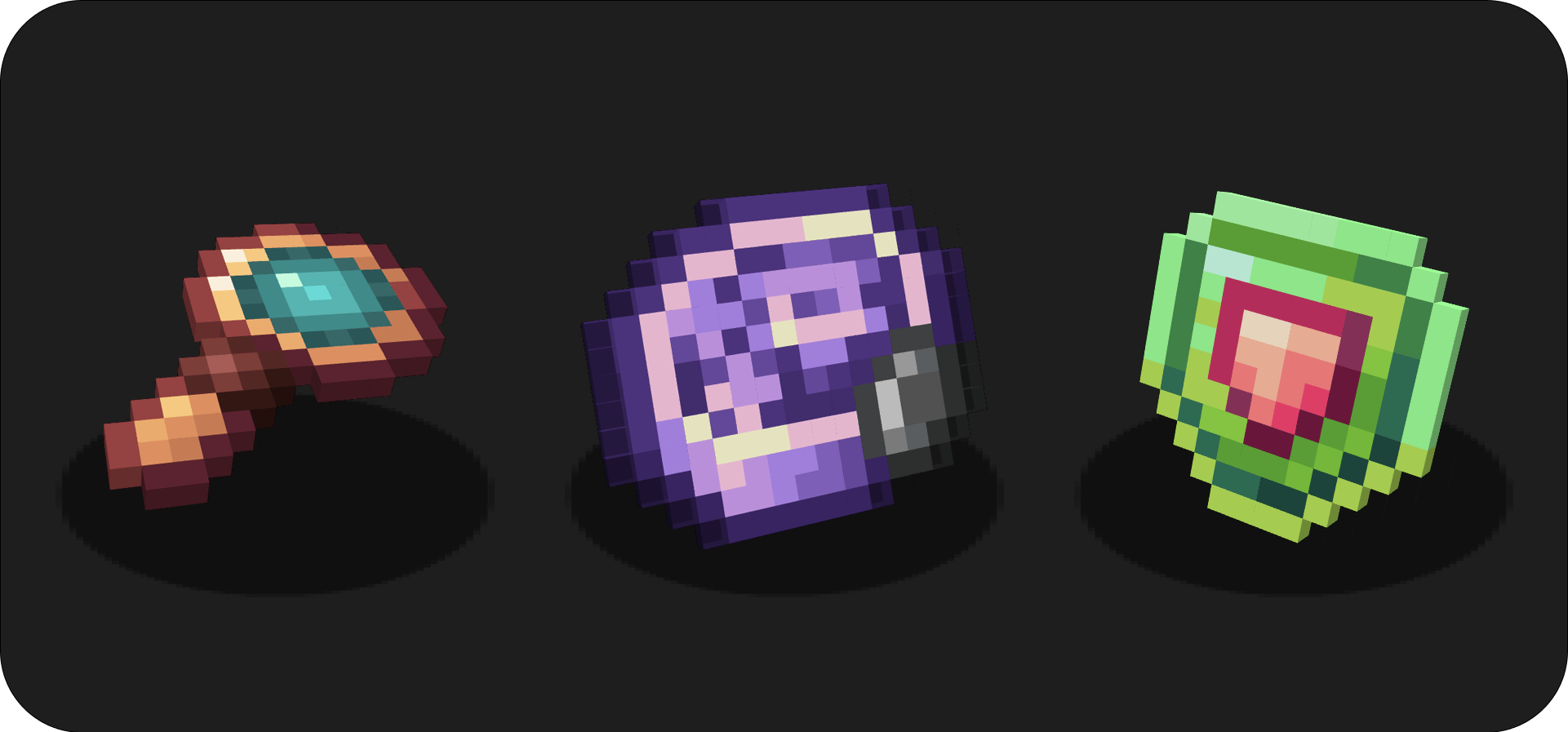
Magnifying Glass:
Put a card in your second hand and use the Magnifying Glass to see the script of a card.
Vibration Mechanism:
Used in crafts for new items.
Mending Rune:
Repair all items with the mending enchantment. The mending rune takes XP from your XP bar to repair items.
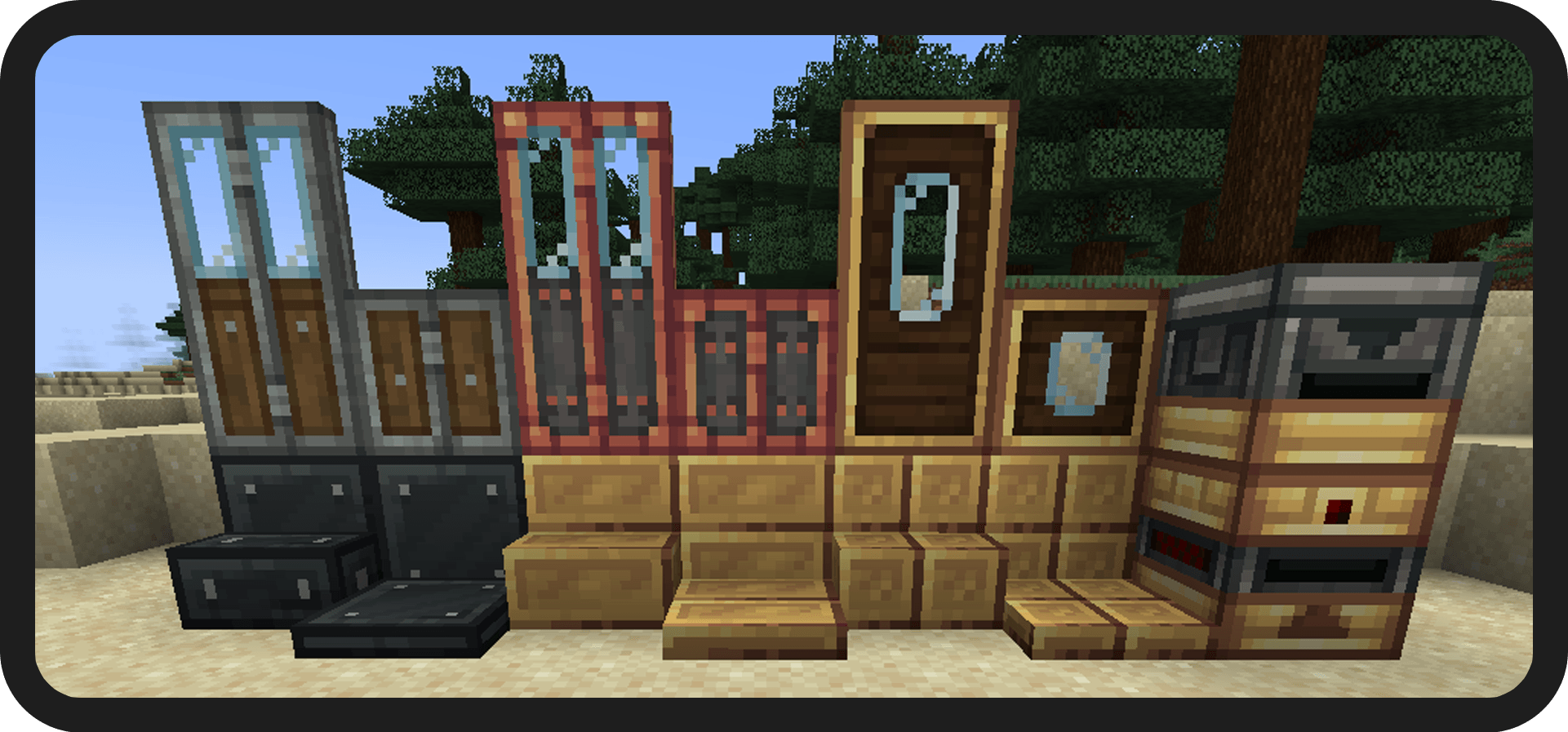
Building Blocks :
You can put this mod in your modpack.
Install jei to see all the recipes.
A question? Join the discord!
Icon by Facu
This work is licensed under CC BY-ND 4.0
==== Sponsor ====

Cómo instalar Create : Misc & Things
With Millida Launcher
Install Millida Launcher
The launcher is free: download it at millida.net/launcher and sign in with any nickname.
Click “Install” on this page
The launcher opens and installs the mod for Minecraft 1.19.2–1.21.1 on Forge or NeoForge automatically.
Launch the game
A profile with it appears in the launcher: click “Play”.
Manually
Install Forge or NeoForge
The loader must match the game version of the mod file, for example Minecraft 1.21.1. After installing it, a separate profile appears in your launcher.
Download the file for your version
In the version list above, pick the file create_things_and_misc-4.1.1-neoforge-1.21.1.jar (1.0 MB) for your game version and loader.
Put it in the mods folder
The folder is inside .minecraft (Windows: %appdata%\.minecraft\mods). If it does not exist, create it.
Launch the loader profile
Open “Mods” in the main menu: Create : Misc & Things should be in the list.
Minecraft 1.21.1 runs on Java 21: with a different Java version the game may close right after launch.
Versiones
Con dependencias
| Minecraft | Cargador | Archivo | Fecha | Acciones |
|---|---|---|---|---|
| 1.21.1 | NeoForge | [1.21.1] Create Misc and Things 4.1.11 MB 157 | ||
| 1.20.1 | Forge | [1.20.1] Create Misc and Things 4.11014 KB 53 | ||
| 1.19.2 | Forge | "create_misc_and_things_1.19.2_2.0865 KB 5 | ||
| 1.19.2 | Forge | UNSTABLE create_misc_and_things_1.19.2_1.1B814 KB |
FAQ
Which Minecraft versions does Create : Misc & Things work on?
There are files for 1.21.1, 1.20.1, 1.19.2. The newest is 1.21.1.
Is Create : Misc & Things for Forge or Fabric?
There are files for Forge: 1.19.2–1.20.1 and for NeoForge: 1.21.1. There are no files for Fabric: a mod for another loader will not start.
Does Create : Misc & Things need other mods?
The author lists no required dependencies: the Forge or NeoForge loader is enough.
Which Java does Create : Misc & Things need?
Minecraft 1.21.1 runs on Java 21. If the game closes right after launch, the usual cause is the wrong Java version in the profile settings.
How do I download Create : Misc & Things?
With Millida Launcher: it installs Create : Misc & Things into a modpack by itself, for the right game version and loader. The launcher is free.
Reseñas
Sé el primero en valorar Create : Misc & Things


