
 NeoForge
 Forge
Forge Fabric
Acerca del mod Cottonly
Cottonly
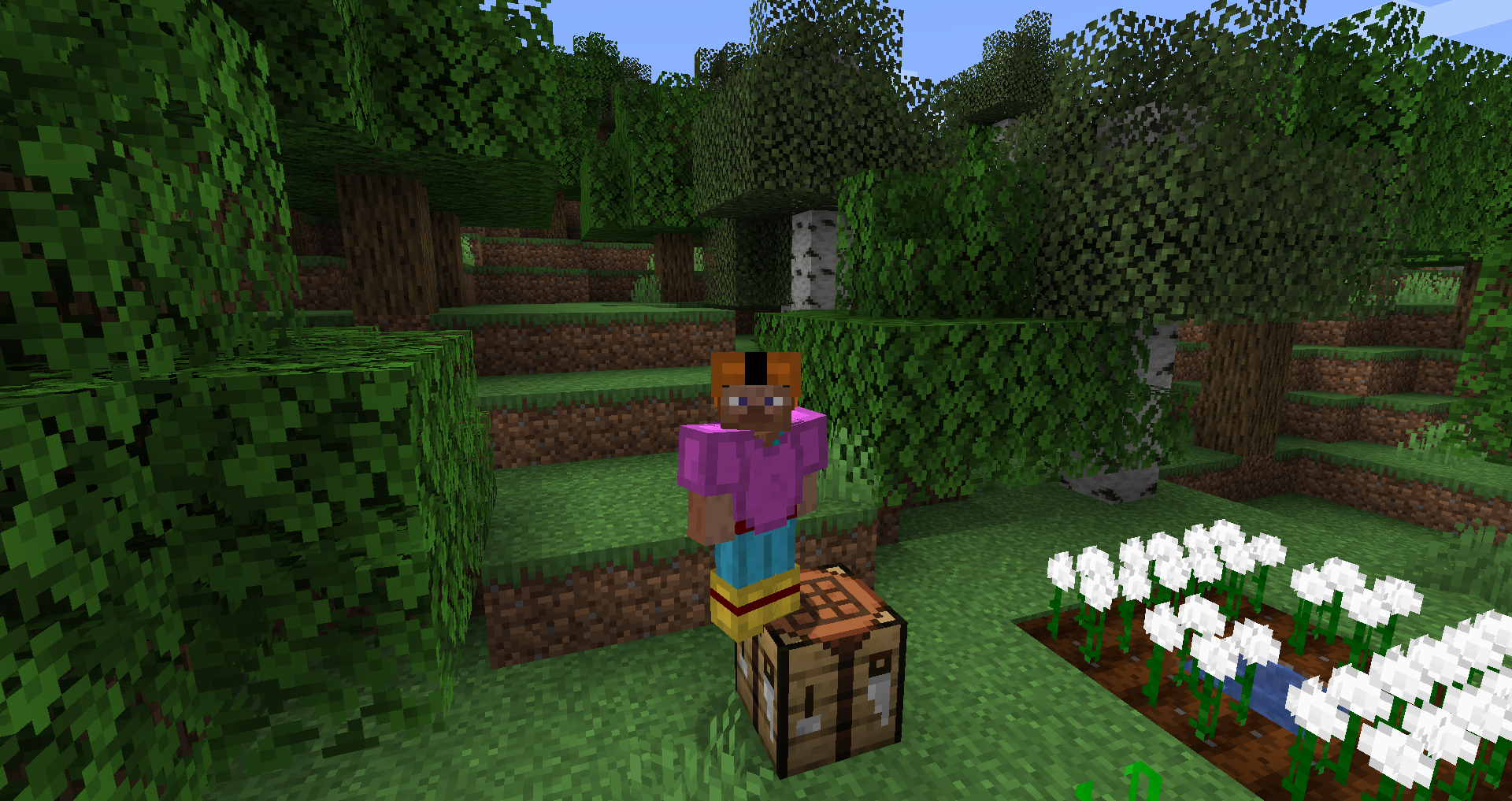
The Mod That Just Adds Cotton
Tired of boring, old leather armour?
Don't like killing all the innocent looking cows?
Well, now you don't have to with cotton balls you can make cotton clothes! made from 100% organic matter!
This mod was made for a modpack where you could get string without making a mob spawner
Punch Grass > find cotton seeds > Grow Seeds > get Cotton > make string or armour and BOOM! you finished the cotton mod
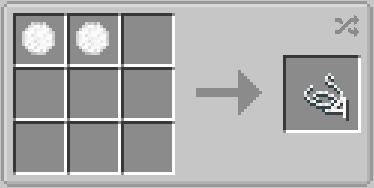
as of 1.21:
Enjoy Cotton!
As of Version 0.7.7, you can now put unused seeds in a composter!
As of Version 0.7.6, you can get seeds from grass and tall grass (like wheat seeds)
Note: Version 0.7.5 and lower don't have this loot table so you will have to add a way to get the seed (sifting/sluicing/etc) with KubeJS or other loot adding utility
This Mod Adds:
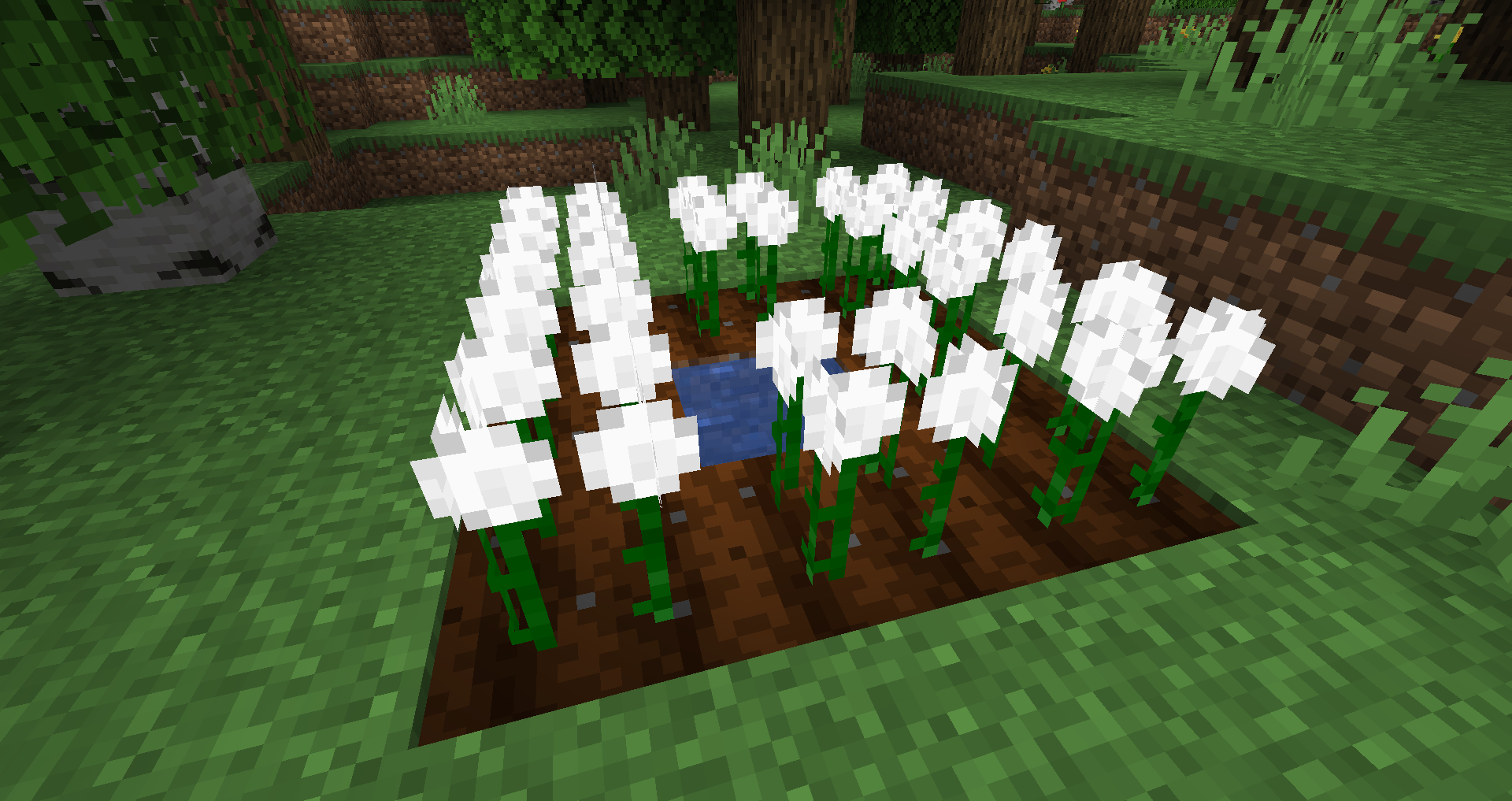
- Cotton Plant ( Supports BotanyPots as of v0.7.4
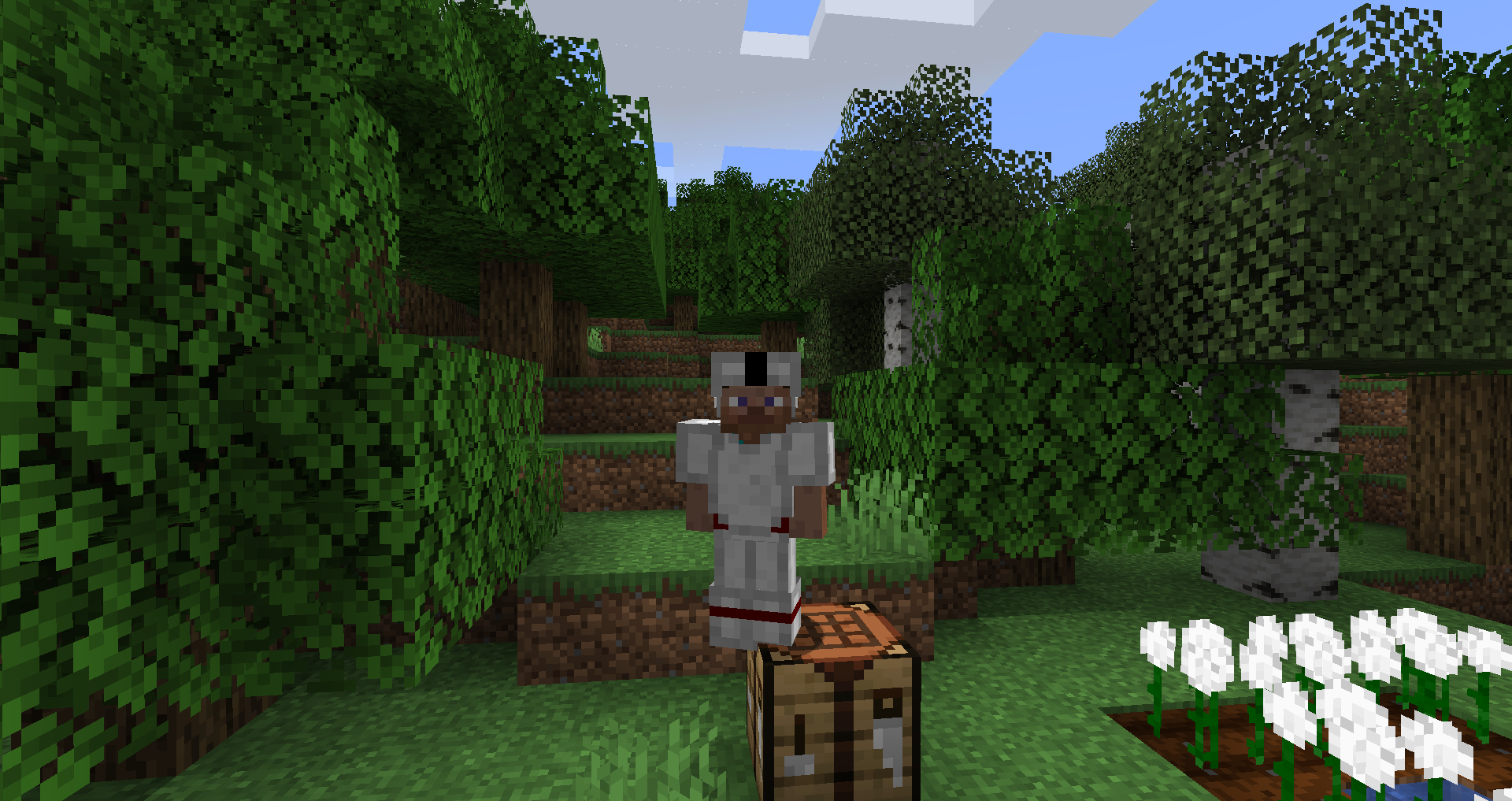
- Cotton Armor ( Added as of v0.0.7.4 - dyeable as of v0.7.5 )
Cómo instalar Cottonly
With Millida Launcher
Install Millida Launcher
The launcher is free: download it at millida.net/launcher and sign in with any nickname.
Click “Install” on this page
The launcher opens and installs the mod for Minecraft 1.19.2–1.21.1 on Fabric, Forge or NeoForge automatically.
Launch the game
A profile with it appears in the launcher: click “Play”.
Manually
Install Fabric, Forge or NeoForge
The loader must match the game version of the mod file, for example Minecraft 1.21.1. After installing it, a separate profile appears in your launcher.
Download the file for your version
In the version list above, pick the file cottonly-neo-0.16.6.jar (86 KB) for your game version and loader.
Put it in the mods folder
The folder is inside .minecraft (Windows: %appdata%\.minecraft\mods). If it does not exist, create it.
Launch the loader profile
Open “Mods” in the main menu: Cottonly should be in the list.
Minecraft 1.21.1 runs on Java 21: with a different Java version the game may close right after launch.
Versiones
Con dependencias
| Minecraft | Cargador | Archivo | Fecha | Acciones |
|---|---|---|---|---|
| 1.21 | NeoForge | Cottonly v0.16.6 - NeoForge - 1.2185.7 KB | ||
| 1.21 | NeoForge | Cottonly v0.16.1 - NeoForge - 1.2180.4 KB | ||
| 1.19.3 | Forge | Cottonly v0.13.1 - 1.19.349.8 KB | ||
| 1.19.2 | Fabric | cottonly-fabric-0.12.1.jar43.9 KB | ||
| 1.19.2 | Forge | cottonly-0.12.2.jar50.1 KB |
FAQ
Which Minecraft versions does Cottonly work on?
There are files for 1.21.1, 1.21, 1.19.3, 1.19.2. The newest is 1.21.1.
Is Cottonly for Forge or Fabric?
There are files for Fabric: 1.19.2, for Forge: 1.19.2–1.19.3 and for NeoForge: 1.21–1.21.1.
Does Cottonly need other mods?
The author lists no required dependencies: the Fabric, Forge or NeoForge loader is enough.
Which Java does Cottonly need?
Minecraft 1.21.1 runs on Java 21. If the game closes right after launch, the usual cause is the wrong Java version in the profile settings.
Where can I download Cottonly safely?
On this page: the file cottonly-neo-0.16.6.jar (86 KB) is stored on Millida’s server, with no link shorteners. SHA-1 checksum: 1168ce70970981a3b378f8bbf35ea5b8cec24d32.
Reseñas
Sé el primero en valorar Cottonly


