

Colormatic Mod para Minecraft 1.20.1
Ahora puedes personalizar los colores hardcodeados de Minecraft con un resource pack.
 Fabric
 Quilt
QuiltAcerca del mod Colormatic
Colormatic is an independent implementation that is resource-pack-compatible with the original Custom Colors mod for Minecraft on Fabric. It is fully compatible with resource packs that use Optifine's custom colors feature. Colormatic sports almost all features of the original Custom Colors mod and adds a few of its own. Features include
- - Biome colormaps for water, foliage, underwater, underlava, sky, and fog
- - Custom biome colormaps for any block
- - Custom lightmaps for any dimension (including datapack dimensions)
- - Custom dye colors
- - Custom chat colors
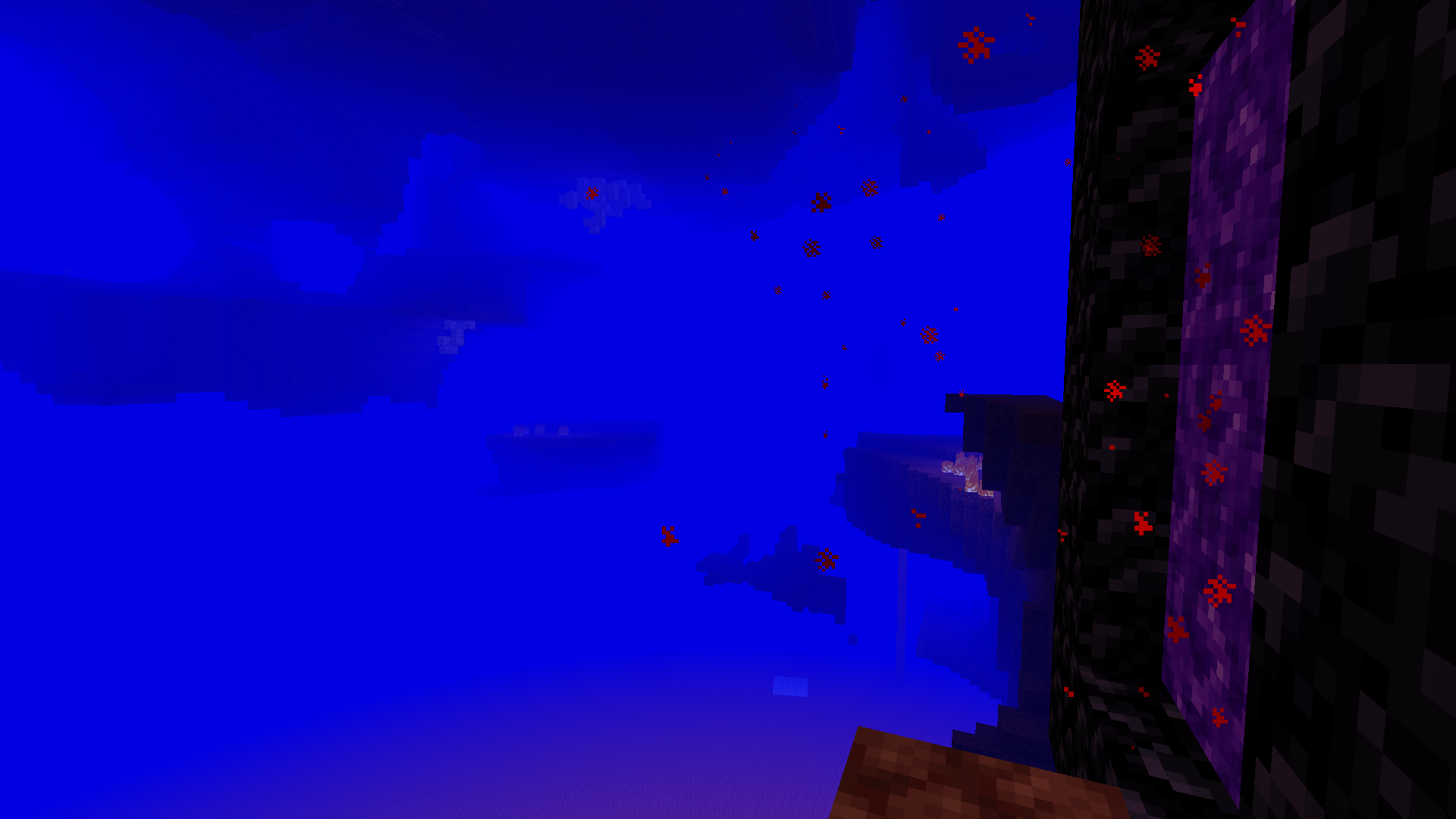
Colormatic supports loading resource packs with Optifine custom colors files as-is. It also supports (and prefers) loading equivalent json format files from the colormatic namespace.
Note: Colormatic does not itself add any custom colors to Minecraft. It simply provides the capability for resource packs to add custom colors.
See more silly images.
Cómo instalar Colormatic
With Millida Launcher
Install Millida Launcher
The launcher is free: download it at millida.net/launcher and sign in with any nickname.
Click “Install” on this page
The launcher opens and installs the mod for Minecraft 1.16–1.20.1 on Fabric or Quilt automatically.
Launch the game
A profile with it appears in the launcher: click “Play”.
Manually
Install Fabric or Quilt
The loader must match the game version of the mod file, for example Minecraft 1.20.1. After installing it, a separate profile appears in your launcher.
Download the file for your version
In the version list above, pick the file colormatic-3.1.3+mc.1.20.1.jar (216 KB) for your game version and loader.
Put it in the mods folder
The folder is inside .minecraft (Windows: %appdata%\.minecraft\mods). If it does not exist, create it.
Launch the loader profile
Open “Mods” in the main menu: Colormatic should be in the list.
Minecraft 1.20.1 runs on Java 17: with a different Java version the game may close right after launch.
Versiones
Con dependencias
| Minecraft | Cargador | Archivo | Fecha | Acciones |
|---|---|---|---|---|
| 1.20.1 | Fabric, Quilt | colormatic-3.1.3+mc.1.20.1.jar216 KB 1 | ||
| 1.16.1 | — | colormatic-2.2.1+mc.1.16.1.jar498 KB |
FAQ
Which Minecraft versions does Colormatic work on?
There are files for 1.20.1, 1.16.1, 1.16. The newest is 1.20.1.
Is Colormatic for Forge or Fabric?
There are files for Fabric: 1.20.1 and for Quilt: 1.20.1. There are no files for Forge or NeoForge: a mod for another loader will not start.
Does Colormatic need other mods?
The author lists no required dependencies: the Fabric or Quilt loader is enough.
Which Java does Colormatic need?
Minecraft 1.20.1 runs on Java 17. If the game closes right after launch, the usual cause is the wrong Java version in the profile settings.
Where can I download Colormatic safely?
On this page: the file colormatic-3.1.3+mc.1.20.1.jar (216 KB) is stored on Millida’s server, with no link shorteners. SHA-1 checksum: 021e7326a3f49d438968f1ea859d7208b69e1dce.
Reseñas
Sé el primero en valorar Colormatic


