
Coastal Waves Mod para Minecraft 1.20.1, 1.21.1
¡Añade olas rompientes a las playas!
 NeoForge
 Forge
ForgeAcerca del mod Coastal Waves
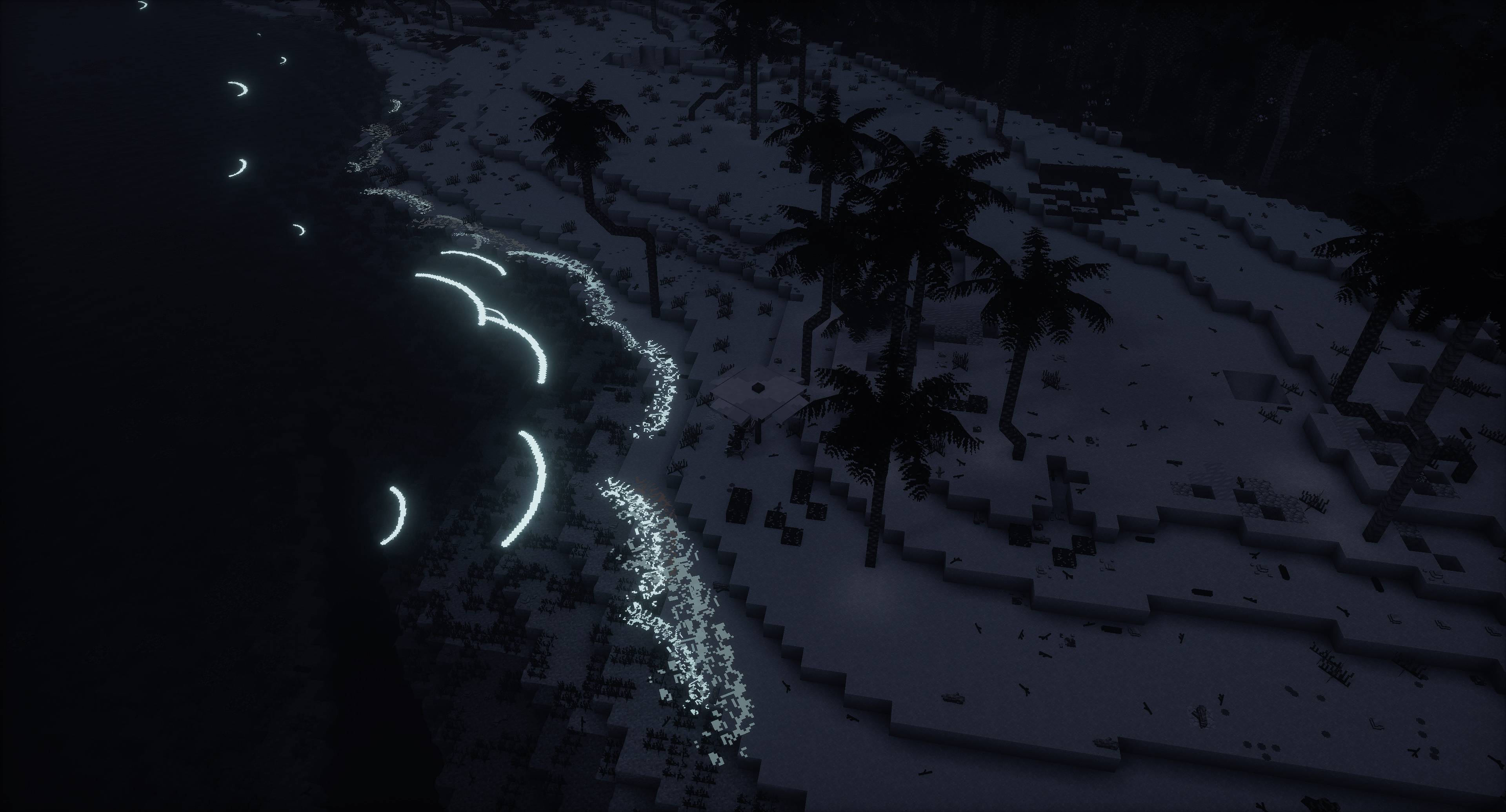
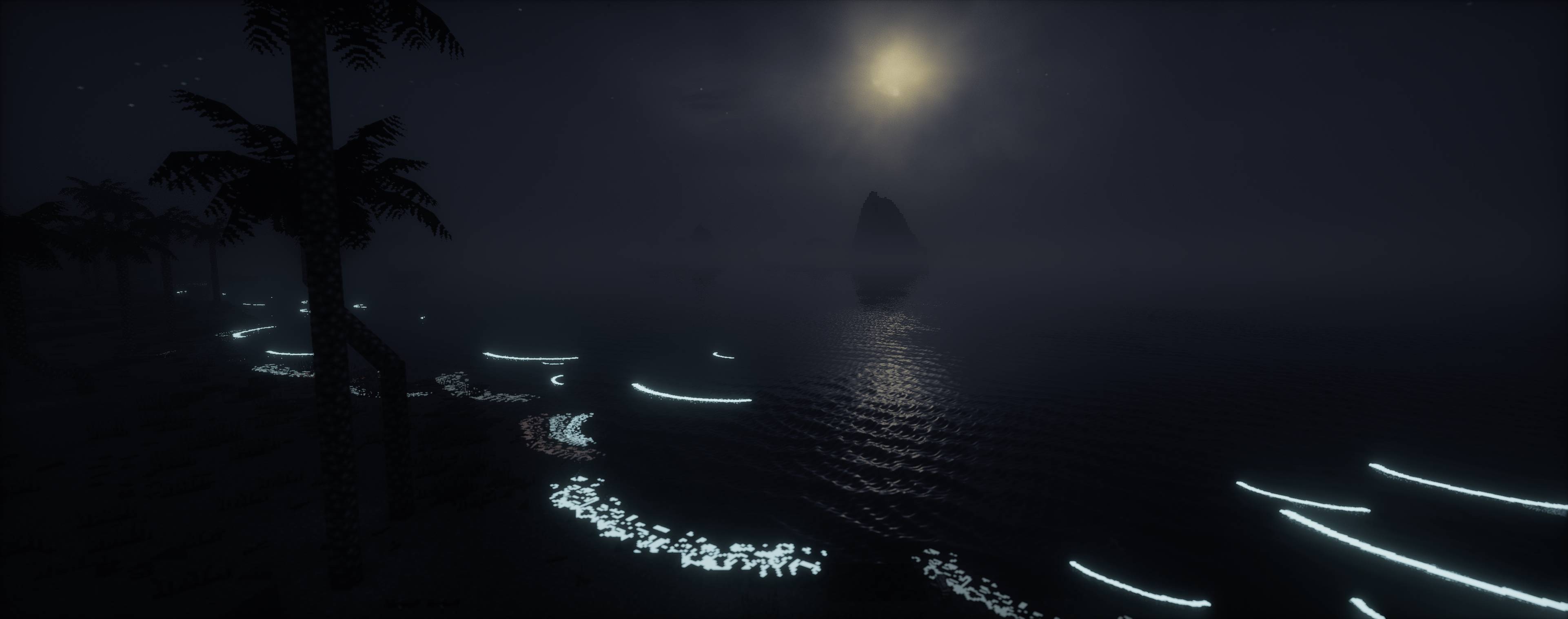
Ever thought to yourself "why has nobody ever added beach waves to Minecraft? What does it take?" Well, here it finally is! Transform your world with the new waves, which brings atmospheric and serene sounds of breaking waves to the beaches with the all new scenic waves. These waves aren't just for show, as they have a chance to deposit useful materials on the beach and can interact with entities in their path, adding exciting new elements to your gameplay and a reason to visit them again. Whether you're exploring, building, or just enjoying the view, this enhances your game experience with the beauty and bounty of the ocean. Jump into the waves and discover what treasures they might bring!
The mod adds and uses the following tags, which can all be edited to your liking;
- for blocks: waves:wave_blocks, list of blocks waves can deposit on the shore at random
- for fluids: waves:has_waves, list of fluids on which waves can spawn
- for biomes: waves:has_waves, list of biomes in which waves can spawn
- for entities: waves:wave_interaction_blacklist, list of entities blacklisted from wave interaction
- for entities: waves:wave_interaction_whitelist, list of entities whitelisted for wave interaction
The y-level at which waves spawn at, can be configured through json. Said json is found at ./config/waves/waves.json, and contains a default config for the vanilla dimensions.
For those that use minimap mods with entity radars and would like to hide the wave entities; the id of the wave entity is waves:waves.
Cómo instalar Coastal Waves
With Millida Launcher
Install Millida Launcher
The launcher is free: download it at millida.net/launcher and sign in with any nickname.
Click “Install” on this page
The launcher opens and installs the mod for Minecraft 1.20.1–1.21.1 on Forge or NeoForge automatically.
Launch the game
A profile with it appears in the launcher: click “Play”.
Manually
Install Forge or NeoForge
The loader must match the game version of the mod file, for example Minecraft 1.21.1. After installing it, a separate profile appears in your launcher.
Download the file for your version
In the version list above, pick the file Waves-1.21.x-1.6.1.jar (1.3 MB) for your game version and loader.
Put it in the mods folder
The folder is inside .minecraft (Windows: %appdata%\.minecraft\mods). If it does not exist, create it.
Launch the loader profile
Open “Mods” in the main menu: Coastal Waves should be in the list.
Minecraft 1.21.1 runs on Java 21: with a different Java version the game may close right after launch.
Versiones
Con dependencias
| Minecraft | Cargador | Archivo | Fecha | Acciones |
|---|---|---|---|---|
| 1.21 | NeoForge | Waves-1.21.x-1.6.11.3 MB 6 | ||
| 1.20.1 | NeoForge, Forge | Waves-1.20.1-1.6.11.3 MB 5 | ||
| 1.21 | NeoForge | Waves-1.21-1.11.2 MB | ||
| 1.20.1 | NeoForge, Forge | Waves-1.20.1-1.11.2 MB |
FAQ
Which Minecraft versions does Coastal Waves work on?
There are files for 1.21.1, 1.21, 1.20.1. The newest is 1.21.1.
Is Coastal Waves for Forge or Fabric?
There are files for Forge: 1.20.1 and for NeoForge: 1.20.1–1.21.1. There are no files for Fabric: a mod for another loader will not start.
Does Coastal Waves need other mods?
The author lists no required dependencies: the Forge or NeoForge loader is enough.
Which Java does Coastal Waves need?
Minecraft 1.21.1 runs on Java 21. If the game closes right after launch, the usual cause is the wrong Java version in the profile settings.
Where can I download Coastal Waves safely?
On this page: the file Waves-1.21.x-1.6.1.jar (1.3 MB) is stored on Millida’s server, with no link shorteners. SHA-1 checksum: 7561be446cbcf2b9676c7f5947726a71050063a7.
Reseñas
Sé el primero en valorar Coastal Waves


