
Blue Power Mod para Minecraft 1.20.1, 1.16.5
Blue Power añade al juego una variedad de formas de manipular y transportar bloques y señales de redstone
 NeoForge
 Forge
ForgeAcerca del mod Blue Power
Blue Power is a tech mod that adds a variety of ways to manipulate and transport blocks and redstone signals to the game.
The initial release will be expanded on over time with a lot of the core processes changed giving a whole new feel and progression. It is in a constant state of development and features can be added or removed at any time.
Feel free to add it to your modpack without asking. Have fun!
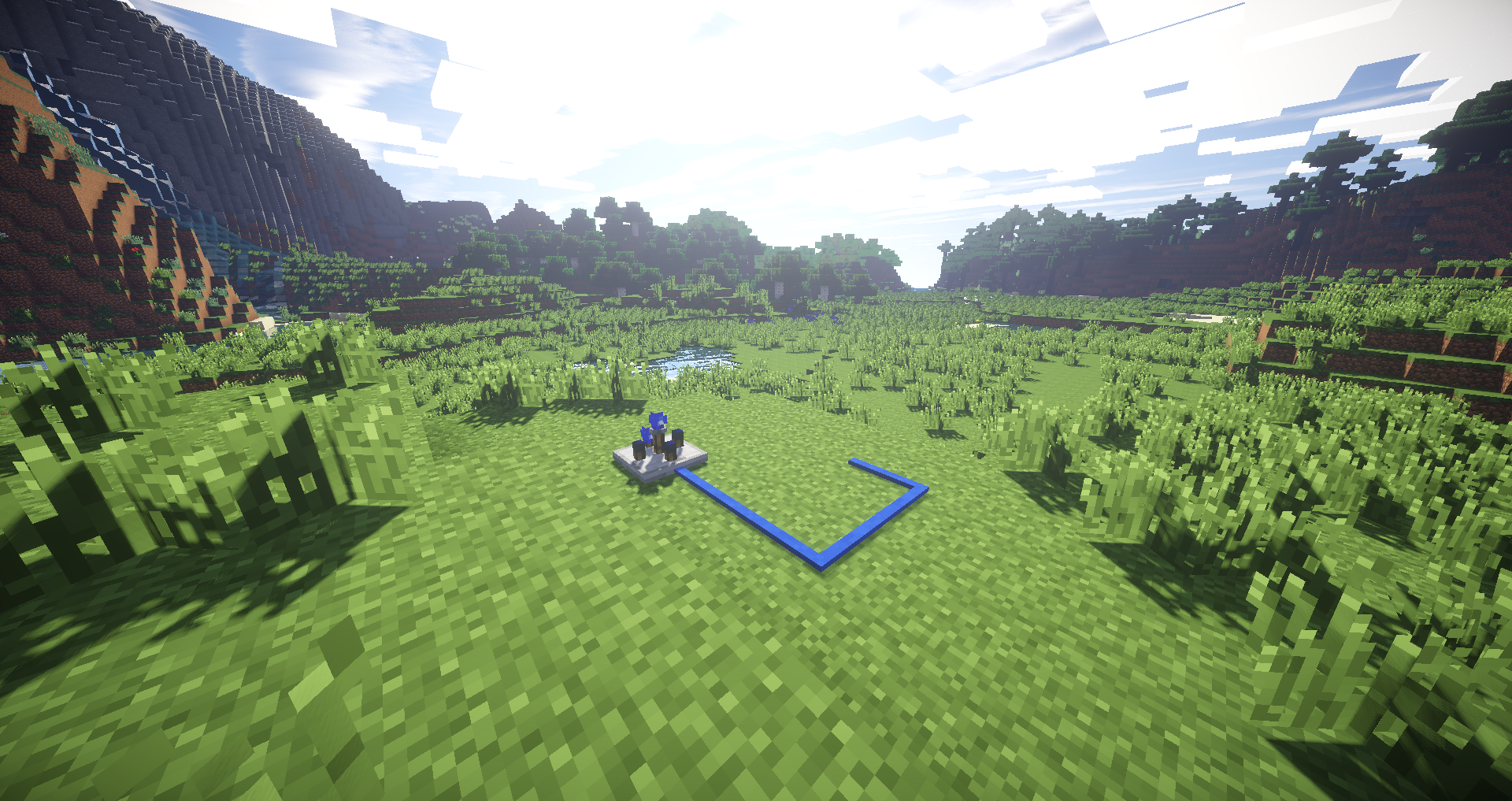
Machines and Project Tables:
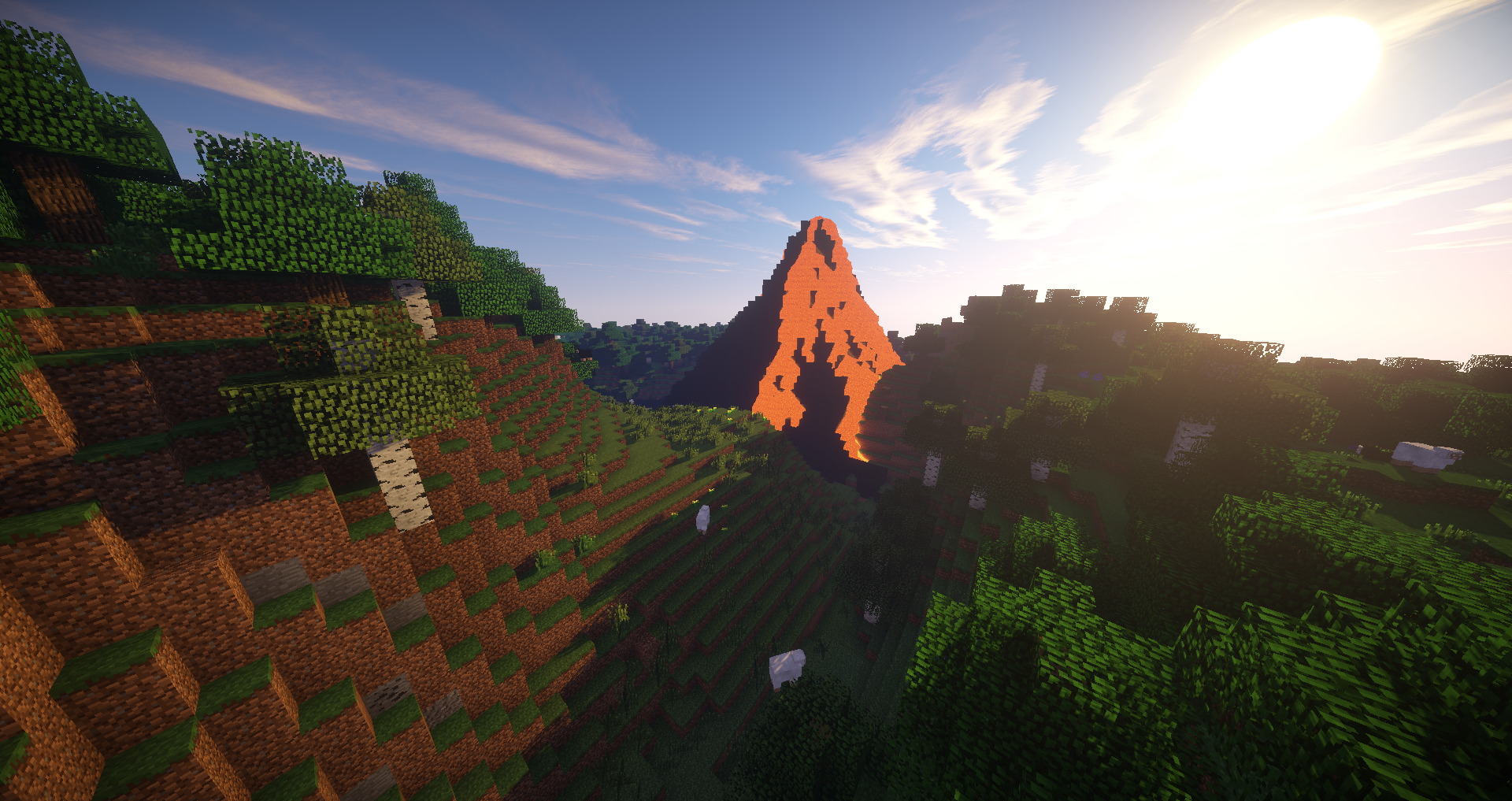
Volcanoes:
Lamps:
Blutricity:
Port Progress:
Currently Includes:
- Project Tables
- Lamps
- World Gen
- Crops
- Tools
- Alloy Furnace
- World Manipulation Machines
- Blutricity
- Microblocks
Currently WIP:
- Wire
- Gates
- Tubes
- Computers
Important information:
Forge Multipart or QmunityLib is no longer required for 1.12 / 1.14
Recommend adding ConnectedTextureMod for Connected Textures and Lighting of some blocks in 1.12.
You will need QmunityLib for 1.7.10 though! Grab it from: https://www.curseforge.com/minecraft/mc-mods/qmunitylib
Bug reports:
PLEASE report bugs in the issue tracker, not here. https://github.com/Qmunity/BluePower/issues
Cómo instalar Blue Power
With Millida Launcher
Install Millida Launcher
The launcher is free: download it at millida.net/launcher and sign in with any nickname.
Click “Install” on this page
The launcher opens and installs the mod for Minecraft 1.7.10–1.21 on Forge or NeoForge automatically.
Launch the game
A profile with it appears in the launcher: click “Play”.
Manually
Install Forge or NeoForge
The loader must match the game version of the mod file, for example Minecraft 1.21. After installing it, a separate profile appears in your launcher.
Download the file for your version
In the version list above, pick the file bluepower-1.21-0.11.339-alpha-neoforge.jar (3.3 MB) for your game version and loader.
Put it in the mods folder
The folder is inside .minecraft (Windows: %appdata%\.minecraft\mods). If it does not exist, create it.
Launch the loader profile
Open “Mods” in the main menu: Blue Power should be in the list.
Minecraft 1.21 runs on Java 21: with a different Java version the game may close right after launch.
Versiones
Con dependencias
| Minecraft | Cargador | Archivo | Fecha | Acciones |
|---|---|---|---|---|
| 1.21 | NeoForge | bluepower-1.21-0.11.339-alpha-neoforge.jar3.3 MB | ||
| 1.20.1 | NeoForge, Forge | bluepower-1.20.1-0.10.323-alpha-universal.jar3.3 MB | ||
| 1.16.3 | — | bluepower-1.16.5-0.5.262-alpha-universal.jar3.1 MB | ||
| 1.7.10 | — | BluePower-1.7.10-0.2.962-universal.jar3.2 MB |
FAQ
Which Minecraft versions does Blue Power work on?
There are files for 1.7.10–1.21, 7 versions in total. The newest is 1.21.
Is Blue Power for Forge or Fabric?
There are files for Forge: 1.20–1.20.1 and for NeoForge: 1.20–1.21. There are no files for Fabric: a mod for another loader will not start.
Does Blue Power need other mods?
The author lists no required dependencies: the Forge or NeoForge loader is enough.
Which Java does Blue Power need?
Minecraft 1.21 runs on Java 21. If the game closes right after launch, the usual cause is the wrong Java version in the profile settings.
Where can I download Blue Power safely?
On this page: the file bluepower-1.21-0.11.339-alpha-neoforge.jar (3.3 MB) is stored on Millida’s server, with no link shorteners. SHA-1 checksum: 122db14295fa58bc71a7bacd081a8a4f8d17e420.
Reseñas
Sé el primero en valorar Blue Power


