
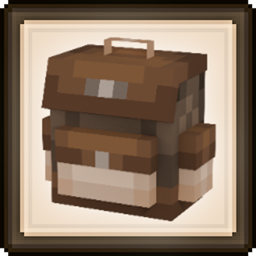
Backpacked Mod para Minecraft 1.20.1, 1.21.1
Un mod de mochilas compatible con vanilla, con progresión basada en desbloqueos, un sistema de mejoras, personalización, robo de bolsillos y soporte para addons.
 NeoForge
 Fabric
 Forge
Forge






Backpacked 3.0.0 ya disponible
Lanzamiento el 21 de enero de 2026
Actualizaré esta descripción pronto, lo siento - MrCrayfish
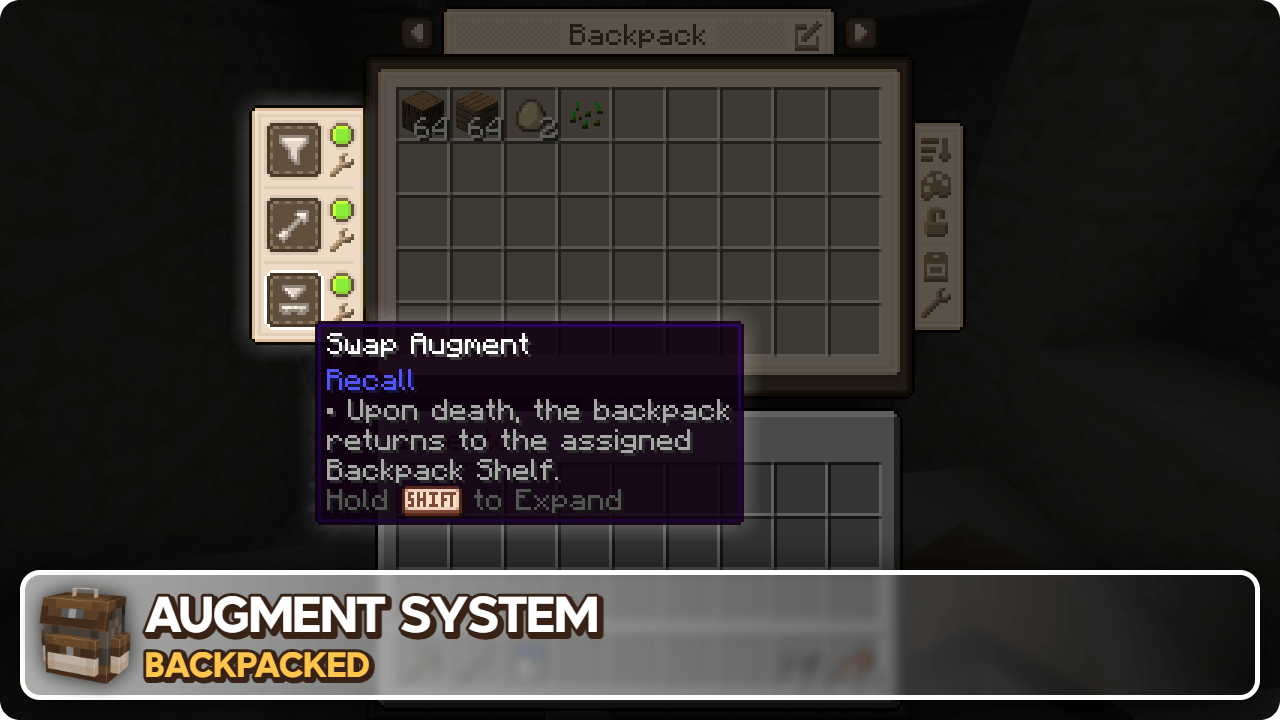
🏘️ Addons de la comunidad Estos addons añaden aún más mochilas por descubrir.
Backpacked: Shells de Beast135 (https://www.curseforge.com/minecraft/mc-mods/backpacked-shells) Añade dos nuevas mochilas para desbloquear, la Snail Shell y la Nautilus Shell
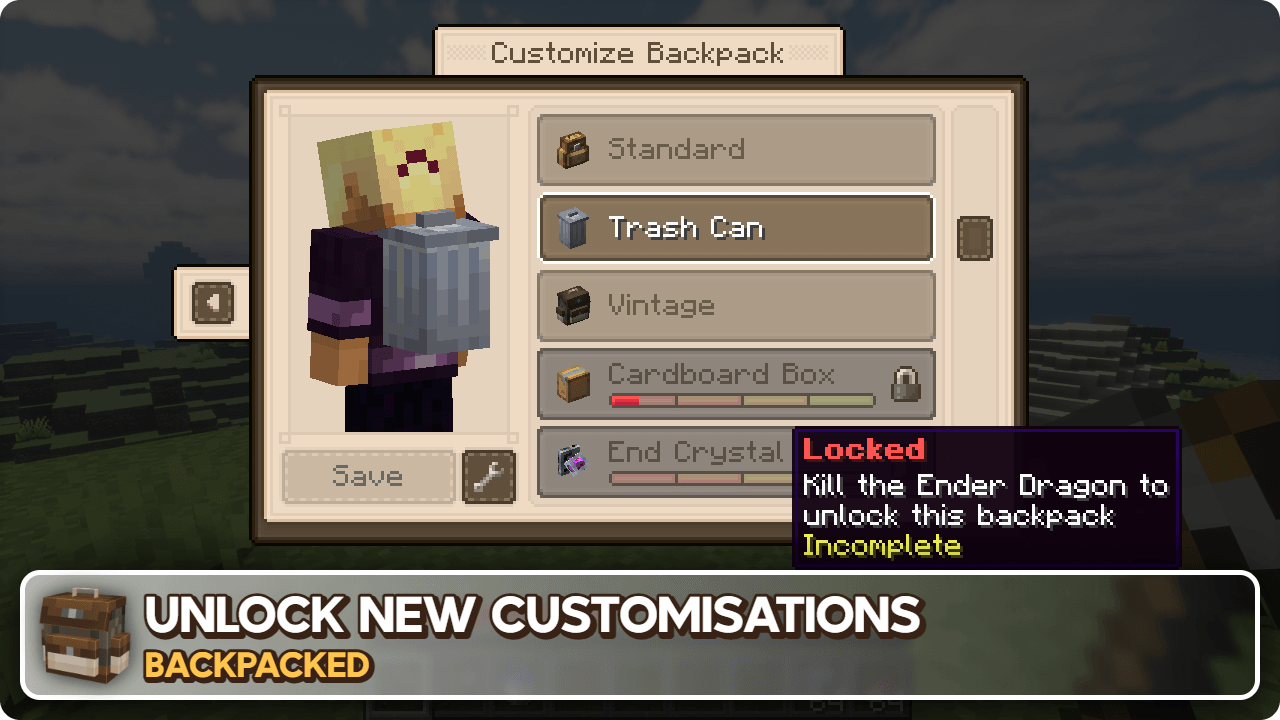
Backpacked: World of Color de Beast135 (https://www.curseforge.com/minecraft/mc-mods/backpacked-world-of-color) Añade variantes de tinte de la Standard Backpack
MrCrayfish's Furniture Mod: Refurbished de MrCrayfish (https://www.curseforge.com/minecraft/mc-mods/refurbished-furniture) Añade una mochila exclusiva Storage Cabinet cuando este mod está instalado junto a Backpacked.
🙋♀️ ¿Necesitas ayuda? Únete al servidor oficial de Discord:
La sección de comentarios no es ideal para recibir soporte, únete al servidor oficial de Discord. Podrás obtener ayuda para instalar y configurar mods, resolver cuelgues y mucho más. Además, también tendrás acceso a noticias sobre actualizaciones y desarrollo de mods (antes que en cualquier otro sitio).

Cómo instalar Backpacked
With Millida Launcher
Install Millida Launcher
The launcher is free: download it at millida.net/launcher and sign in with any nickname.
Click “Install” on this page
The launcher opens and installs the mod for Minecraft 1.12.2–26.1.2 on Fabric, Forge or NeoForge automatically.
Launch the game
A profile with it appears in the launcher: click “Play”.
Manually
Install Fabric, Forge or NeoForge
The loader must match the game version of the mod file, for example Minecraft 26.1.2. After installing it, a separate profile appears in your launcher.
Download the file for your version
In the version list above, pick the file backpacked-neoforge-26.1.2-3.0.4.jar (1.2 MB) for your game version and loader.
Put it in the mods folder
The folder is inside .minecraft (Windows: %appdata%\.minecraft\mods). If it does not exist, create it.
Launch the loader profile
Open “Mods” in the main menu: Backpacked should be in the list.
Versiones
Con dependencias
| Minecraft | Cargador | Archivo | Fecha | Acciones |
|---|---|---|---|---|
| 26.1.2 | NeoForge | Backpacked 3.0.41.2 MB 2 | ||
| 26.1.2 | Fabric | Backpacked 3.0.41.3 MB 13 | ||
| 1.20.1 | Forge | Backpacked 3.0.91.1 MB 68 | ||
| 1.20.1 | Forge | Backpacked 3.0.3-rc.41.1 MB | ||
| 1.20.1 | Fabric | Backpacked 3.0.3-rc.41.1 MB 39 | ||
| 1.21.1 | NeoForge | Backpacked 3.0.0-beta.201.2 MB 52 | ||
| 1.21.1 | Fabric | Backpacked 3.0.0-beta.201.2 MB 60 | ||
| 1.21.1 | NeoForge | Backpacked 3.0.0-beta.10624 KB |
FAQ
Which Minecraft versions does Backpacked work on?
There are files for 26.1.2, 1.21.1, 1.20.1, 1.12.2. The newest is 26.1.2.
Is Backpacked for Forge or Fabric?
There are files for Fabric: 1.20.1–26.1.2, for Forge: 1.20.1 and for NeoForge: 1.21.1–26.1.2.
Does Backpacked need other mods?
The author lists no required dependencies: the Fabric, Forge or NeoForge loader is enough.
Where can I download Backpacked safely?
On this page: the file backpacked-neoforge-26.1.2-3.0.4.jar (1.2 MB) is stored on Millida’s server, with no link shorteners. SHA-1 checksum: cabafe7fee7517d65140d83b4145e9c9c7bf39c3.
Reseñas
Sé el primero en valorar Backpacked


