
 Fabric
 Quilt
QuiltAcerca del mod Adorn
Looking for the NeoForge/Forge version?
Adorn is a decoration and furniture mod that adds many decoration blocks, such as...
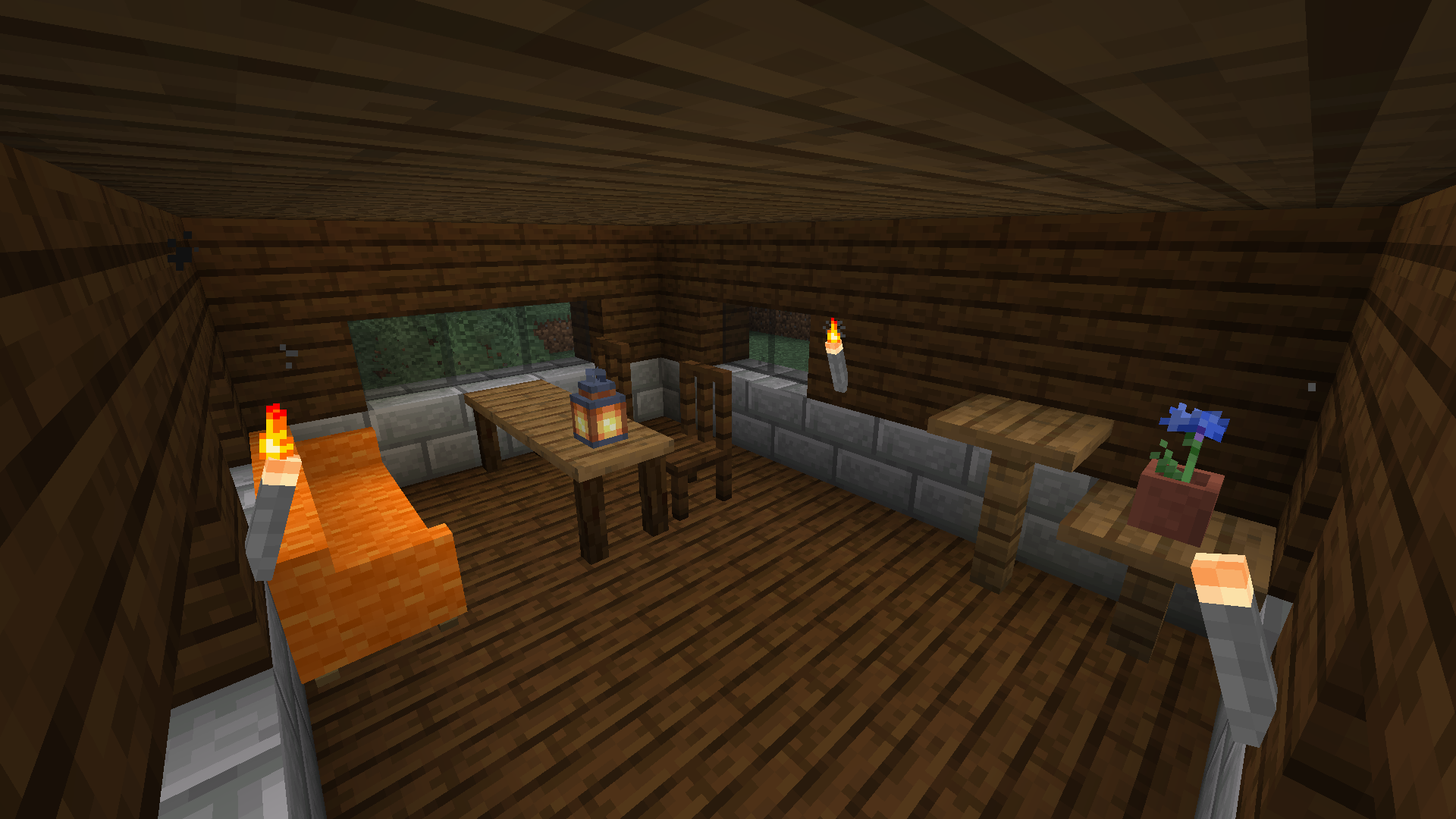
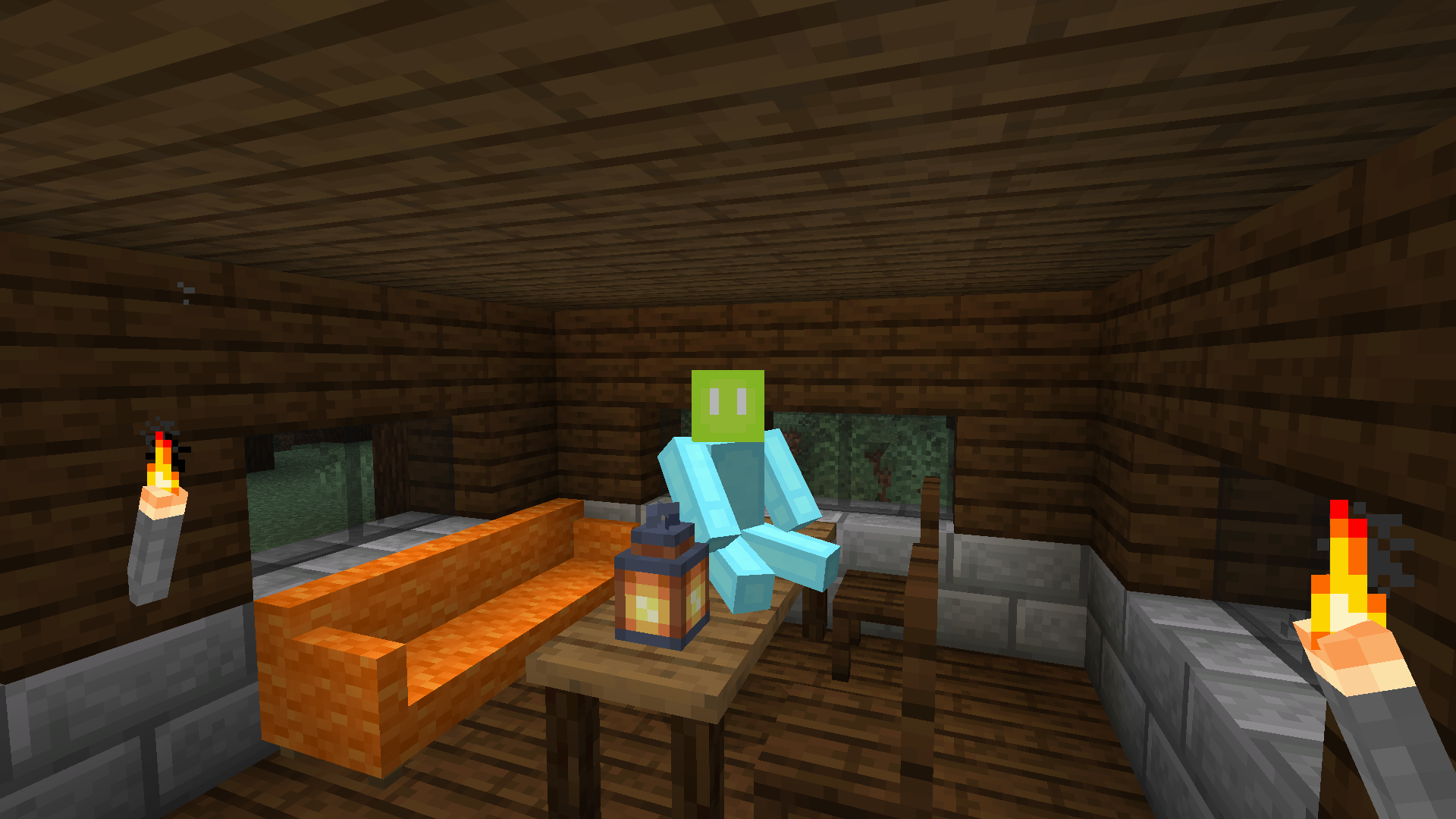
- Chairs and sofas! You can sit and relax on them. A sofa is also a nice place for a nap.
- Drawers! Smaller container than chests, but a fancier piece of furniture.
- Stone torches! They're made of stone and are better light sources than wooden torches.
- Kitchen blocks! You can decorate your kitchens with kitchen counters, cupboards and sinks (Perfect for kitchen sink modpacks!)
- And more: tables, shelves, fences, chimneys...
Adorn includes special support for these mods:
- BYG (block variants)
- Woods and Mires (block variants)
- Terrestria (block variants)
- Traverse (block variants)
- Cinderscapes (block variants)
- Biome Makeover (block variants)
- Promenade (block variants)
- Blockus (wooden block variants)
- Tech Reborn (block variants)
- Lil Tater Reloaded (power taters)
- Towelette (fluidloggable blocks)
- Mod Menu (settings screen)
- Roughly Enough Items (viewing brewer recipes)
- EMI (viewing brewer recipes, out-of-the-box recipe tree defaults; since 3.6.0)
- DashLoader (caching models with Adorn's block state properties)
Don't report bugs in CurseForge comments. Adorn's bug tracker is on GitHub.
Cómo instalar Adorn
With Millida Launcher
Install Millida Launcher
The launcher is free: download it at millida.net/launcher and sign in with any nickname.
Click “Install” on this page
The launcher opens and installs the mod for Minecraft 1.14–26.2 on Fabric or Quilt automatically.
Launch the game
A profile with it appears in the launcher: click “Play”.
Manually
Install Fabric or Quilt
The loader must match the game version of the mod file, for example Minecraft 26.2. After installing it, a separate profile appears in your launcher.
Download the file for your version
In the version list above, pick the file Adorn-9.0.0+26.2-fabric.jar (2.7 MB) for your game version and loader.
Put it in the mods folder
The folder is inside .minecraft (Windows: %appdata%\.minecraft\mods). If it does not exist, create it.
Launch the loader profile
Open “Mods” in the main menu: Adorn should be in the list.
Versiones
Con dependencias
| Minecraft | Cargador | Archivo | Fecha | Acciones |
|---|---|---|---|---|
| 26.2 | Fabric, Quilt | Adorn 9.0.0 for 26.22.7 MB 5 | ||
| — | Fabric, Quilt | Adorn 7.0.0-c for Craftmine5.1 MB 3 | ||
| 1.14.4 | — | Adorn 1.2.0 for 1.14.41 MB | ||
| 1.14 | — | Adorn 0.1.3 for 1.14723 KB |
FAQ
Which Minecraft versions does Adorn work on?
There are files for 26.2, 1.14.4, 1.14. The newest is 26.2.
Is Adorn for Forge or Fabric?
There are files for Fabric: 26.2 and for Quilt: 26.2. There are no files for Forge or NeoForge: a mod for another loader will not start.
Does Adorn need other mods?
The author lists no required dependencies: the Fabric or Quilt loader is enough.
Where can I download Adorn safely?
On this page: the file Adorn-9.0.0+26.2-fabric.jar (2.7 MB) is stored on Millida’s server, with no link shorteners. SHA-1 checksum: 6c944be5e72fe239c3776d782badcf65f7f0464d.
Reseñas
Sé el primero en valorar Adorn


