

Decently Optimized Modpack para Minecraft 1.16.5, 1.18.2
Un modpack centrado en el rendimiento diseñado para aumentar los FPS optimizando los gráficos, reduciendo el lag y mejorando el renderizado del juego mediante mods ligeros como Sodium, Lithium y muchos más.
- visualizaciones
- 78 visualizaciones
- Actualizado
- Actualizado 03.09.2026
- 1.16.5 — 1.18.2
 Fabric
- Cliente
Acerca del modpack Decently Optimized
📈 Smooth Gameplay Ahead! 🎮 Looking to boost your FPS without compromising on visuals? "Decently Optimized" is here to deliver! 🚀 This mod pack balances performance and quality for buttery-smooth gameplay. Expect a stable FPS boost, fewer lag spikes, and an overall smoother experience in Minecraft! 🌳✨ Perfect for explorers, builders, and PvPers alike.
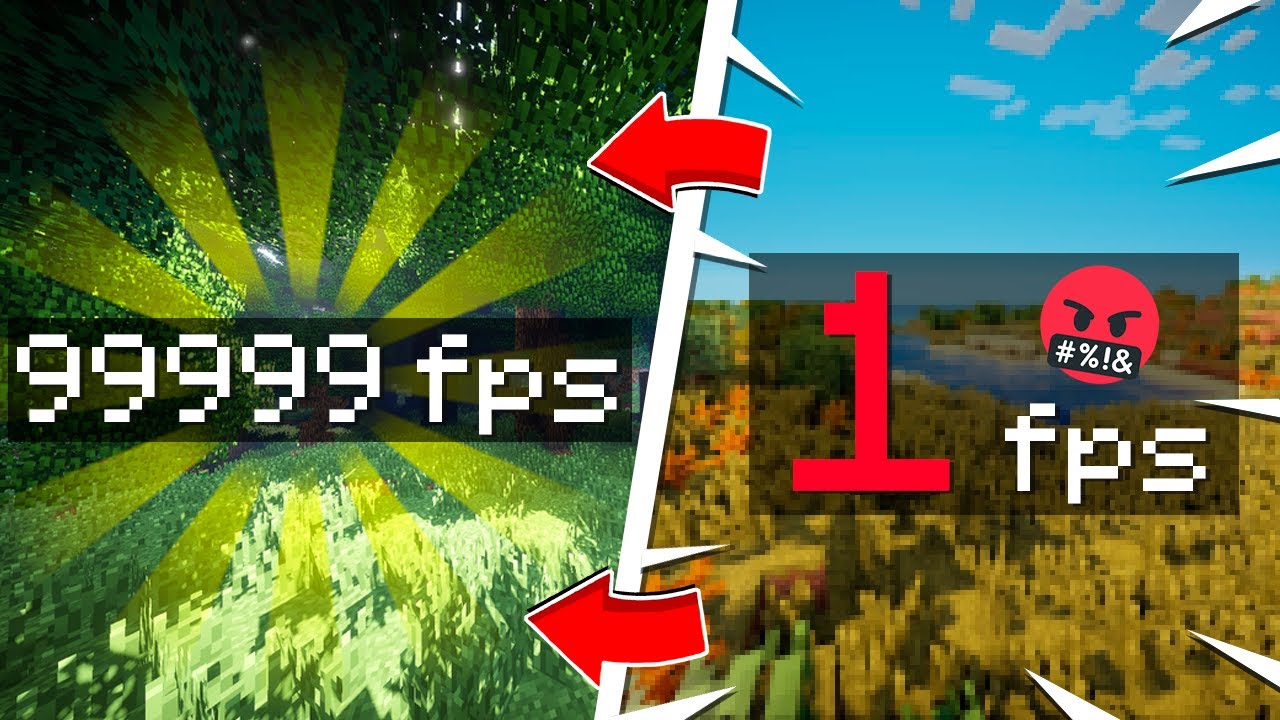
🏎️ Speed Without Sacrifice! 🖥️
Say goodbye to lag and hello to Decently Optimized! This mod pack is carefully curated to ensure that you get great FPS gains without compromising the look and feel of your game. 🌄⚙️ Dive into Minecraft with confidence as you enjoy high performance, faster load times, and a better overall experience. 🕹️📊
🔥 Boost Your FPS, Not Your Specs! 🌌
"Decently Optimized" is the ultimate solution for those looking to supercharge Minecraft performance! ⚡️ This mod pack targets key areas in the game to provide a consistent FPS increase, even on lower-end machines. No extra setup required—just install and enjoy Minecraft like never before! 🚀🎉
🌠 High Performance, Minimal Hassle 💡
If you’re ready to level up your Minecraft experience, "Decently Optimized" is for you! With this pack, you’ll see better FPS, smoother chunks, and less lag. 🌍✨ Ideal for any player wanting a clean, optimized, and hassle-free gameplay boost!
Cómo instalar Decently Optimized
With Millida Launcher
Install Millida Launcher
The launcher is free: download it at millida.net/launcher and sign in with any nickname.
Click “Install” on this page
The launcher opens and installs the modpack for Minecraft 1.16.5–1.18.2 on Fabric automatically.
Launch the game
A profile with it appears in the launcher: click “Play”.
Manually
Download the modpack archive
In the version list above, pick the file Decently Optimized 1.18.2.mrpack (14 KB).
Import it into a launcher
A launcher that supports modpacks (Millida Launcher, Prism) takes the archive via “Add modpack”, then “From file”. No need to unpack it yourself.
Allocate memory
Modpacks need more memory than the plain game: set 4–6 GB in the profile settings.
Minecraft 1.18.2 runs on Java 17: with a different Java version the game may close right after launch.
Versiones
Con dependencias
| Minecraft | Cargador | Archivo | Acciones |
|---|---|---|---|
| 1.18.2 | Fabric | 1.18.213.8 KB | |
| 1.17.1 | Fabric | 1.17.111.9 KB | |
| 1.16.5 | Fabric | 1.16.55 KB |
Qué necesita para funcionar
- Geckolibya incluido
- Dependencyya incluido
- Cloth Config APIya incluido
- Sodiumya incluido
- Dependencyya incluido
- Dependencyya incluido
- Dynamic FPSya incluido
- Entity Cullingya incluido
- Memory Leak Fixya incluido
- Fabric APIya incluido
- Sodium Extraya incluido
- Dependencyya incluido
- Concurrent Chunk Management Engine (Fabric)ya incluido
- Kryptonya incluido
- Lithiumya incluido
- Architectury APIya incluido
- ModernFixya incluido
- Let Me Despawnya incluido
- Zoomify (Zoom)ya incluido
FAQ
Which Minecraft versions does Decently Optimized work on?
There are files for 1.18.2, 1.17.1, 1.17, 1.16.5. The newest is 1.18.2.
Is Decently Optimized for Forge or Fabric?
Only for Fabric: 1.16.5–1.18.2.
Which mods are in the Decently Optimized modpack?
Mods in the modpack include Geckolib, Dependency, Cloth Config API, Sodium, Dynamic FPS, Entity Culling, Memory Leak Fix, Fabric API and 8 more.
Which Java does Decently Optimized need?
Minecraft 1.18.2 runs on Java 17. If the game closes right after launch, the usual cause is the wrong Java version in the profile settings.
Where can I download Decently Optimized safely?
On this page: the file Decently Optimized 1.18.2.mrpack (14 KB) is stored on Millida’s server, with no link shorteners. SHA-1 checksum: 9ed9f3a8d6f9657329a5423d87e826b960a82aaf.
Reseñas
Sé el primero en valorar Decently Optimized


