
Minecraft texture packs — page 90
Resource packs: list


Universal Pack
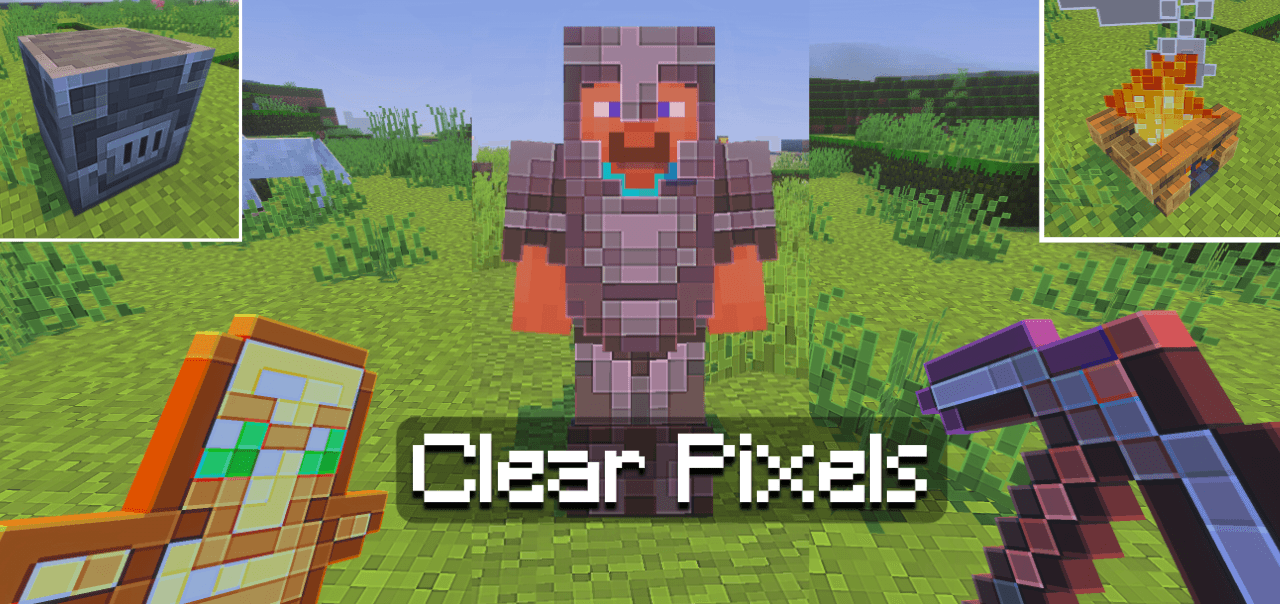
The Universal Pack is back with its renewed version with new features and functions that I'm sure you will like, this pack works on any device that has minecraft without affecting performance.Download

Fixed uku's Armor HUD Warn
This Recource pack fixes uku's Armor HUD its warn Icon.Install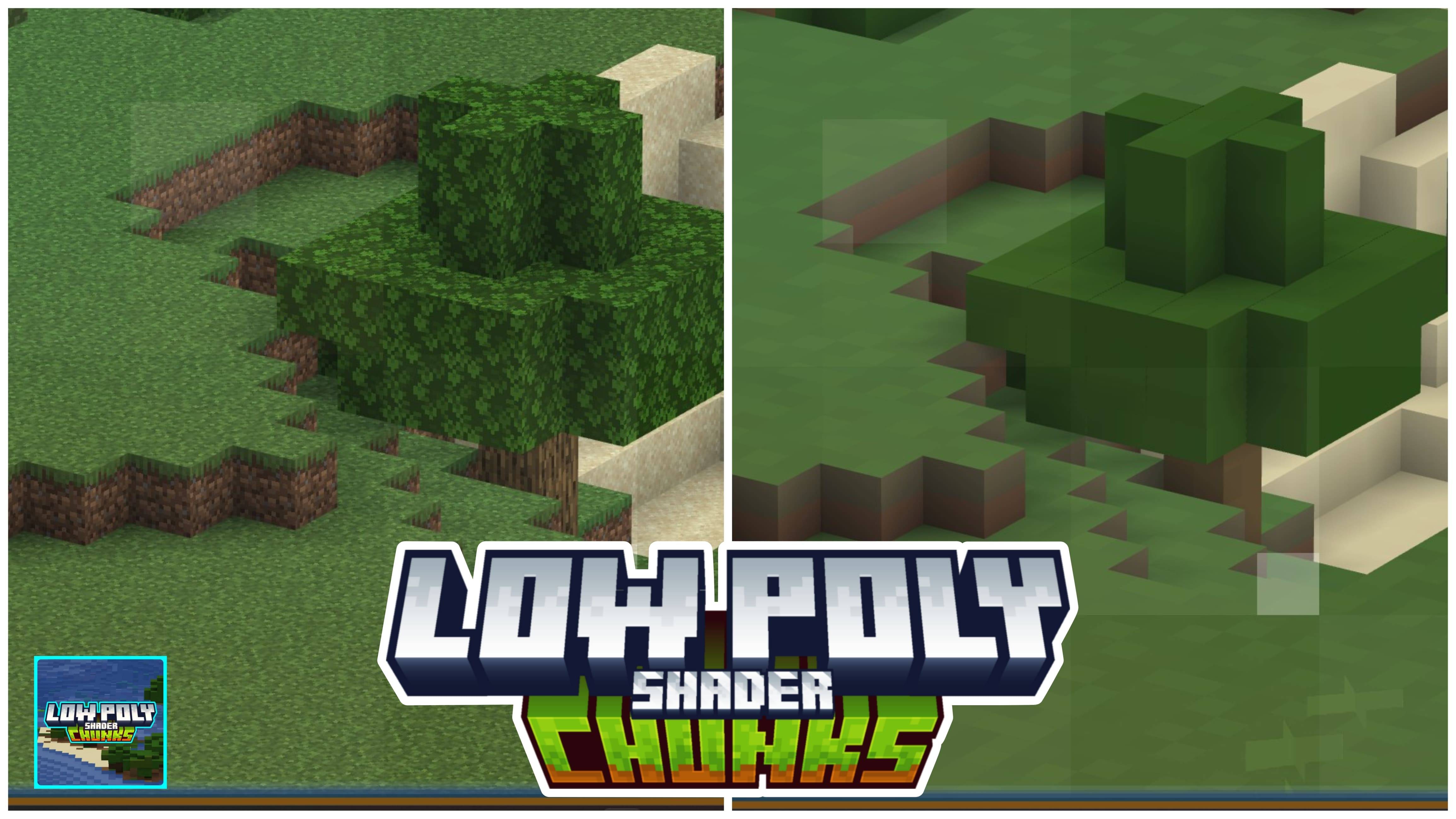
AziFy Low Poly Chunks | Lower quality of far chunks!
This is a shader pack that aims to make far away chunks looks low quality. That could increase performance just like Distant Horizons!Download

WoM Vanillafied
Resourcepack for the Epic Fight addon "Weapons of Miracles" which turns all of the weapon models to a more vanilla-friendly style.Install

Silly Moves
Bring a Silly Overhaul to your movements, Silly Moves reworks and give new and fun animations to the Player Entity :DInstall

Tiny Pixels
16x with an 8x8 lookInstall

Vibrant Aura Legacy
Vibrant Aura is a Vibrant Visuals shader pack for Minecraft Bedrock that enhances lighting, fog, colors, and atmosphere to create a smooth, immersive, and cinematic experience.Download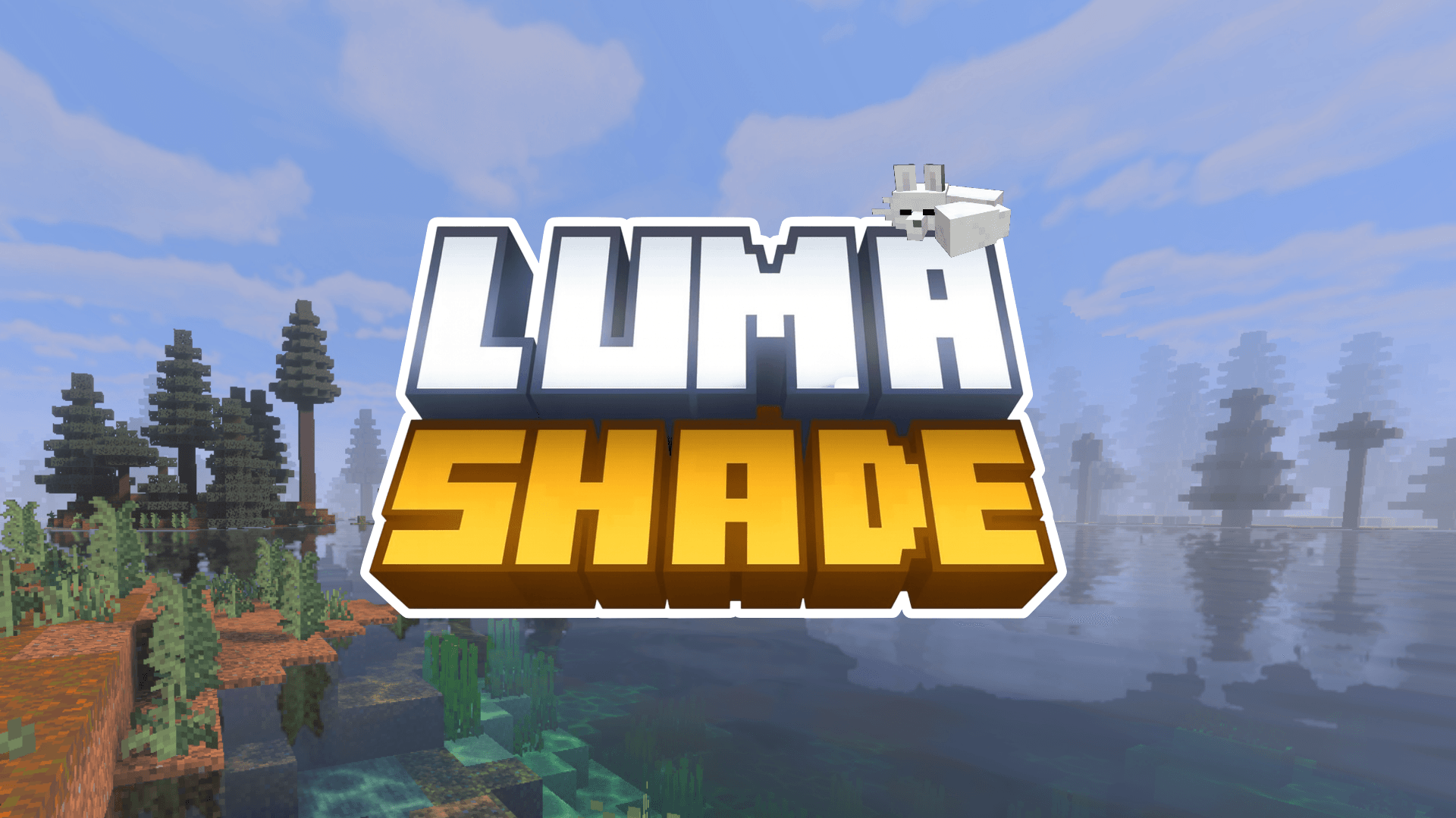

Luma Shade Visuals
LumaShade transforms Minecraft with soft bloom, warm lighting and gentle fog for a smooth, immersive visual experience, built for Vibrant Visuals.Download

Fresh Illager Mod Compats
Adding Fresh Animation compatibility for Goety, Illager Invasion, Savage and Ravage, The Graveyard, etc.Install

Modded Swords x Punchy! Compatibility
Adds compatibility to many sword mods with the Punchy! modInstall
Outline Visuals
This pack enhances the game's atmosphere with cleaner colors, smoother lighting, improved water visuals, and sharp outlines that make blocks stand out, creating a more aesthetic and immersive world for better gameplay.Download

Better Map Items
Changes the texture of the map and filled map to look more like what you actually hold in your hand.Install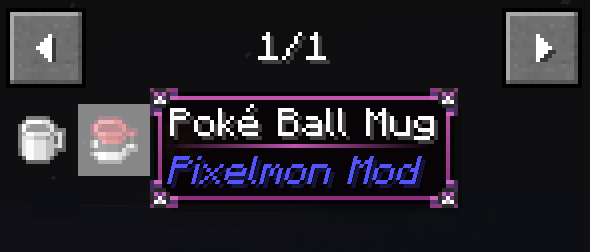

Pokehaan Theme (Legendary Tooltips)
Changes the Legendary Tooltips to be themed around Pokehaan / Pixelmon.Install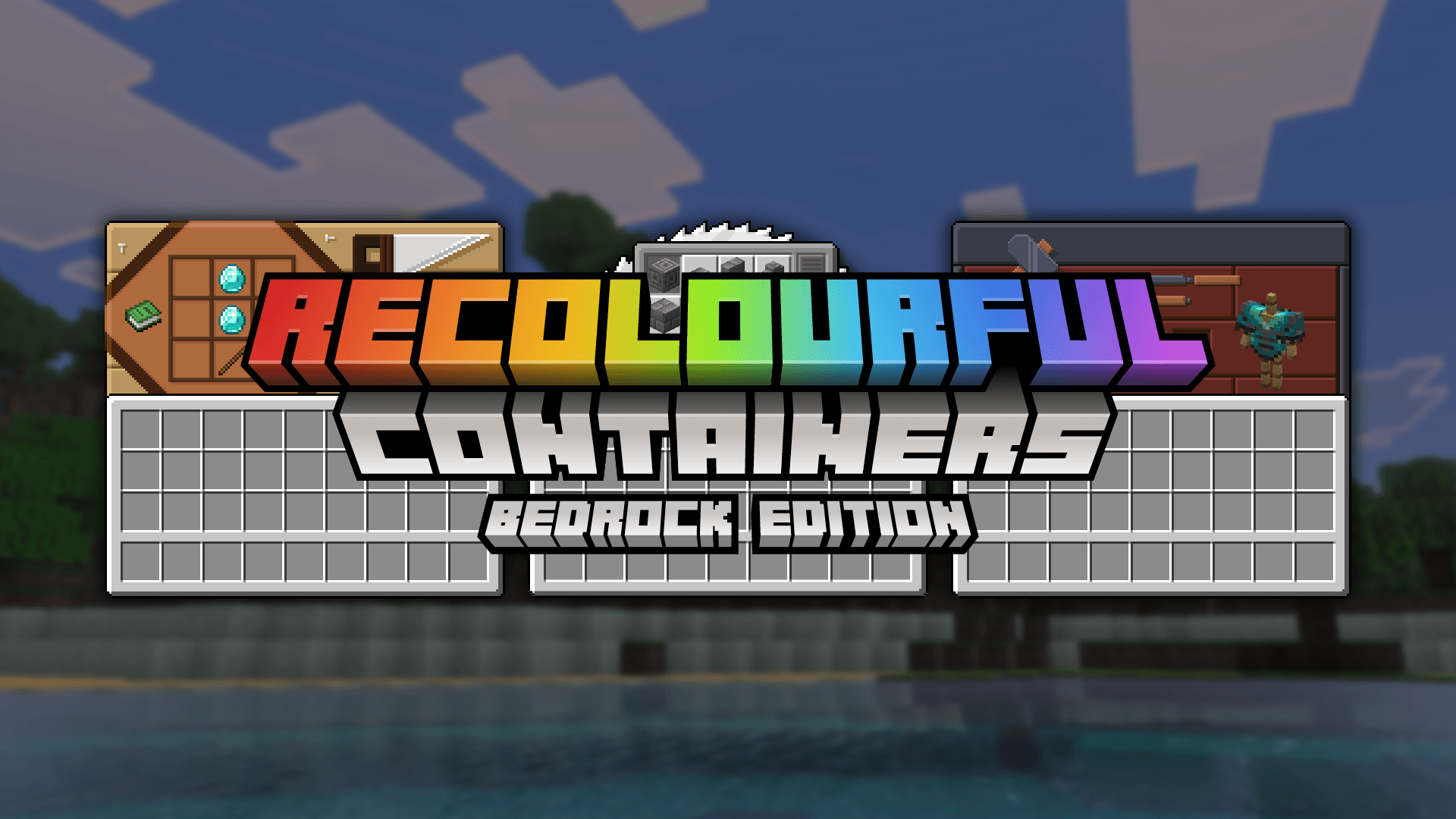

Recolourful Containers GUI + HUD (BEDROCK EDITION)
Do you want more immersive, more interesting, more colourful GUIs and HUD? Than this pack is for you!Download

Tightfault Revamp Edit
A small edit for the pack "Tightfault" for later versions of the gameInstall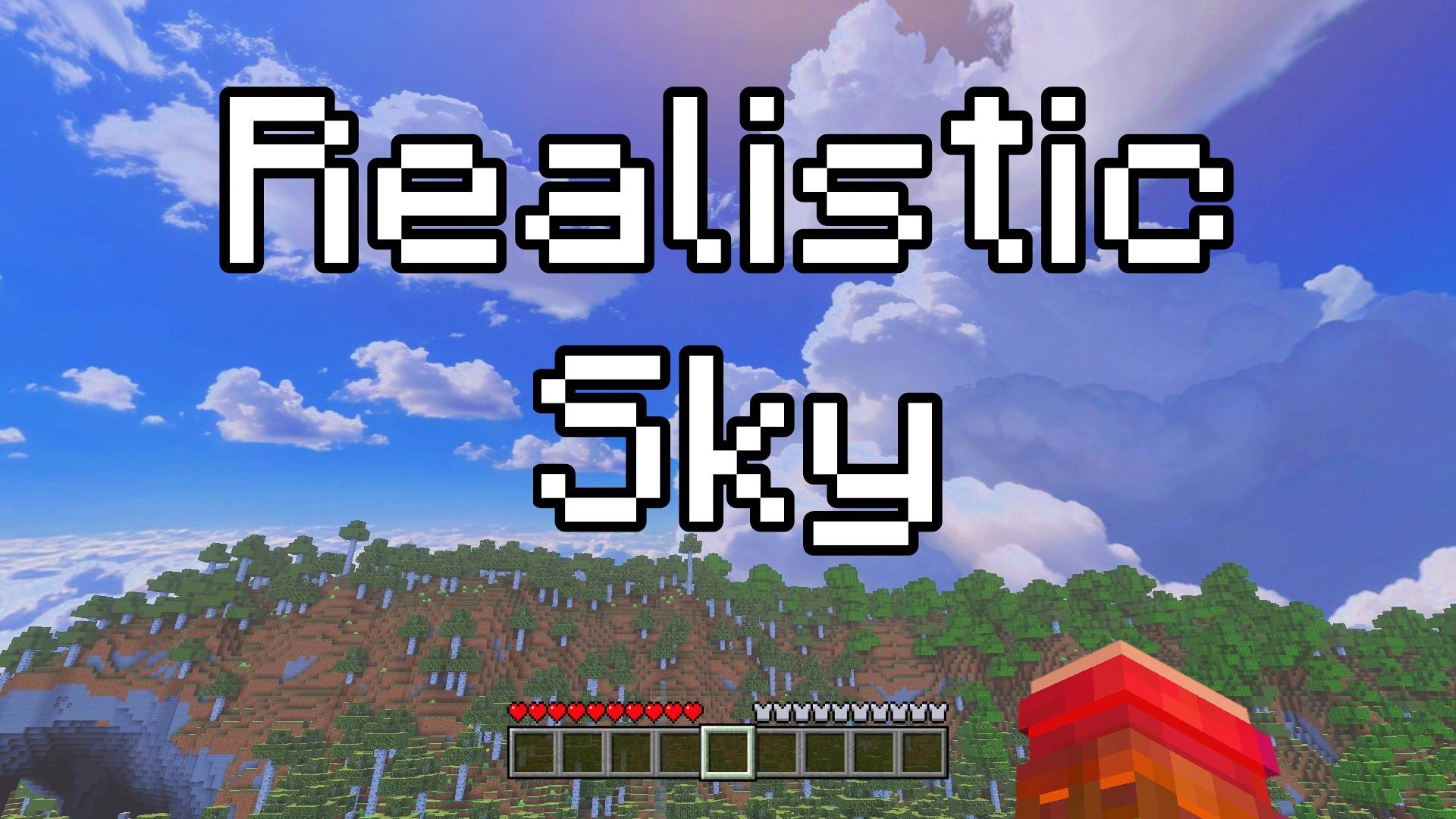

Realistic Sky - Custom Sky
This texture pack changes the sky to look like a real sky. You will see real clouds, a blue sky. It makes Minecraft feel more real and beautiful. Look up and enjoy your new, real sky.Download

Mystic Textures
Required Resource Pack for the Mystic Horizons ModpackInstall

Excalibur | Macaw's Pack
This is an unofficial compatibility pack to make the textures in the Macaw's series mods blend together with the incredible Excalibur texture packInstall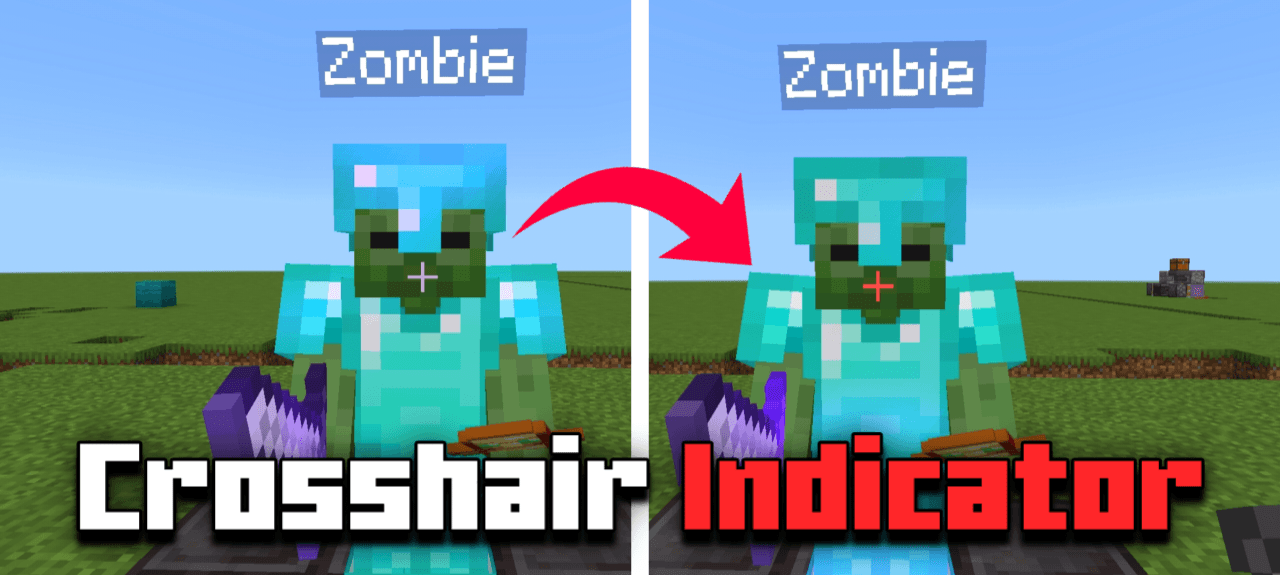

Crosshair Indicator
Change crosshair color to red (indicator) when player or mob is reached to be hit.Download

Fabulous 3D
Clean redesigns of the vanilla Tools and Weapons.Install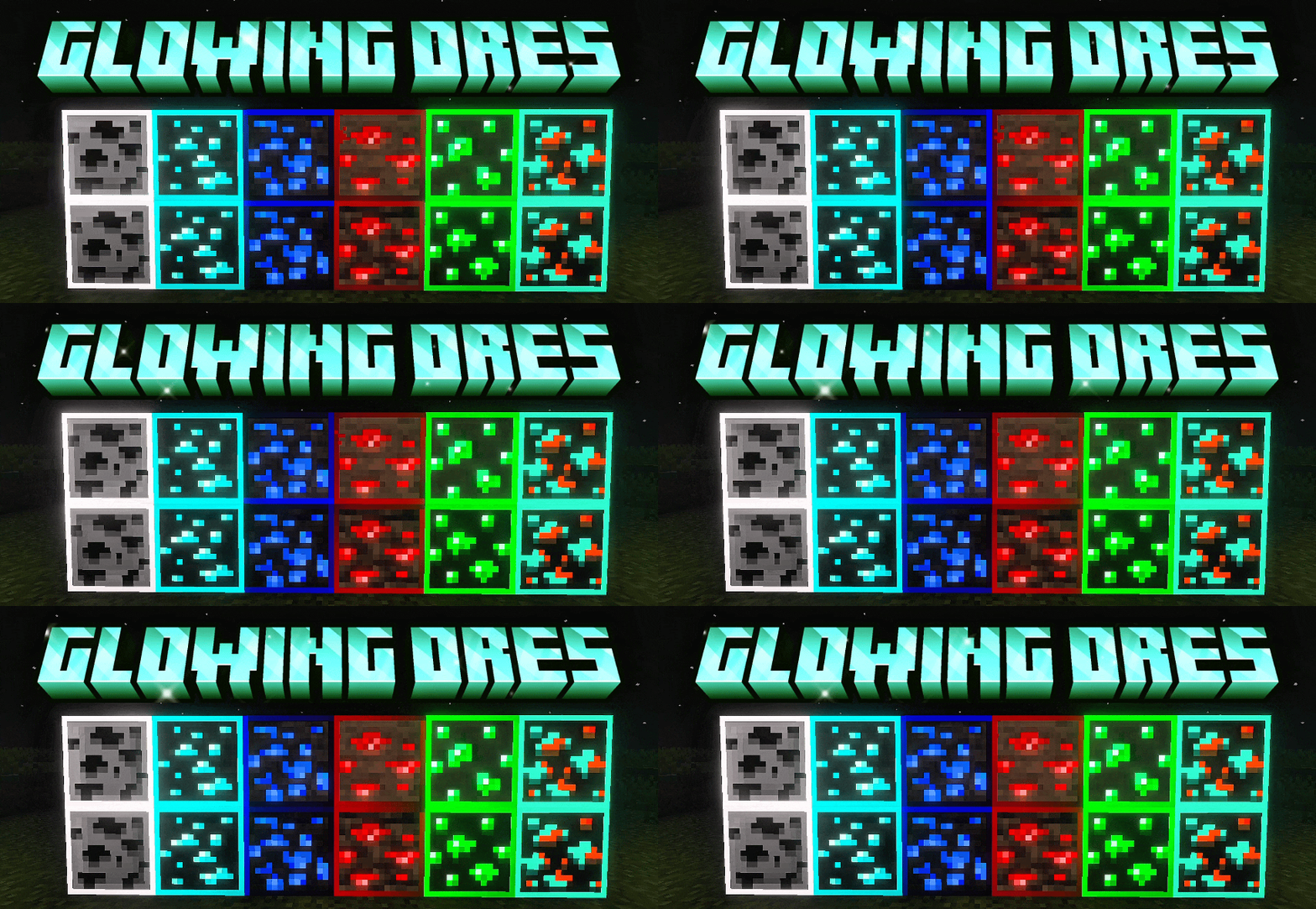

Glowing Ores | ore
Animated glowing ores - helps you notice ores quickly. This makes ores outlined, animated + glowingDownload

Integrated Dungeons and Structures- Biomes O' Plenty Integration
The BOP Integration Datapack for Integrated Dungeons and StructuresInstall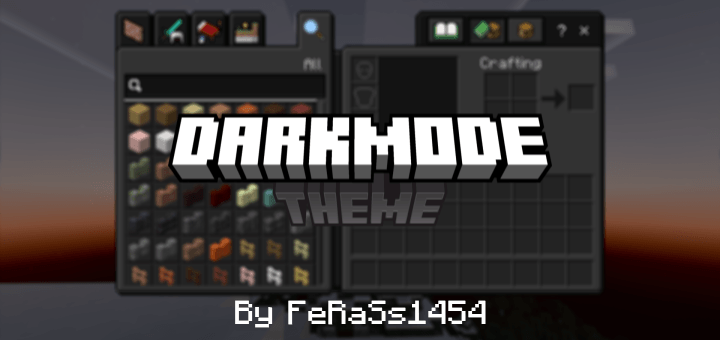
Dark Mode Theme
Makes the default UI into a dark theme for Minecraft Bedrock/PEDownloadFAQ
Do I need Forge or Fabric for a resource pack?
No. A resource pack works on the regular game with no loaders or mods. Click “Install” and Millida Launcher will put the pack into the right modpack — then just enable it in the settings.
What do 16×, 32×, 64× mean?
The resolution of a single texture in pixels. 16× matches the original game, 32× and 64× are more detailed and heavier, and 128× and up put a noticeable load on your graphics card.
Will a pack made for another version work?
Most likely partly: older packs don't have textures for newer blocks, so those will stay default. The game won't break, though.
How is a texture pack different from a resource pack?
Only by name and age. Before version 1.6 the sets were called texture packs and changed only textures; in 1.6 resource packs replaced them and also change sounds, fonts and the interface. Old texture packs for 1.5 and below do not work on new versions without conversion.
Which texture packs are best for PvP?
PvP packs: 16× resolution or lower, shortened swords, low fire, a clear sky and bright particles. They barely load the computer and make the opponent easier to see. These packs are collected in the PvP theme.
How do I install a resource pack?
Press Install and Millida Launcher puts the pack into the resourcepacks folder of the right instance. Then enable it in the game: Options, then Resource Packs. Manually, the archive goes into resourcepacks inside the game folder, no need to unpack it.
Minecraft texture packs
A resource pack changes how the game looks and sounds: block and item textures, fonts, the interface, sounds. It doesn't touch the game's code, so it needs no mod loader and breaks nothing on a server — the pack only works on your screen. That's exactly why a resource pack is safer than any mod: the worst that happens on a version mismatch is that some textures stay default.
Textures, texture packs and resource packs are essentially the same thing: since version 1.6 Mojang calls these sets resource packs, but the old name is still searched more often. PvP packs are a big genre of their own: shortened swords, low fire, bright particles and 16× resolution or lower, so the opponent stands out and the frame rate does not drop. Such packs are most often made for 1.8.9 and 1.16.5, the versions many PvP servers run on.
The key thing about a pack is its resolution. The game's default textures are 16×16 pixels; 32× and 64× packs look more detailed, while 128× and up need a real graphics card and are usually paired with shaders. On a weak machine it makes sense to stay at 16× or go for packs that deliberately simplify graphics for more FPS. Every pack here lists its game version, author and license, and all released versions are gathered on one card. Put the downloaded archive in the resourcepacks folder and enable it in the game settings.