
Minecraft texture packs — page 9
6,460 itemsResource packs: list
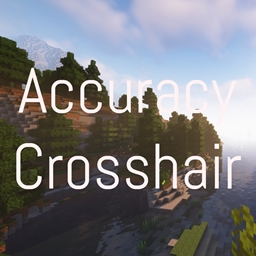


Animated Items
Animates various item texturesInstall

Enhanced Audio (Sound Pack)
Changes Minecraft's sounds with a new style of more realistic sounds.Install
Cataclysmic tunes
Changing cataclysm's bosses music and more!Install
Fasten [An Ashen compatibility pack]
A mod compatibility pack for Fear Nightfall based on Ashen.Install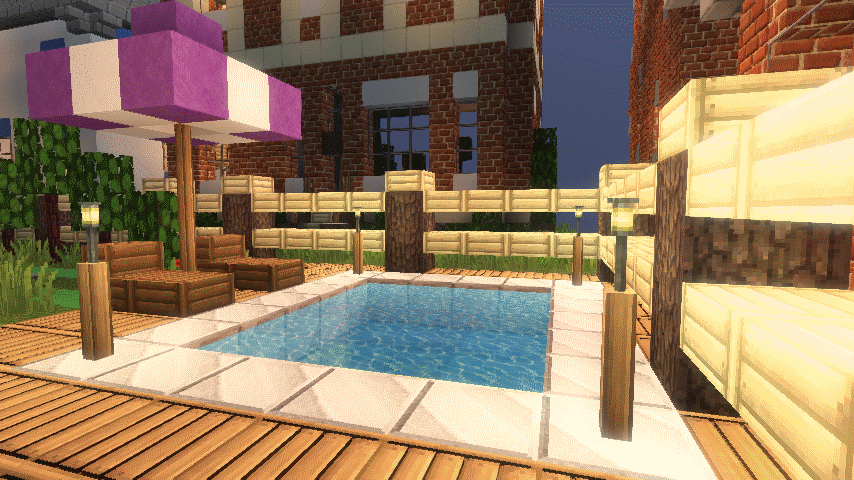
Equanimity [32x]
Equanimity [32x] 1.11 - 1.6Install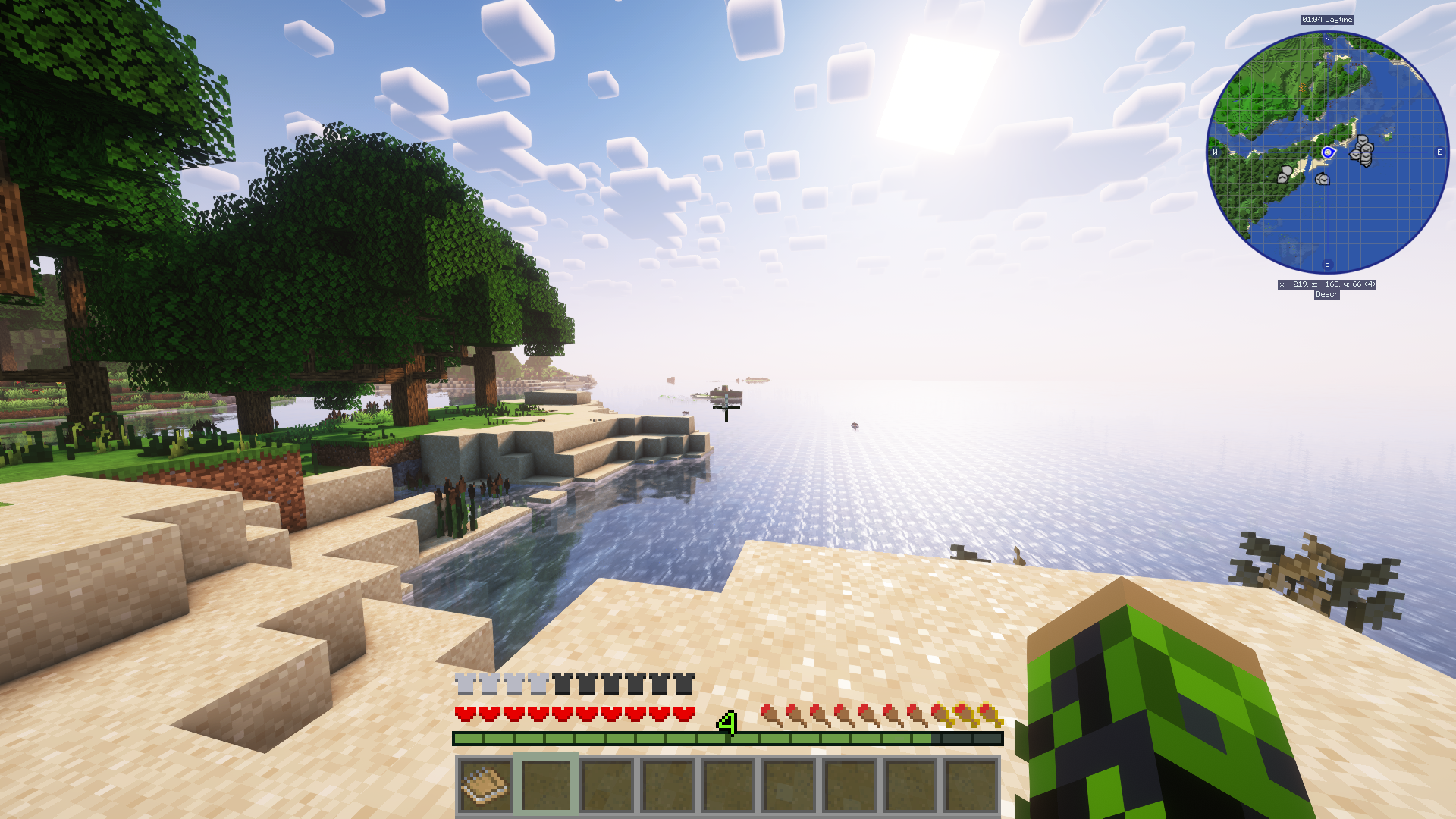
Simplistic GUI
Pleasant Looking Simplistic GUI For MinecraftInstall
Dagger Fix
Fixes items from Simply Swords and Mine Cells that aren't tagged as daggers in Better Combat.Install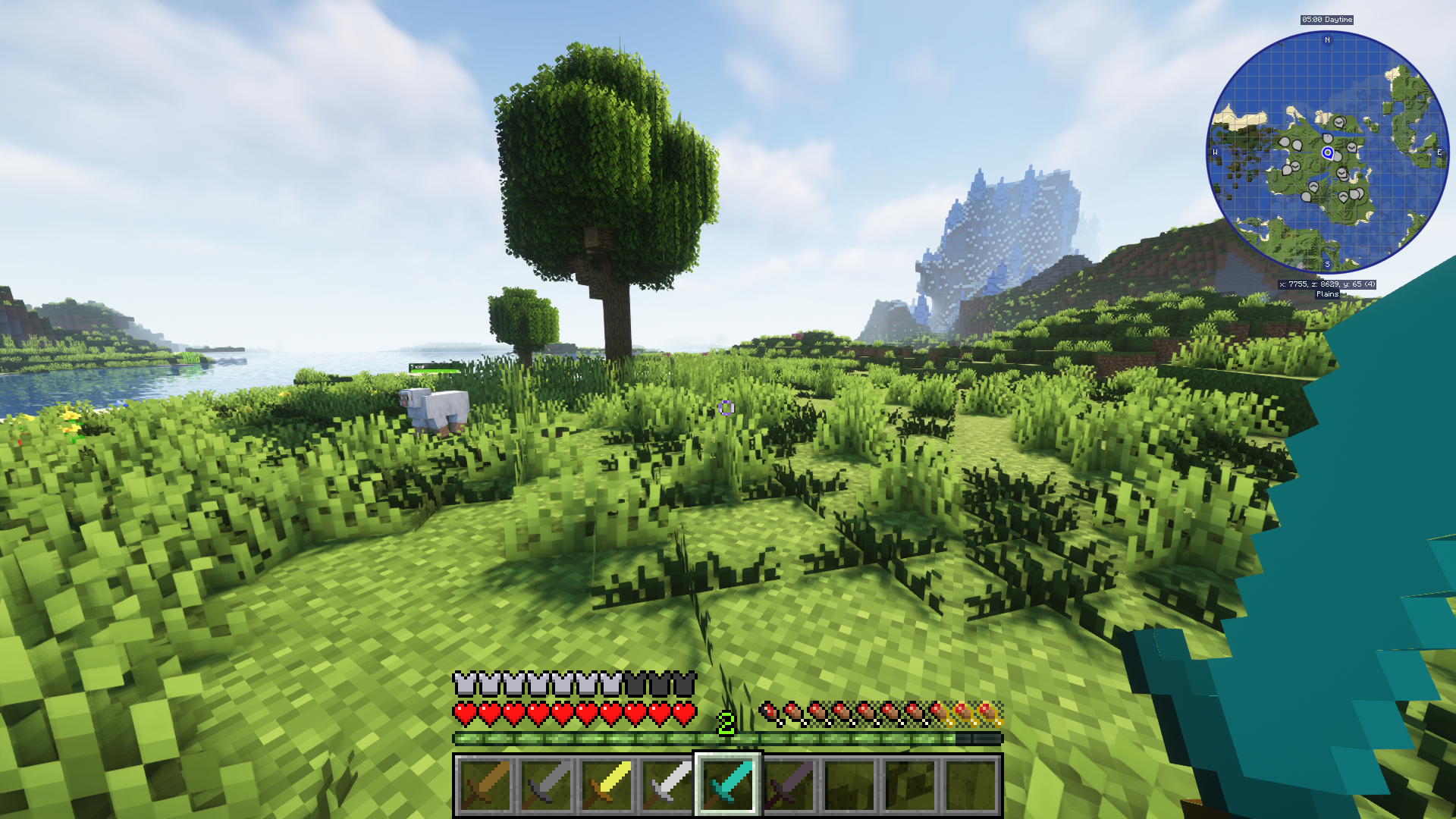
Clean Swords
Cleaner looking swords for minecraftInstall

[Cobblemon] Wallpapers Plus!
Adds multiple wallpapers to Cobblemon, both from the games, the community, and the card game!Install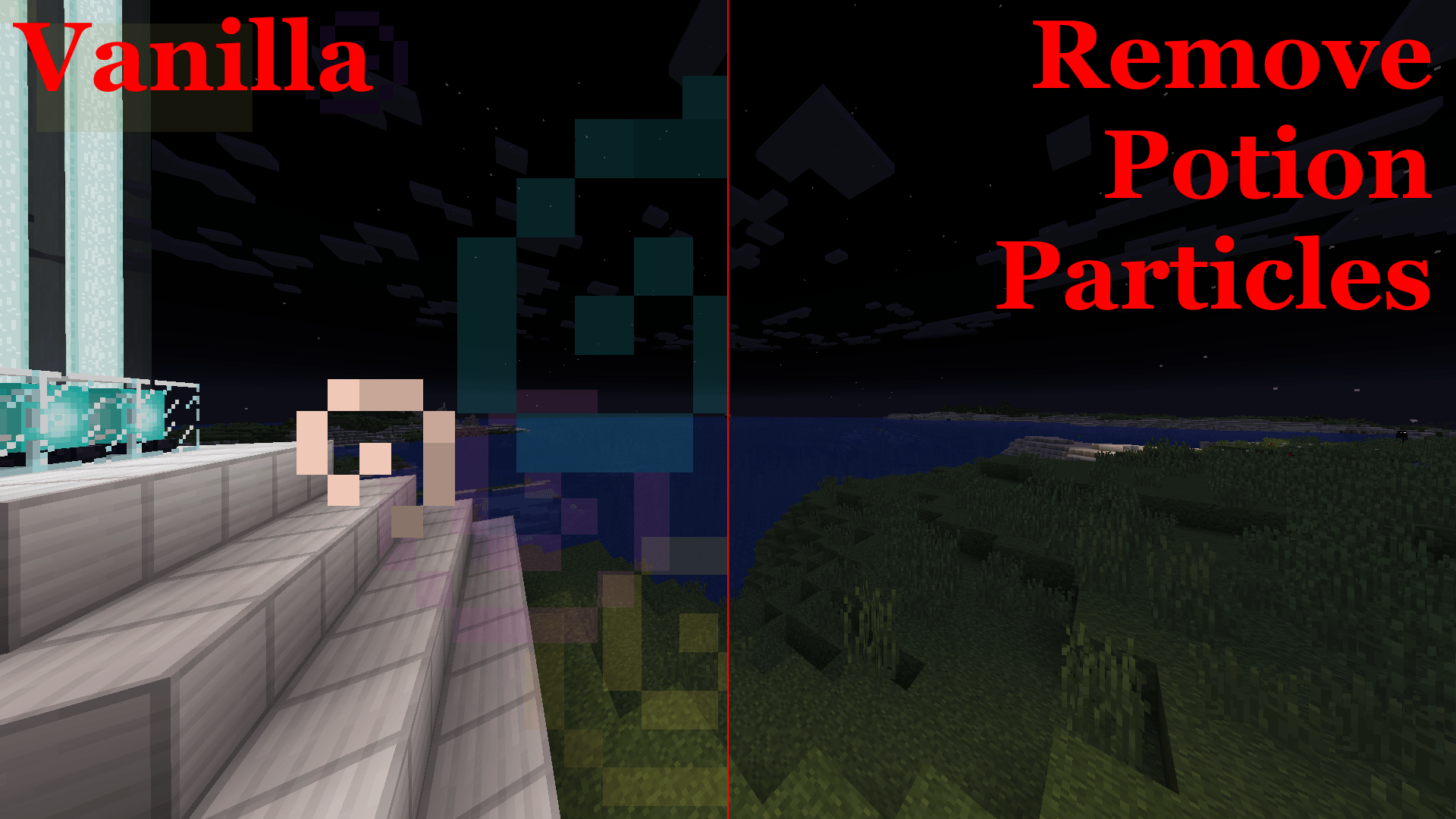
Remove Potion Particles
Removes Particles from Potions and BeaconsInstall

Night Vision
Tiny night vision resource pack for Polytone or OptiFineInstall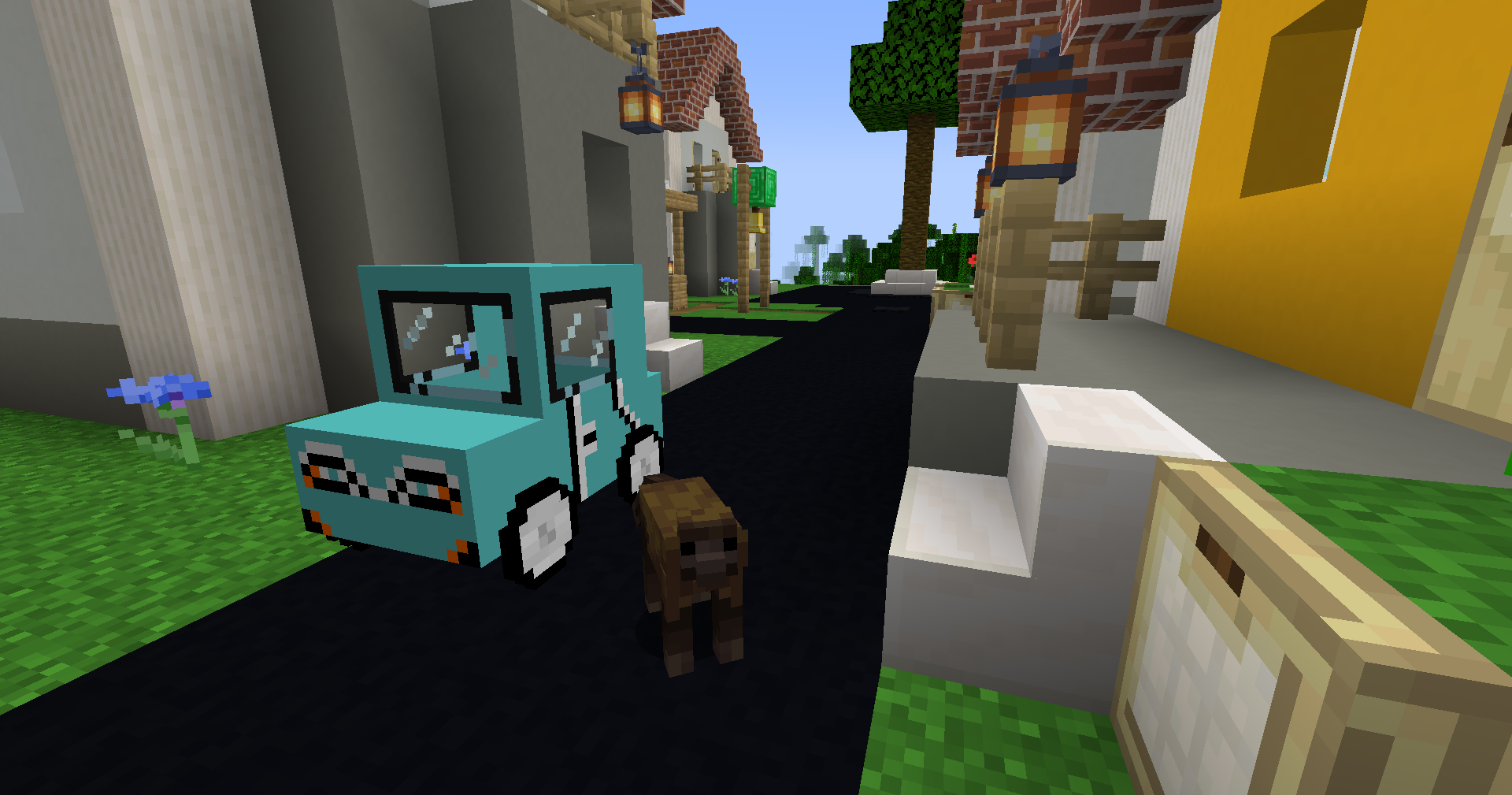
Adelink's Ultimate Car - Custom textures
A resource pack adding in new car designs for the mod: Ultimate Car ModInstall

Vocal Villagers — download resource pack for Minecraft
Adds 43 extra sounds villagers can make! Maintain the vanilla feel while making villages more lively.Install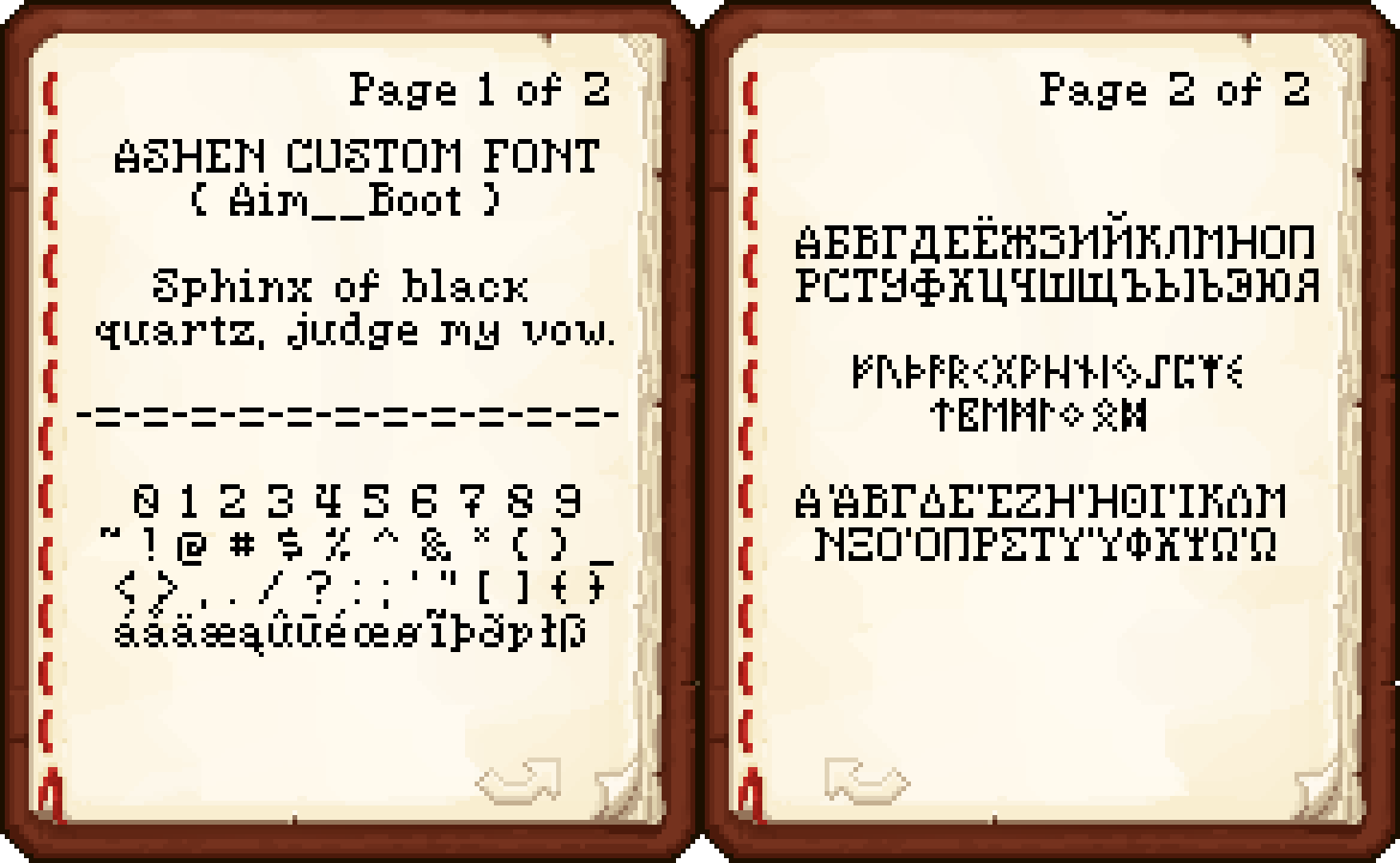
Ashen 16x Custom Font
A custom, medieval-fantasy-inspired, 16x font for Minecraft.Install
Malfu Combat Animation
Custom Animation Resourcepack for Better CombatInstall

Better Old Netherrack
Tints the old netherrack texture to make it a little easier to look at.Install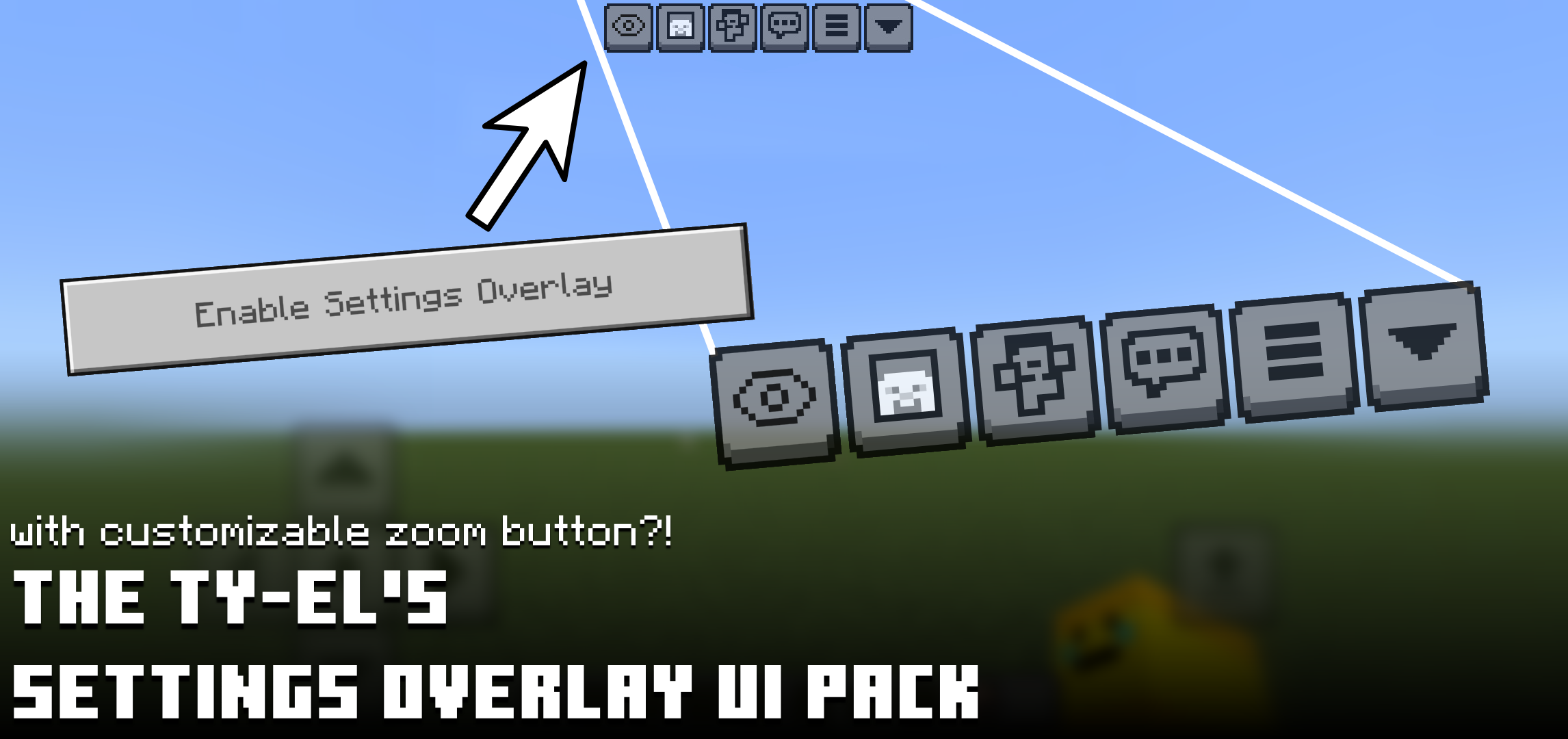

The Ty-el's Settings Overlay UI Pack
Adds some magical screen properties and tweaks to the in-game Minecraft Settings Screen to get Camera Perspective toggle on HUD, FOV slider and Quick Toggle, and more!Download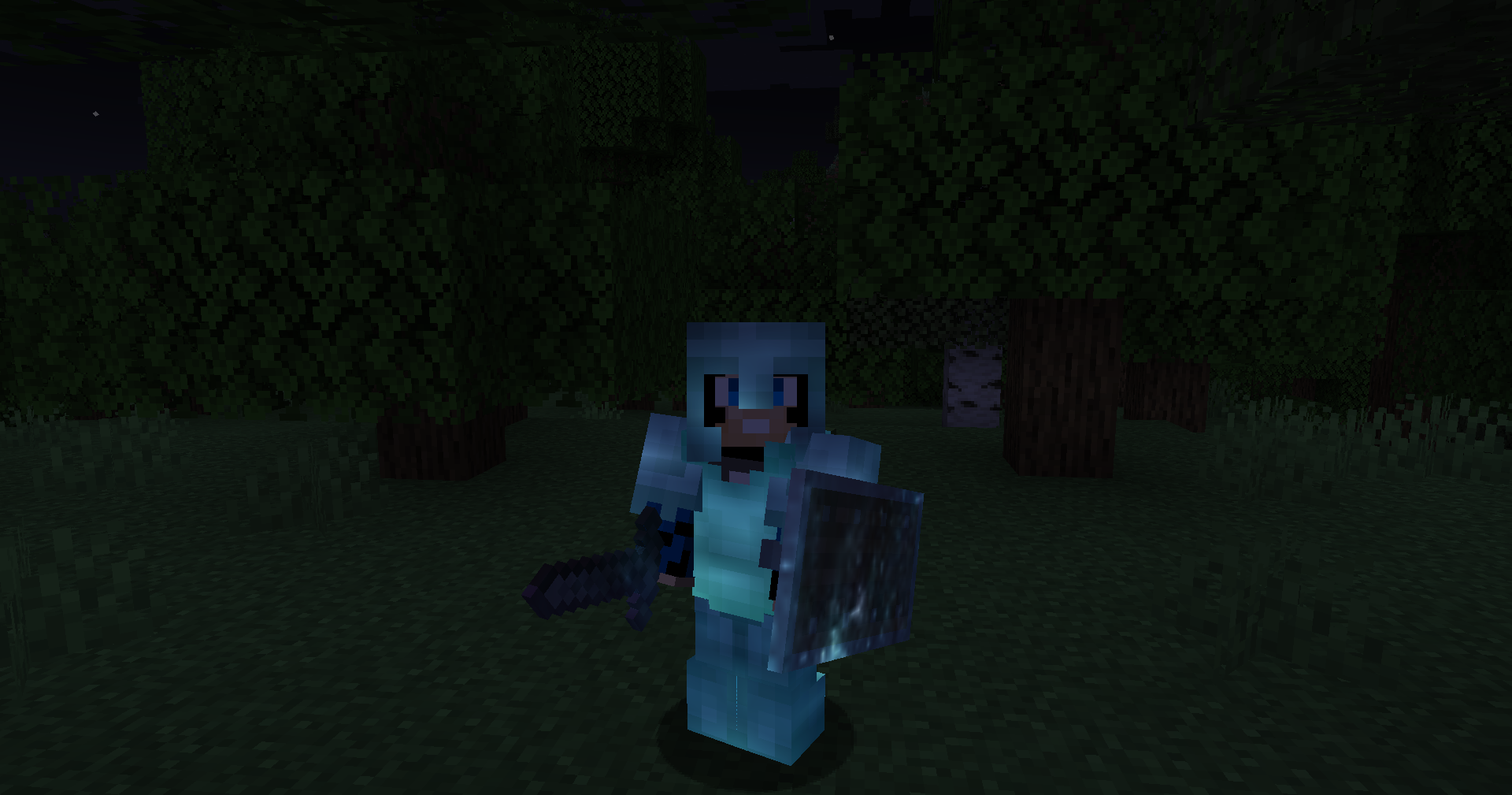
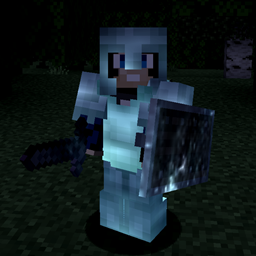
Nebula RPG Glint Blue
RPG Style, Changes the vanilla enchantment glint into a darker blue nebula glintInstall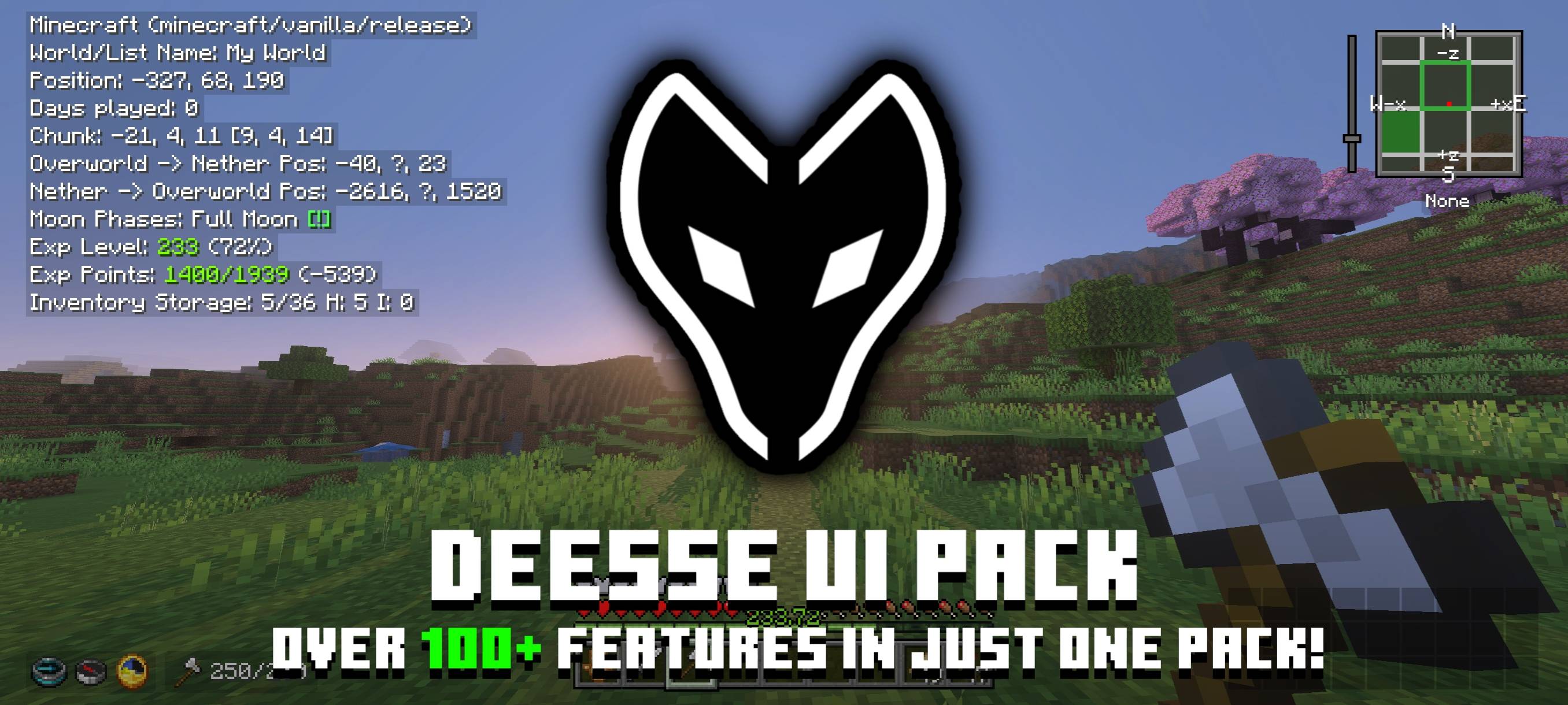

Déesse UI Pack
An UI resource pack that adds new features, tweaks and UI designs to make your Minecraft gameplay better!Download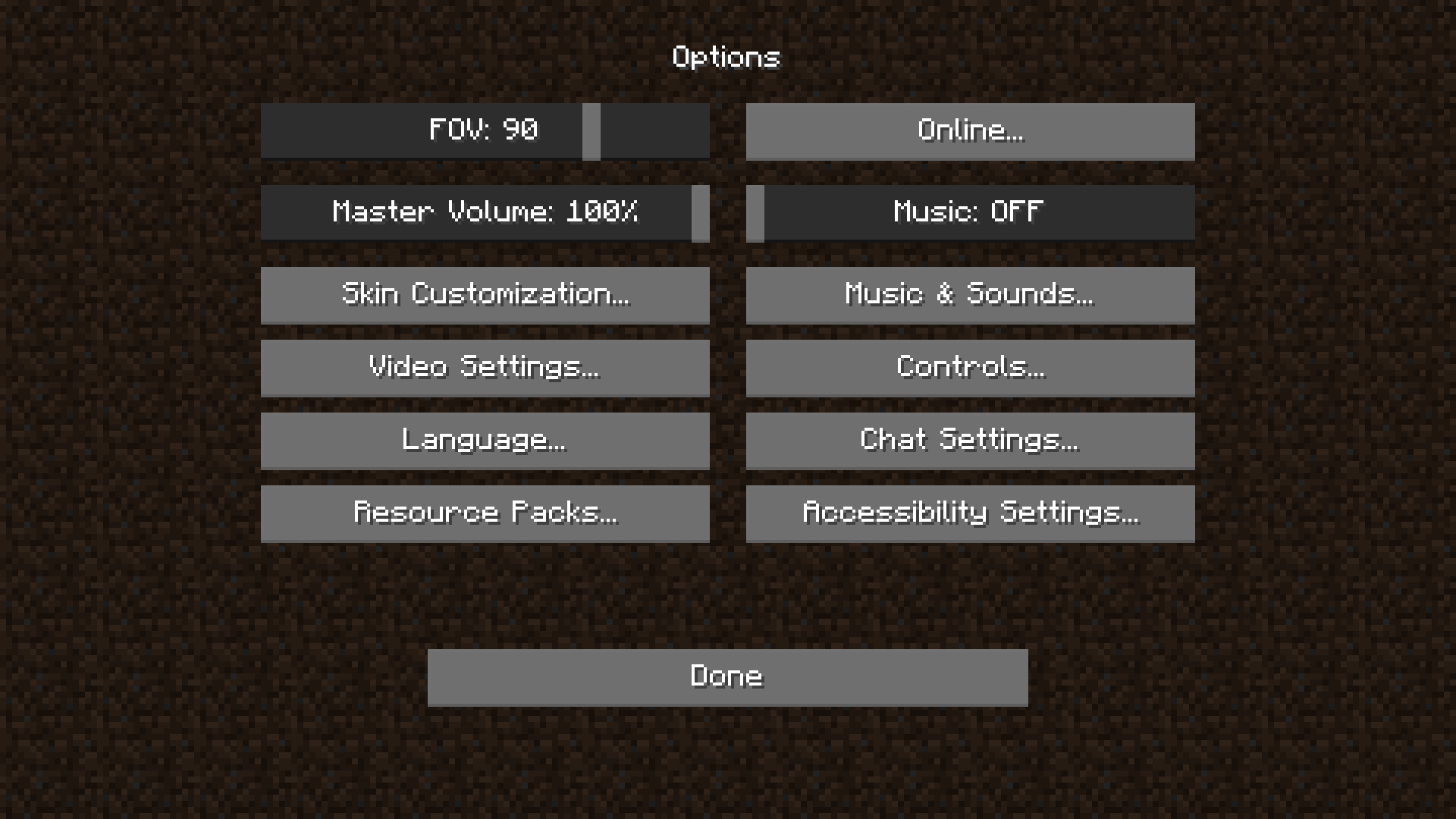
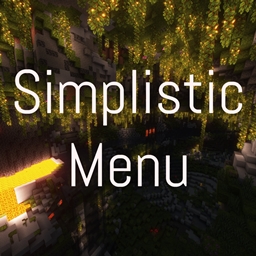
Simplistic Menu
Simplistic style menu/settings buttons for minecraftInstall

Patrix 32x
Realistic textures with vanilla colors custom-made for shadersInstall
Theone's Eating Animation Pack
A texture pack that adds sprite animations for edible and drinkable items.Install
Jakotens' Pokémon Trainer Cosmetics!
This resource pack includes custom hats and player skins for most playable characters from the main series Pokémon games from generations 1-8, perfect for roleplaying servers or with friends!InstallFAQ
Do I need Forge or Fabric for a resource pack?
No. A resource pack works on the regular game with no loaders or mods. Click “Install” and Millida Launcher will put the pack into the right modpack — then just enable it in the settings.
What do 16×, 32×, 64× mean?
The resolution of a single texture in pixels. 16× matches the original game, 32× and 64× are more detailed and heavier, and 128× and up put a noticeable load on your graphics card.
Will a pack made for another version work?
Most likely partly: older packs don't have textures for newer blocks, so those will stay default. The game won't break, though.
How is a texture pack different from a resource pack?
Only by name and age. Before version 1.6 the sets were called texture packs and changed only textures; in 1.6 resource packs replaced them and also change sounds, fonts and the interface. Old texture packs for 1.5 and below do not work on new versions without conversion.
Which texture packs are best for PvP?
PvP packs: 16× resolution or lower, shortened swords, low fire, a clear sky and bright particles. They barely load the computer and make the opponent easier to see. These packs are collected in the PvP theme.
How do I install a resource pack?
Press Install and Millida Launcher puts the pack into the resourcepacks folder of the right instance. Then enable it in the game: Options, then Resource Packs. Manually, the archive goes into resourcepacks inside the game folder, no need to unpack it.
Minecraft texture packs
A resource pack changes how the game looks and sounds: block and item textures, fonts, the interface, sounds. It doesn't touch the game's code, so it needs no mod loader and breaks nothing on a server — the pack only works on your screen. That's exactly why a resource pack is safer than any mod: the worst that happens on a version mismatch is that some textures stay default.
Textures, texture packs and resource packs are essentially the same thing: since version 1.6 Mojang calls these sets resource packs, but the old name is still searched more often. PvP packs are a big genre of their own: shortened swords, low fire, bright particles and 16× resolution or lower, so the opponent stands out and the frame rate does not drop. Such packs are most often made for 1.8.9 and 1.16.5, the versions many PvP servers run on.
The key thing about a pack is its resolution. The game's default textures are 16×16 pixels; 32× and 64× packs look more detailed, while 128× and up need a real graphics card and are usually paired with shaders. On a weak machine it makes sense to stay at 16× or go for packs that deliberately simplify graphics for more FPS. Every pack here lists its game version, author and license, and all released versions are gathered on one card. Put the downloaded archive in the resourcepacks folder and enable it in the game settings.