
Minecraft texture packs — page 88
Resource packs: list
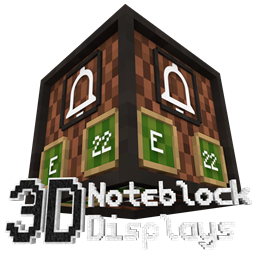
Note Block Displays 3D
This resourcepack adds an "Display" to every Note Block. On that Display you can see which instrument and which note the Note Block is using.Install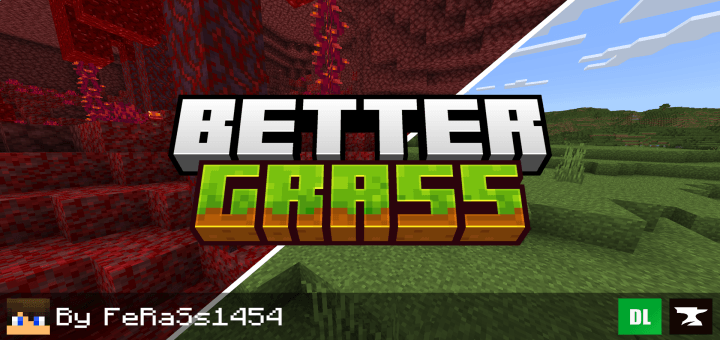

Better Grass
Makes Minecraft grass better and more beautiful, and compatible with texture packsDownload

XK Highlight Block
-Added highlighted edges to some blocks, such as budding amethyst, ancient debris, suspicious sand/gravel, powder snow, tripwire, waxed coppers, fence gate.Install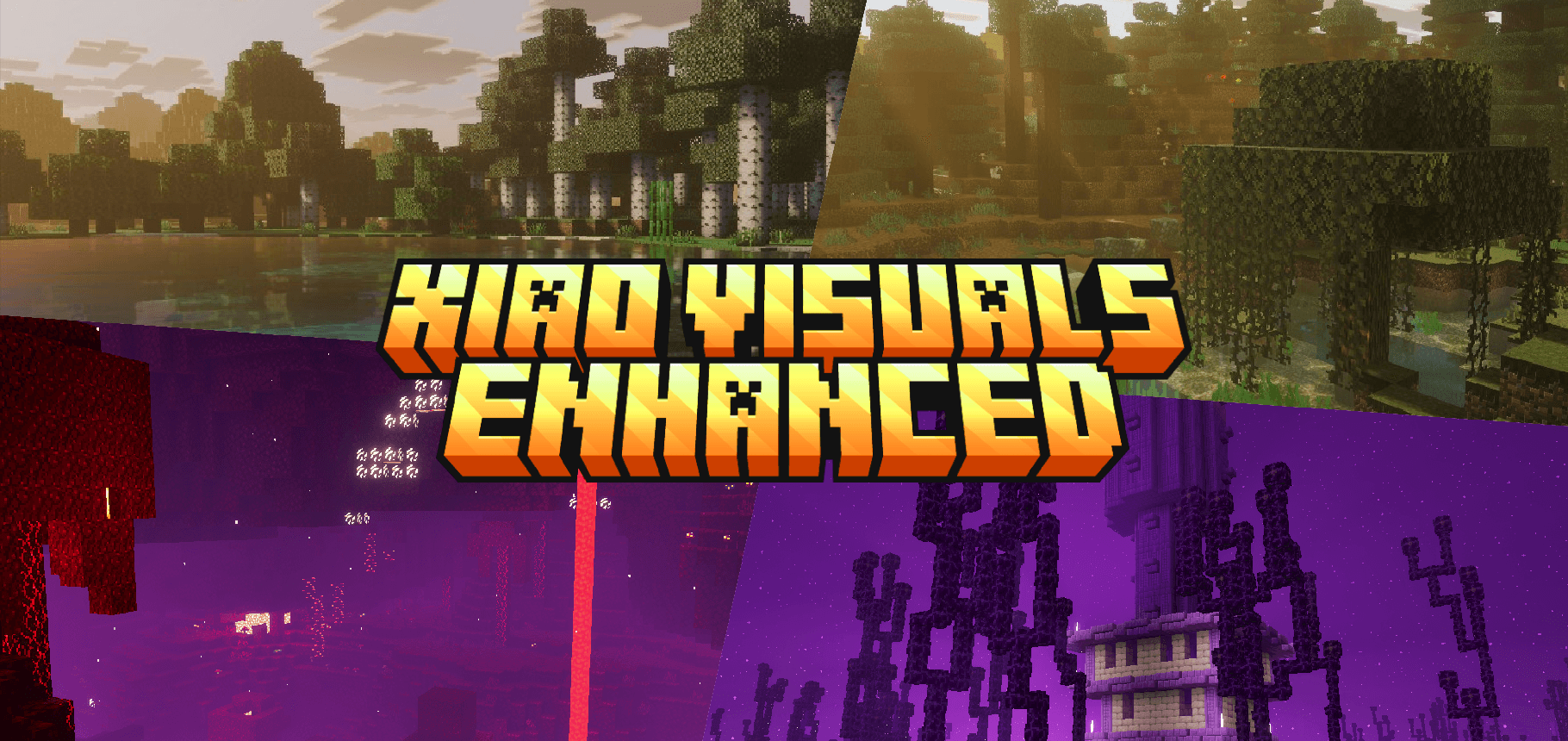

Xiao Enhanced Visuals
Warm, cinematic light for Vibrant Visuals. Amber haze drifting through the trees, skies burning rose to gold, and volumetric fog tuned across all biomes.Download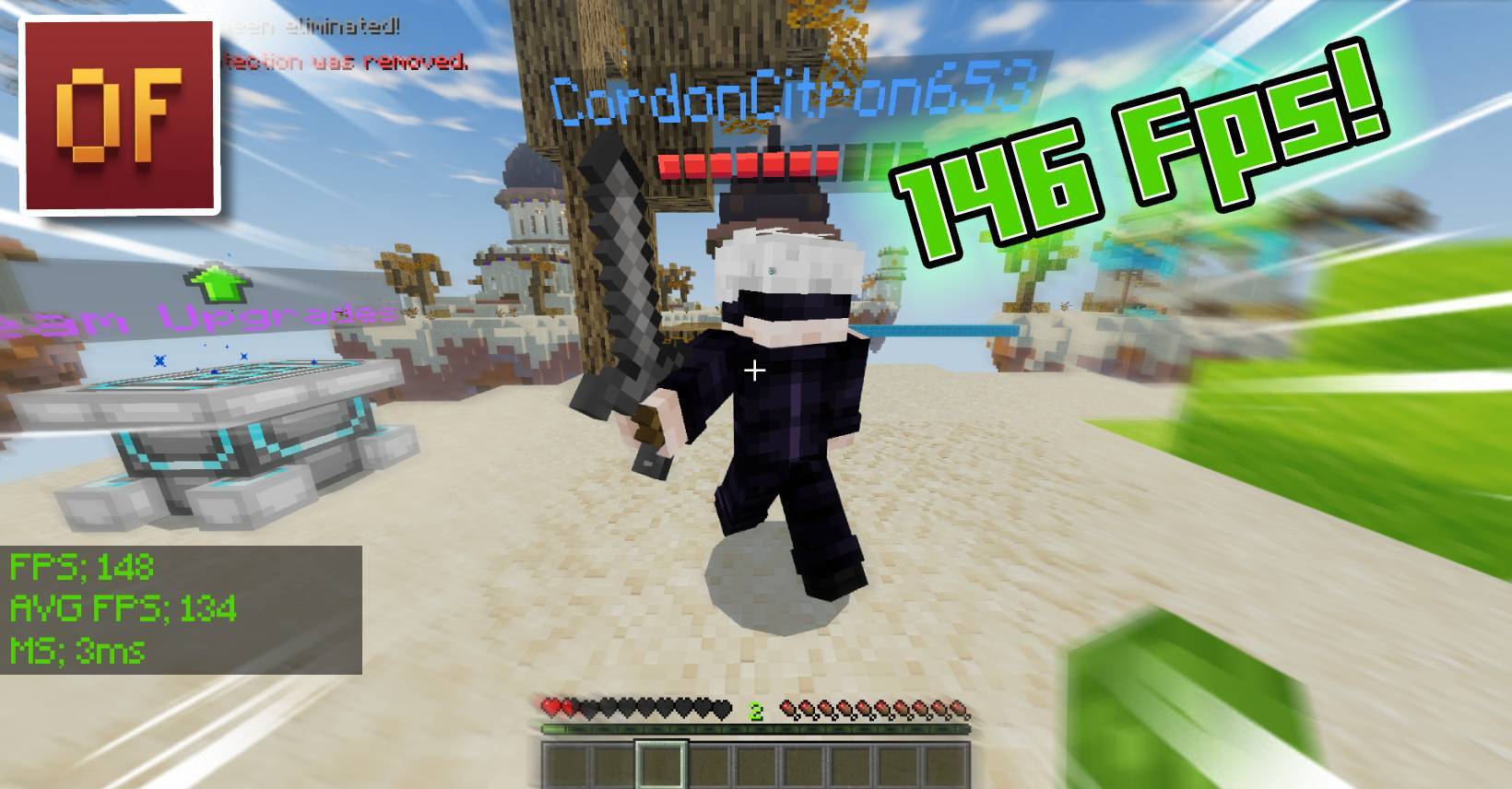

Gan3 Optimal FPS Booster | MCPE FPS BOOSTER
a simple pack to boost your fps and reduce lag on mobile :) made for low-end devices to make your game run super smooth.Download

HardTop Vanillaccurate Pack
Minecraft vanilla-style texture pack with POM & LabPBR compliant PBRInstall
Player Hitbox
Player Hitbox is a resource pack that adds a visual outline to the player's hitbox in Minecraft Bedrock.Download
Spice of Life: Picnic!
Beautiful 3D remodels for SoL's lunchboxesInstall

Better Zombies
Makes zombies biome dependent and adds the new default skinsInstall

CutieCubez Cute n' Cuddly GUI Pack
a super cute pink pixel art gui packInstall

Elytras+
150+ Elytras (OPTIFINE)Install
Sky Villages - Let's Do Vinery Compat
Compatibility between Sky Villages and Let's Do Vinery!Install

Create Camera
The Create mod aesthetic on the Camera ModInstall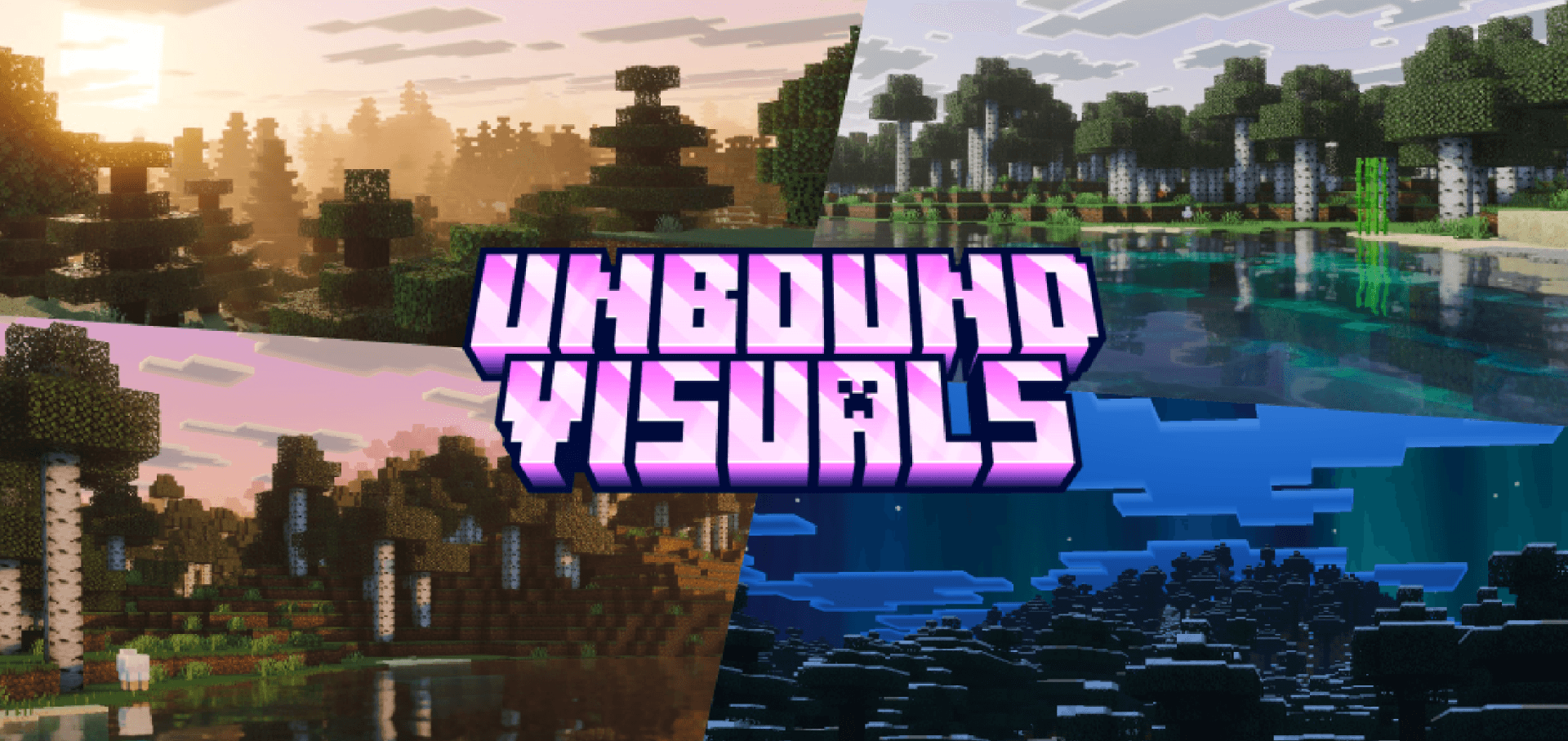

Unbound Visuals
A Vibrant Visuals overhaul built for the rose hour. Pink volumetric haze, soft god rays, and rose-to-violet skies layered from dawn to midnight, with aurora, shooting stars and meteor showers.Download

New Chests
Update your chests with this resource pack!Install

Create Enhanced Display
More detailed Create machines.更多机械动力元件细节Install
PvP-CrossHair - best PvP Crosshair
A PvP focused crosshair that changes the vanilla crosshair into a PvP oneInstall
Better Villages - More Villagers Compatibility
Adds compatibility between Better Villages and More VillagersInstall

Dayz Pack for mod Ip Deadislandpvp.net
Dayz Pack for mod Officail Server Ip Deadislandpvp.netInstall

Minecraft: Classic Edition
A resource pack that aims to bring back the classic feel of MinecraftInstall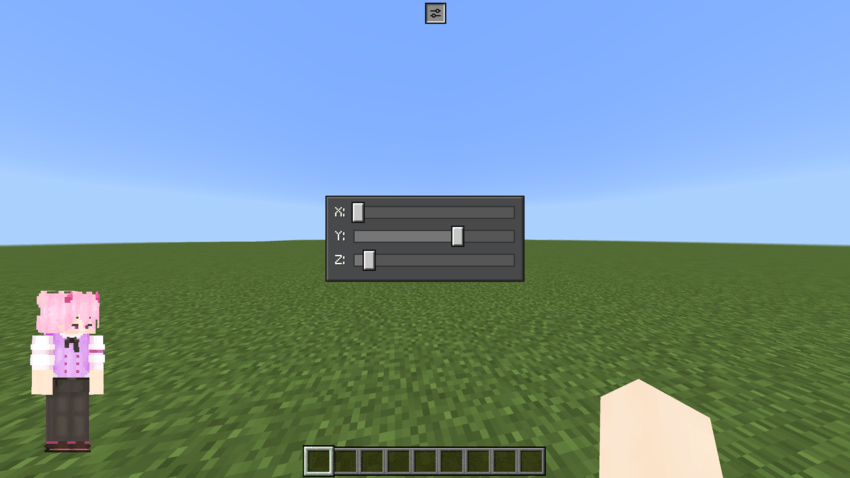

Linxing's Paper Doll v1.2.0
Your character, your HUD! Move and resize your Paper Doll with in-game sliders, choose from 8 position presets, or keep it always visible. Easy to install for Bedrock v26+Download
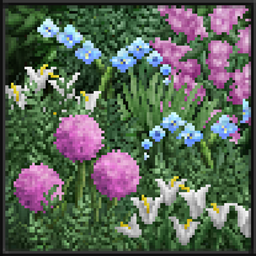
Soartex Invictus - Modded
Soartex reimagined - crisp refined mod supportInstall

Traben's 3D armor models
Makes vanilla armor 3D using ETF + EMFInstallFAQ
Do I need Forge or Fabric for a resource pack?
No. A resource pack works on the regular game with no loaders or mods. Click “Install” and Millida Launcher will put the pack into the right modpack — then just enable it in the settings.
What do 16×, 32×, 64× mean?
The resolution of a single texture in pixels. 16× matches the original game, 32× and 64× are more detailed and heavier, and 128× and up put a noticeable load on your graphics card.
Will a pack made for another version work?
Most likely partly: older packs don't have textures for newer blocks, so those will stay default. The game won't break, though.
How is a texture pack different from a resource pack?
Only by name and age. Before version 1.6 the sets were called texture packs and changed only textures; in 1.6 resource packs replaced them and also change sounds, fonts and the interface. Old texture packs for 1.5 and below do not work on new versions without conversion.
Which texture packs are best for PvP?
PvP packs: 16× resolution or lower, shortened swords, low fire, a clear sky and bright particles. They barely load the computer and make the opponent easier to see. These packs are collected in the PvP theme.
How do I install a resource pack?
Press Install and Millida Launcher puts the pack into the resourcepacks folder of the right instance. Then enable it in the game: Options, then Resource Packs. Manually, the archive goes into resourcepacks inside the game folder, no need to unpack it.
Minecraft texture packs
A resource pack changes how the game looks and sounds: block and item textures, fonts, the interface, sounds. It doesn't touch the game's code, so it needs no mod loader and breaks nothing on a server — the pack only works on your screen. That's exactly why a resource pack is safer than any mod: the worst that happens on a version mismatch is that some textures stay default.
Textures, texture packs and resource packs are essentially the same thing: since version 1.6 Mojang calls these sets resource packs, but the old name is still searched more often. PvP packs are a big genre of their own: shortened swords, low fire, bright particles and 16× resolution or lower, so the opponent stands out and the frame rate does not drop. Such packs are most often made for 1.8.9 and 1.16.5, the versions many PvP servers run on.
The key thing about a pack is its resolution. The game's default textures are 16×16 pixels; 32× and 64× packs look more detailed, while 128× and up need a real graphics card and are usually paired with shaders. On a weak machine it makes sense to stay at 16× or go for packs that deliberately simplify graphics for more FPS. Every pack here lists its game version, author and license, and all released versions are gathered on one card. Put the downloaded archive in the resourcepacks folder and enable it in the game settings.