
Minecraft texture packs — page 86
Resource packs: list



Excalibur | Mutant Monsters Support
This is a support pack that converts Mutant Monsters Mod textures to better match the Incredible Excalibur ResourcePack.Install

Small Items+
low fire, small items, small totem, small totem pop, small shield, clear water, unobstructive rain and more.Install

Serious Player Animations - Pierced Animations
Better Vanilla Animations for Serious Player Animations Mod, by PierceTHInstall

Reforged armors v1.25 - (Old archives)
Show off your new reforged armor with your friendsDownload

Better Enchanting Table
A better model and texture for the enchanting tableInstall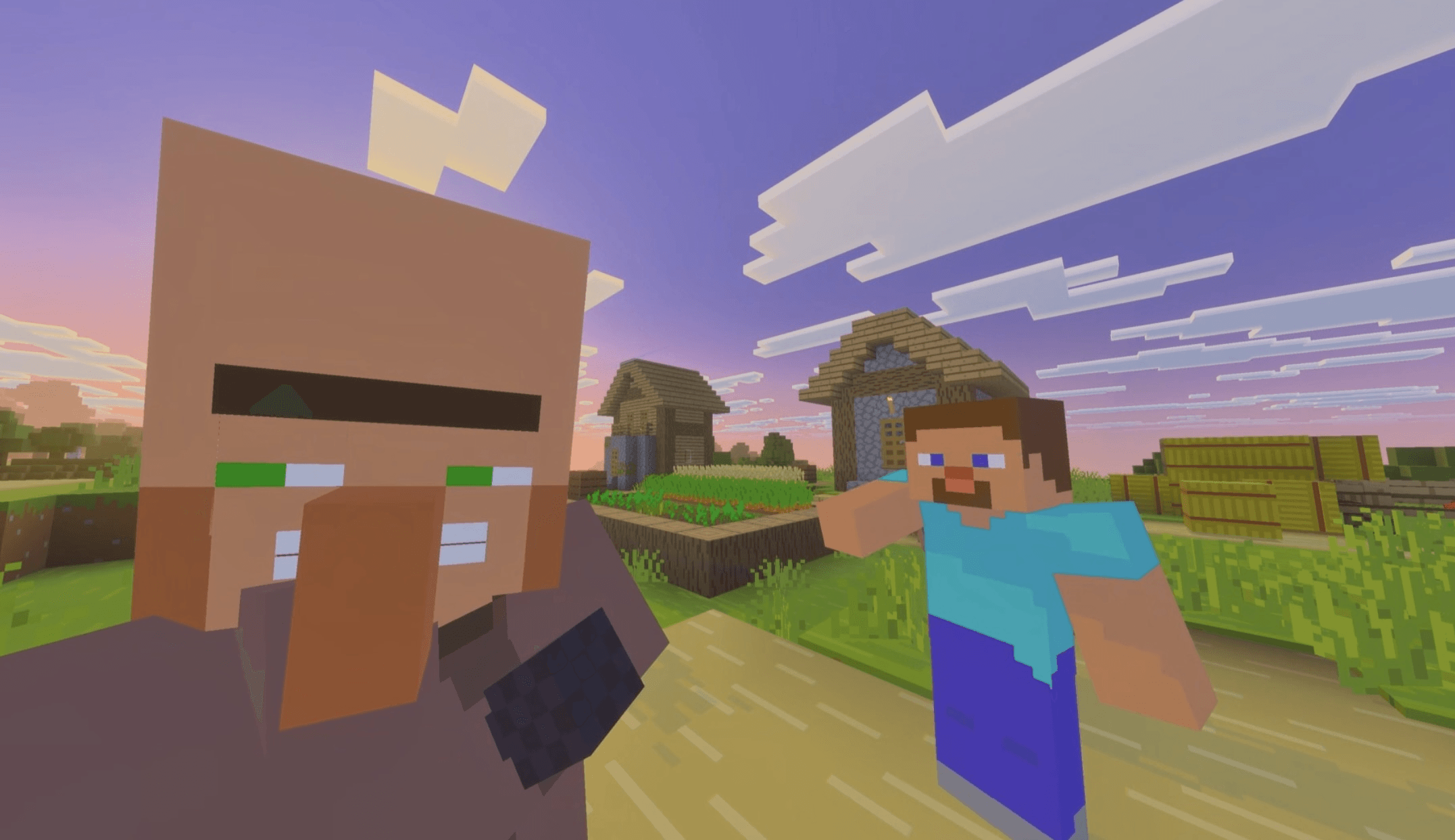

Bare Bones X Villager News
Experience Villager News with the look of the Trailers!Download

Slight Depth [3D]
Adds some slight depth to your Minecraft world...Install

Better Farm Animals
Updates farm animals to look more realisticInstall

Seraphic PBR
PBR Texture Pack with LabPBR Support, Including AO, POM, Entity PBR and Emissive Entities.Install
Oritech - Nicer Pipes
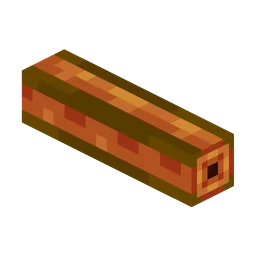
Oritech nicer pipes (specially item pipes).Install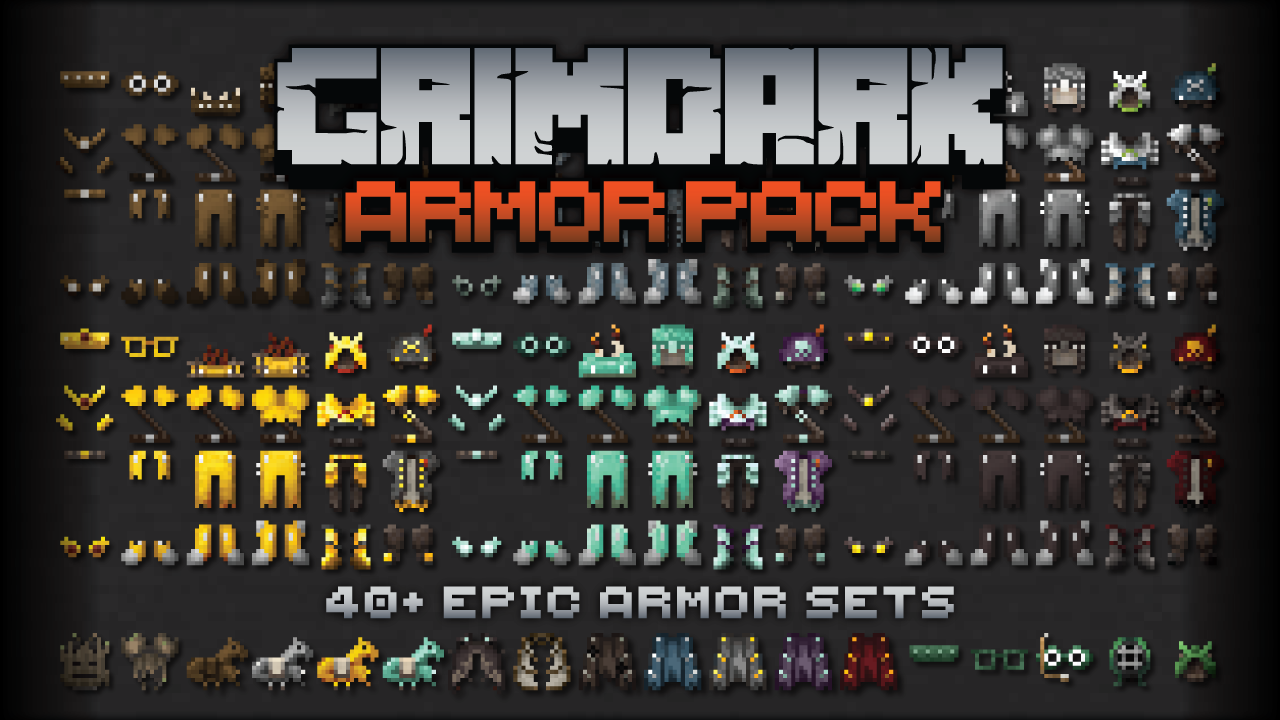

Kal's Grimdark Armor
40+ Epic Armor Sets for Grimdark Fantasy Worlds by KalamonInstall

Simple PvP Edit
This Minecraft Resource Pack enhances the aesthetics of PvPInstall
Wolfhound
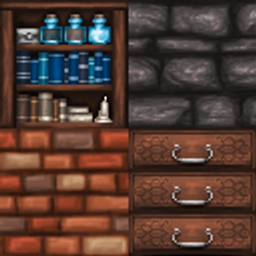
A full remake with intricate and imaginative textures.Install
Aeternum Realism
RealPix 32x brings a semi-realistic twist to Minecraft with detailed 32x textures. It enhances blocks and items with sharper, more immersive visuals while keeping the game’s original charm. Great for survival and creative play.Install
Official Silent Hill Resource Pack 256X 1.8.9
Official Silent Hill Resource Pack 256X 1.8.9Install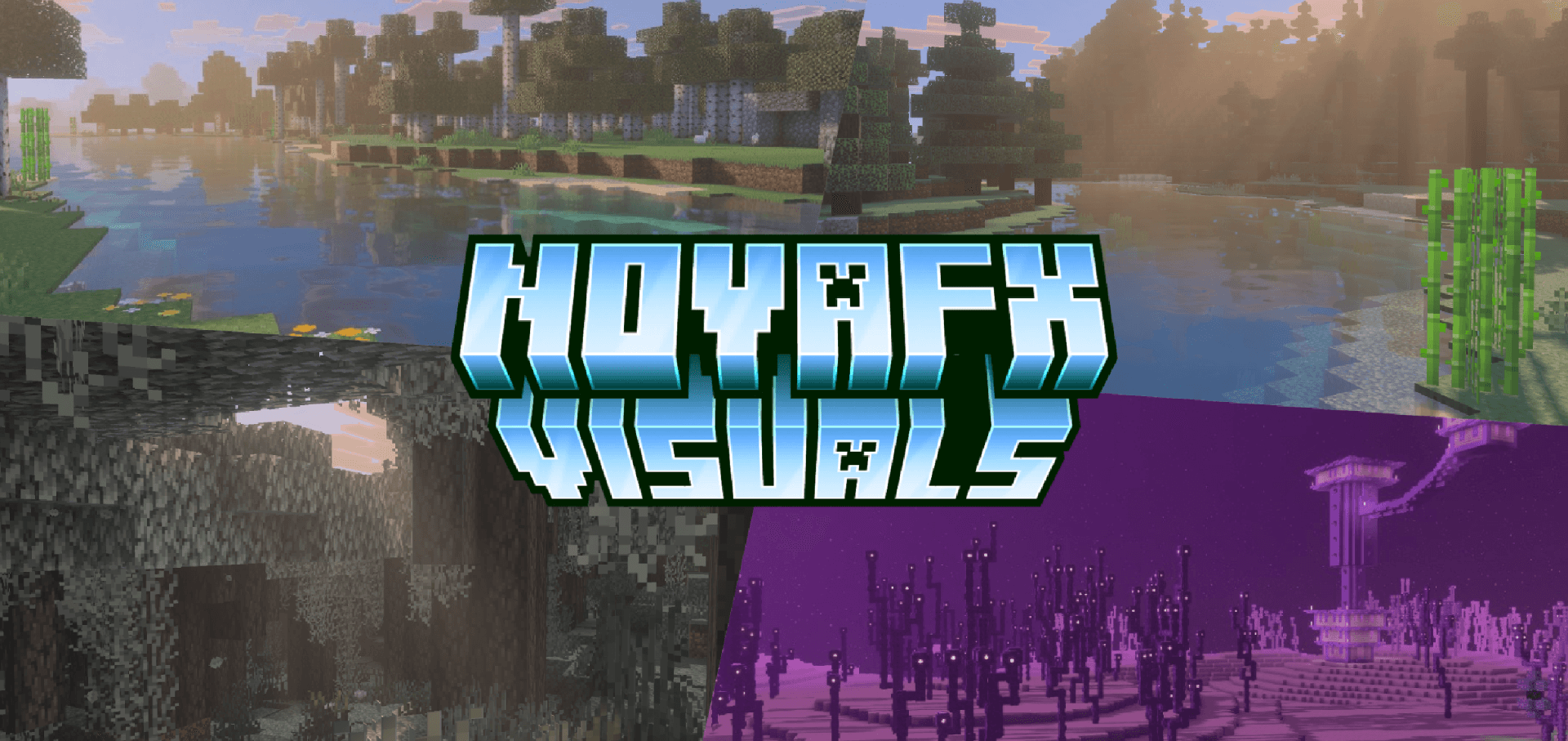

NovaFX Visuals
A Vibrant Visuals overhaul built for clear skies, rich colour, smooth bloom, and immersive atmosphere, with full PBR and coloured lighting.Download

The Dawn Era PaleoAccurate Psittacosaurus
A small resource pack retexturing The Dawn Era Psittacosaurus with a new paleoaccurate skin!Install

CTOV - Savage and Ravage Compat
Compatibility datapack between CTOV and Savage and Ravage modInstall

Shrimp's Distinct Potions
enhances all bottled beverages and gives each a unique texture!Install

Rubius Horizons - Resource Pack
This is the Resource Pack for the "Horizons" series from the streamer Rubius.Install

Ethereal Mystic Lite Shader
Ethereal Mystic Shader adds mystical lighting, atmospheric fog, vibrant colors, and cinematic skies to Minecraft BedrockDownload

Drodi's Slimes x Fresh Animations
Compatibility patch between Drodi's Slimes and Fresh Animations.Install

Star Xp Orbs
Changes the XP orbs to starsInstallFAQ
Do I need Forge or Fabric for a resource pack?
No. A resource pack works on the regular game with no loaders or mods. Click “Install” and Millida Launcher will put the pack into the right modpack — then just enable it in the settings.
What do 16×, 32×, 64× mean?
The resolution of a single texture in pixels. 16× matches the original game, 32× and 64× are more detailed and heavier, and 128× and up put a noticeable load on your graphics card.
Will a pack made for another version work?
Most likely partly: older packs don't have textures for newer blocks, so those will stay default. The game won't break, though.
How is a texture pack different from a resource pack?
Only by name and age. Before version 1.6 the sets were called texture packs and changed only textures; in 1.6 resource packs replaced them and also change sounds, fonts and the interface. Old texture packs for 1.5 and below do not work on new versions without conversion.
Which texture packs are best for PvP?
PvP packs: 16× resolution or lower, shortened swords, low fire, a clear sky and bright particles. They barely load the computer and make the opponent easier to see. These packs are collected in the PvP theme.
How do I install a resource pack?
Press Install and Millida Launcher puts the pack into the resourcepacks folder of the right instance. Then enable it in the game: Options, then Resource Packs. Manually, the archive goes into resourcepacks inside the game folder, no need to unpack it.
Minecraft texture packs
A resource pack changes how the game looks and sounds: block and item textures, fonts, the interface, sounds. It doesn't touch the game's code, so it needs no mod loader and breaks nothing on a server — the pack only works on your screen. That's exactly why a resource pack is safer than any mod: the worst that happens on a version mismatch is that some textures stay default.
Textures, texture packs and resource packs are essentially the same thing: since version 1.6 Mojang calls these sets resource packs, but the old name is still searched more often. PvP packs are a big genre of their own: shortened swords, low fire, bright particles and 16× resolution or lower, so the opponent stands out and the frame rate does not drop. Such packs are most often made for 1.8.9 and 1.16.5, the versions many PvP servers run on.
The key thing about a pack is its resolution. The game's default textures are 16×16 pixels; 32× and 64× packs look more detailed, while 128× and up need a real graphics card and are usually paired with shaders. On a weak machine it makes sense to stay at 16× or go for packs that deliberately simplify graphics for more FPS. Every pack here lists its game version, author and license, and all released versions are gathered on one card. Put the downloaded archive in the resourcepacks folder and enable it in the game settings.